
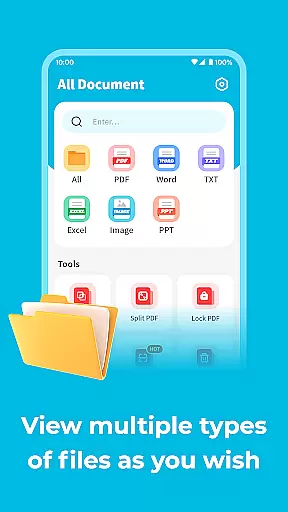
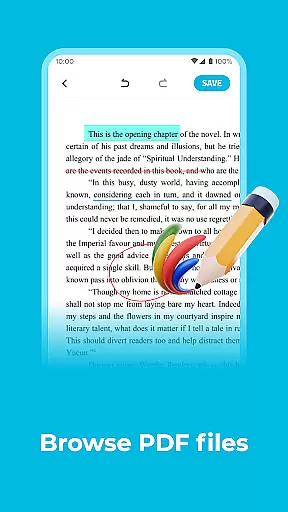
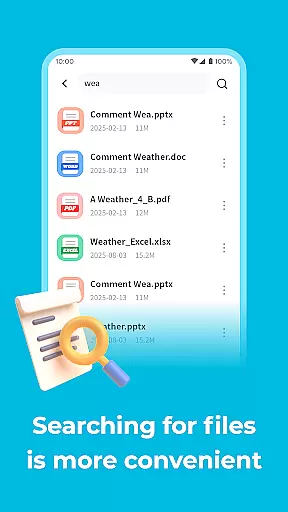
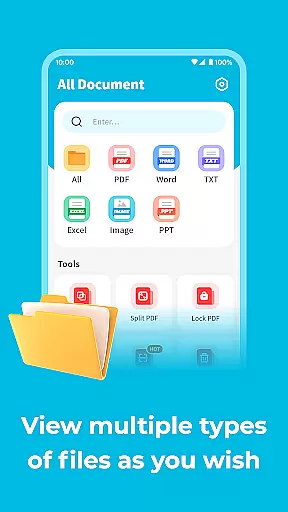
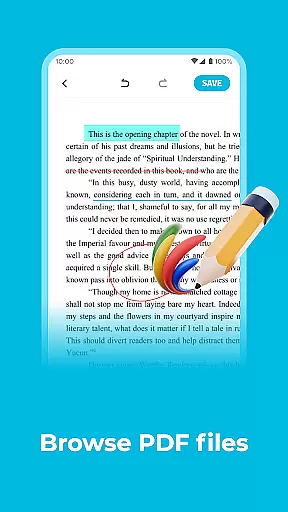
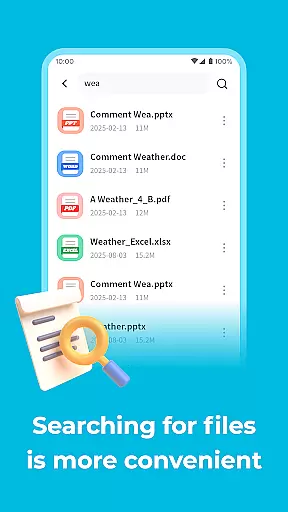
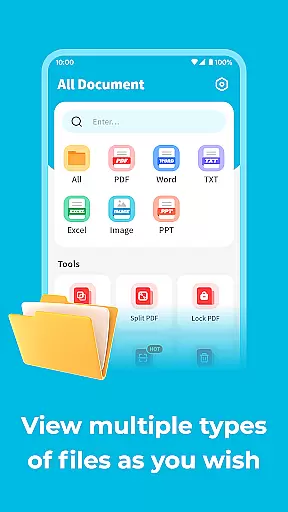
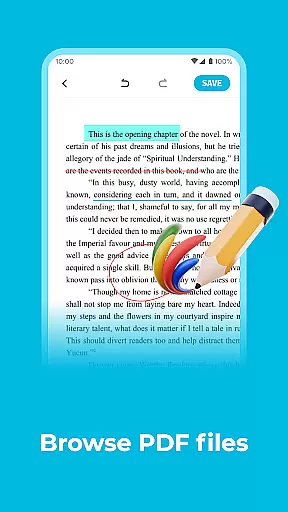
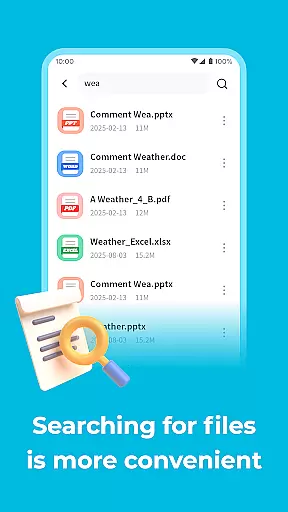
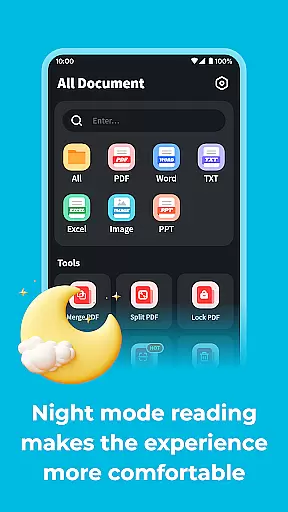
All Document Explor is a versatile productivity app designed to help users manage and view documents in multiple formats on their mobile devices. With support for PDF, Word, and PPT files, this app allows you to perform essential operations such as renaming, deleting, or sharing documents with ease. Its standout feature is the ability to protect PDF documents with a digital password, ensuring your sensitive information remains secure.
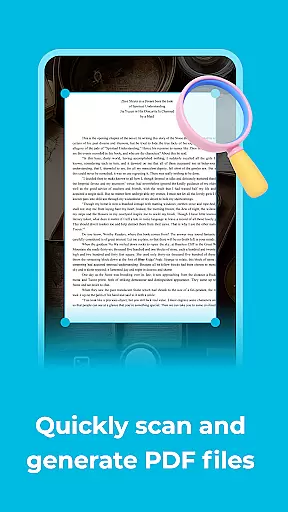
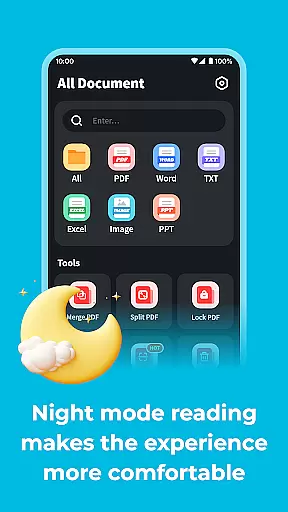
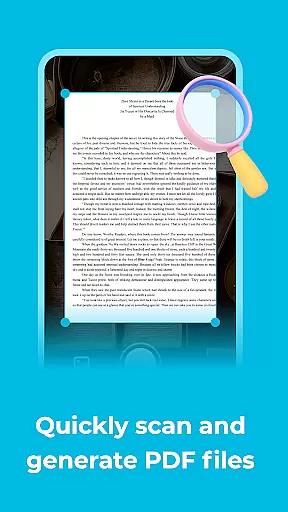
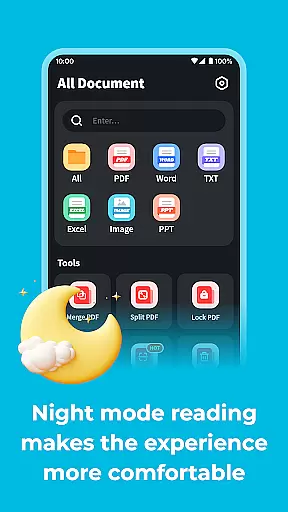
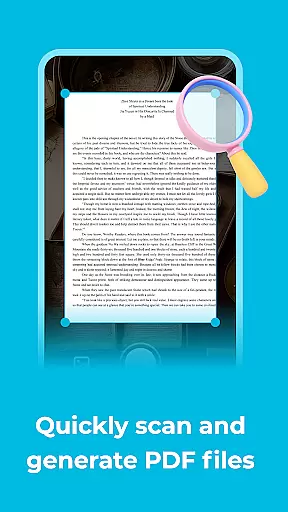
Whether you're working during the day or night, All Document Explor has you covered with its night mode functionality. This feature reduces eye strain, making it comfortable to read documents even in low-light conditions. Additionally, the app offers a scanning function that converts images into PDF files, further enhancing its utility for professionals and students alike.
This app is perfect for anyone who needs to handle documents on the go. Whether you're reviewing work presentations, studying lecture notes, or simply organizing personal files, All Document Explor provides a seamless experience that brings convenience and efficiency to your mobile productivity toolkit.
All Document Explor stands out with its comprehensive set of features tailored for document management. One of its key capabilities is supporting multiple file formats including PDF, Word, and PPT. This versatility allows users to rename, delete, or share documents effortlessly, streamlining their workflow and enhancing productivity.
A unique aspect of this app is its ability to secure PDF documents with a digital password. This feature is particularly beneficial for users who handle confidential information, as it prevents unauthorized access to sensitive content. Additionally, the app's night mode is designed to protect users' eyesight by adjusting the screen brightness and contrast, making it easier to read documents in dark environments.
For those who need to digitize physical documents, All Document Explor offers a scanning function that converts images into PDF files. This feature is invaluable for creating digital copies of receipts, notes, or any other paper-based content. Overall, these features combine to create a robust tool that addresses various document management needs while ensuring security and user comfort.
Efficient task management is essential for productivity applications, and All Document Explor excels in this area by offering a comprehensive suite of tools to handle various document-related tasks.
The app supports multiple formats including PDF, Word, and PPT, allowing users to rename, delete, or share documents with ease. This versatility ensures that users can manage their files effectively without the need for additional software.
One standout feature is the ability to set digital passwords for PDF documents, providing an extra layer of security and ensuring that sensitive information remains protected from unauthorized access.
By integrating these core task management features, All Document Explor empowers users to maintain control over their documents, enhancing both personal and professional workflows.
In today's interconnected world, reliable cross-device synchronization is crucial for maintaining productivity. All Document Explor addresses this need by ensuring seamless data transfer across different devices.
Users can access their documents anytime, anywhere, thanks to the app's robust cloud integration. This means you can start working on a document from your mobile phone and continue editing it on another device without missing a beat.
The app also offers real-time updates, so any changes made to a document are instantly reflected across all linked devices. This feature is particularly beneficial for collaborative projects where team members need to stay updated with the latest versions of shared files.
With its reliable synchronization capabilities, All Document Explor provides peace of mind, knowing that your important documents are always up-to-date and accessible no matter which device you choose to use.
User-friendly interface
Multi-format support
PDF password protection
Night mode for eye comfort
Image to PDF conversion
Limited advanced editing
No cloud integration
Occasional bugs reported
Ads in free version
Large file size

A Revolutionary All-in-One Artificial Intelligence Tools
 3.80
3.80
Remotely view listen control and record cameras.
3.70
App lock - lock apps with fingerprint, password, pin or pattern, protect privacy
4.70
PDF scanner & converter for files, photos, lottery, QR codes. One swipe away!
4.50
ID.me Authenticator is a simple and free Two Factor Authentication solution
3.50
A simple Whisper AI keyboard for reliable speech transcription and rewording
4.60
Experience and share your SolidWorks designs on your Android® phone and tablet.
2.50
Scientific calculator for Android - looks and operates like the real thing!
4.90
Note taking, handwriting, record audio, PDF annotation, planner & journal
4.20
We're working to become the best machining app on the market! www.cncdirt.com
4.80
A lightweight JSON & XML files creator, editor and viewer (Premium Version)
4.40
Docker, Kubernetes management over Portainer Mobile
4.40
Share files & memories safely. Keep your photos and videos secure.
4.40
Access, manage and transfer files on Android, PC, Mac, NAS and cloud storages.
4.30
Experience real multitasking on your Android!
4.00
Customizable calendar widget for seamless event sync, planning & scheduling.
4.00
The ultimate file manager for rooted devices. The original and still the best.
4.00
Access your phone's notifications, calls, apps, photos & texts on your PC
3.90
Smart PDF reader & editor to view, organize and manage PDF documents easily.
3.70


User Reviews