





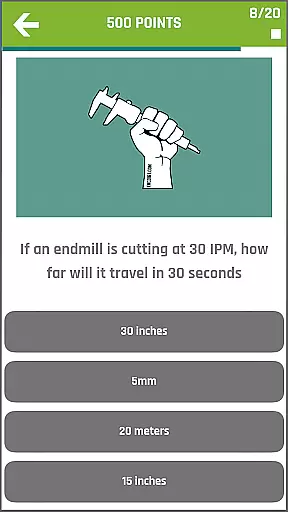
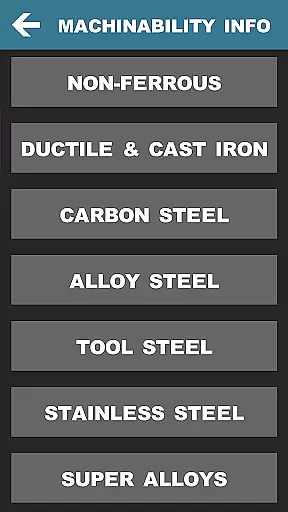
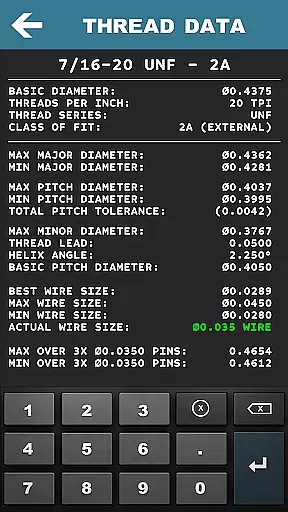

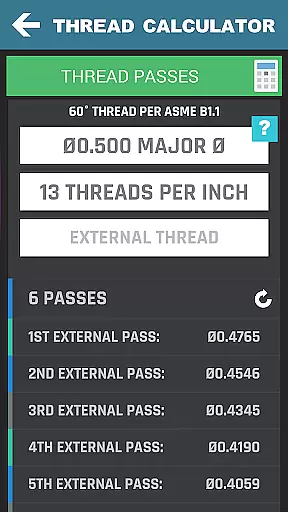
CNC Machinist Calculator Pro is a comprehensive productivity tool designed specifically for professionals in the manufacturing industry. This includes machinists, CNC operators, and tool & die makers, as well as hobbyists who require quick calculations on the go. The app offers over 35 categories of calculators and tools tailored to machining operations.
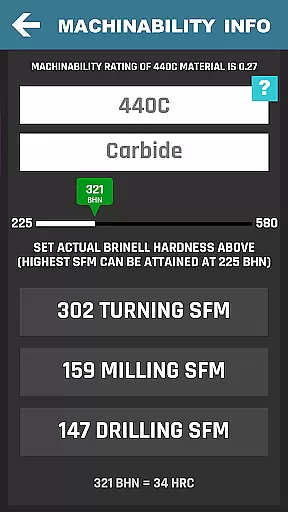
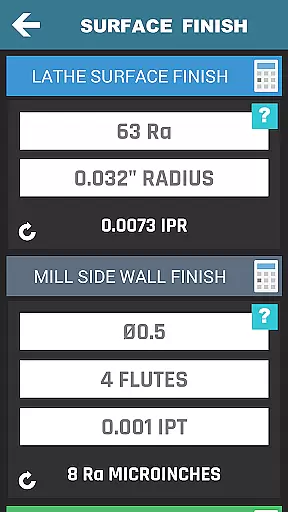
Key features include turning, milling, and drilling calculators that provide cutting speed, cycle time, and conversion calculations. Additionally, it supports thread data, surface finish analysis, hardness conversions, and geometric tolerance descriptors. With its extensive range of functionalities, this app serves as an essential companion for both quoting new work and executing precise machining tasks.
The app's value lies in its ability to streamline complex calculations, saving users valuable time and improving accuracy. Whether you're working on a lathe, mill, or performing intricate thread milling, CNC Machinist Calculator Pro ensures you have the right data at your fingertips. Its intuitive design makes it accessible for both experienced engineers and newcomers to the field.
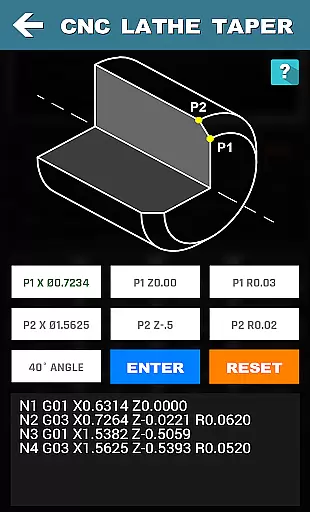
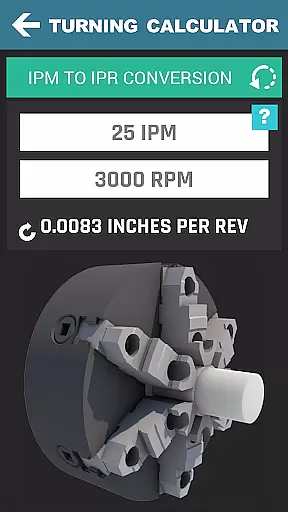
CNC Machinist Calculator Pro stands out with its wide array of specialized calculators and tools. It includes turning calculators for lathe operations, such as cutting speed by material and cycle time calculations. Milling operations are covered with cutting speed, feed calculations, and radial chip thinning assessments. Drilling and gun drilling calculators offer cutting speed and cycle time computations.
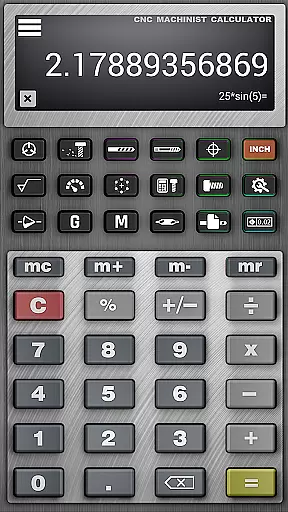
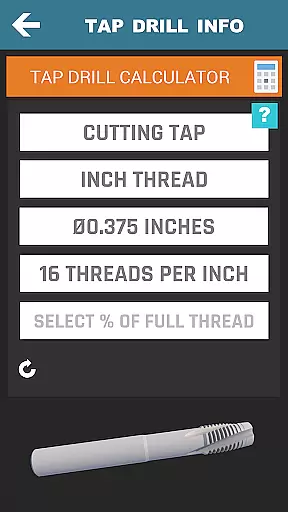
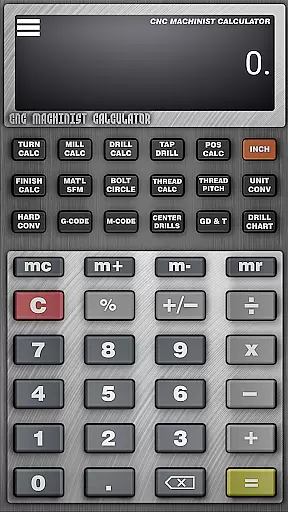
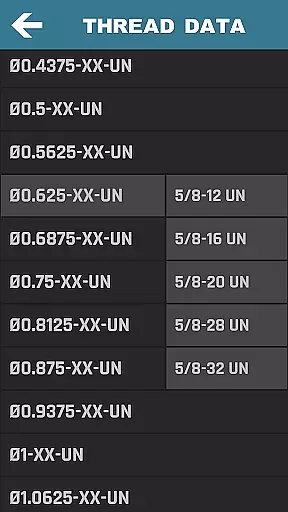
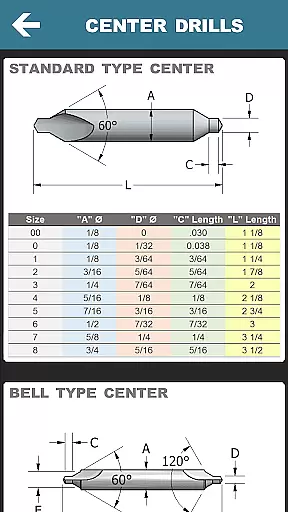
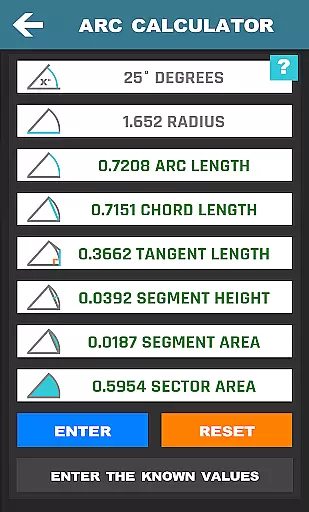
Beyond basic machining, the app provides advanced features like true position and bolt pattern calculators, surface finish analysis, and drill & tap charts. Users can access thread data for various standards, including NPT and Acme threads, and utilize hardness conversions and GD&T symbols. A scientific calculator with trigonometric functions and constants like pi is also included.
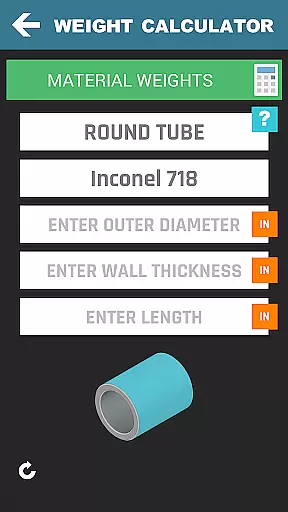
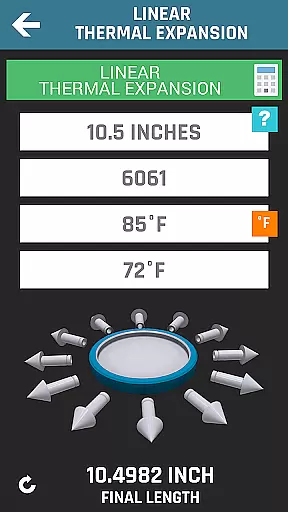
What sets this app apart is its commitment to covering all aspects of machining. From material weight calculators to grinding calculations and thermal expansion assessments, every tool is designed to enhance precision and efficiency. Regular updates introduce new features, ensuring that CNC Machinist Calculator Pro remains an indispensable tool for the machining community.
CNC Machinist Calculator Pro excels in core task management by offering a comprehensive suite of calculators tailored for manufacturing professionals. This productivity tool consolidates over 35 distinct calculation features, each designed to streamline specific machining operations.
The application's turning, milling, and drilling calculators provide machinists with precise cutting speed, cycle time, and feed rate computations. These essential functions ensure optimal machine performance while minimizing material waste. The inclusion of specialized tools like the thread milling calculator and ball mill cusp height calculator demonstrates the app's depth in handling complex machining scenarios.
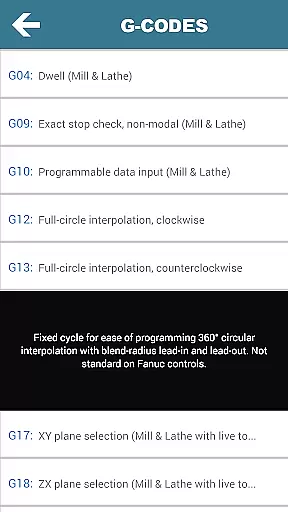
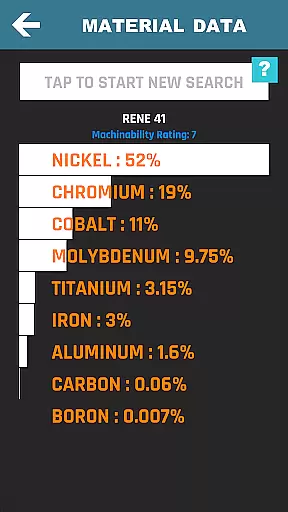
What sets this productivity tool apart is its integration of practical features such as G-code and M-code references, hardness conversions, and material property search. These components work together to create a unified workspace where machinists can efficiently manage their technical calculations and reference materials.
Users benefit from significant time savings as they can quickly access critical machining data without switching between multiple applications or physical reference materials. The app's structured organization of calculation tools enables seamless navigation through various machining operations, enhancing overall productivity on the shop floor.
While CNC Machinist Calculator Pro doesn't emphasize cloud-based synchronization, it delivers reliable cross-device consistency through its standalone functionality. The application maintains uniform performance across different Android devices, ensuring that machinists receive identical calculation results regardless of their device model.
The app's self-contained architecture guarantees that all 36+ calculation tools and reference materials remain accessible without internet connectivity. This design choice enhances reliability in manufacturing environments where network access might be limited or restricted. Users can trust that their calculations will be consistent whether they're using a personal device at home or a shop-provided tablet at work.
Although traditional synchronization isn't present, the application ensures data integrity through its regularly updated material databases and machining parameters. The developers maintain version consistency across devices, meaning that users working on multiple devices can expect the same level of functionality and accuracy.
This approach to reliability proves particularly valuable in precision manufacturing contexts, where consistent calculation results are crucial. The app's stability across devices, combined with its comprehensive offline capabilities, makes it a dependable tool for both professional machinists and hobbyists who need accurate machining calculations at any location.
Comprehensive toolset
User-friendly interface
Regular updates
Wide material support
Advanced calculations
Premium price point
Steep learning curve
Occasional bugs
Limited offline help
Heavy on resources

QuickBooks Workforce lets teams view pay info and track time in one place.
 4.70
4.70
Total remote control for your Android device, PC and cloud services (IFTTT)!
4.20
Device's storage information in a simple and clear graphical form (infographics)
4.10
App Lock with fingerprint, password: Lock apps & hide photos with lock screens
4.60
Fill, sign & send docs, forms, agreements & contracts via electronic signature.
4.50
Tally and goal counter for Wear OS & mobile
4.50
A simple Whisper AI keyboard for reliable speech transcription and rewording
4.60
Intelligent AI Assistant
4.10
Set up, print, and get support—in one place
4.20
Seamlessly integrate data and reports to build your presentation to impress
4.80
Simple notepad & memo. Take notes, to-do list, shopping list with reminders.
4.80
App lock - lock apps with fingerprint, password, pin or pattern, protect privacy
4.70
The Pro Version of Android's tiniest Notepad app. Just 0.3MB but feature-packed!
4.60
Translate text/voice/photos in 150+ languages. Offline & fast translator app.
4.50
Secure, open-source, SPICE and SSH Remote Desktop for QEMU KVM virtual machines
4.00
Take control of your clipboard with Clipper!
3.90
Auto-shutoff Alarm with Sunrise, Sunset & Fixed Options.
3.50
ID.me Authenticator is a simple and free Two Factor Authentication solution
3.50
Experience and share your SolidWorks designs on your Android® phone and tablet.
2.50


User Reviews