
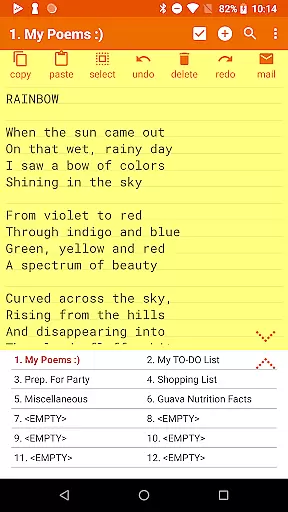
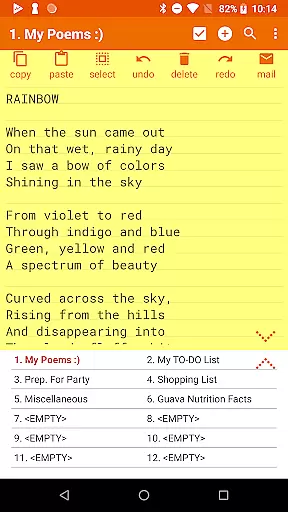
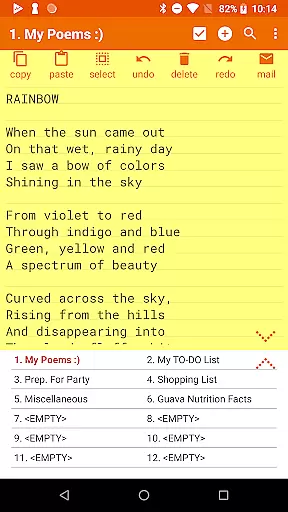
Notepad Pro is a premium productivity app designed for Android users who need an efficient and versatile note-taking solution. This application stands out with its compact size of just 0.3 MB, offering unlimited notepad slots, inline checklist capabilities, and search functionality within and across notes. Its desktop widget support and lack of unnecessary permissions make it both convenient and secure to use.
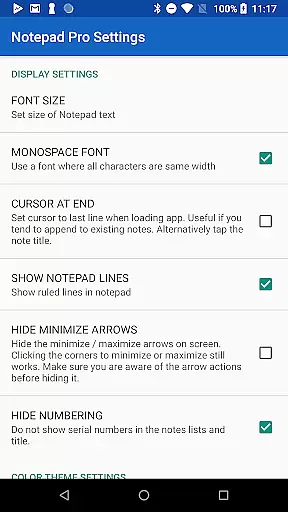
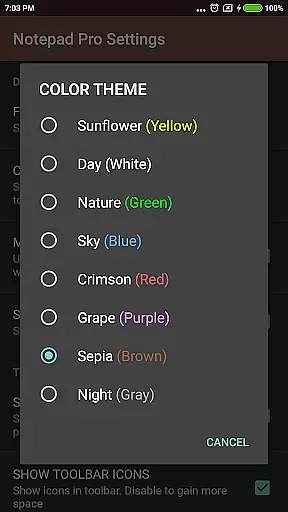
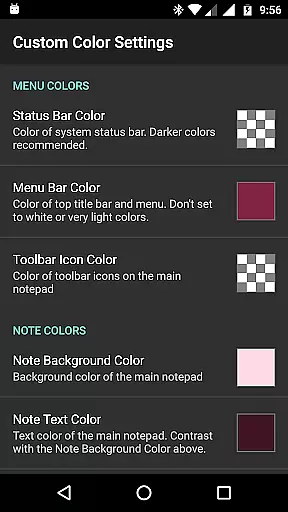
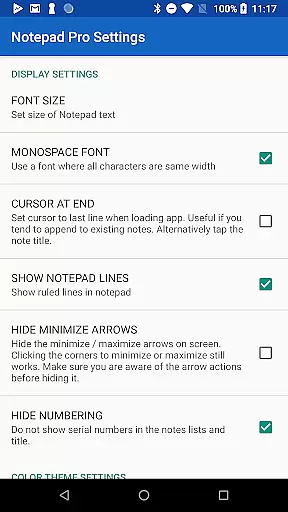
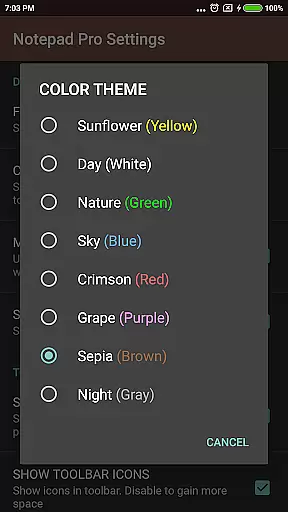
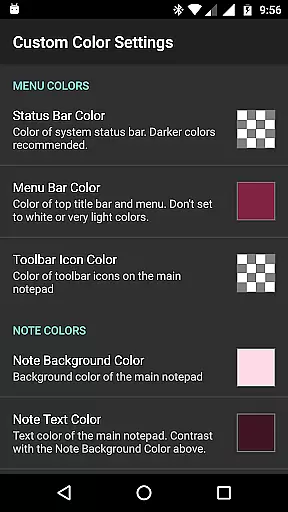
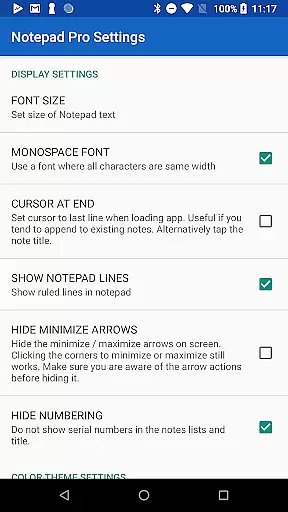
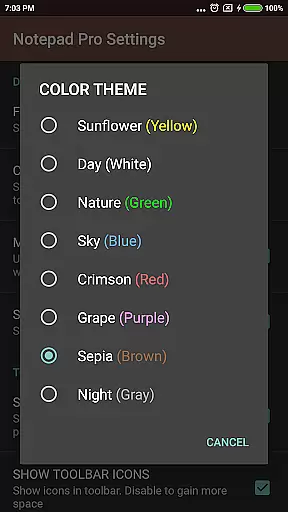
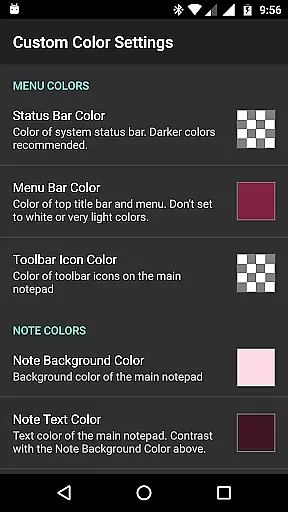
Beyond basic note-taking, Notepad Pro provides advanced features such as custom sorting, categorization, and bookmarking of notes. Users can personalize their experience with custom themes and enjoy accessibility options like read-aloud functionality and desktop shortcuts. The app also ensures data safety through selective import/export options, backup frequency settings, and the ability to download notes locally.
Whether you're a student organizing study materials or a professional managing work tasks, Notepad Pro offers a reliable platform to keep your notes organized and accessible at all times.
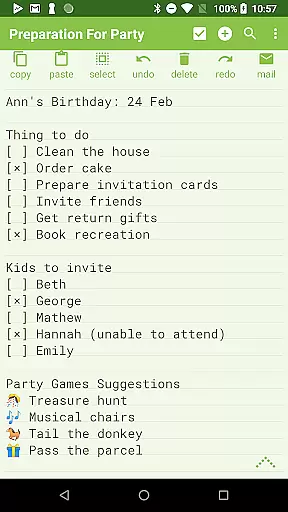
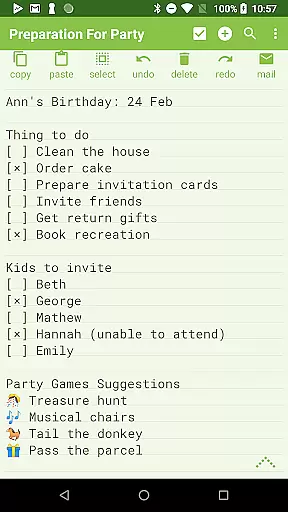
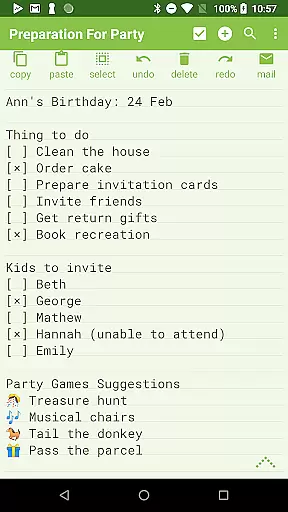
Notepad Pro boasts an array of features that cater to various user needs. One standout feature is its inline checklist capability, allowing users to create and manage task lists directly within their notes. Additionally, the app supports custom sorting and rearranging of notes, enabling users to organize their content in a way that best suits their workflow.
The app's safeguard features are particularly robust. Users can restore notes by opening backup files, specify backup frequencies, and even make notes read-only to prevent accidental edits. Sharing functionalities are equally impressive, with options to open text from external apps, attach notes as files in emails, and specify preferred email applications for seamless communication.
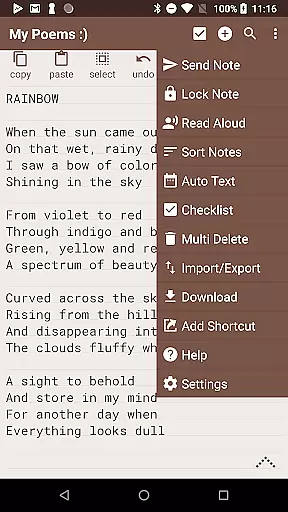
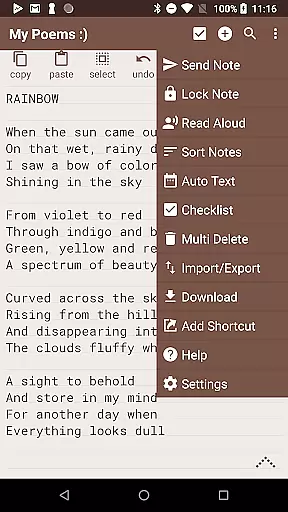
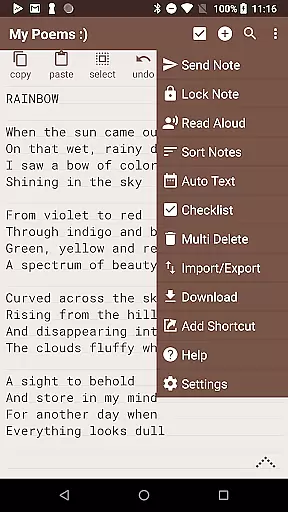
Accessibility is another key strength of Notepad Pro. It includes read-aloud functionality, home/end of note shortcuts, and more configuration options, ensuring that all users can tailor the app to their specific requirements. These comprehensive features collectively enhance productivity and streamline note management.
Notepad Pro excels in core task management by offering users a versatile Auto Save Notepad with unlimited notepad slots. This ensures that users can manage multiple tasks simultaneously without the fear of losing any information due to storage limitations.
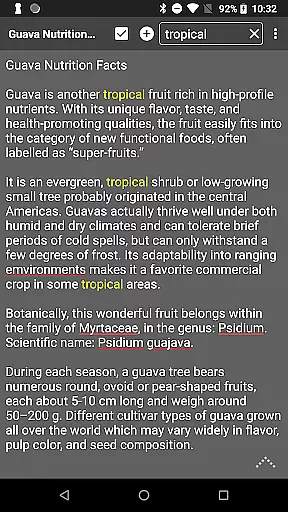
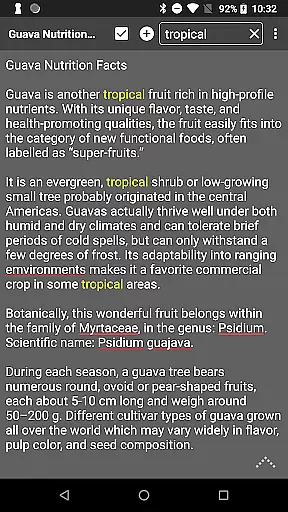
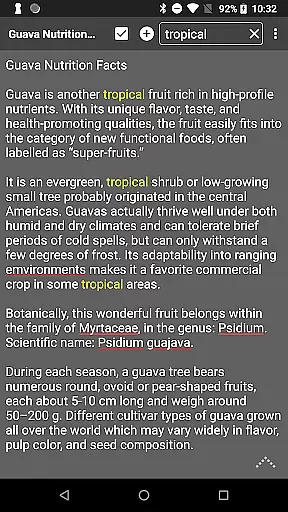
The app goes beyond basic note-taking by providing in-line checklist capability and search functionality within and across notes. These features allow users to organize their tasks efficiently and find specific information quickly, enhancing productivity and saving valuable time.
Additionally, the app supports desktop widget functionality, enabling users to access their notes directly from their device's home screen. This seamless integration into daily workflows makes task management more intuitive and accessible, ensuring that important notes are always just a tap away.
While Notepad Pro focuses on standalone productivity, it offers reliable options for safeguarding and accessing your notes across devices. The app allows users to download notes and backups locally, ensuring that important information is never lost and can be transferred between devices manually.
For enhanced accessibility, the app provides selective import/export functionality for notes. This feature enables users to choose specific notes to transfer between devices, maintaining organization and coherence across different platforms while keeping personal and work-related notes separate.
Furthermore, Notepad Pro includes read-only mode and backup frequency specification, giving users control over how their notes are managed and protected. These features contribute to a reliable cross-device experience by allowing users to maintain consistency and security in their note-taking practices.
Unlimited notepad slots
Customizable themes
Secure backup options
Compact app size
Advanced sharing tools
Paid version only
Limited design templates
No cloud sync
Basic collaboration tools
Occasional bugs

When you Focus, so will your Bean in this cozy focus timer
 4.30
4.30
Wake up & get tasks done! Add alarms & reminders on the Clock Launcher.
4.00
Send files, sync SMS, notifications & clipboard across devices via local network
4.40
Automates browsing any website and notifies you of important changes or events
4.30
Secure, fast, open-source, Remote Desktop Client for Windows and Linux with SSH
4.60
aCalendar+ makes your day, week and month
4.70
Access, manage and transfer files on Android, PC, Mac, NAS and cloud storages.
4.30
To do list widget with a notebook organizer, checklist, simple shopping list
4.60
Simple notepad & memo. Take notes, to-do list, shopping list with reminders.
4.80
Best Tool for the professionals Electrician, Electrical contractors, etc.
4.90
Seamlessly integrate data and reports to build your presentation to impress
4.80
Secure, fast, open-source, VNC and SSH Remote Desktop for Windows, Linux and Mac
4.70
The long-awaited modern gallery app for your Nextcloud server
4.70
All document reader, all in one file viewer read PDF, DOCX, XLS, PPT, TXT files.
4.60
Tally and goal counter for Wear OS & mobile
4.50
Smart PDF reader & editor to view, organize and manage PDF documents easily.
3.70
Easiest event planning, volunteer signups & parent teacher conference scheduling
2.20
Ads Free App! Editor, Hide File, Copy, Move, Delete and Rename.. all facility av
1.70
IP Camera Viewer - Android TV : RTSP Surveillance camera viewer for Android TV
4.3


User Reviews