
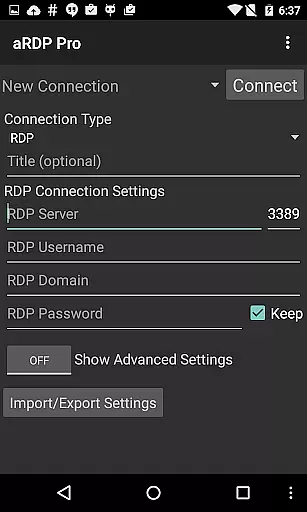
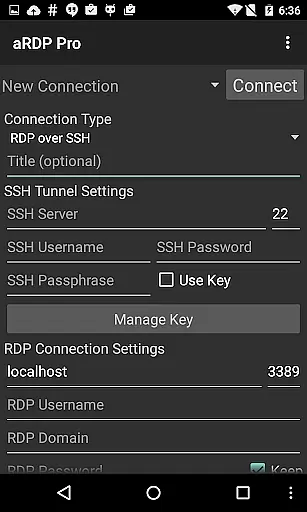
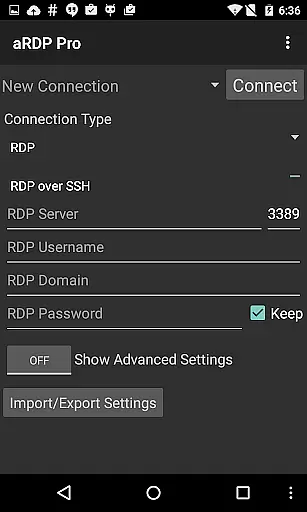
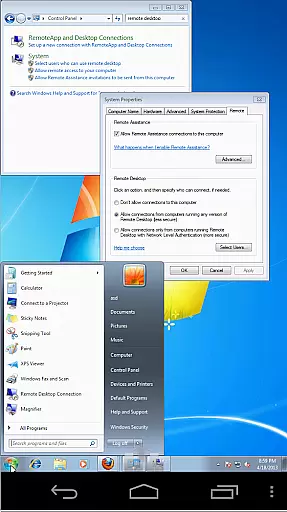
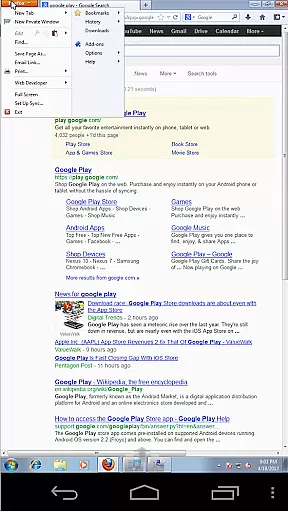
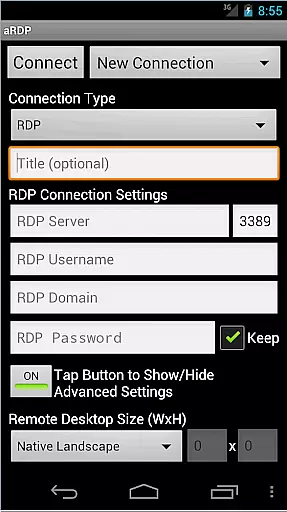
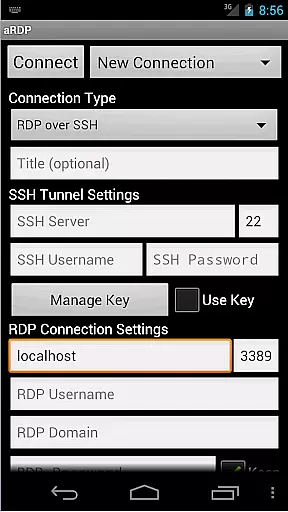
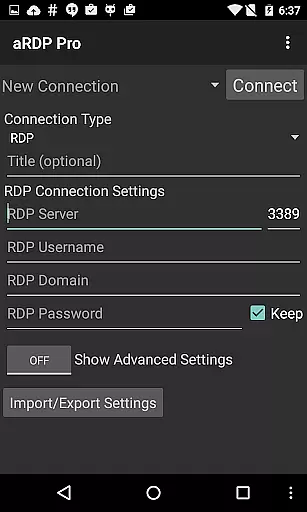
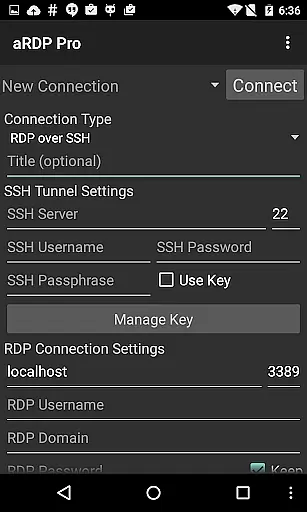
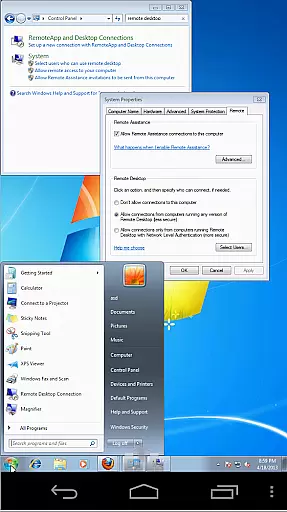
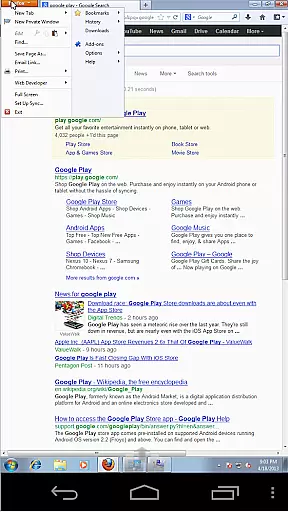
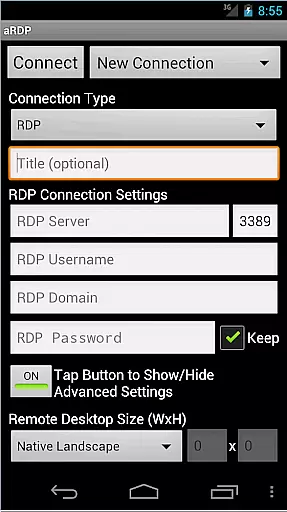
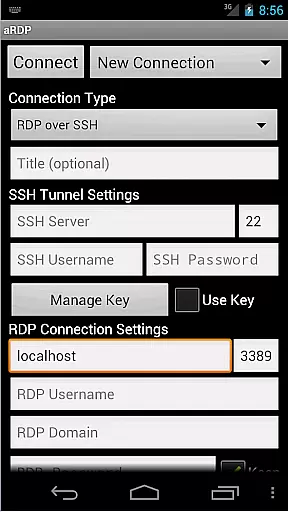
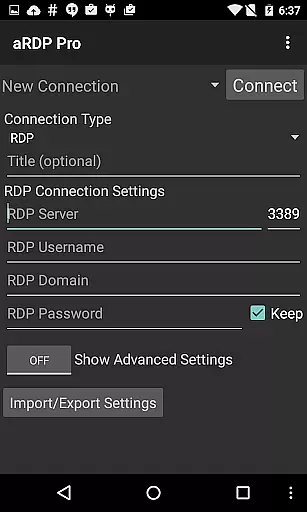
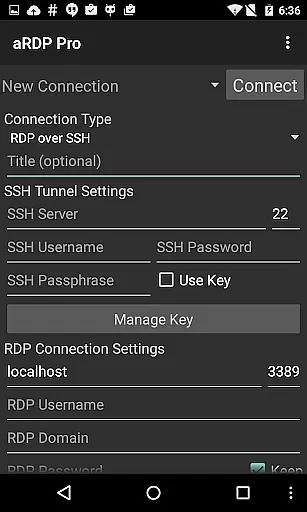
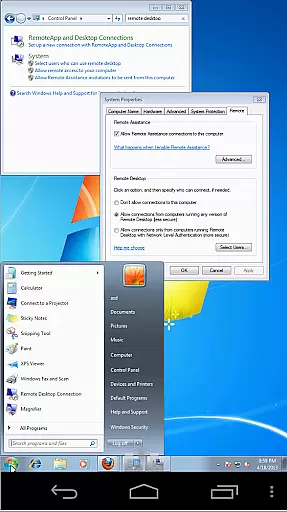
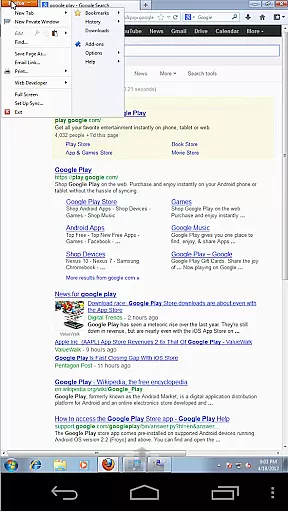
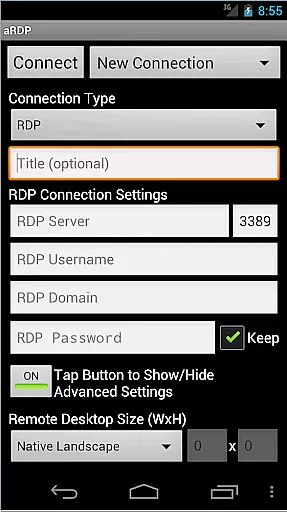
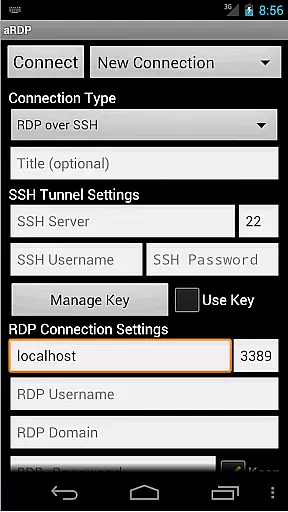
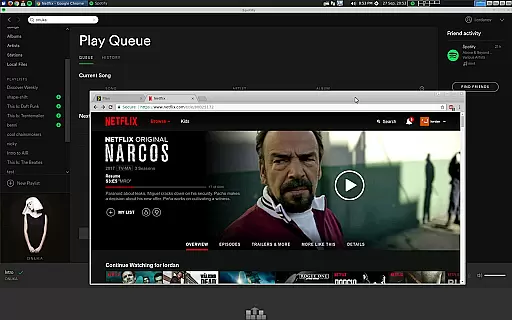
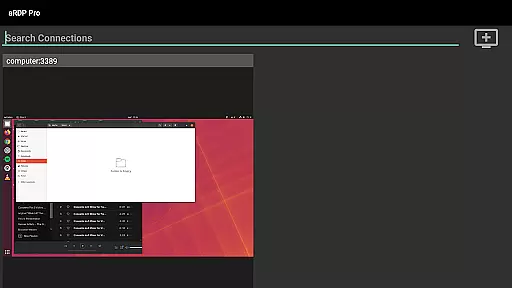
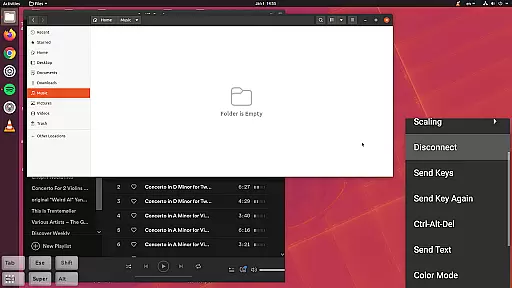
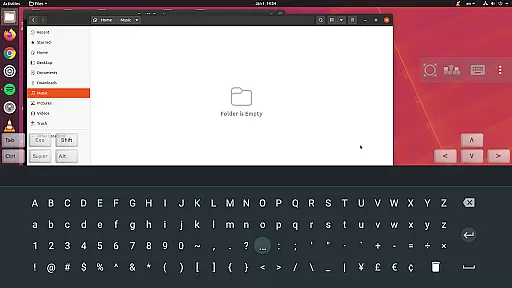
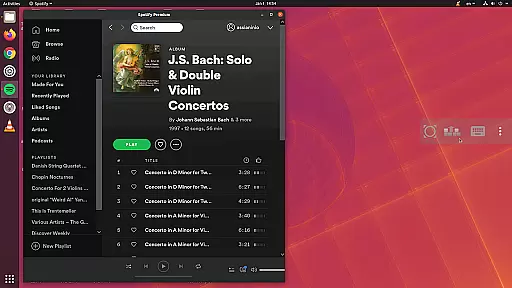
aRDP Pro is a premier open-source Remote Desktop Protocol (RDP) client, offering secure and versatile remote desktop control. It leverages the robust FreeRDP library to enable users to connect to Windows and Linux systems effortlessly. With support for SSH tunneling, multi-factor authentication, and sound redirection, it ensures both security and functionality.
The application stands out with its comprehensive feature set including RDP file support, dynamic resolution changes, and multi-touch controls. Whether accessing computers running various versions of Windows or managing Ubuntu 22.04+ environments, aRDP Pro provides reliable performance. Its intuitive interface and extensive customization options make remote management efficient and user-friendly.
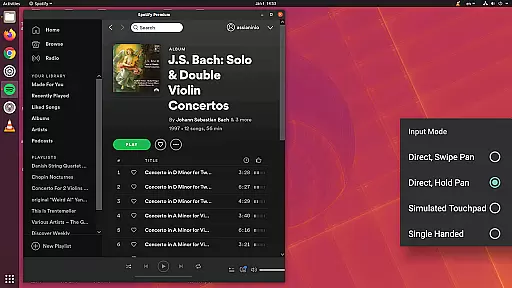
aRDP Pro boasts an array of advanced features tailored for productivity. The app supports multiple input modes such as Direct Touch, Simulated Touchpad, and Single-Handed Mode, catering to diverse user preferences. Additionally, functionalities like pinch-zooming, scrolling with two-finger drag, and stowable on-screen keys enhance usability.
Security is paramount, with options for SSH tunneling, master password protection, and MFA/2FA authentication. Users can also enjoy seamless integration with hardware keyboards, Samsung multi-window support, and clipboard integration for efficient workflow. These capabilities ensure that aRDP Pro remains a top choice for professionals seeking reliable remote access solutions.
In the realm of remote desktop applications, aRDP Pro excels in core task management by providing users with comprehensive control over their remote sessions. This includes dynamic resolution changes that allow reconfiguration of the desktop environment while remaining connected, ensuring optimal productivity.
The application supports multi-touch gestures for intuitive mouse control, such as one-finger tap for left-click, two-finger for right-click, and three-finger for middle-click actions. Additionally, it offers scrolling via two-finger drag and pinch-zooming capabilities, which enhance user interaction with the remote desktop.
Further augmenting its task management features, aRDP Pro provides various input modes including Direct, Simulated Touchpad, and Single-handed modes. These modes cater to different user preferences and scenarios, ensuring efficient navigation and manipulation of the remote system.
aRDP Pro ensures reliable cross-device synchronization through its support for multiple platforms and devices. Whether you're using an Android smartphone or tablet, the app maintains consistent performance and feature availability, allowing seamless transitions between devices.
With Samsung multi-window support and optimization for various screen sizes, users can efficiently manage their workflow across different form factors without losing functionality or experiencing interface inconsistencies.
The inclusion of SSH tunneling adds another layer of reliability, particularly when accessing machines behind firewalls. This secure connection method guarantees that data remains protected during transfer, enhancing trust in cross-device operations.
Secure SSH connections
Multi-touch controls
Dynamic resolution changes
Comprehensive OS support
User-friendly interface
No iOS version available
Limited Windows 10 Home support
Potential Cyrillic username issues
Requires technical setup
Some features are Pro-only

Native client for Forgejo and Gitea
 5.00
5.00
Wake up & get tasks done! Add alarms & reminders on the Clock Launcher.
4.00
App lock - lock apps with fingerprint, password, pin or pattern, protect privacy
4.70
Simple and reliable communication between inmates, friends and family
3.20
Great calculator for Android named one of USA TODAY's "25 Essential Apps".
4.90
Quickly and easily keep track of your work shifts
4.70
Scientific calculator for Android - looks and operates like the real thing!
4.90
Share files & memories safely. Keep your photos and videos secure.
4.40
Lightweight PDF, Word, Excel reader.
4.60
Best Tool for the professionals Electrician, Electrical contractors, etc.
4.90
The Pro Version of Android's tiniest Notepad app. Just 0.3MB but feature-packed!
4.60
Subscribe to Webcal & .ics calendars and keep them up-to-date!
4.50
Tally and goal counter for Wear OS & mobile
4.50
Send files, sync SMS, notifications & clipboard across devices via local network
4.40
Intelligent AI Assistant
4.10
Customizable calendar widget for seamless event sync, planning & scheduling.
4.00
Secure, open-source, SPICE and SSH Remote Desktop for QEMU KVM virtual machines
4.00
Ads Free App! Editor, Hide File, Copy, Move, Delete and Rename.. all facility av
1.70
AI Video AI Image Private LLM AI Browser Llama Gemma Ollama Connect LLM Studio
4.4


User Reviews