
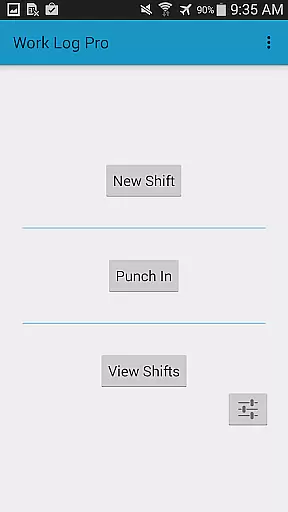
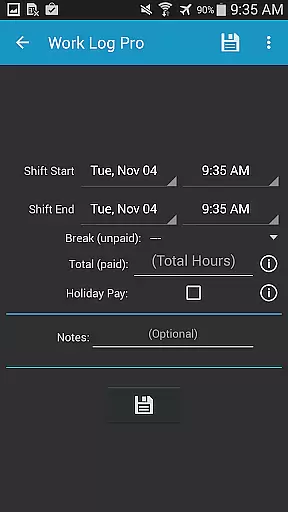
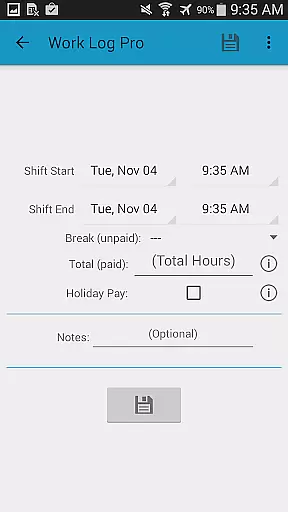
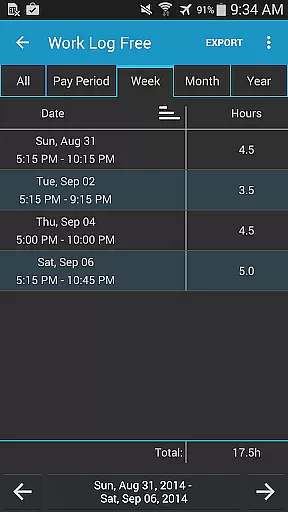
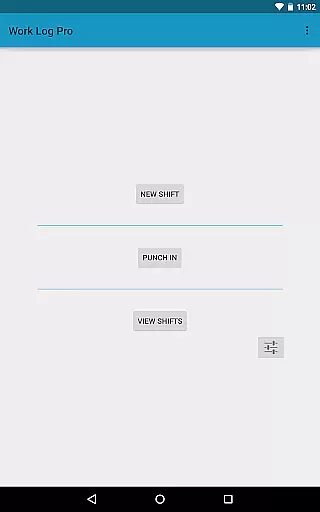
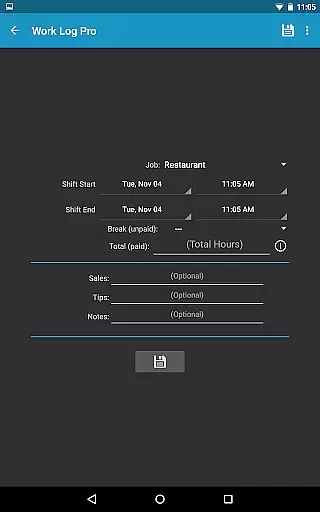
Work Log Pro is a comprehensive productivity tool designed for professionals who need to efficiently track their work hours and manage multiple jobs. The application offers an intuitive interface that allows users to punch in and out, manually enter shift hours, and customize various settings to suit individual preferences. With features like automatic break deductions, pay period calculations, and overtime tracking, it ensures accurate wage computations.
The app stands out with its ability to export shifts as spreadsheets or PDFs, making payroll processing seamless. It also supports importing and exporting backups, ensuring data safety across devices. Work Log Pro removes ads and provides advanced customization options such as 24-hour time formatting, currency symbols from over 100 countries, and themes to match user style. This makes it ideal for servers, salespeople, and anyone needing detailed work hour tracking.
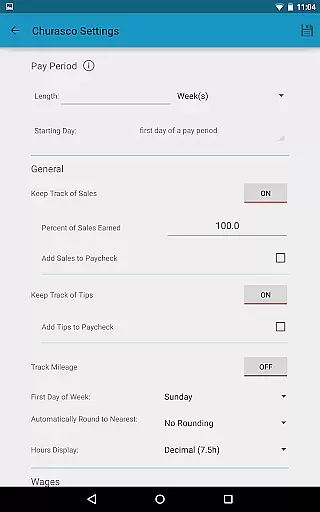
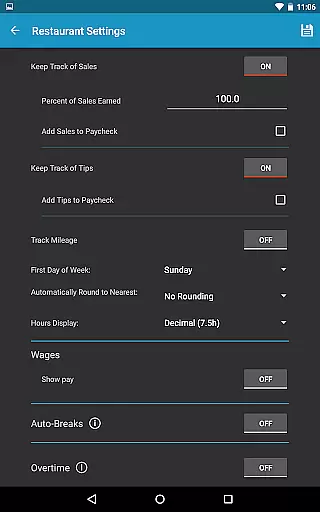
Work Log Pro boasts an array of powerful features tailored to enhance productivity. One standout feature is the automatic calculation of wages, which considers regular hours, overtime, bonuses, and deductions. Users can set custom pay periods, track sales or tips, and apply flat rate or percentage adjustments to paychecks, accommodating diverse employment scenarios.
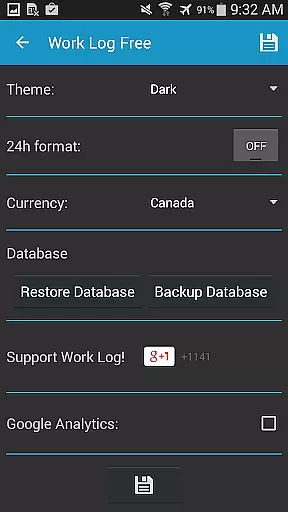
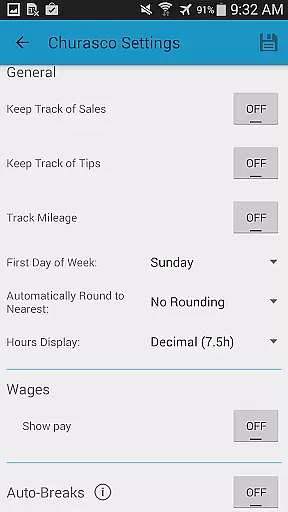
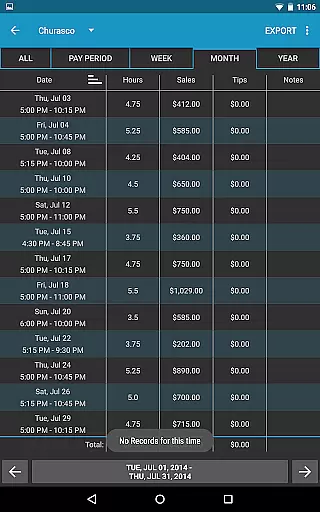
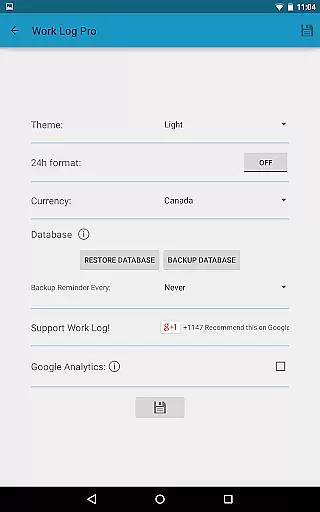
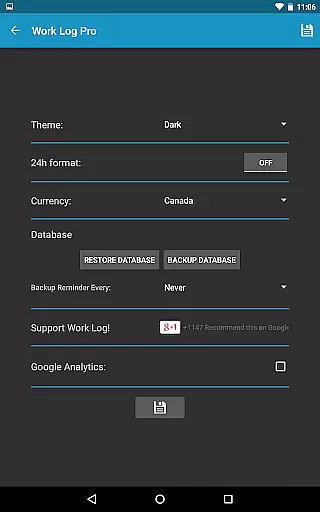
Customization is at the heart of Work Log Pro. Users can choose between light and dark themes, display times in 12-hour or 24-hour formats, and set reminders for database backups. Advanced functionalities include widget support for quick access, optional rounding of shift times, and detailed tracking of up to two overtime rates. These features collectively ensure that users have a personalized and efficient time-tracking experience.
Work Log Pro excels in core task management by offering users a comprehensive suite of tools to track and manage their work hours efficiently. The app allows for multiple methods of logging shifts, including punching in and out or manually entering shift details, ensuring flexibility for various work styles.
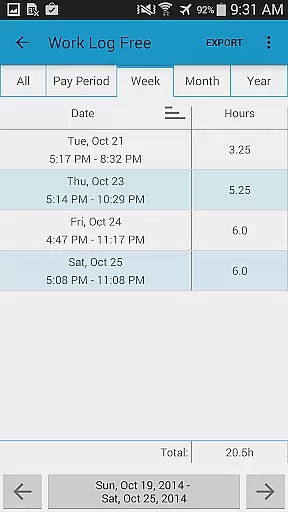
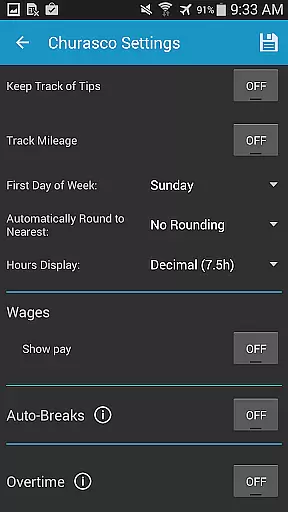
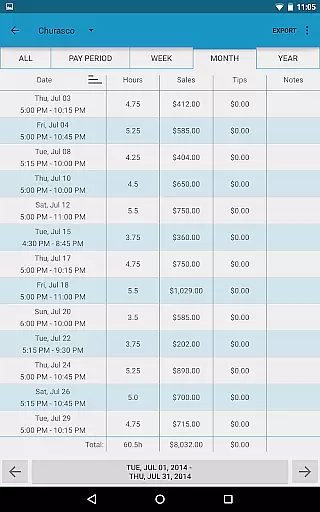
The application supports automatic calculations of breaks, wages, and overtime, streamlining the payroll process for both employees and employers. With customizable pay period settings, users can automatically calculate their earnings over weeks, months, or even years, providing an accurate financial overview.
Additionally, Work Log Pro offers advanced customization options such as 24-hour time formatting, start-of-week preferences, and multiple viewing modes for past shifts. These features ensure that users can tailor the app to fit their specific needs, enhancing productivity and simplifying complex scheduling tasks.
By integrating widgets for quick access and providing export capabilities for spreadsheets and PDFs, Work Log Pro ensures that users can easily share their data with employers or store it securely for future reference. This functionality not only saves time but also improves accuracy in reporting work hours.
Cross-device synchronization is a critical feature of Work Log Pro, allowing users to maintain consistent and up-to-date records across multiple devices. By utilizing backup and restore functionalities, the app ensures that all shift data is safely stored and can be transferred seamlessly between smartphones or tablets.
Users can create backups of their database directly from the app's General Settings and transfer them via email. This method guarantees that even if a device is lost or upgraded, all vital information remains accessible and intact on a new device, preserving the continuity of work logs.
The reliability of this synchronization is further enhanced by the app's ability to import and export backups effortlessly. This means users can recover their data quickly without losing any previously recorded shifts or custom settings, maintaining the integrity of their work history.
Moreover, the absence of ads and support for multiple jobs within Work Log Pro ensures that users experience uninterrupted access to their data. This reliability fosters trust in the app as a dependable tool for managing professional responsibilities across different devices and scenarios.
Accurate time tracking
Multiple job management
Customizable settings
Export functionality
Ad-free experience
Requires free version
No cloud sync
Paid upgrade
Complex setup
Limited UI design

Native client for Forgejo and Gitea
 5.00
5.00
Mind Map and brainstorm, note taking and idea collection
4.80
Absolutely the best CNC machinist speed and feed calculator around. fswizard.com
4.60
⏰ Finally a timer app which can run multiple timers simultaneously on your watch
3.90
aCalendar+ makes your day, week and month
4.70
App Lock with fingerprint, password: Lock apps & hide photos with lock screens
4.60
Font maker keyboard with your own handwriting
4.10
All document reader, all in one file viewer read PDF, DOCX, XLS, PPT, TXT files.
4.60
Subscribe to Webcal & .ics calendars and keep them up-to-date!
4.50
Secure, fast, open-source, Remote Desktop Client for Windows and Linux with SSH
4.60
Experience Reading - Night Mode for Documents
4.40
A Pixel Art watchface inspired by other iconic 90s designs for Wear OS devices!
4.40
Professional calendar app for Google Calendar, MS Outlook & Exchange
4.20
Device's storage information in a simple and clear graphical form (infographics)
4.10
Cloud storage, automatic phone backup, and more.
4.10
Access your phone's notifications, calls, apps, photos & texts on your PC
3.90
Smart PDF reader & editor to view, organize and manage PDF documents easily.
3.70
ID.me Authenticator is a simple and free Two Factor Authentication solution
3.50
Create study competitions, track your hours, and stay consistent with friends
4.2


User Reviews