
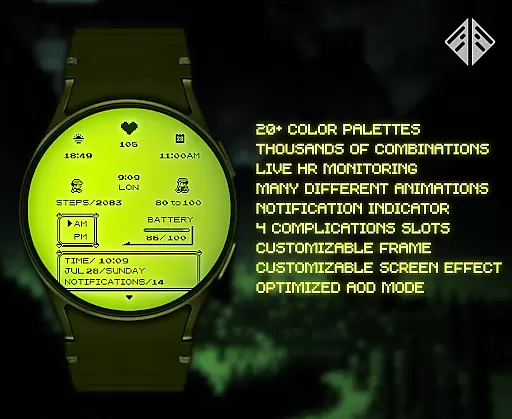
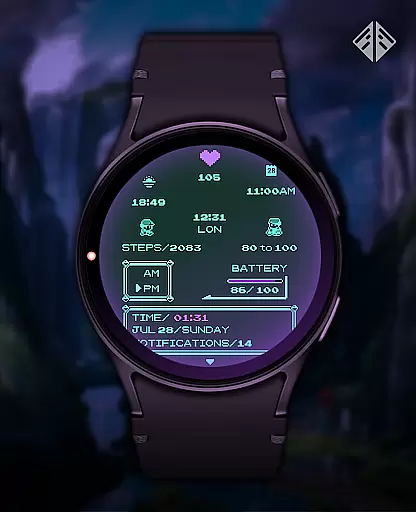
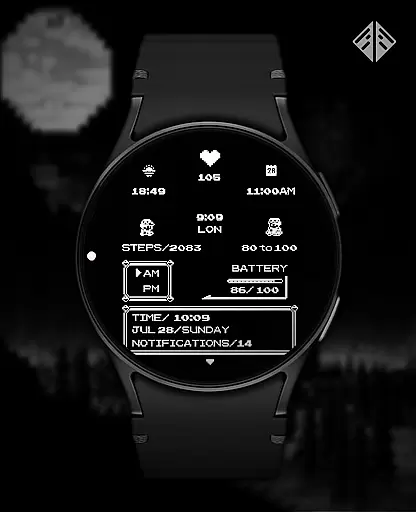
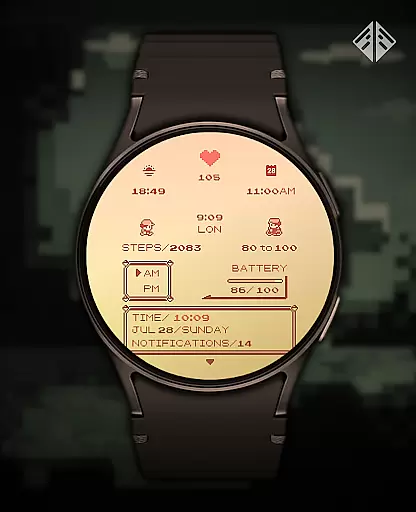
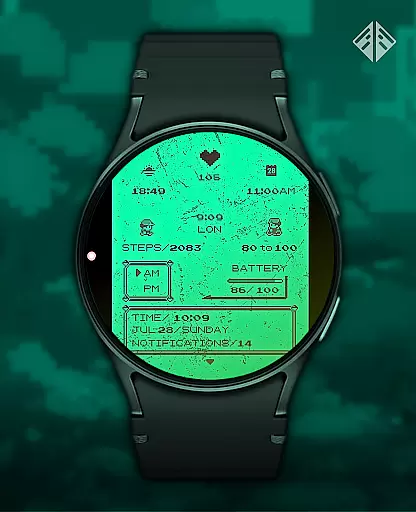
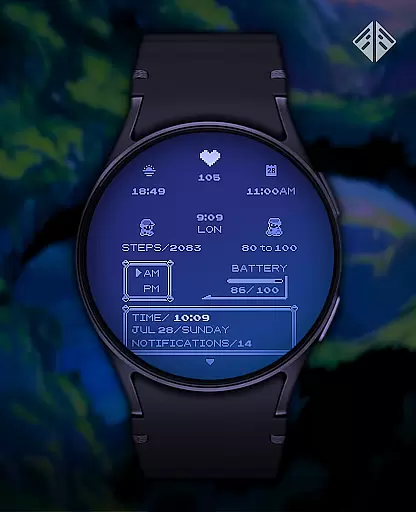
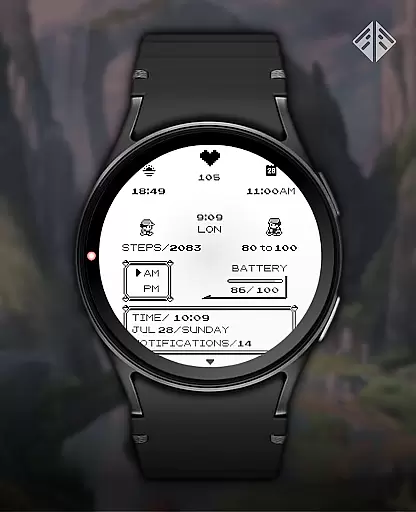
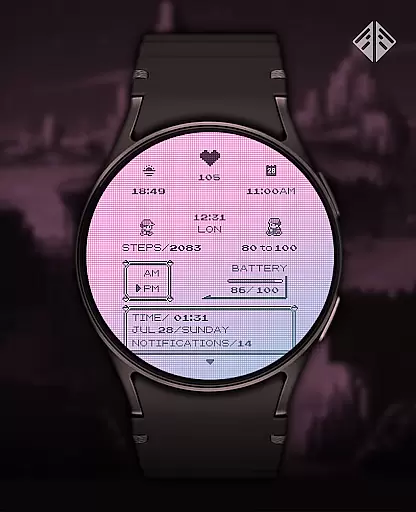
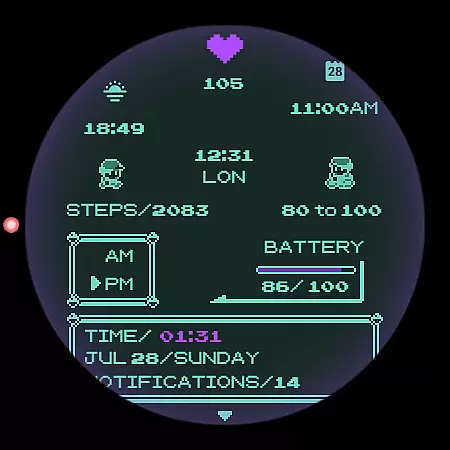
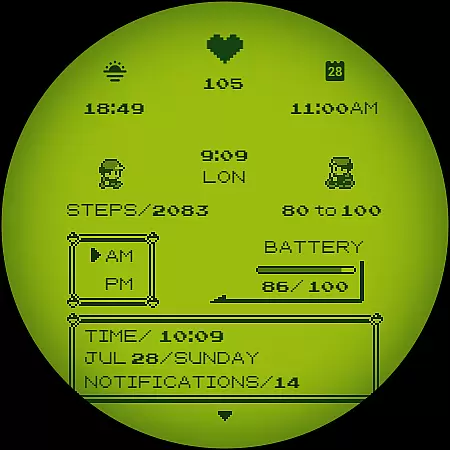
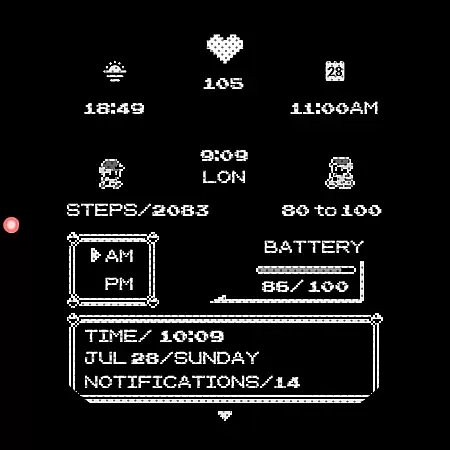
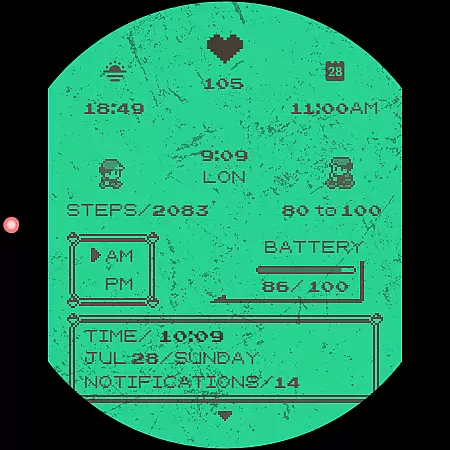
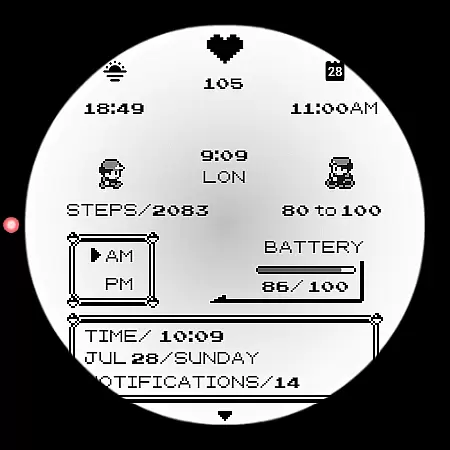
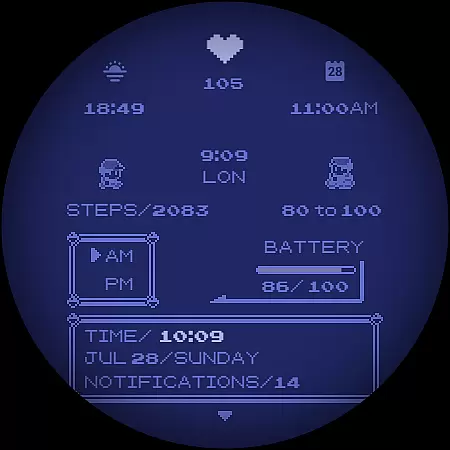
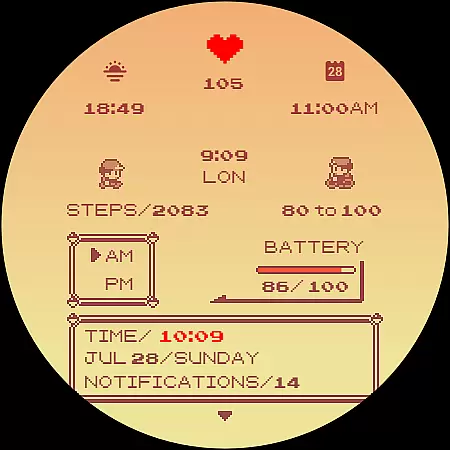
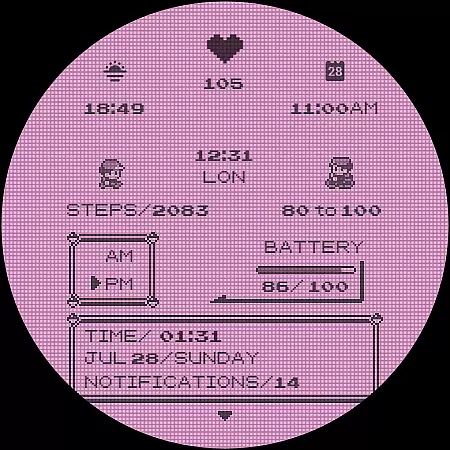
Poke Pixel Retro Watch Face is a pixel art themed watchface designed for Wear OS smartwatches. It offers a unique combination of retro aesthetics and modern functionality, featuring animated elements and extensive customization options.
With support for various smartwatch brands like Samsung, Mobvoi Ticwatch, Fossil, and more, this standalone app provides users with 30 color schemes and over 1000 possible customizations. The watchface displays essential information at a glance while maintaining a clean, pixel-perfect style inspired by classic gaming consoles.
This application is particularly useful for users who value both functionality and design in their wearable devices, allowing them to personalize their smartwatch experience while enjoying a nostalgic visual style.
The Poke Pixel Retro Watch Face stands out with its comprehensive feature set tailored for customization enthusiasts. The application offers 30 distinct color schemes, customizable frames, and working battery indicators that enhance the user experience.
Users can choose from over 1000 possible combinations of customizations, including 12/24 hour format support and automatic date formatting. These features ensure that each user can create a personalized watch face that suits their preferences and needs.
The watchface's unique selling point is its ability to display numerous details at a glance while maintaining a retro-inspired, pixel-perfect design. This combination of functionality and aesthetics makes it an attractive choice for those looking to add personality to their smartwatch without sacrificing utility.
Poke Pixel Retro Watch Face offers a unique approach to managing essential tasks directly from your wrist. The watch face is designed with productivity in mind, providing users with the ability to view important information at a glance.
With support for both 12 and 24-hour formats, auto date adjustments, and customizable color schemes, this app ensures that time management is both efficient and personalized. Users can tailor the display to prioritize what matters most to them, whether it's appointments, tasks, or personal reminders.
The pixel art design not only brings a retro aesthetic but also maintains clarity and precision in its presentation. This means users won't miss any critical updates due to unclear visuals, ensuring smooth daily operations.
By integrating seamlessly with Wear OS devices, Poke Pixel enhances the user's ability to stay on top of their schedule without needing to pull out their phone constantly. It's an intuitive solution for those who value both style and functionality in task management.
Cross-device synchronization is a vital feature for users who rely on multiple gadgets throughout their day. Poke Pixel Retro Watch Face excels in this area by offering reliable companion app integration that bridges smartphones and smartwatches effortlessly.
Once installed via the companion app, which supports various Wear OS devices like Samsung, Mobvoi Ticwatch, Fossil, Oppo, and more, the watch face syncs data smoothly between devices. This allows users to manage settings and preferences from their phone while seeing real-time updates on their watch.
Despite potential connectivity issues stemming from different accounts being used across devices, clear instructions are provided within the app to ensure proper setup. Following these guidelines helps prevent common pitfalls such as double charges or failed installations.
Overall, Poke Pixel Retro Watch Face stands out not just for its charming pixel art theme but also for its robust cross-device capabilities. Users can trust that their customized settings will remain consistent no matter where they make changes, enhancing overall productivity and convenience.
Highly customizable
Vibrant pixel art
Wide device compatibility
Regular updates
Responsive developer support
Paid application
Complex setup process
Limited to Wear OS
No free trial
Occasional compatibility issues

Auto-shutoff Alarm with Sunrise, Sunset & Fixed Options.
 3.50
3.50
Create study competitions, track your hours, and stay consistent with friends
4.3
Total remote control for your Android device, PC and cloud services (IFTTT)!
4.20
Android Wallet Password Manager
4.80
Smart PDF reader & editor to view, organize and manage PDF documents easily.
3.70
App lock - lock apps with fingerprint, password, pin or pattern, protect privacy
4.70
Make apps & sites with natural language prompts
4.10
Code on-the-go with VScode for Android. Edit,debug and collaborate from mobile!!
3.10
Access, manage and transfer files on Android, PC, Mac, NAS and cloud storages.
4.30
Multilingual translator for text, voice, and image translation!
4.90
Best Tool for the professionals Electrician, Electrical contractors, etc.
4.90
QuickBooks Workforce lets teams view pay info and track time in one place.
4.70
Client for Nextcloud Deck
4.60
PDF scanner & converter for files, photos, lottery, QR codes. One swipe away!
4.50
A lightweight JSON & XML files creator, editor and viewer (Premium Version)
4.40
Enjoy classic gameplay with customizable features and retro-style graphics.
4.30
Activate Two Factor Authentication (2FA or Multi OTP), Password manager and more
4.10
Ads Free App! Editor, Hide File, Copy, Move, Delete and Rename.. all facility av
1.70
IP Camera Viewer - Android TV : RTSP Surveillance camera viewer for Android TV
4.5


User Reviews