
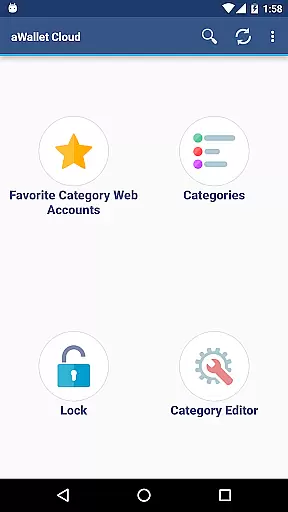
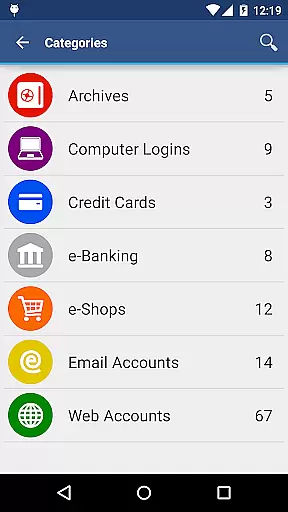
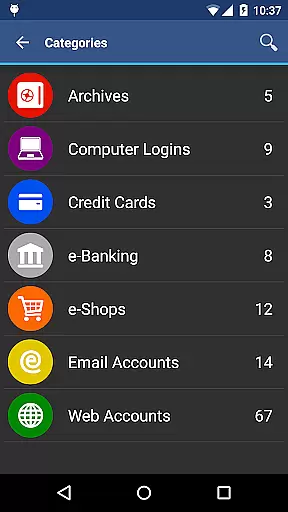
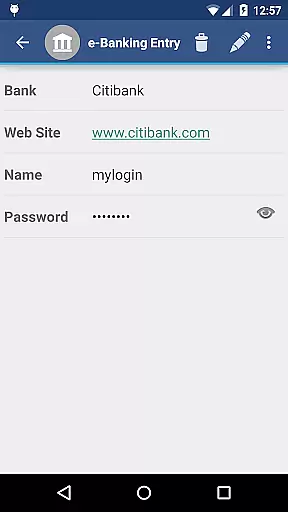
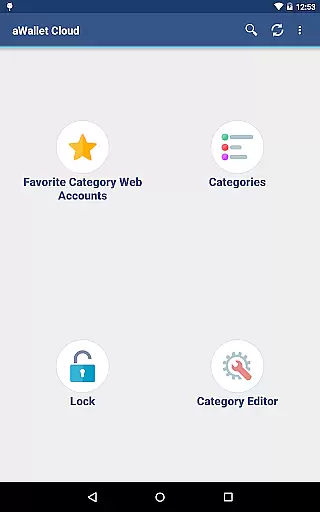
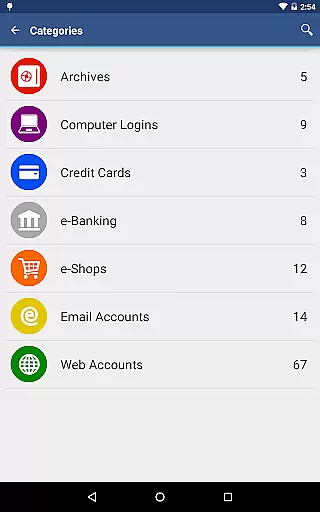
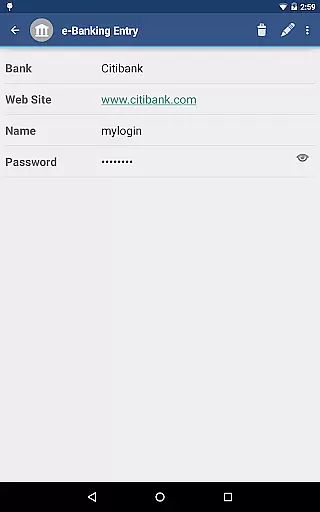
aWallet Cloud Password Manager is a robust productivity tool designed to securely store sensitive information such as passwords, credit card details, and e-banking credentials. The app ensures top-notch security by encrypting all stored data using advanced algorithms like AES or Blowfish with key sizes up to 256 bits.
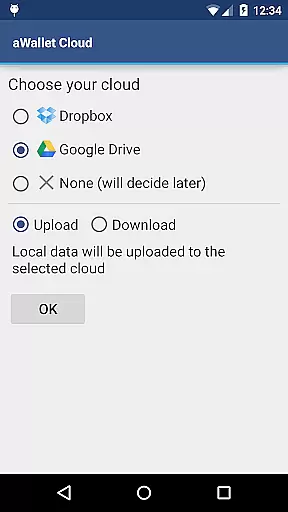
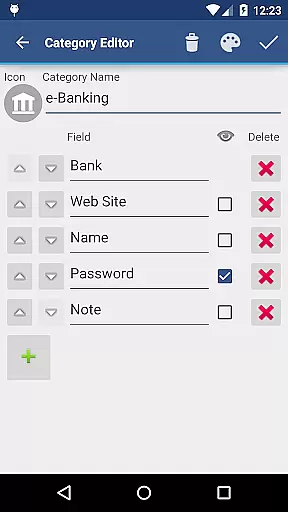
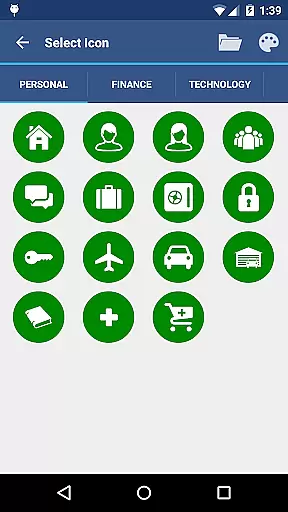
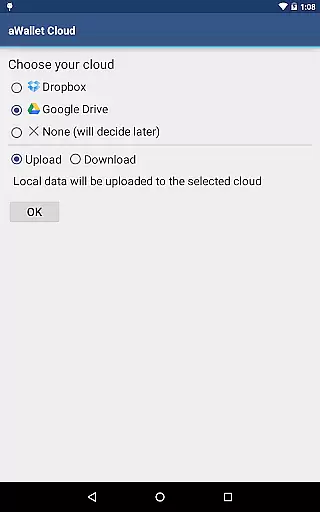
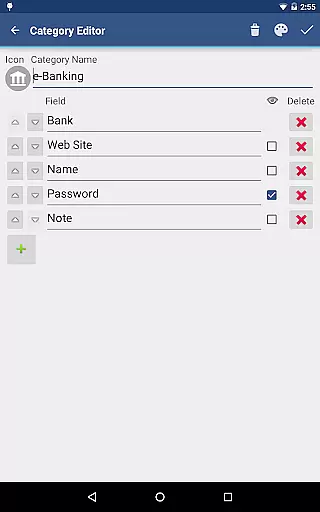
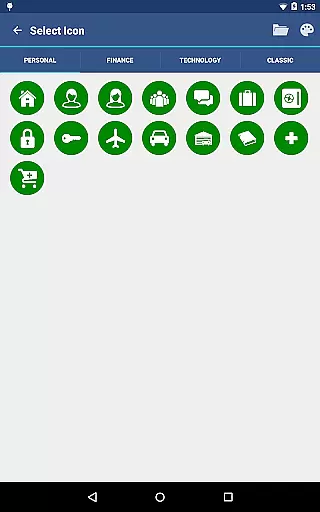
One of the standout features is its ability to synchronize encrypted data with your personal cloud accounts on Dropbox or Google Drive, ensuring seamless access across devices. Additionally, users can take advantage of the built-in editor to customize data categories and icons, making data management both flexible and intuitive.
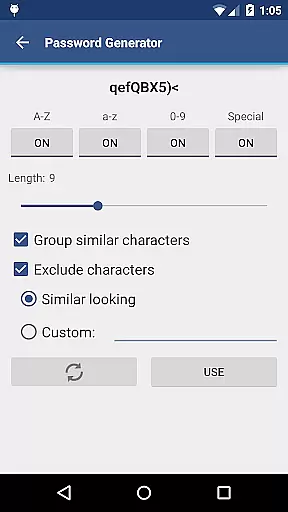
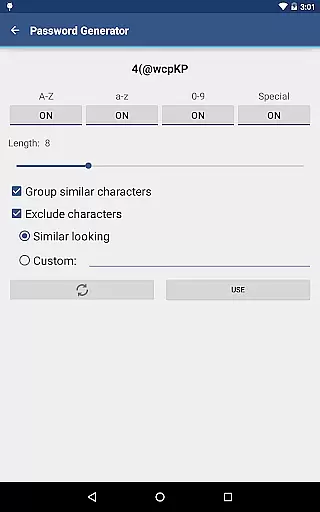
Whether you're looking to safeguard personal data or streamline your digital life, aWallet provides a reliable solution with added functionalities such as auto-lock and password generation, enhancing both security and convenience.
aWallet Cloud Password Manager offers an array of sophisticated features tailored for optimal security and user experience. Notably, the app supports biometric authentication methods including fingerprint and facial recognition on compatible devices, providing quick yet secure access.
The app includes a powerful password generator and allows for CSV import and export functionalities, catering to users who need to manage extensive datasets efficiently. Its search functionality extends to specific fields, ensuring swift retrieval of necessary information.
Security remains at the forefront with features like auto-destruction after multiple failed unlock attempts and repetitive hashing mechanisms that fortify the master password against brute force attacks. These comprehensive security measures make aWallet a trusted choice for managing sensitive information.
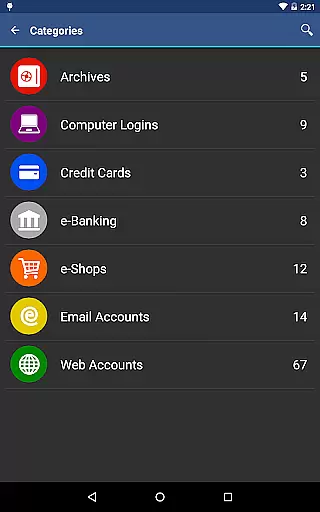
aWallet Cloud Password Manager excels in core task management by providing a comprehensive suite of features for securely handling sensitive information. The app allows users to store various types of data, including passwords, credit card details, and e-banking credentials, all within a structured and organized environment.
With its built-in Editor, users can customize categories and icons, tailoring the experience to their personal needs. This level of customization ensures that all critical information is systematically arranged, making it easily accessible when needed.
The synchronization feature with cloud services like Dropbox or Google Drive adds another layer of convenience, allowing secure access to your data from multiple devices. This seamless integration facilitates efficient task management across different platforms.
Moreover, the app supports functionalities such as backup and restore, auto-lock, and even auto destruction after failed unlock attempts, ensuring that users have robust tools at their disposal for managing their digital lives effectively while maintaining top-notch security.
Cross-device synchronization is a pivotal feature of aWallet Cloud Password Manager, ensuring that users' encrypted data is reliably accessible wherever they go. By leveraging trusted cloud services such as Dropbox or Google Drive, the app provides a seamless experience for those who need consistent access to their sensitive information on the move.
This synchronization process is not only about convenience but also about maintaining the integrity and security of your data. All synchronized information is encrypted using strong algorithms like AES or Blowfish, safeguarding your data against unauthorized access during transfer.
In addition to reliable synchronization, aWallet offers peace of mind through its ability to back up and restore the encrypted data file to an Android USB device. This means that even without internet access, you can still retrieve your important information.
By combining secure encryption methods with dependable cross-device sync capabilities, aWallet Cloud Password Manager delivers a trustworthy solution for anyone seeking to manage their digital credentials efficiently across multiple devices without compromising on security.
Advanced encryption
Cloud synchronization
Customizable categories
Biometric login
No advertisements
Complex setup
Limited free features
Device compatibility
Occasional sync issues
Premium cost

 4.20
4.20
8 custom complications. Custom Time Fonts. Beautiful color schemes. A++ Design.
5.00
Device's storage information in a simple and clear graphical form (infographics)
4.10
Absolutely the best CNC machinist speed and feed calculator around. fswizard.com
4.60
IP Camera Viewer - Android TV : RTSP Surveillance camera viewer for Android TV
4.4
aCalendar+ makes your day, week and month
4.70
Font maker keyboard with your own handwriting
4.10
Calendar 2023 widget for Android. Appointment scheduler, planner, and reminder
4.60
To do list widget with a notebook organizer, checklist, simple shopping list
4.60
Scan paperwork into PDF/JPG, generate your own e-signature and send fax or email
4.70
Functional QR scanner and barcode reader that requires little storage space.
4.60
The AI assistant that thinks with you - write, code, and solve complex tasks
4.60
Fill, sign & send docs, forms, agreements & contracts via electronic signature.
4.50
Subscribe to Webcal & .ics calendars and keep them up-to-date!
4.50
Intelligent AI Assistant
4.10
Unlock AutoNotification
4.00
Take control of your clipboard with Clipper!
3.90
Make your handwriting beautiful, even more than pen on paper.
3.60
Code on-the-go with VScode for Android. Edit,debug and collaborate from mobile!!
3.10


User Reviews