
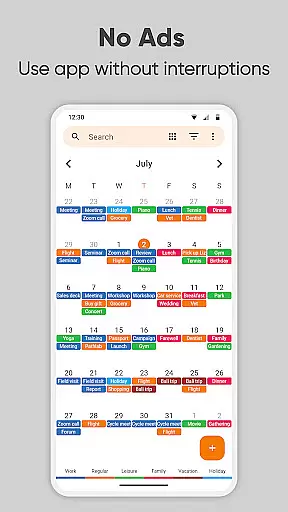
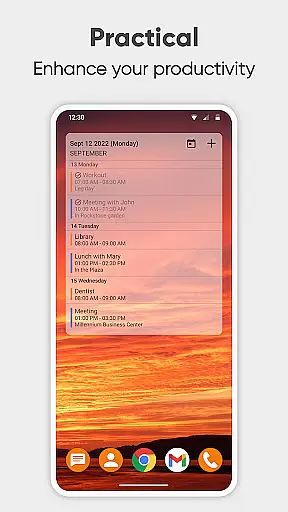
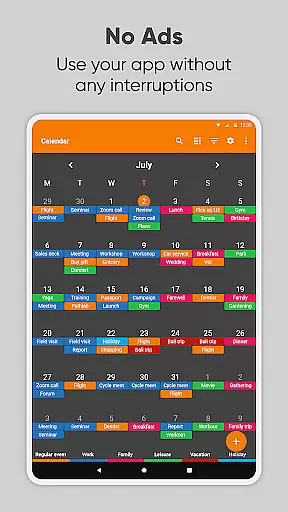
Simple Calendar Pro is a premium productivity application designed for Android users who need an efficient offline calendar solution. This app serves as a personal schedule planner, allowing users to organize their daily, weekly, and monthly events with ease. With support for syncing through Google Calendar or CalDAV protocols, it ensures seamless integration with existing calendars while maintaining user privacy.
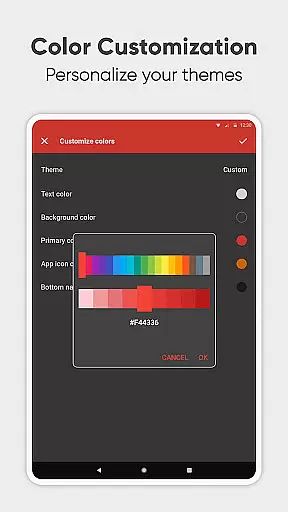
The app stands out with its customizable features, including personalized reminders, notification settings, and appearance options. Whether you need a work calendar, day planner, or family organizer, Simple Calendar Pro provides the tools to manage single and recurring events like birthdays and anniversaries. Its intuitive interface and widget options make time management straightforward and visually appealing.
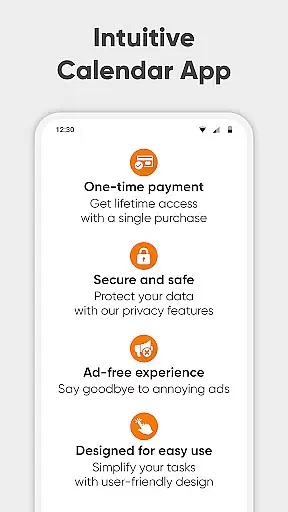
For professionals and individuals alike, this app offers a clutter-free experience without ads or unnecessary permissions. The ability to export and import events via .ics files adds flexibility for those managing schedules across multiple devices. Simple Calendar Pro combines functionality with simplicity, making it an ideal choice for anyone seeking to take control of their time in 2023.
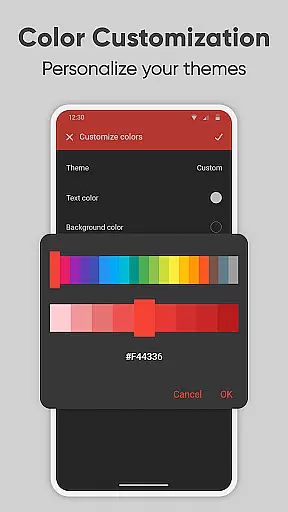
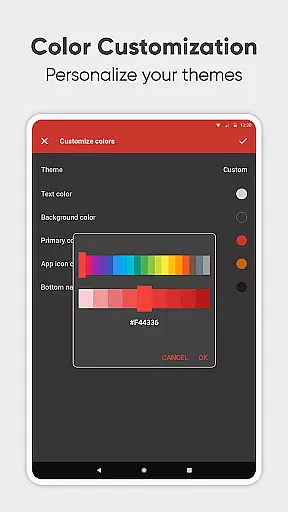
Simple Calendar Pro boasts an array of features that cater to diverse scheduling needs. One of its core strengths is the highly customizable user experience. Users can personalize everything from event reminders to notification sounds and vibrations, ensuring the app fits their unique preferences. The calendar widget itself is incredibly versatile, offering various themes and color options to match individual styles.
Another standout feature is its robust support for productivity. The app allows flexible event creation with options for setting durations, reminders, and powerful repetition rules. It also supports CalDAV, enabling synchronization with services like Google Calendar, Microsoft Outlook, and Nextcloud. This makes it easy to maintain a consistent schedule across all your devices without compromising privacy or security.
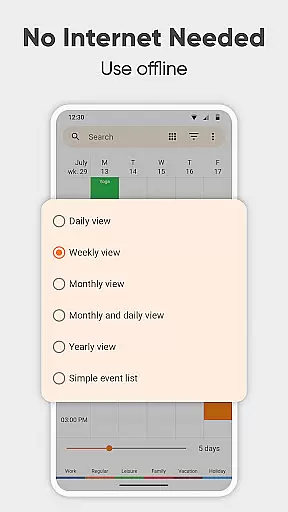
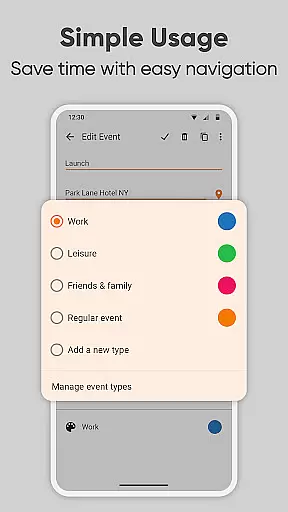
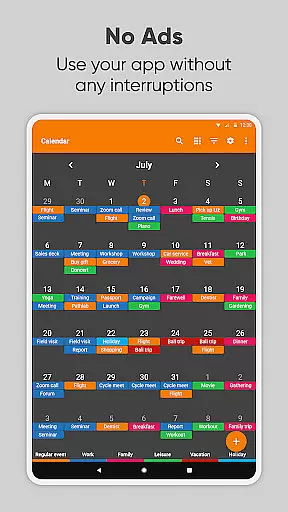
Additionally, Simple Calendar Pro excels in organization and time management. It includes a day planner, weekly planner, and itinerary manager to help users stay ahead of their busy schedules. The app's ability to filter events by type, display locations on a map, and switch between different views (daily, weekly, monthly, yearly) enhances its utility. These features collectively ensure that users can efficiently plan and manage their agendas, whether for personal use or professional coordination.
At the heart of Simple Calendar Pro lies its robust core task management system, designed to streamline your daily planning. This feature allows users to effortlessly create, organize, and track events with precision. Whether it's a single appointment or recurring meetings, the app provides powerful repetition rules that ensure no event is missed.
The beauty of this productivity tool is its seamless integration with other calendar systems through CalDAV support. Users can sync their schedules across Google Calendar, Microsoft Outlook, Nextcloud, and more, ensuring a unified and consistent agenda. This synchronization capability extends to importing and exporting events via .ics files, making data portability a breeze.
What sets Simple Calendar Pro apart is its intuitive interface for managing tasks. The day planner function helps users organize their day efficiently, while the weekly planner keeps them ahead of their busy schedules. With customizable reminders and notifications, staying on top of one's schedule has never been easier or more reliable.
Cross-device synchronization is a critical feature for users who rely on multiple devices throughout their day. Simple Calendar Pro excels in this area by providing stable and dependable syncing across all your Android devices. This ensures that whether you're at home, in the office, or on the go, your calendar remains up-to-date and consistent.
The app achieves this reliability without compromising user privacy or security. Unlike many other productivity tools, Simple Calendar Pro operates offline, eliminating the need for constant internet access. This not only enhances stability but also gives users peace of mind knowing their personal information isn't being transmitted unnecessarily.
For those managing complex schedules, the ability to export settings to .txt files adds another layer of convenience. This feature allows users to transfer their carefully configured preferences to another device with minimal effort. Such attention to detail in maintaining synchronization reliability demonstrates the app's commitment to enhancing user productivity across all devices.
Userfriendly interface
Highly customizable
No ads or popups
Offline functionality
Open source
Limited iOS support
Advanced features require learning
No built-in email client
Occasional sync delays
Premium price tag

Total remote control for your Android device, PC and cloud services (IFTTT)!
 4.20
4.20
Direct Chat without saving contacts & Dual WA Account on Single Device
4.70
⏰ Finally a timer app which can run multiple timers simultaneously on your watch
3.90
Customizable calendar widget for seamless event sync, planning & scheduling.
4.00
Easiest event planning, volunteer signups & parent teacher conference scheduling
2.20
The AI assistant that thinks with you - write, code, and solve complex tasks
4.60
Translate text/voice/photos in 150+ languages. Offline & fast translator app.
4.50
Subscribe to Webcal & .ics calendars and keep them up-to-date!
4.50
AI Chatbot and AI writing assistant powered by ChatGPT.
4.60
Seamlessly integrate data and reports to build your presentation to impress
4.80
Mind Map and brainstorm, note taking and idea collection
4.80
We're working to become the best machining app on the market! www.cncdirt.com
4.80
Understand anything with a personalized AI research assistant
4.80
Scan paperwork into PDF/JPG, generate your own e-signature and send fax or email
4.70
Planet Free VPN - The best Fast Unlimited and Secure VPN Without Logs
4.50
Fill, sign & send docs, forms, agreements & contracts via electronic signature.
4.50
Make apps & sites with natural language prompts
4.10
A Revolutionary All-in-One Artificial Intelligence Tools
3.80
Simple and reliable communication between inmates, friends and family
3.20


User Reviews