
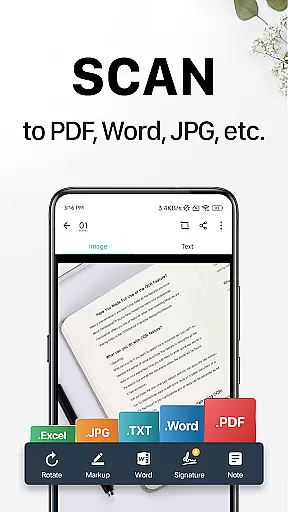
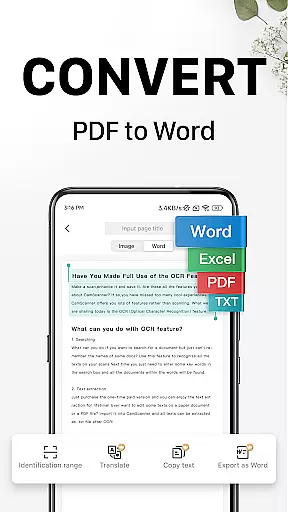
CamScanner is a versatile productivity app that transforms your mobile device into a powerful portable scanner. With advanced OCR technology, it allows users to instantly scan, save, and share documents in various formats including PDF, JPG, Word, or TXT. Whether you need to digitize receipts, notes, invoices, or business cards, CamScanner provides a complete solution for all document management needs.
The app stands out with its smart cropping and auto-enhancing features that ensure professional-quality scans every time. Its wireless printing and remote fax capabilities make it an essential tool for both personal and professional use. With over 300 million users worldwide, CamScanner is the go-to app for anyone looking to improve their document handling efficiency and productivity.
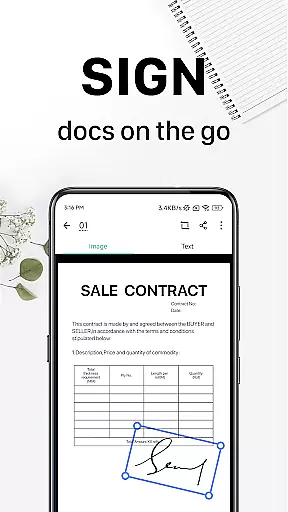
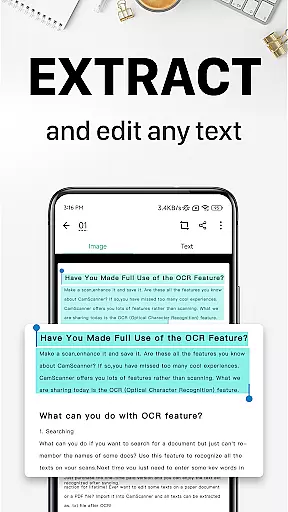
CamScanner offers an impressive array of features designed to optimize document management. The app's quick digitization capability allows users to scan any type of paper document using their phone's camera. Advanced editing tools enable users to annotate documents, add watermarks, and extract text from images or PDFs through OCR technology.
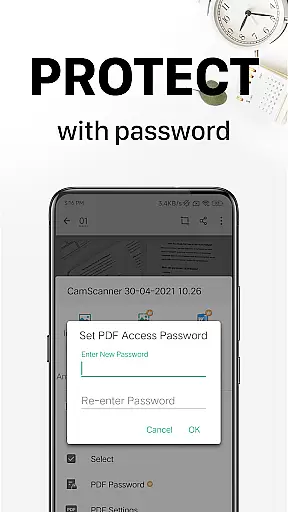
Security is also a top priority, with options to password-protect important documents and secure download links. The app supports cross-platform syncing, allowing seamless access across multiple devices. Additional features include wireless printing, remote fax services to over 30 countries, and quick search functionality based on content recognition. These comprehensive capabilities make CamScanner an indispensable tool for modern professionals.
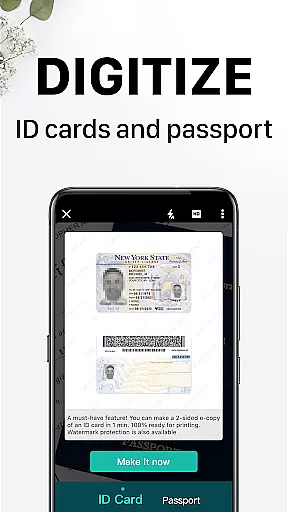
CamScanner excels in core task management by offering a comprehensive suite of productivity tools that streamline document handling. The app allows users to quickly digitize various types of documents, from receipts to business cards, using their mobile device's camera. This functionality not only saves time but also enhances efficiency by transforming your phone into a portable scanner.
The app further refines this process with advanced features such as smart cropping and auto-enhancing, which ensure that scans are of premium quality. With optical character recognition (OCR), CamScanner enables text extraction from images or PDFs, allowing for easy searching, editing, and sharing. These capabilities make document management not just faster, but smarter and more adaptable to various work environments.
Additionally, CamScanner supports wireless printing and remote faxing to over 30 countries, eliminating the need for physical document handling. Users can also annotate documents and add customized watermarks, providing a complete document editing solution. Such extensive task management features ensure that users can handle their paperwork with ease, replacing traditional heavy copy machines with a sleek mobile application.
Cross-device synchronization is a pivotal feature of CamScanner, ensuring reliable access to documents across all user devices. By signing up for an account, users can sync their scanned documents on multiple platforms including smartphones, tablets, and computers. This seamless integration means you can start scanning on your mobile device and continue managing your documents on a computer at www.camscanner.com.
This synchronization capability extends to document security as well. Users can protect confidential content by setting passwords for viewing or downloading shared links. Coupled with the ability to tag documents for quick searches, CamScanner ensures that important files are both secure and easily accessible regardless of the device being used.
Moreover, CamScanner offers unlimited access memberships that unlock all features and ensure uninterrupted service. Subscriptions support automatic renewal, providing continuous access to synchronized documents without interruption. This subscription model guarantees that users always have the latest version of their documents at their fingertips, enhancing both personal and collaborative productivity.
Advanced OCR technology
Multi-format document support
Cross-platform syncing
Wireless printing and fax
Comprehensive editing tools
Premium features require subscription
Some advanced tools are locked
Occasional scanning inaccuracies
Basic features may feel limited
Advertisements in free version

Experience real multitasking on your Android!
 4.00
4.00
8 custom complications. Custom Time Fonts. Beautiful color schemes. A++ Design.
5.00
Multilingual translator for text, voice, and image translation!
4.90
Functional QR scanner and barcode reader that requires little storage space.
4.60
All document reader, all in one file viewer read PDF, DOCX, XLS, PPT, TXT files.
4.60
* block pre-roll ads, pop-up and forced redirect ads * Samsung certification app
4.00
Experience and share your SolidWorks designs on your Android® phone and tablet.
2.50
Intelligent AI Assistant
4.10
Daily processing of PDF documents.
4.40
Native client for Forgejo and Gitea
5.00
Simple notepad & memo. Take notes, to-do list, shopping list with reminders.
4.80
A beautiful digital clock with autostart and many other functions
4.70
Quickly and easily keep track of your work shifts
4.70
A Pixel Art watchface inspired by other iconic 90s designs for Wear OS devices!
4.40
Automates browsing any website and notifies you of important changes or events
4.30
Easily read and manage all your PDF files
4.10
Cloud storage, automatic phone backup, and more.
4.10
Unlock AutoNotification
4.00
All in one sketching tool. Technical and General drawing. Online Maps support.
3.70


User Reviews