
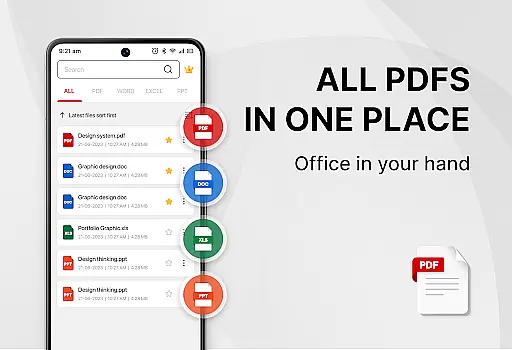
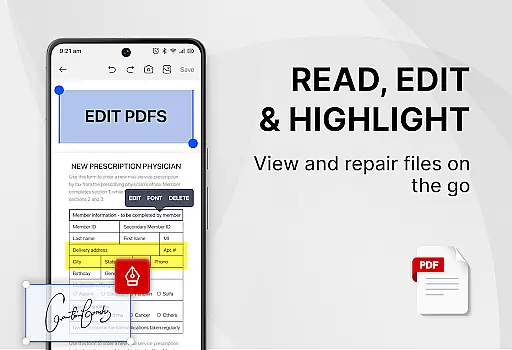
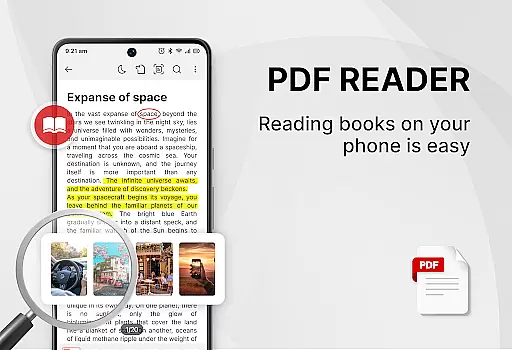
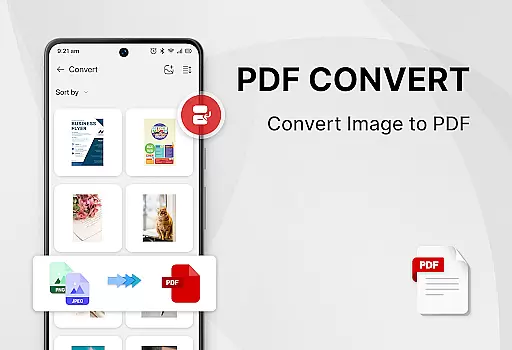
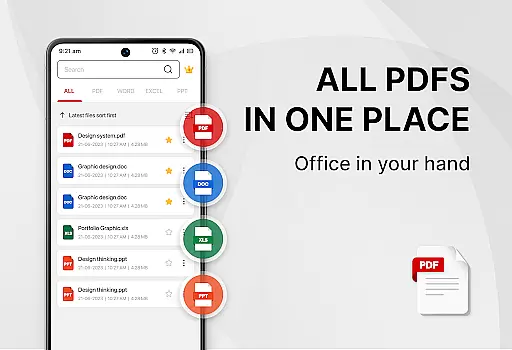
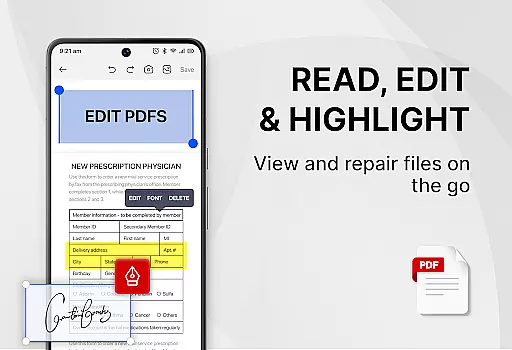
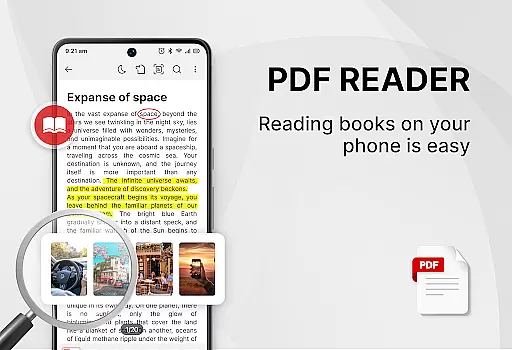
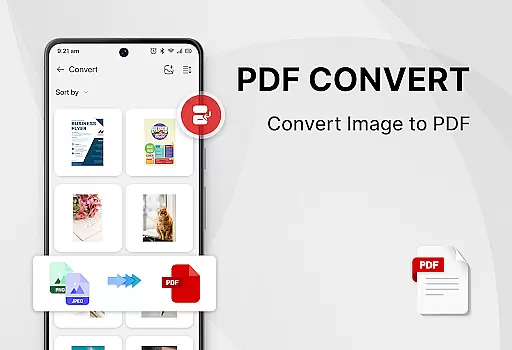
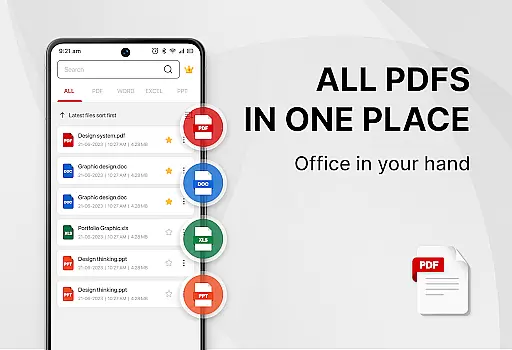
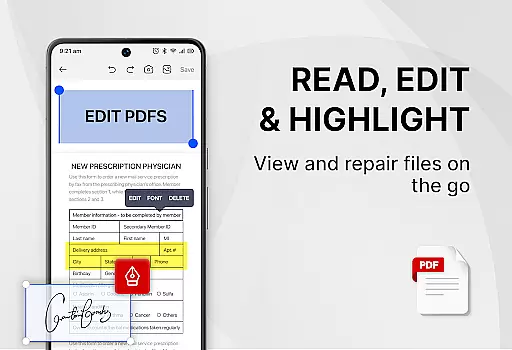
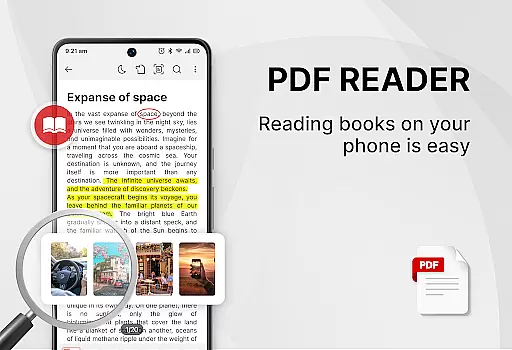
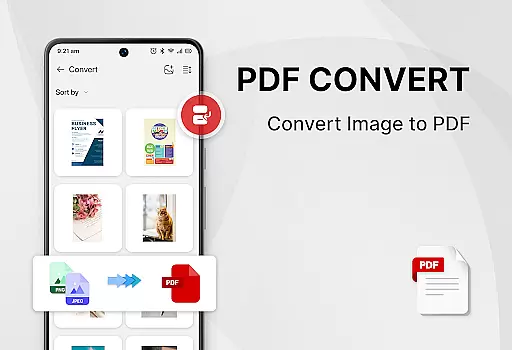
PDF Reader - Smart PDF Viewer is a comprehensive productivity tool designed for efficient document management. This app allows users to read, manage, and edit PDF files effortlessly while supporting multiple document formats including Word, Excel, and PPT.
In addition to basic viewing capabilities, the app offers advanced features such as adding e-signatures, converting files to PDF, scanning documents, and merging or splitting PDFs. Its user-friendly interface ensures that all functionalities are easily accessible, making it an ideal choice for students and professionals alike.
The app's ability to handle various document types and its powerful editing tools significantly enhance work efficiency. Whether you need to quickly review a report or manage extensive documentation, PDF Reader provides a seamless experience across different platforms.
PDF Reader - Smart PDF Viewer stands out with its robust feature set tailored for productivity. The app supports smart search functionality, enabling users to quickly locate specific documents among various formats like PDF, Word, and Excel.
One of the key highlights is its powerful PDF tools. Users can easily add e-signatures, convert images or scanned documents to PDF, and even transform Word documents into PDF format. The app also facilitates efficient document management through features like merging and splitting PDF files, setting passwords for document protection, and copying text within PDFs.
Moreover, the app offers a convenient one-click switch between light and dark modes, enhancing readability in different environments. With its intuitive design and comprehensive functionality, PDF Reader - Smart PDF Viewer caters to diverse user needs, ensuring optimal performance and ease of use.
In the realm of productivity, managing tasks efficiently is paramount. PDF Reader - Smart PDF Viewer excels in organizing and handling document-related tasks with precision. This app provides a comprehensive suite of features that cater to all your PDF management needs.
The application supports an array of functions including reading, editing, and securing PDF files. With capabilities such as merging, splitting, and converting documents to different formats, users can streamline their workflow effortlessly. The inclusion of e-signature functionality further enhances its utility for professionals who require quick and secure document signing.
For users seeking to improve their document management process, this app offers indispensable tools. Its ability to handle various file types and offer features like password protection ensures that your documents remain safe and organized. By centralizing these essential functions, PDF Reader - Smart PDF Viewer becomes an invaluable asset in task management.
Cross-device synchronization is crucial for users who operate across multiple platforms. PDF Reader - Smart PDF Viewer ensures that your documents are accessible and up-to-date on all your devices. This seamless integration facilitates a cohesive user experience regardless of the device in use.
With reliable synchronization, any changes made to your documents are updated in real-time. This means you can start working on one device and continue on another without missing a beat. Such fluidity is vital for maintaining productivity and ensuring that your work or study progress is uninterrupted.
Moreover, the app's requirement for MANAGE_EXTERNAL_STORAGE permission underscores its commitment to providing uninterrupted access to your files. While this permission is necessary for optimal functionality, it guarantees that your documents are always at your fingertips. Experience the convenience of synchronized document management with PDF Reader - Smart PDF Viewer.
User-friendly interface
Wide format support
Advanced editing tools
Free to use
Efficient document management
Requires storage permission
Limited offline functionality
Occasional ads
Basic UI design
Large app size

 4.20
4.20
Client for Nextcloud Deck
4.60
QuickBooks Workforce lets teams view pay info and track time in one place.
4.70
Planet Free VPN - The best Fast Unlimited and Secure VPN Without Logs
4.50
Secure, fast, open-source, Remote Desktop Client for Windows and Linux with SSH
4.60
Secure, open-source, SPICE and SSH Remote Desktop for QEMU KVM virtual machines
4.00
Understand anything with a personalized AI research assistant
4.80
Scan paperwork into PDF/JPG, generate your own e-signature and send fax or email
4.70
QuickEdit is a fast, stable and full featured text and code editor.
4.20
Protect and view your important info on your phone and tablet with eWallet®
4.80
Direct Chat without saving contacts & Dual WA Account on Single Device
4.70
Lightweight PDF, Word, Excel reader.
4.60
Access, manage and transfer files on Android, PC, Mac, NAS and cloud storages.
4.30
Pwnagotchi companion app
4.20
Device's storage information in a simple and clear graphical form (infographics)
4.10
⏰ Finally a timer app which can run multiple timers simultaneously on your watch
3.90
Find and delete junk files & block unwanted notifications & manage files
3.70
Make your handwriting beautiful, even more than pen on paper.
3.60
Easiest event planning, volunteer signups & parent teacher conference scheduling
2.20


User Reviews