
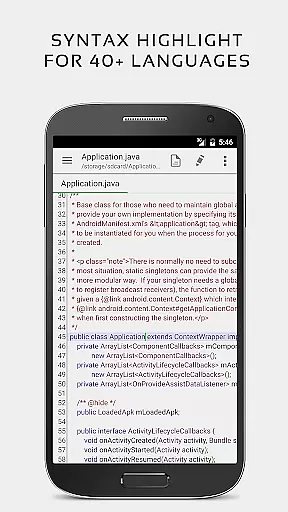


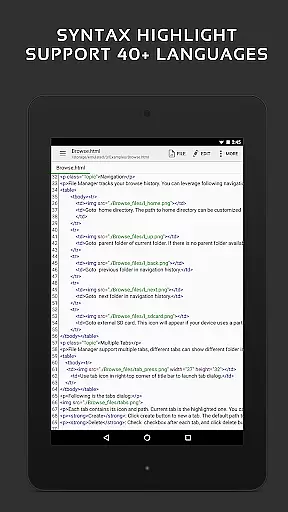
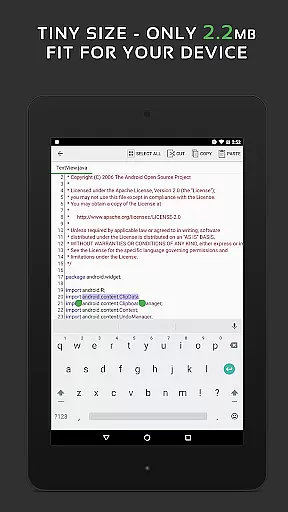
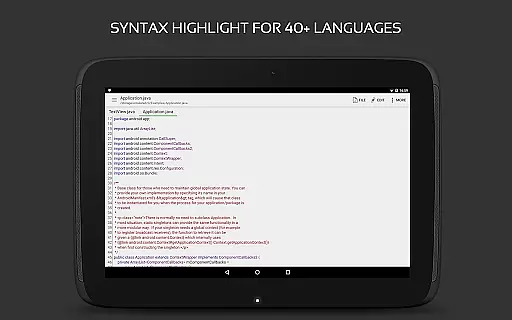
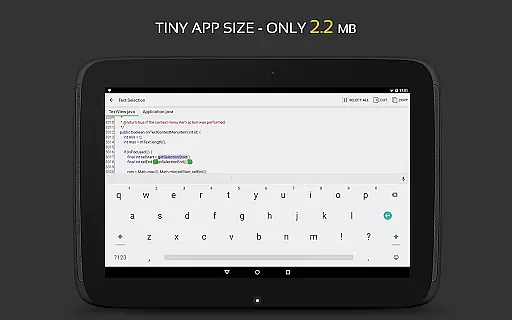
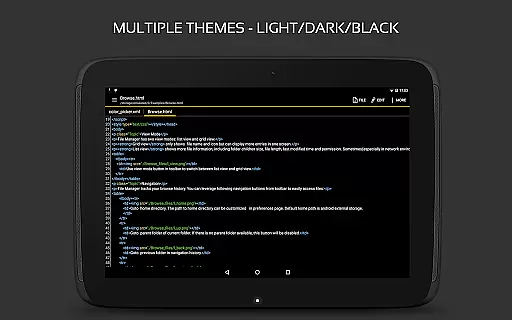
QuickEdit Text Editor Pro is a premium text editing solution designed for both casual users and programming professionals. This productivity app combines the functionality of a standard notepad with advanced code editing capabilities, making it suitable for various text-based tasks. With support for over 170 programming languages and syntax highlighting, it serves as an essential tool for developers.
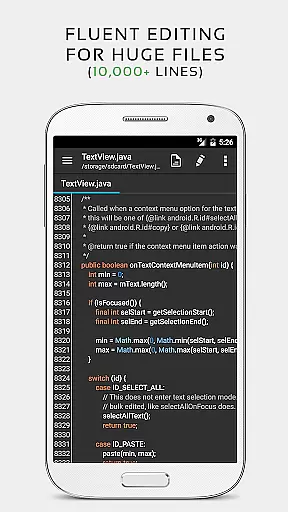
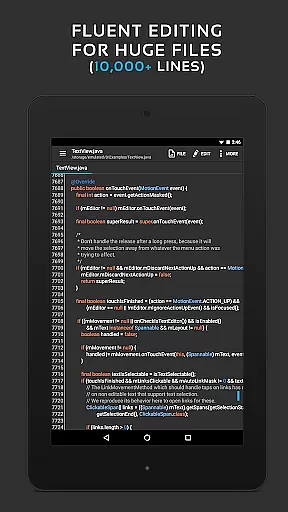
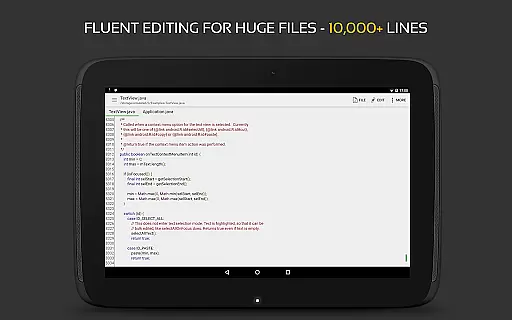
The app stands out with its performance optimizations that ensure smooth operation even with large files containing more than 10,000 lines. QuickEdit's user-friendly interface provides features like unlimited undo/redo, line numbering, and indentation control, which significantly enhance the editing experience. Whether you're writing simple documents or complex code, this editor maintains excellent responsiveness across different Android devices.
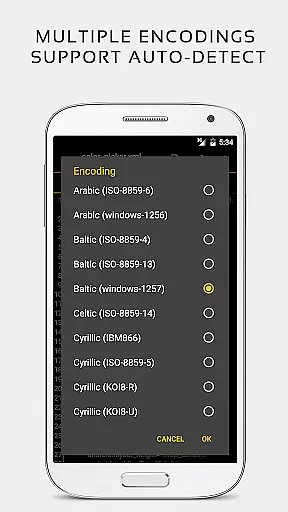
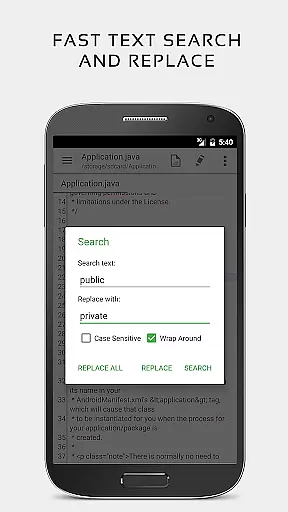
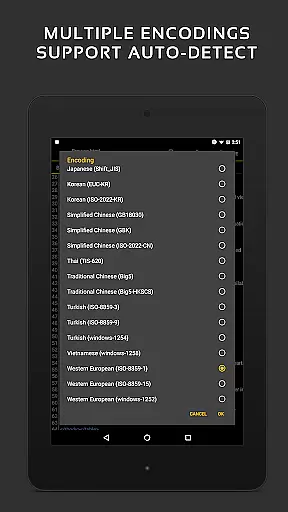
What makes QuickEdit particularly valuable is its versatility - from previewing HTML and Markdown files to accessing cloud storage services like Google Drive and Dropbox. The app also includes practical features such as quick search and replace, hex color input, and automatic encoding detection. These capabilities make it an indispensable tool for anyone who regularly works with text files or programming projects on their mobile device.
QuickEdit Text Editor Pro offers an impressive array of features that cater to both basic and advanced text editing needs. The app's enhanced notepad functionality goes beyond simple text entry, providing professional-grade tools including syntax highlighting for 170+ programming languages and an integrated online compiler supporting over 30 languages. This makes it an invaluable asset for developers who need to test code snippets on the go.
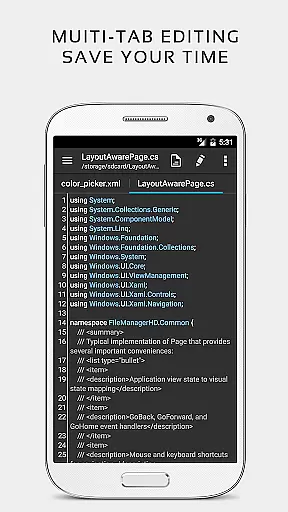
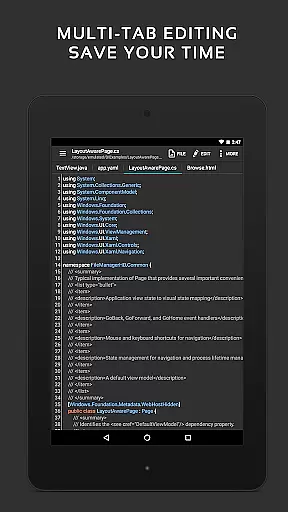
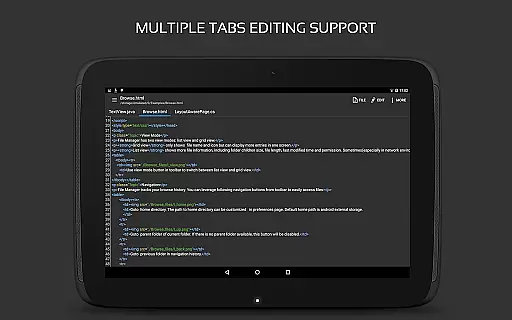
The editor's performance optimization is evident in its ability to handle large files without lag while maintaining smooth scrolling in both vertical and horizontal directions. Users can efficiently manage multiple open tabs and quickly navigate to specific lines using the direct line targeting feature. Advanced editing capabilities include unlimited undo/redo operations, precise indentation control, and fast selection tools that work seamlessly with physical keyboards and key combinations.
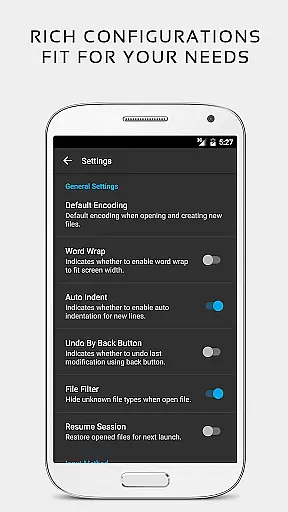
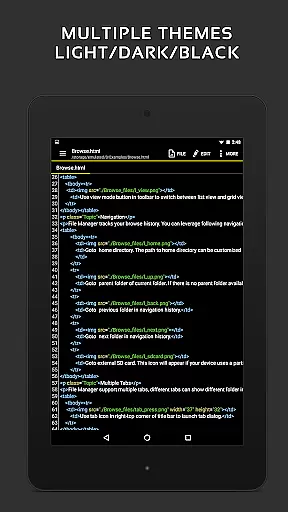
Additional notable features include comprehensive file management options that allow access to FTP servers and popular cloud storage services. The app supports various themes and font customizations while providing specialized functions like HTML/CSS preview and automatic character encoding detection. These features, combined with its ad-free environment and root-enabled system file editing capability, make QuickEdit a complete solution for mobile text editing and coding.
Task management is a critical aspect of productivity applications, and QuickEdit Text Editor Pro excels in this area. The app provides users with the ability to efficiently handle multiple tasks through features like multi-tab support, which allows for easy navigation between various open files.
QuickEdit enhances task organization by offering functionalities such as undo and redo changes without limit, display, increase, or decrease line indentations, and direct targeting of any specified line number. These capabilities ensure that users can manage their coding or text editing tasks with precision and ease.
The application's high performance is evident even when working with large text files containing more than 10,000 lines. This ensures that users experience no lag, making task management smooth and efficient regardless of the file size they are dealing with.
Overall, QuickEdit Text Editor Pro empowers its users by providing them with powerful tools to manage their text editing tasks effectively, thus improving their overall productivity.
Cross-device synchronization is essential for users who work across multiple devices, and QuickEdit Text Editor Pro addresses this need by ensuring reliable access to files from various storage platforms. The app supports connectivity with FTP, Google Drive, Dropbox, and OneDrive, allowing users to seamlessly access their documents wherever they are.
With QuickEdit, users can open files from recently opened or added file collections, streamlining the workflow and enhancing productivity. This feature ensures that users can pick up right where they left off, regardless of the device they were using previously.
For those with rooted devices, QuickEdit offers the ability to edit system files, further expanding its utility and reliability as a cross-device solution. This level of access provides advanced users with the control they need over their files.
In summary, QuickEdit Text Editor Pro delivers robust cross-device synchronization that maintains consistency and availability of user data, thereby supporting an uninterrupted and productive workflow on any device.
Fast and responsive performance
Extensive language support
Advanced coding features
Cloud integration
User-friendly interface
Paid version only
Steeper learning curve
No collaboration tools
Limited automation
Root required for system files

Take control of your clipboard with Clipper!
 3.90
3.90
Protect and view your important info on your phone and tablet with eWallet®
4.80
Pwnagotchi companion app
4.20
CalenGoo is a very flexible and feature-rich calendar app
4.40
Multilingual translator for text, voice, and image translation!
4.90
Functional QR scanner and barcode reader that requires little storage space.
4.60
Scan paperwork into PDF/JPG, generate your own e-signature and send fax or email
4.70
Okta MFA
4.70
Note taking, handwriting, record audio, PDF annotation, planner & journal
4.20
Native client for Forgejo and Gitea
5.00
Understand anything with a personalized AI research assistant
4.80
A simple Whisper AI keyboard for reliable speech transcription and rewording
4.60
Send files, sync SMS, notifications & clipboard across devices via local network
4.40 4.20
4.20
⏰ Finally a timer app which can run multiple timers simultaneously on your watch
3.90
Code on-the-go with VScode for Android. Edit,debug and collaborate from mobile!!
3.10
Ads Free App! Editor, Hide File, Copy, Move, Delete and Rename.. all facility av
1.70
Create study competitions, track your hours, and stay consistent with friends
4.4
The upgraded version of Name Wheel with AI and the power to add your own wheels.
4.3


User Reviews