
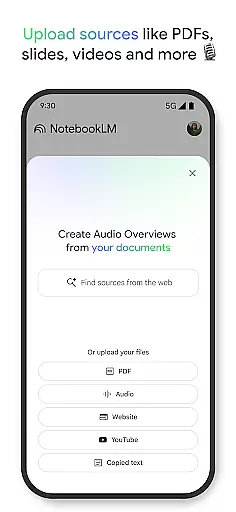
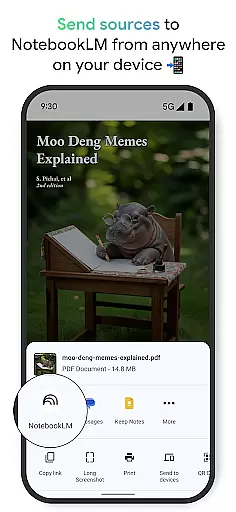
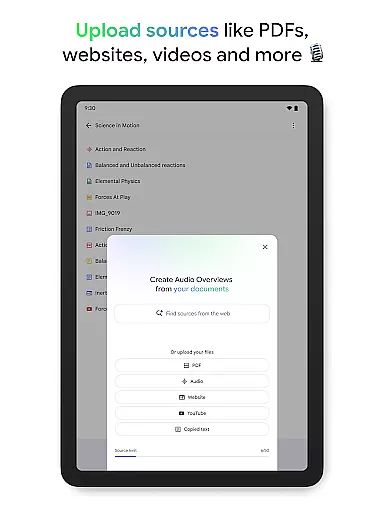
NotebookLM is a productivity app designed to simplify complex information management. It allows users to upload various sources like PDFs, websites, and videos, transforming them into easily digestible formats. The app's AI capabilities provide trusted insights by analyzing uploaded content and making meaningful connections.
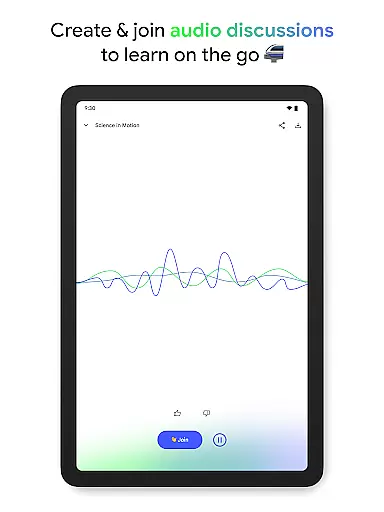
With features like Audio Overviews and offline support, users can learn on-the-go through podcast-style discussions led by AI hosts. This makes it an ideal tool for students, researchers, and professionals seeking efficient ways to process and understand complex information while saving time.
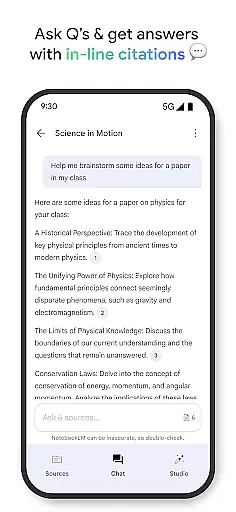
NotebookLM stands out with its ability to handle diverse content types. Users can upload PDF documents, web pages, YouTube videos, or plain text, and the app will create comprehensive summaries with cited sources. Its AI-powered analysis ensures accurate information processing and establishes contextual relationships between different content pieces.
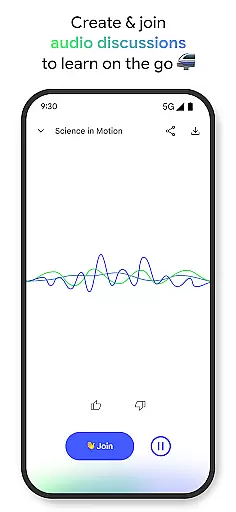
The app's Audio Overview feature enables background playback and offline access, allowing users to consume content as if listening to a podcast. Two interactive AI hosts facilitate engaging discussions about the material, and users can actively participate by asking questions or guiding the conversation, creating a dynamic learning experience tailored to individual preferences.
Effective task management is essential for productivity applications, serving as the backbone for organizing and prioritizing work. NotebookLM excels in this area by transforming complex information into manageable insights.
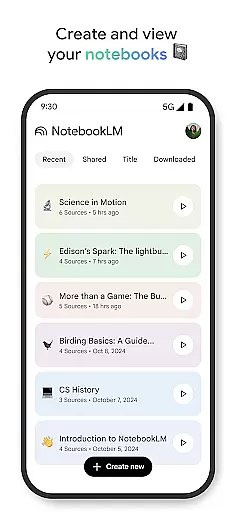
The app allows users to upload various sources such as PDFs, websites, and videos, converting them into structured notebooks. This feature simplifies the task management process by enabling users to categorize and retrieve information efficiently.
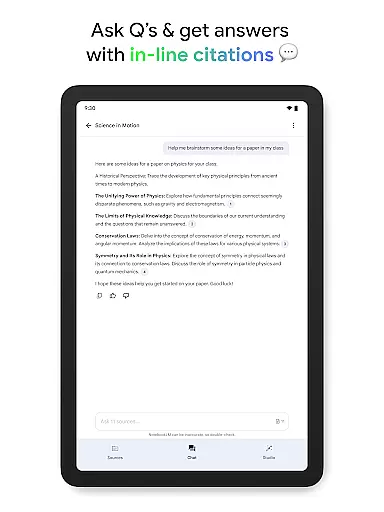
Users benefit from NotebookLM's ability to generate trustworthy insights by becoming an expert on uploaded sources. This ensures that task-related queries are answered accurately, with references clearly cited, enhancing reliability.
Moreover, the app offers flexible learning options, allowing users to transform text-heavy content into engaging formats like podcast-style discussions. This adaptability caters to individual preferences, making task management more personalized and effective.
Cross-device synchronization is crucial for ensuring seamless access to information across multiple platforms. NotebookLM addresses this need by providing reliable synchronization capabilities.
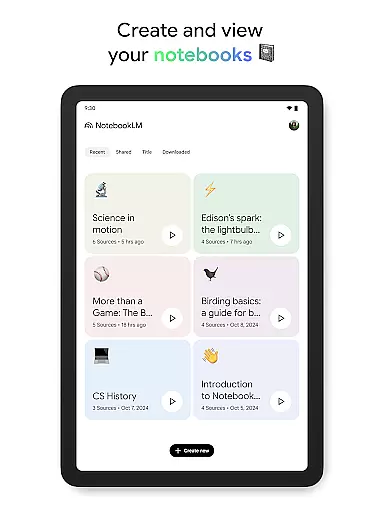
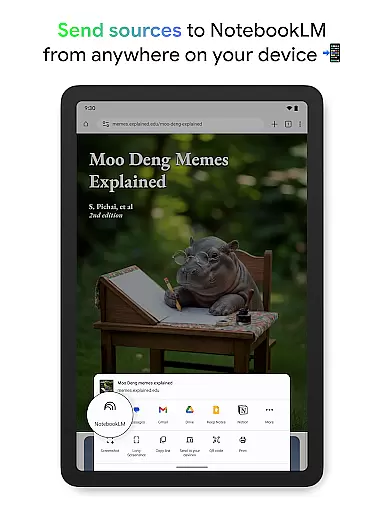
With the ability to create and access notebooks from any device, users can conveniently manage their tasks and information. The app supports background playback and offline access, ensuring uninterrupted productivity even without an internet connection.
NotebookLM enhances user experience by maintaining consistency in data across devices. Whether users are at home, in the office, or on the go, they can rely on the app to keep their information up-to-date and accessible.
This reliable synchronization not only saves time but also provides peace of mind, knowing that important data is securely stored and easily retrievable, regardless of the device being used.
User-friendly interface
Offline functionality
AI-powered analysis
Multi-format support
Interactive learning
Limited free features
Occasional AI errors
Storage limitations
Premium subscription
Learning curve

Take control of your clipboard with Clipper!
 3.90
3.90
Native client for Forgejo and Gitea
5.00
Create study competitions, track your hours, and stay consistent with friends
4.4
The Pro Version of Android's tiniest Notepad app. Just 0.3MB but feature-packed!
4.60
Pwnagotchi companion app
4.20
ID.me Authenticator is a simple and free Two Factor Authentication solution
3.50
Ultimate Virtual AI Character for immersive Roleplay Chat. Perfect Companion
3.90
Intelligent AI Assistant
4.10
Simple notepad & memo. Take notes, to-do list, shopping list with reminders.
4.80
8 custom complications. Custom Time Fonts. Beautiful color schemes. A++ Design.
5.00
Protect and view your important info on your phone and tablet with eWallet®
4.80
The long-awaited modern gallery app for your Nextcloud server
4.70
CalenGoo is a very flexible and feature-rich calendar app
4.40
Docker, Kubernetes management over Portainer Mobile
4.40
Share files & memories safely. Keep your photos and videos secure.
4.40
Font maker keyboard with your own handwriting
4.10
Create and edit presentations with Google Slides, part of Google Workspace.
4.00
All in one sketching tool. Technical and General drawing. Online Maps support.
3.70
A comprehensive suite of tools designed specifically for Lactation Consultants
4.3


User Reviews