
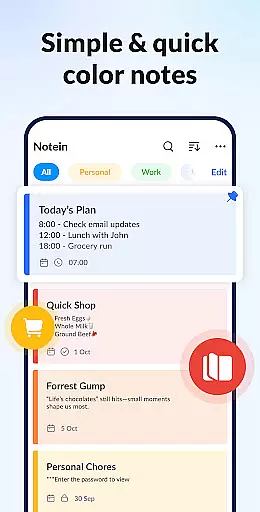
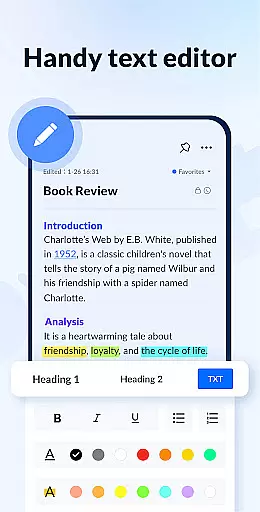
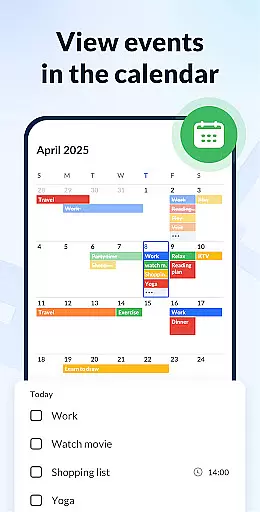
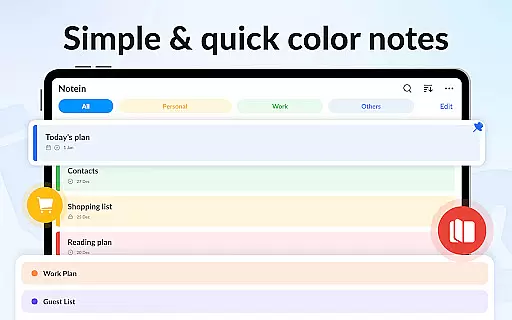
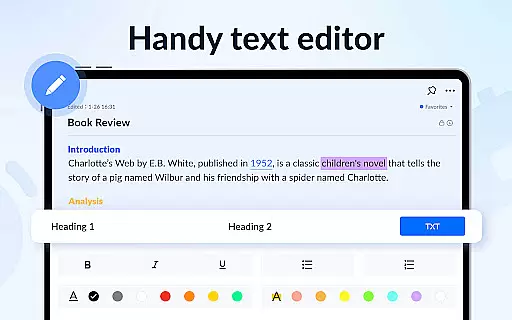
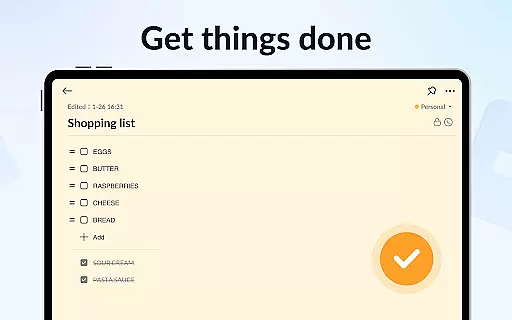
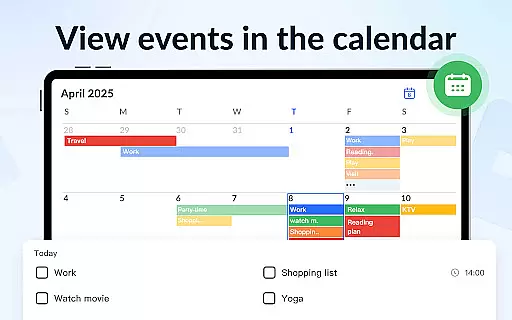
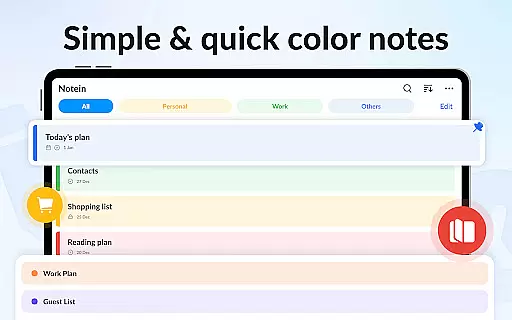
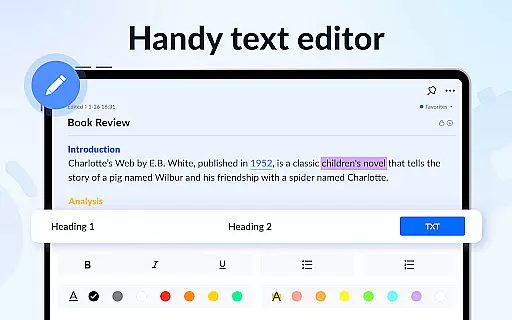
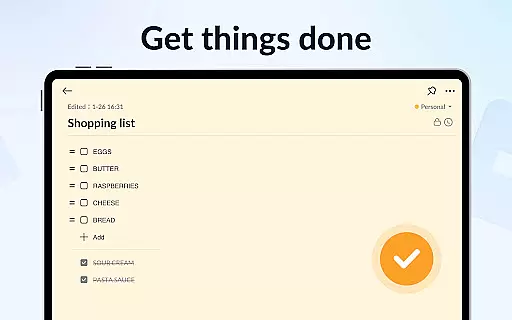
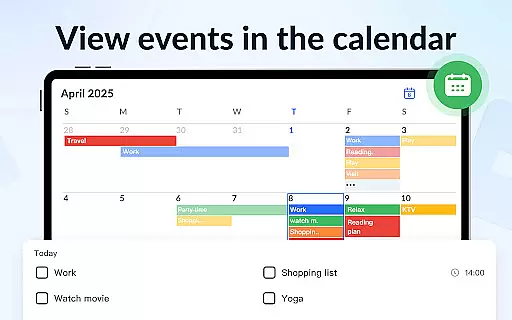
Notein is a comprehensive productivity app designed to streamline note-taking and task management. This powerful notepad app allows users to create quick notes, organize tasks using sticky notes widgets, and manage their schedules through calendar integration.
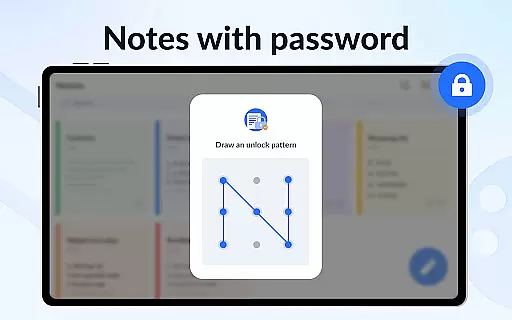
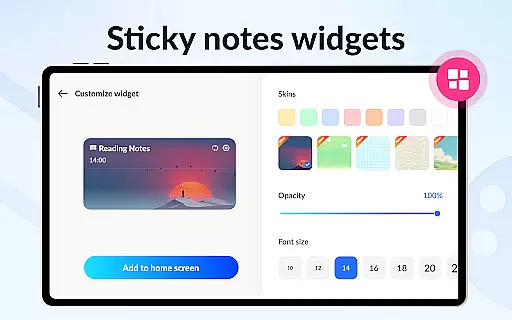
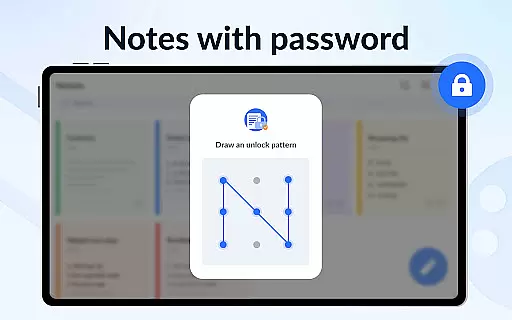
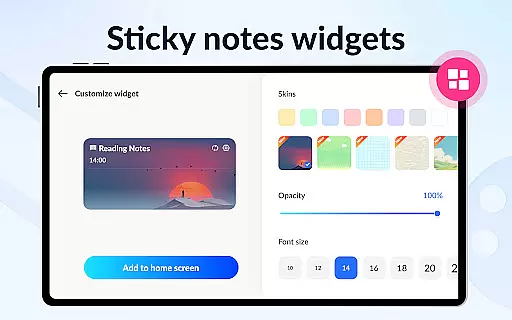
With features like automatic saving, reminder notifications, and password protection for privacy, Notein ensures that users can efficiently capture and secure their important information. The app's colorful interface and customizable widgets make it easy to categorize and access notes directly from the home screen.
Ideal for students, professionals, and anyone looking to stay organized, Notein transforms the way users manage their daily tasks and long-term projects by providing an all-in-one solution for note-taking and task tracking.
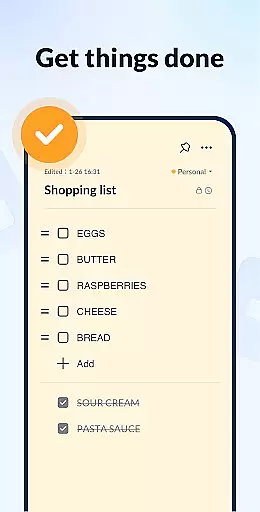
Notein stands out with its diverse feature set tailored for productivity enthusiasts. The app offers multiple note-taking modes including text and checklist formats, coupled with automatic saving functionality to prevent data loss.
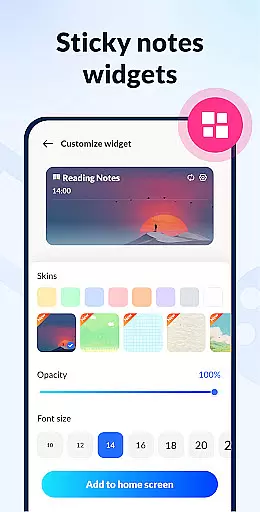
One of the key highlights is its sticky notes widget system, which enables users to pin crucial notes to their device's home screen for instant access. The calendar integration feature allows for scheduled note creation and better time management.
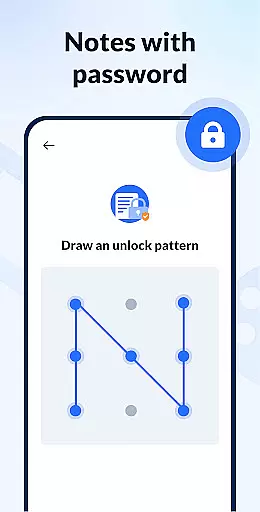
Advanced security measures are implemented through password protection, while cloud backup ensures data safety. Users can personalize their experience with color-coded notes and choose from various display modes including list, grid, and detailed views for optimal organization.
Effective task management is essential for productivity applications, serving as the backbone for organizing and tracking tasks. Notein - Notepad, Notes, Lists excels in this area by offering versatile modes for note-taking, including text mode and checklist mode, which cater to different user preferences and needs.
The application automatically saves notes as they are typed, ensuring that no information is lost and allowing users to focus on their tasks rather than manual saving. This feature supports quick notes, school notes, meeting notes, memos, to-do lists, and shopping lists, making it a comprehensive tool for personal and professional organization.
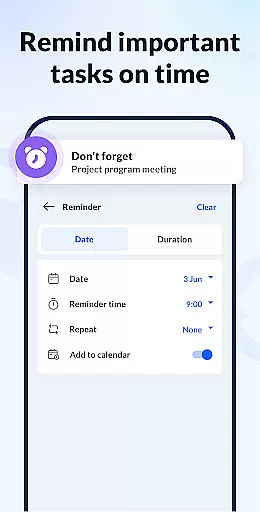
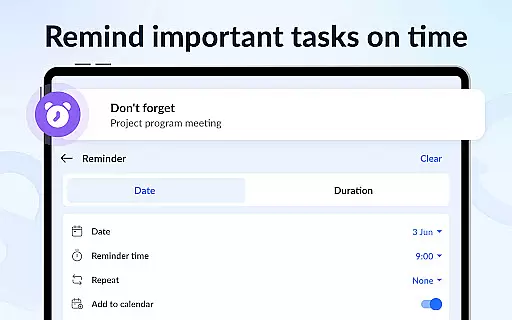
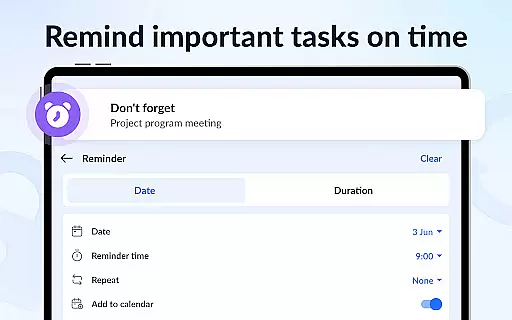
With functionalities such as setting reminders, adding notes to the calendar, and pinning important notes, users can efficiently manage their schedules and priorities. These capabilities ensure that users never miss critical deadlines or forget important information, enhancing overall productivity and time management.
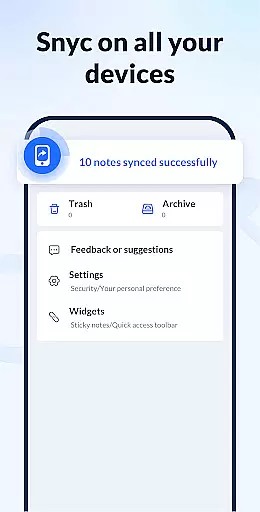
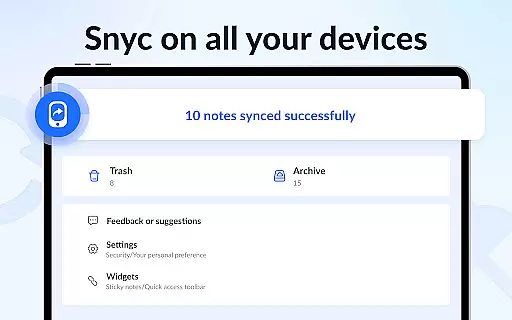
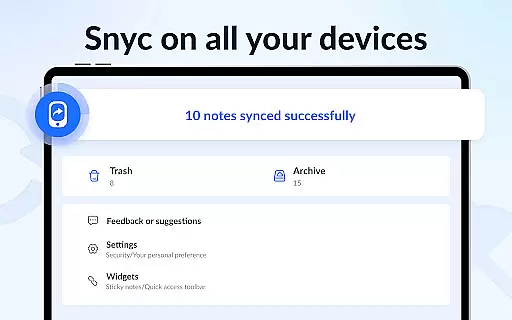
In today's interconnected world, reliable cross-device synchronization is crucial for ensuring seamless access to notes and tasks across multiple devices. Notein provides robust backup and restore features, supporting the synchronization of all notes and lists to the cloud.
This functionality guarantees that users' data is securely stored and easily retrievable, even if they switch devices or experience hardware failure. By backing up notes to the cloud, Notein ensures that users can access their information from anywhere, at any time, without worrying about data loss.
Moreover, the ability to share notes with friends via various platforms like Twitter, SMS, WeChat, and Email enhances collaboration and communication. This sharing feature, combined with reliable synchronization, makes Notein an indispensable tool for users seeking efficient and secure task management solutions.
User-friendly interface
Automatic note saving
Colorful organization options
Secure password protection
Cloud backup functionality
Limited collaboration features
No built-in voice recording
Premium features require subscription
Occasional syncing issues
Basic drawing tools

Send files, sync SMS, notifications & clipboard across devices via local network
 4.40
4.40
Remotely view listen control and record cameras.
3.70
Secure, fast, open-source, Remote Desktop Client for Windows and Linux with SSH
4.60
aCalendar+ makes your day, week and month
4.70
Todo reminder
4.10
App Lock with fingerprint, password: Lock apps & hide photos with lock screens
4.60
Functional QR scanner and barcode reader that requires little storage space.
4.60
AT&T Internet customers can use this app to personalize their Wi-Fi network.
4.40
Put a lock on your cloud: Take the security of your data into your own hands
3.70
The long-awaited modern gallery app for your Nextcloud server
4.70
Fill, sign & send docs, forms, agreements & contracts via electronic signature.
4.50
Subscribe to Webcal & .ics calendars and keep them up-to-date!
4.50
This small app MUST BE INSTALLED after purchase, else license won't work
4.40
Enjoy classic gameplay with customizable features and retro-style graphics.
4.30
Access, manage and transfer files on Android, PC, Mac, NAS and cloud storages.
4.30
Total remote control for your Android device, PC and cloud services (IFTTT)!
4.20
Take control of your clipboard with Clipper!
3.90
All in one sketching tool. Technical and General drawing. Online Maps support.
3.70
Make your handwriting beautiful, even more than pen on paper.
3.60


User Reviews