
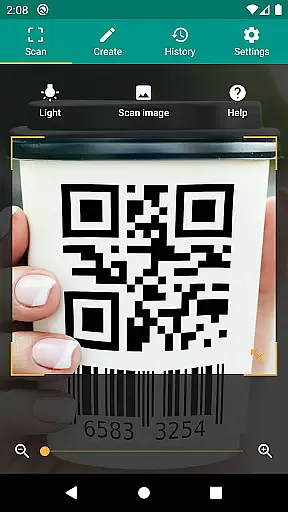
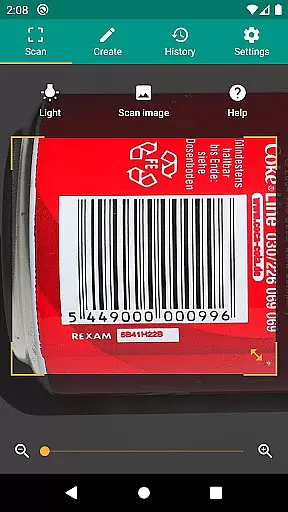
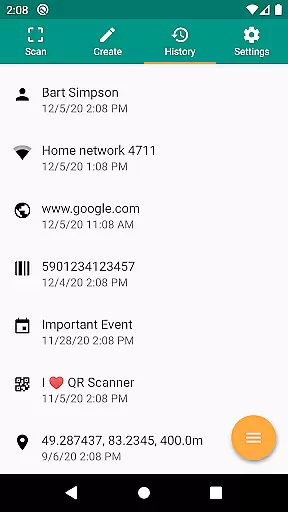
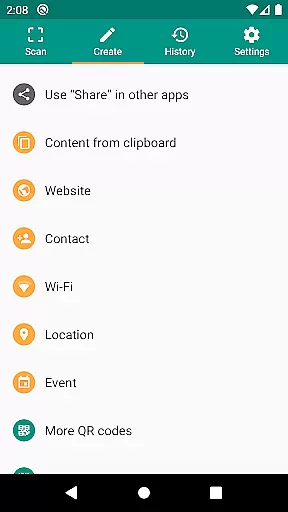
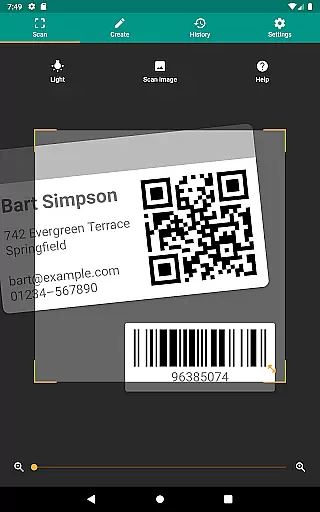
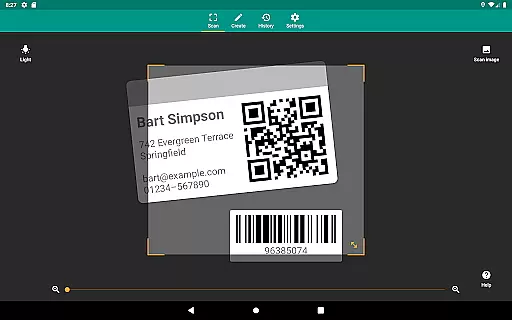
QR & Barcode Scanner is a versatile productivity tool designed to streamline your daily tasks through advanced scanning technology. This application allows users to effortlessly scan QR codes and barcodes, extracting valuable information from various sources such as Amazon, eBay, and Google. With support for all common barcode formats including QR, Data Matrix, Aztec, UPC, EAN, and Code 39, the app ensures compatibility across multiple use cases.
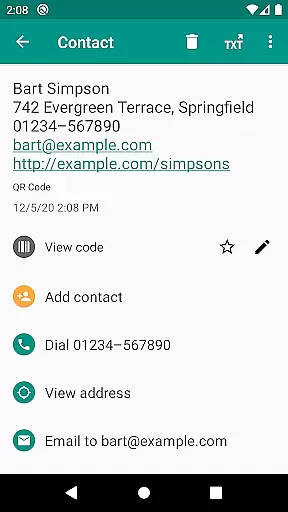
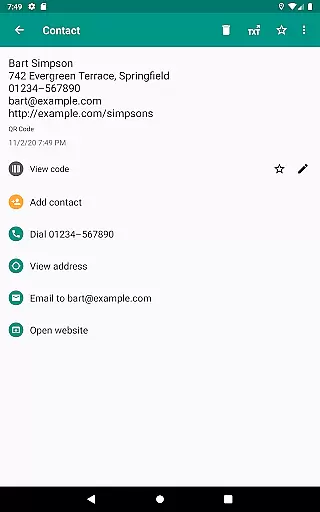
Beyond basic scanning, the app provides relevant actions based on the scanned content. Users can open URLs, connect to WiFi hotspots, add calendar events, read VCards, and find product details with ease. The built-in security features powered by Google Safe Browsing protect users from malicious links while ensuring fast loading times. Whether you're managing inventory for a small business or simply organizing personal data, this scanner offers practical solutions that enhance productivity.
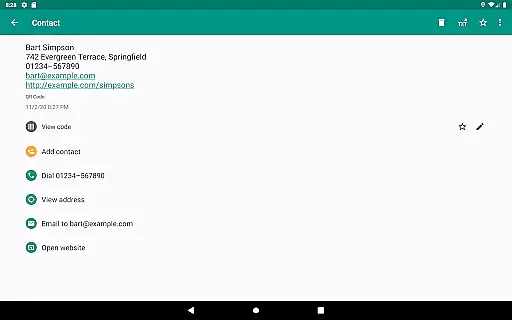
One of the standout features of QR & Barcode Scanner is its ability to perform a wide range of actions based on the type of code scanned. From opening web links to adding contact information directly to your address book, the app transforms simple scans into meaningful interactions. The inclusion of Chrome Custom Tabs not only enhances security but also improves overall performance, making each scan faster and safer.
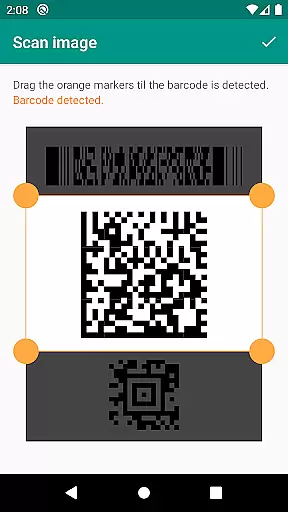
The app's design emphasizes user convenience with options like flashlight activation for low-light environments and pinch-to-zoom functionality for distant codes. Additionally, the ability to scan codes from image files expands its utility beyond live camera use. For those needing to share information, the built-in QR code generator allows for seamless data transfer between devices. These comprehensive features make it an indispensable tool for both personal and professional use.
QR & Barcode Scanner excels in core task management by offering a comprehensive suite of tools for scanning and generating codes. This app supports all common barcode formats, including QR, Data Matrix, Aztec, UPC, EAN, Code 39, and many more, ensuring that users can manage a wide variety of tasks with ease.
The application goes beyond simple scanning by providing relevant actions based on the scanned content. Users can open URLs, connect to WiFi hotspots, add calendar events, read VCards, and find product and price information. These features allow users to efficiently handle various tasks without switching between multiple apps.
Security and performance are prioritized, protecting users from malicious links through Google Safe Browsing technology while also delivering shorter loading times. Minimal permissions further enhance user trust, allowing code scanning from images without accessing device storage or sharing contact data without accessing the address book.
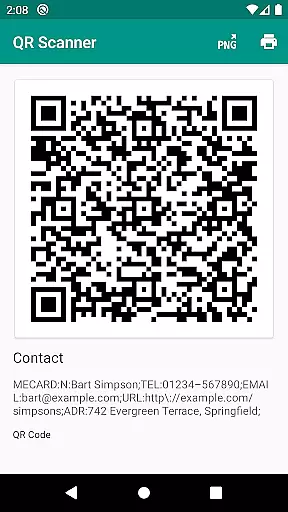
Cross-device synchronization is where QR & Barcode Scanner truly shines, enabling seamless data sharing across different platforms. The built-in QR code generator allows users to share arbitrary data such as website links by displaying them on their screen as a QR code, which can then be scanned by another device.
This functionality ensures reliable synchronization of information, whether it's contact details, URLs, or even WiFi access credentials. By simply scanning the generated QR code, users can transfer information instantly and accurately, eliminating the need for manual entry and reducing errors.
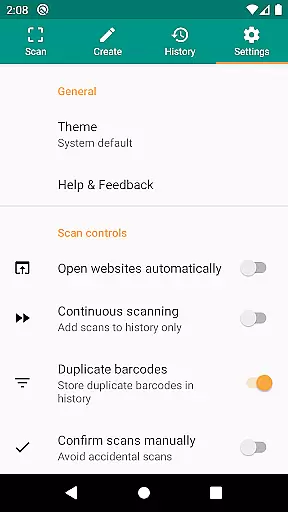
Additionally, custom search options and CSV export capabilities enhance cross-device operations. Users can add favorite shopping websites into the barcode search and manage unlimited scan history with annotations. Exporting this data as a CSV file allows for easy import into Excel or saving to cloud storage services like Google Drive, making cross-device data management both flexible and robust.
Fast scanning capability
Wide format compatibility
Enhanced security features
User-friendly interface
Versatile sharing options
Limited design customization
No offline database access
Occasional scanning inaccuracies
Requires camera permission
Ads in free version

Native client for Forgejo and Gitea
 5.00
5.00
Professional calendar app for Google Calendar, MS Outlook & Exchange
4.20
We're working to become the best machining app on the market! www.cncdirt.com
4.80
Make your handwriting beautiful, even more than pen on paper.
3.60
Translate text/voice/photos in 150+ languages. Offline & fast translator app.
4.50
Experience and share your SolidWorks designs on your Android® phone and tablet.
2.50
This small app MUST BE INSTALLED after purchase, else license won't work
4.40
Secure your apps with lock screens, use custom themes and different features.
4.40
Intelligent AI Assistant
4.10
Great calculator for Android named one of USA TODAY's "25 Essential Apps".
4.90
Seamlessly integrate data and reports to build your presentation to impress
4.80
Android Wallet Password Manager
4.80
App lock - lock apps with fingerprint, password, pin or pattern, protect privacy
4.70
Calendar 2023 widget for Android. Appointment scheduler, planner, and reminder
4.60
Share files & memories safely. Keep your photos and videos secure.
4.40
Easily read and manage all your PDF files
4.10
A Revolutionary All-in-One Artificial Intelligence Tools
3.80
Mega cloud explorer plugin for Solid Explorer
3.80
IP Camera Viewer - Android TV : RTSP Surveillance camera viewer for Android TV
4.5


User Reviews