
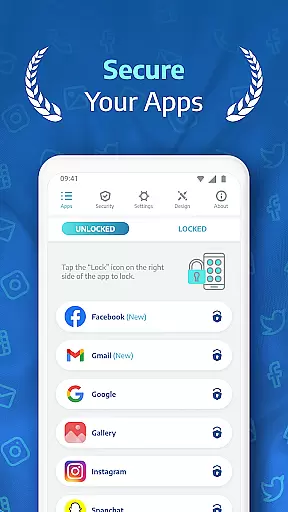
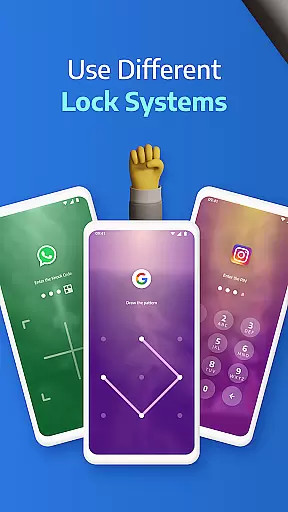
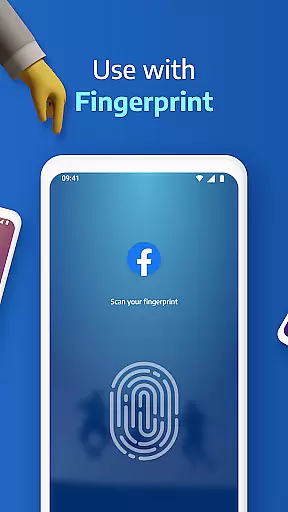
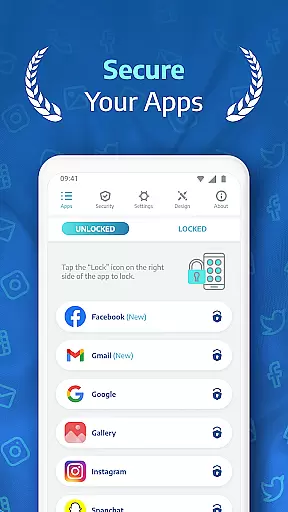
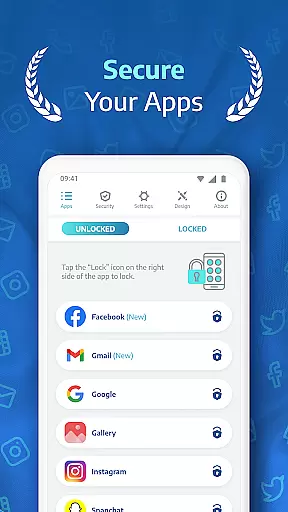
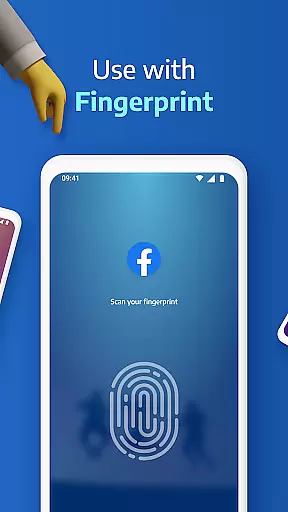
AppLock Pro is a premier productivity app designed to safeguard your personal data by locking access to specific apps and media on your device. This powerful tool allows users to secure sensitive applications such as social media, messaging services, and photo galleries through various lock methods including PIN, pattern, fingerprint recognition, and KnockCode.
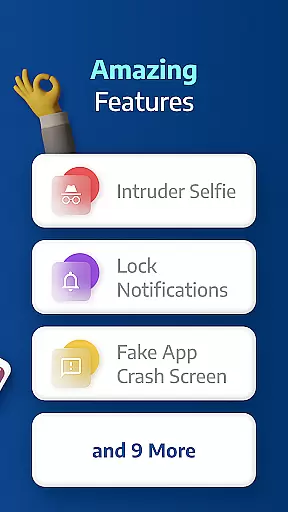
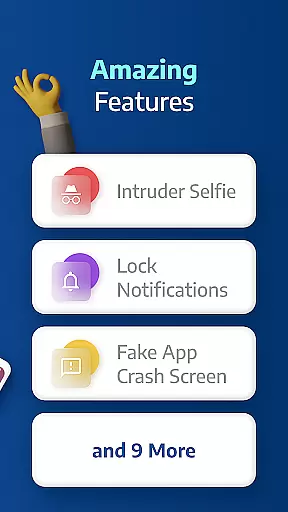
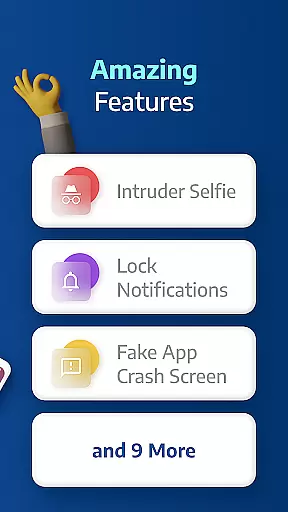
Beyond basic locking features, AppLock Pro offers advanced functionalities like spy camera protection, which discreetly captures photos of anyone attempting unauthorized access. The app also includes customizable lock screens, auto-relock timers, and fake error messages to deter intruders. These features make it an essential utility for anyone looking to enhance their mobile privacy and security.
Whether you're at work, home, or traveling, AppLock Pro ensures that your private information remains protected from prying eyes. Its intuitive interface and robust feature set provide peace of mind, knowing that your digital life is under control.
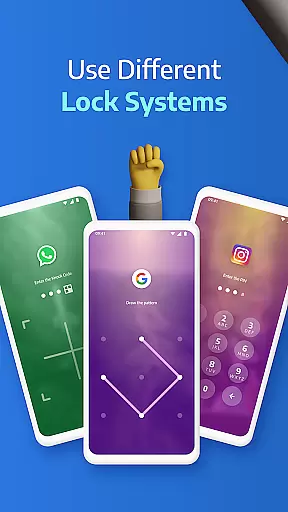
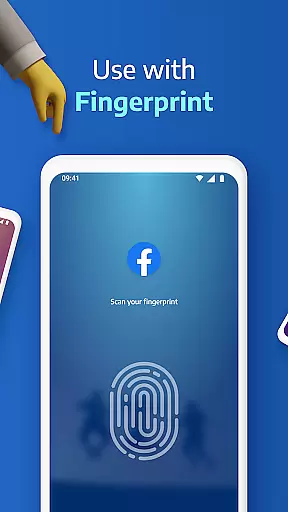
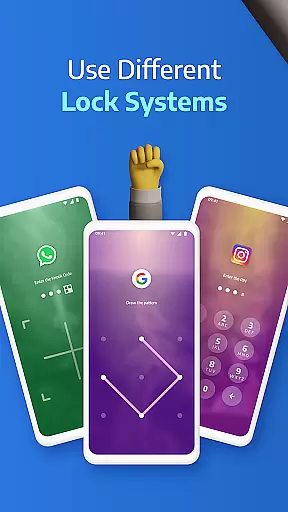
AppLock Pro stands out with its comprehensive suite of security features tailored to maximize user privacy. One of the standout capabilities is the ability to lock any app on your device using multiple methods such as PIN, pattern, fingerprint (if supported), or KnockCode. This versatility ensures that users can choose the most convenient and secure option for their needs.
In addition to locking apps, AppLock Pro includes a spy camera feature that takes a secret photo whenever someone enters the wrong password. This helps identify potential intruders. The app also offers a fake error message screen to mislead unauthorized users and hide notifications from locked apps, ensuring complete discretion.
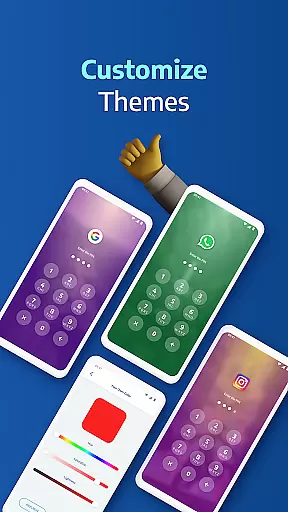
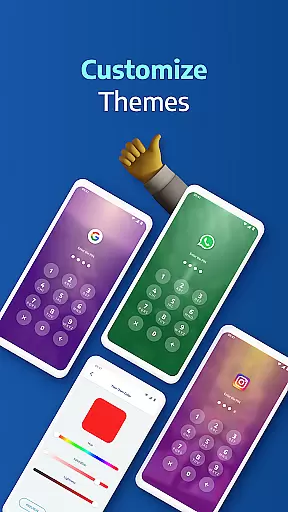
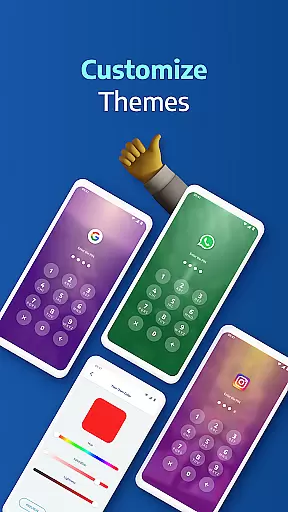
Other notable features include a customizable lock timer, spy alarm for multiple failed attempts, and custom themes that allow users to personalize their experience. With smart settings optimized for battery and RAM usage, AppLock Pro delivers top-notch performance without compromising device efficiency.
Applock Pro excels in core task management by providing users with a comprehensive suite of security features designed to protect personal data. The app allows you to lock any application on your device, from social media apps to system settings, ensuring that only authorized individuals can access sensitive information.
With multiple lock types available, including PIN, pattern, fingerprint (if supported by the device), and KnockCode, users have the flexibility to choose the level of security that best suits their needs. This versatility not only enhances user experience but also strengthens overall device security.
The inclusion of smart settings such as vibration feedback, new app alerts, and the ability to lock recent apps further demonstrates Applock Pro's commitment to efficient task management. These features work together seamlessly to provide an optimized environment for both battery and RAM usage, making it an ideal choice for productivity-focused users.
Cross-device synchronization is a critical feature for users who rely on multiple devices throughout their day. Applock Pro addresses this need by offering reliable synchronization options that ensure your security settings are consistently applied across all your devices.
One standout feature is the auto-disable function during certain hours, which can be scheduled according to your daily routine. This ensures that your workflow remains uninterrupted while still maintaining high levels of security when needed most.
Additionally, Applock Pro provides peace of mind through its spy camera protection and fake error message features. These innovative tools not only enhance security but also offer a layer of deception against potential intruders. By taking a secret photo when someone enters the wrong password and displaying a fake error screen, the app effectively deters unauthorized access attempts.
Highly secure
User-friendly interface
Customizable lock options
Advanced privacy features
Lightweight and efficient
Premium version required
Permissions needed
Limited free features
Occasional bugs
Device compatibility issues

A simple, portable logger for POTA, SOTA, Field Day, and more
 4.4
4.4
Absolutely the best CNC machinist speed and feed calculator around. fswizard.com
4.60
App lock - lock apps with fingerprint, password, pin or pattern, protect privacy
4.70
All in One PDF Reader: Manage, Read and Edit your Documents
4.20
Translate text/voice/photos in 150+ languages. Offline & fast translator app.
4.50
* block pre-roll ads, pop-up and forced redirect ads * Samsung certification app
4.00
A comprehensive suite of tools designed specifically for Lactation Consultants
4.2
AI Chatbot and AI writing assistant powered by ChatGPT.
4.60
Note taking, handwriting, record audio, PDF annotation, planner & journal
4.20
Native client for Forgejo and Gitea
5.00
PDF scanner & converter for files, photos, lottery, QR codes. One swipe away!
4.50
CalenGoo is a very flexible and feature-rich calendar app
4.40 4.20
4.20
A customizable calendar for your Wear OS watch
4.20
Todo reminder
4.10
Unlock AutoNotification
4.00
The ultimate file manager for rooted devices. The original and still the best.
4.00
A Revolutionary All-in-One Artificial Intelligence Tools
3.80
IP Camera Viewer - Android TV : RTSP Surveillance camera viewer for Android TV
4.0


User Reviews