
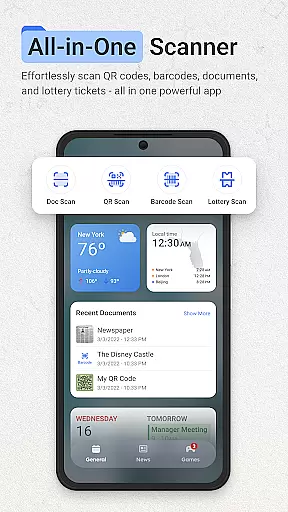
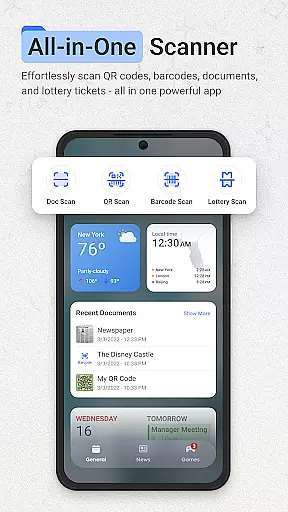
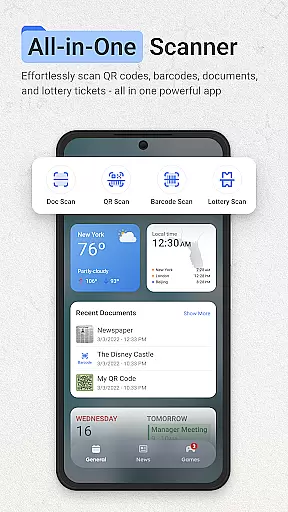
ScanNow Home revolutionizes productivity by integrating advanced scanning tools directly into your home screen experience. This innovative launcher combines essential document, barcode, and lottery ticket scanning with a clean, customizable interface. Users can instantly access powerful scanning features while enjoying the benefits of a modern Android launcher.
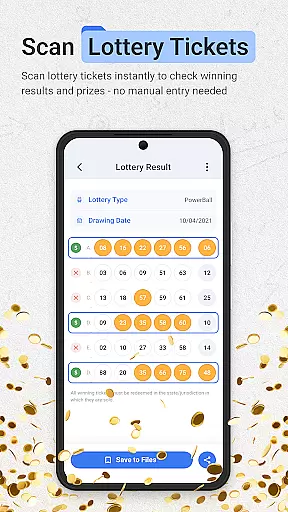
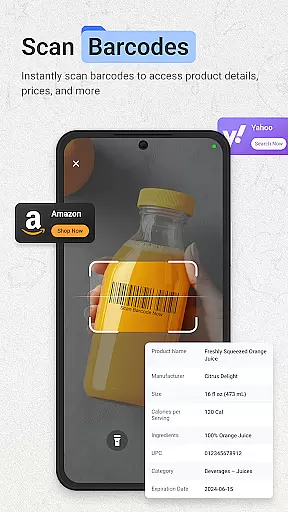
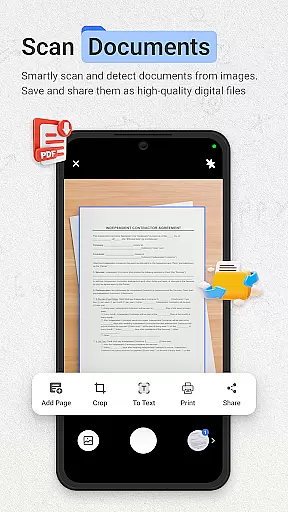
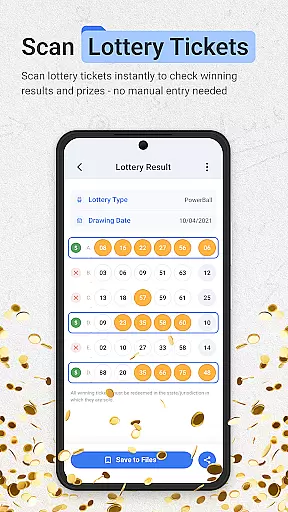
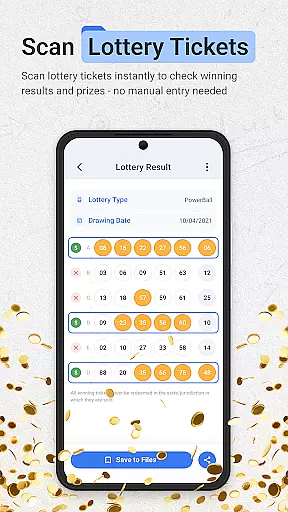
The application's standout feature is its seamless integration of multiple scanning tools. The document scanner offers professional-grade capabilities including auto-edge detection, perspective correction, and multi-page support. Its barcode and QR code scanner provides instant results with price comparison functionality. Additionally, the unique lottery ticket validator helps users check results and track their playing history.
Ideal for professionals and everyday users alike, ScanNow Home transforms how you interact with your mobile device. Whether you're digitizing important documents, comparing product prices, or checking lottery results, this app streamlines these essential tasks while maintaining a user-friendly home screen experience.
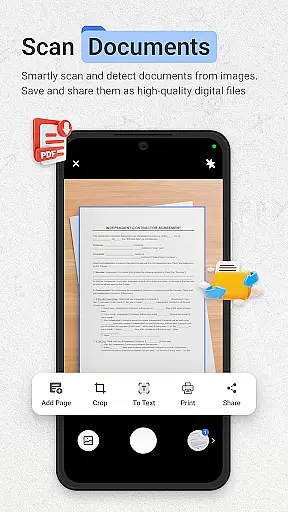
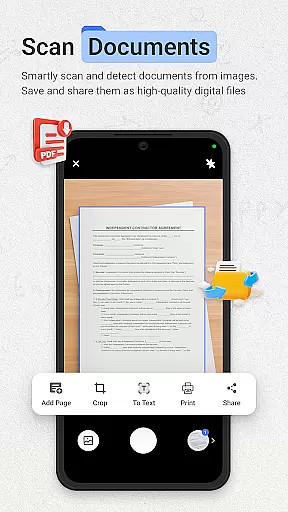
ScanNow Home distinguishes itself through its comprehensive feature set that combines productivity tools with launcher functionality. The document scanner implements advanced image processing algorithms for auto-edge detection and perspective correction, ensuring professional-quality scans every time. Its batch scanning capability supports multi-page documents, while image enhancement tools deliver crystal-clear results.
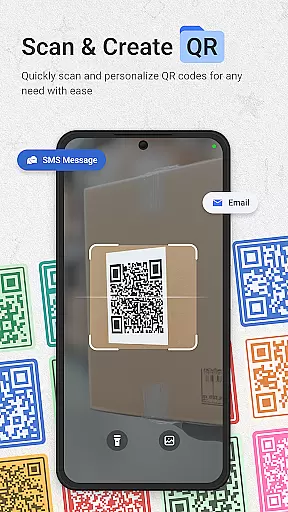
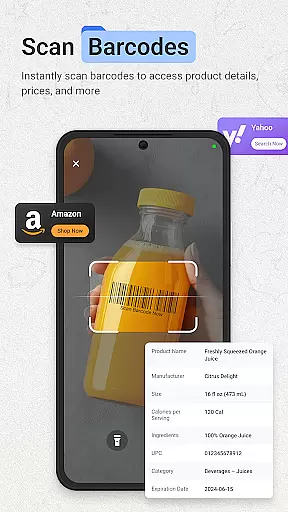
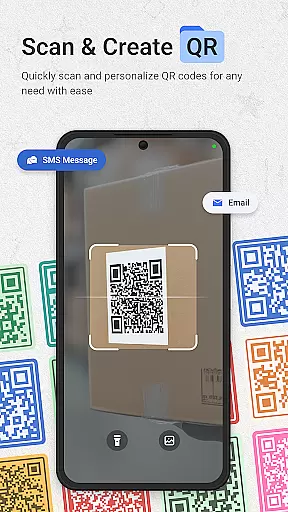
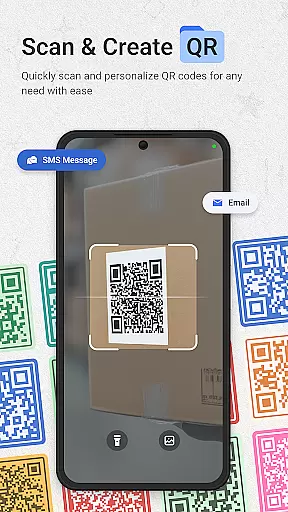
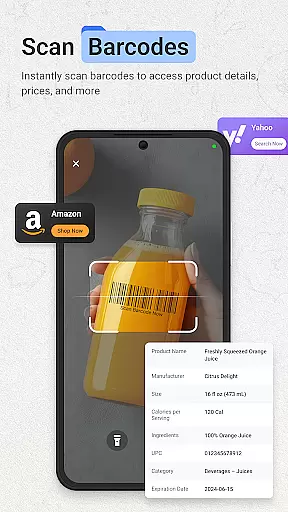
The integrated barcode and QR scanner demonstrates exceptional performance with support for all major formats. Its intelligent system provides price comparisons for product barcodes and enables direct URL browsing from QR codes. The scan history feature maintains detailed records with search functionality, while sharing options allow quick distribution to contacts.
Unique among productivity apps, ScanNow Home includes a dedicated lottery ticket validator. This feature supports major games and scratch cards, offering automatic result checking against latest drawings. The app's launcher components provide smart app categorization, adaptive icon support, and dark mode compatibility. These features work together to create a unified productivity solution that enhances both work and personal tasks.
ScanNow Home revolutionizes productivity by integrating essential scanning tools directly into your home screen experience, making task management seamless and efficient. The app provides instant access to powerful document, barcode, and lottery ticket scanning features, allowing users to digitize important information quickly.
The document scanner offers auto-edge detection, perspective correction, and advanced image enhancement, ensuring crystal-clear results for all scanned materials. With support for batch scanning and multi-page exports to PDF, JPG, or searchable text, users can efficiently manage large volumes of documents without hassle.
In addition to document management, the app's barcode and QR code scanner enables lightning-fast scanning of various formats. Users can compare prices, browse URLs, and maintain a comprehensive scan history with search functionality. This feature significantly enhances shopping and research efficiency, streamlining daily tasks.
One of ScanNow Home's standout features is its reliable cross-device synchronization, ensuring that all scanned documents, barcodes, and lottery tickets are consistently updated across multiple devices. This functionality is crucial for users who rely on different gadgets throughout their day, providing peace of mind that their data is always current and accessible.
The app supports adaptive icon designs and dark mode, offering a visually cohesive experience across devices. Its smart app categorization and clean material design interface further enhance usability, making navigation intuitive and efficient regardless of the device being used.
Moreover, ScanNow Home incorporates Yahoo Search, which optimizes the homescreen search experience. By setting the applicationu2019s search functionality to Yahoo, users benefit from enhanced search capabilities that complement the app's robust synchronization features. This integration ensures that users have a reliable and unified experience, whether they're at home or on the go.
Instant access to scanning tools
Professional-grade document processing
Comprehensive barcode support
Unique lottery validation
Clean launcher interface
Some features require in-app purchases
Specific to Android platform
Requires camera permissions
Storage access needed
Learning curve for new users

All in One PDF Reader: Manage, Read and Edit your Documents
 4.20
4.20
Code on-the-go with VScode for Android. Edit,debug and collaborate from mobile!!
3.10
Access, manage and transfer files on Android, PC, Mac, NAS and cloud storages.
4.30
A beautiful digital clock with autostart and many other functions
4.70
Quickly and easily keep track of your work shifts
4.70
Ultimate Virtual AI Character for immersive Roleplay Chat. Perfect Companion
3.90
Intelligent AI Assistant
4.10
Put a lock on your cloud: Take the security of your data into your own hands
3.70
QuickEdit is a fast, stable and full featured text and code editor.
4.20
Multilingual translator for text, voice, and image translation!
4.90
aCalendar+ makes your day, week and month
4.70
App Lock with fingerprint, password: Lock apps & hide photos with lock screens
4.60
Functional QR scanner and barcode reader that requires little storage space.
4.60
The AI assistant that thinks with you - write, code, and solve complex tasks
4.60
A lightweight JSON & XML files creator, editor and viewer (Premium Version)
4.40
This small app MUST BE INSTALLED after purchase, else license won't work
4.40
Enjoy classic gameplay with customizable features and retro-style graphics.
4.30
Total remote control for your Android device, PC and cloud services (IFTTT)!
4.20
Experience and share your SolidWorks designs on your Android® phone and tablet.
2.50


User Reviews