
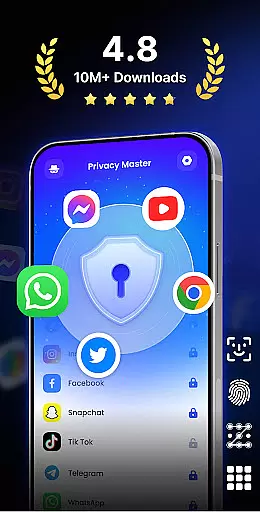
App Lock - Fingerprint Lock is a powerful productivity tool designed to secure your digital world. This app allows users to lock apps, hide photos, videos, and chats using password, pattern, or fingerprint authentication. Trusted by over 50 million users, it offers advanced privacy protection features such as intruder selfies, icon disguise, and custom lock themes.
The application is particularly useful for individuals who need an extra layer of security on their mobile devices. With its comprehensive suite of locking mechanisms, App Lock ensures that sensitive information remains private. Whether you want to protect financial apps, social media accounts, or personal media files, this app provides peace of mind by keeping your data safe from unauthorized access.
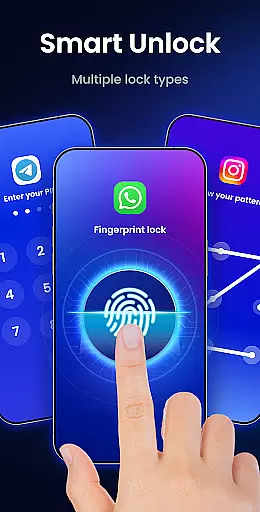
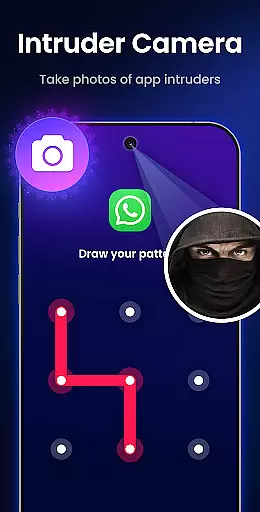
One of the standout features of App Lock - Fingerprint Lock is its versatility in locking mechanisms. Users can choose from multiple lock types including PIN, pattern, or fingerprint to secure their apps. The Intruder Camera feature takes a photo of anyone who enters the wrong password, adding an extra layer of security.
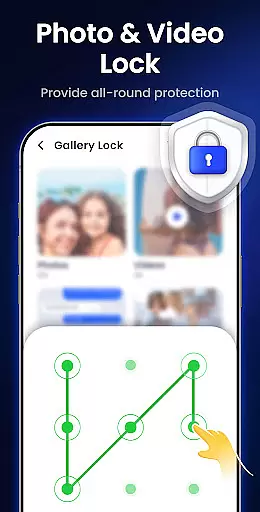
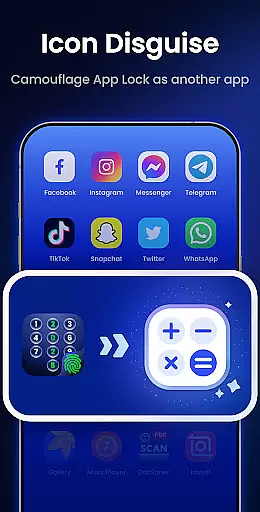
Additionally, the app offers practical features like Hide Notifications, which blocks sensitive notifications from appearing on the screen, and Auto Re-Lock, which allows users to set custom lock timers. Other notable features include Remove Junk Files to free up space, Hide Private Files to keep personal media safe, and Icon Disguise to mask the app behind innocuous icons like Calculator or Weather.
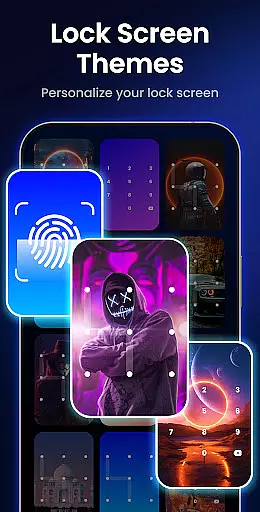
With Custom Themes, users can personalize their lock screens with stylish designs or personal photos. App Lock also includes additional functionalities such as making pattern lines invisible, single-tap app locking, uninstall protection, random keyboard, private web browser, and more, ensuring a robust and user-friendly experience.
App Lock - Fingerprint Lock offers robust core task management features that ensure users can efficiently secure their digital environment. The app allows you to lock all your essential applications such as WhatsApp, Messenger, and Facebook with a password, pattern, or fingerprint. This comprehensive locking system is crucial for maintaining privacy and protecting sensitive information from unauthorized access.
The application goes beyond basic locking by providing smart features like intruder selfies, which capture photos of anyone attempting unauthorized access. Additionally, it supports auto re-lock timers, allowing users to set specific intervals after which apps will automatically lock. These functionalities empower users to customize their security preferences while ensuring their private chats and data remain protected at all times.
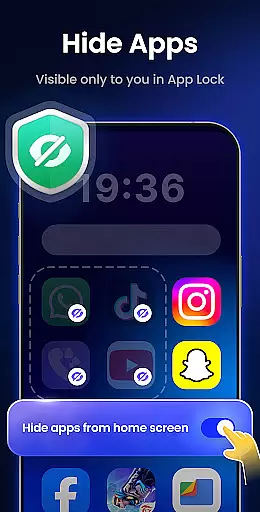
With over 50 million users trusting this app for powerful privacy protection, App Lock - Fingerprint Lock stands out in its category. It not only locks apps but also hides notifications and private files, making sure that no sensitive content is visible without proper authentication. Such extensive control over personal data significantly enhances user confidence in managing their digital footprint securely.
Cross-device synchronization reliability is a vital feature of App Lock - Fingerprint Lock, ensuring seamless security across multiple devices. By using cloud backup capabilities (coming soon), the app guarantees that your settings and locked apps are consistently synchronized, providing uninterrupted protection regardless of the device you use.
This reliable synchronization means that whether you switch between your phone and tablet or share certain secured apps with trusted family members, your configurations remain intact. Features like icon disguise add another layer of security by masking the app behind innocuous icons such as Calculator or Weather, further safeguarding your private content on any device.
Moreover, App Lock's ability to clean junk files and optimize storage contributes to smoother performance across devices. By removing unnecessary cache, ad junk, and large media files, the app ensures your devices run efficiently while maintaining top-notch security standards. This dual focus on both productivity and protection makes App Lock an indispensable tool for modern digital life.
Advanced privacy protection
User-friendly interface
Multiple lock options
Intruder detection system
Customizable themes
Requires many permissions
May slow down device
Some features are paid
Occasional bugs reported
Interface can be complex

Client for Nextcloud Deck
 4.60
4.60
Unlock AutoNotification
4.00
Smart PDF reader & editor to view, organize and manage PDF documents easily.
3.70
A simple, portable logger for POTA, SOTA, Field Day, and more
4.0
Stay on top of your to-dos with Google Tasks, part of Google Workspace.
4.60
Code on-the-go with VScode for Android. Edit,debug and collaborate from mobile!!
3.10
Access your phone's notifications, calls, apps, photos & texts on your PC
3.90
Understand anything with a personalized AI research assistant
4.80
AT&T Internet customers can use this app to personalize their Wi-Fi network.
4.40
Protect and view your important info on your phone and tablet with eWallet®
4.80
A simple Whisper AI keyboard for reliable speech transcription and rewording
4.60
Lightweight PDF, Word, Excel reader.
4.60
Docker, Kubernetes management over Portainer Mobile
4.40
Enjoy classic gameplay with customizable features and retro-style graphics.
4.30
Wake up & get tasks done! Add alarms & reminders on the Clock Launcher.
4.00
Secure, open-source, SPICE and SSH Remote Desktop for QEMU KVM virtual machines
4.00
Mega cloud explorer plugin for Solid Explorer
3.80
AI Video AI Image Private LLM AI Browser Llama Gemma Ollama Connect LLM Studio
4.2
Create study competitions, track your hours, and stay consistent with friends
4.2


User Reviews