
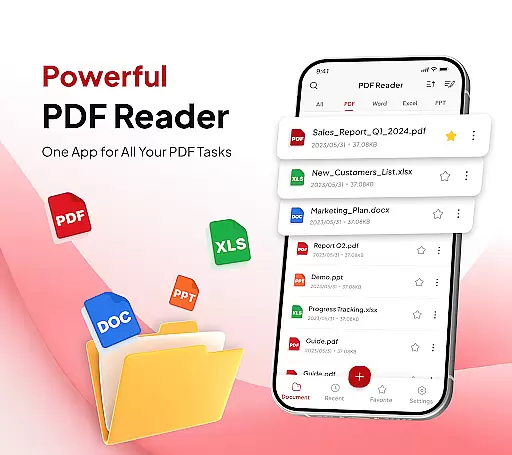
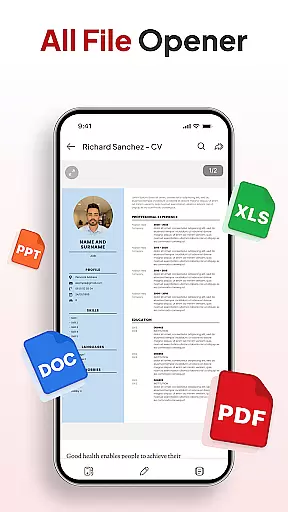
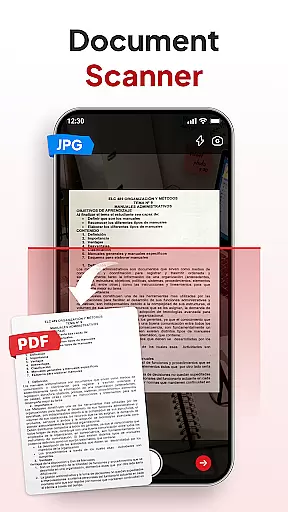
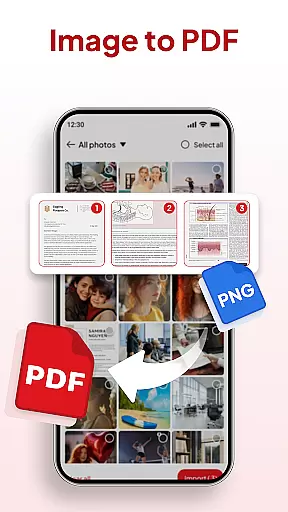
PDF Reader - Document Editor is a comprehensive productivity tool designed to streamline your document management tasks. This app allows users to read, edit, organize, and convert PDF files with ease, making it an essential utility for students, professionals, and anyone who regularly handles digital documents. With its intuitive interface, the app supports multiple file formats including PDFs, XLS, DOCX, and PPT, ensuring compatibility across various document types.
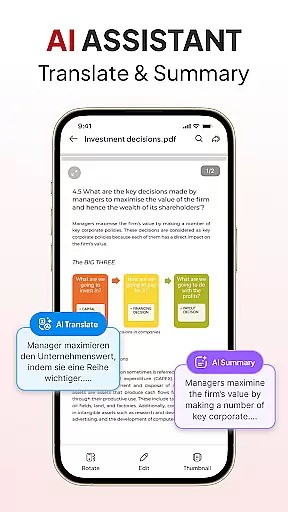
One of the standout features is its powerful conversion capabilities. Users can scan physical documents and transform them into high-quality PDFs or convert images into well-formatted documents. The app also includes smart tools like AI assistance for summarizing or translating content, adding signatures, and organizing files efficiently. Whether you're managing coursework, preparing business reports, or archiving personal files, PDF Reader - Document Editor provides a seamless experience that enhances productivity.
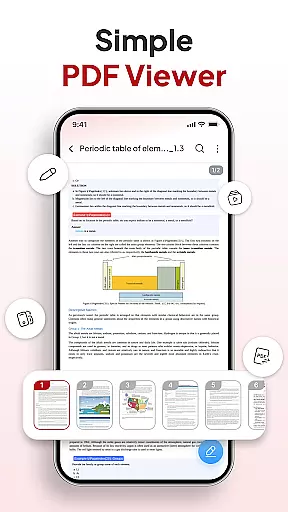
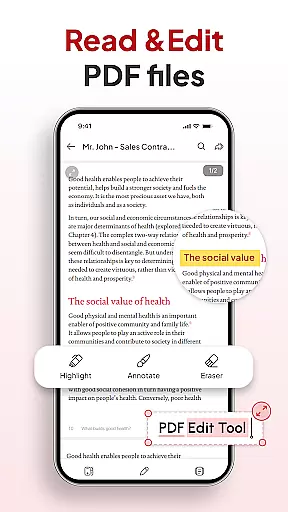
PDF Reader - Document Editor offers an extensive set of features tailored to meet diverse document handling needs. At its core, the app provides smooth PDF reading with advanced navigation options such as zooming and text highlighting, ensuring a pleasant reading experience even with large files. Its support for multiple file formats makes it versatile for different use cases, from academic research to professional presentations.
The app's conversion tools are particularly noteworthy. The built-in document scanner captures clear images of notes, receipts, or contracts and converts them into PDF format instantly. Additionally, the image-to-PDF feature allows users to turn photos or screenshots into professional-looking documents within seconds. Other productivity-enhancing features include file organization with folders and favorites, quick search functionality, signature management, and instant sharing via popular apps. These robust capabilities make document handling not only efficient but also enjoyable.
In the realm of productivity, effective task management is paramount. PDF Reader u2013 Document Editor excels in this area by offering a comprehensive suite of tools designed to streamline your document handling tasks.
The app's functionality spans across reading, editing, organizing, and converting PDFs, making it an indispensable tool for students, professionals, and everyday users. With features like smooth PDF reading, smart PDF conversion, and file organization, it ensures that every task related to document management is executed with precision and ease.
Users benefit from the ability to open, view, and scroll through PDFs effortlessly, regardless of file size. The inclusion of a document scanner and image-to-PDF converter adds another layer of utility, allowing for the quick transformation of physical documents into digital format.
Ultimately, the app enhances productivity by decluttering storage with folder management, enabling quick searches, and facilitating instant sharing. These capabilities ensure that users can manage their tasks efficiently, making PDF Reader u2013 Document Editor a vital component of any productive workflow.
Cross-device synchronization is crucial for maintaining workflow continuity in todayu2019s mobile-centric world. PDF Reader u2013 Document Editor addresses this need by providing reliable synchronization across multiple devices, ensuring that your documents are always up-to-date and accessible wherever you go.
This app supports real-time updates, which means any changes made on one device are immediately reflected on all others linked to your account. Whether you're switching from your phone to a tablet or desktop, you can pick up right where you left off without missing a beat.
Moreover, the app's compatibility with various file typesu2014including XLS, DOCX, and PPTu2014ensures that no matter what document type youu2019re working with, it will be synchronized accurately and efficiently. This versatility makes it an ideal choice for individuals who rely on different devices throughout their day.
By prioritizing synchronization reliability, PDF Reader u2013 Document Editor not only keeps your files organized but also enhances collaboration opportunities. Share documents confidently knowing that everyone has access to the most current version, thus fostering seamless teamwork and communication.
User-friendly interface
Multi-format support
Powerful conversion tools
Efficient file management
AI-powered assistance
Limited free features
Occasional lag
Ads in free version
Premium subscription cost
Complex settings

A customizable calendar for your Wear OS watch
 4.20
4.20
Unlock AutoNotification
4.00
App lock - lock apps with fingerprint, password, pin or pattern, protect privacy
4.70
All document reader, all in one file viewer read PDF, DOCX, XLS, PPT, TXT files.
4.60
Access, manage and transfer files on Android, PC, Mac, NAS and cloud storages.
4.30
Great calculator for Android named one of USA TODAY's "25 Essential Apps".
4.90
Best Tool for the professionals Electrician, Electrical contractors, etc.
4.90
A beautiful digital clock with autostart and many other functions
4.70
Okta MFA
4.70
Multilingual translator for text, voice, and image translation!
4.90
Android Wallet Password Manager
4.80
Simple notepad & memo. Take notes, to-do list, shopping list with reminders.
4.80
Planet Free VPN - The best Fast Unlimited and Secure VPN Without Logs
4.50
Experience Reading - Night Mode for Documents
4.40
A lightweight JSON & XML files creator, editor and viewer (Premium Version)
4.40
A Pixel Art watchface inspired by other iconic 90s designs for Wear OS devices!
4.40
Enjoy classic gameplay with customizable features and retro-style graphics.
4.30
Create study competitions, track your hours, and stay consistent with friends
4.5
A simple, portable logger for POTA, SOTA, Field Day, and more
4.3


User Reviews