
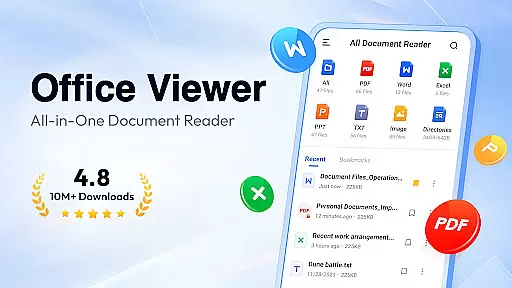
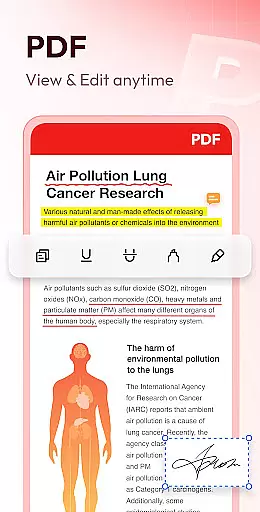
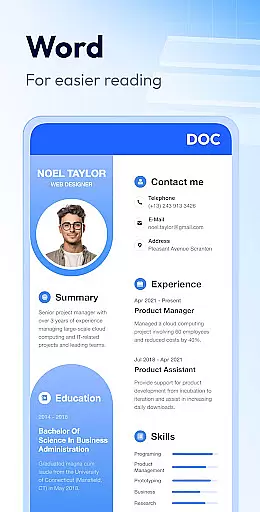
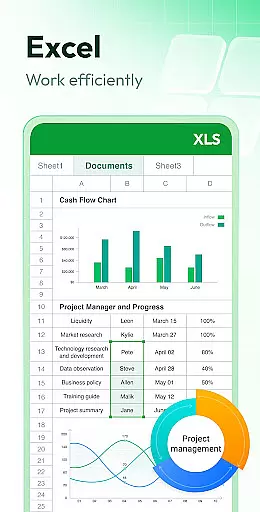
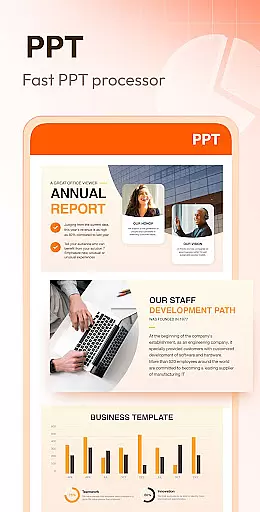
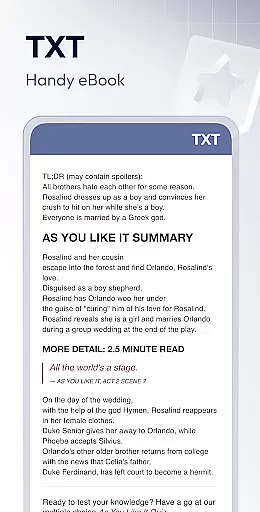
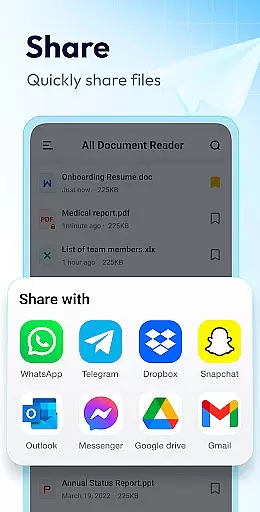
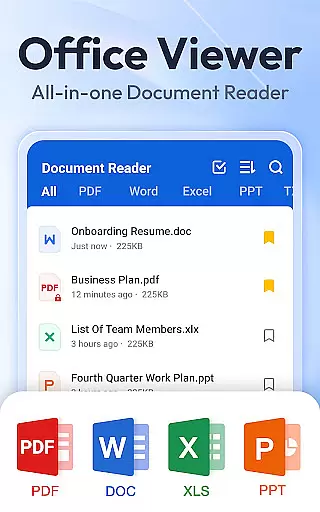
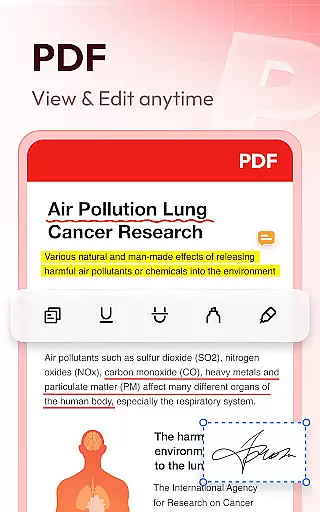
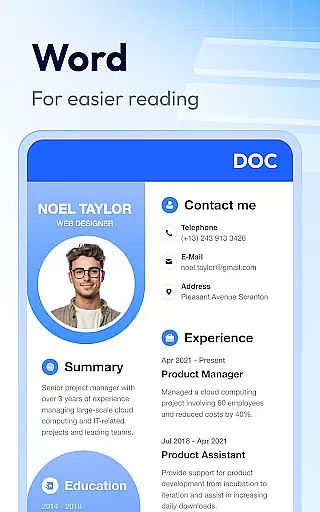
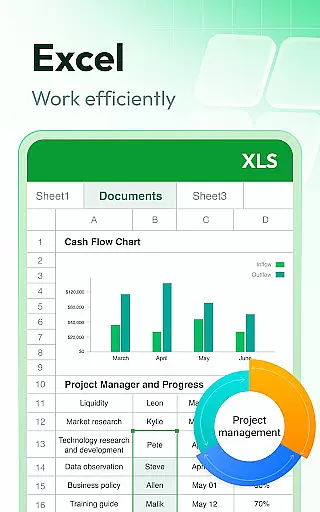
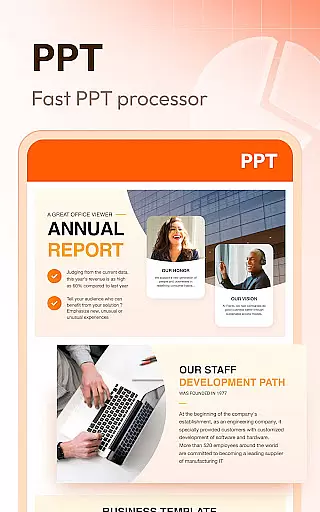
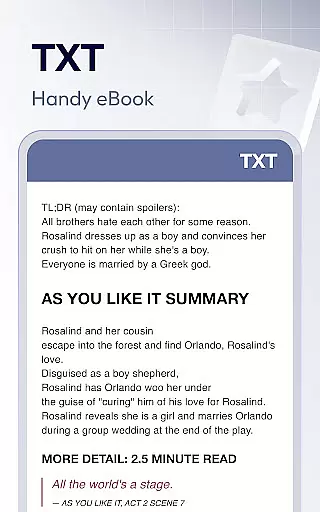
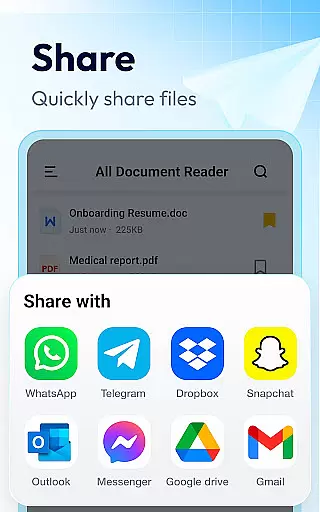
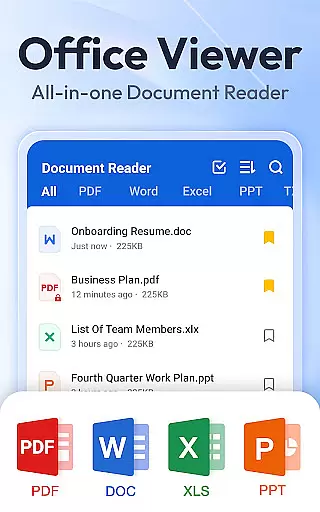
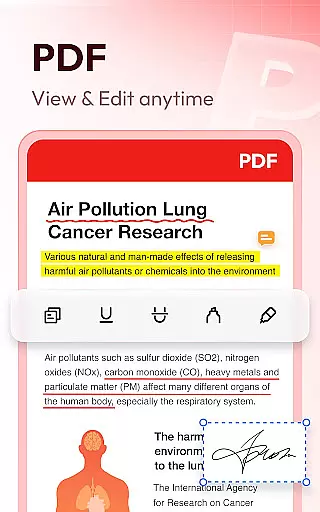
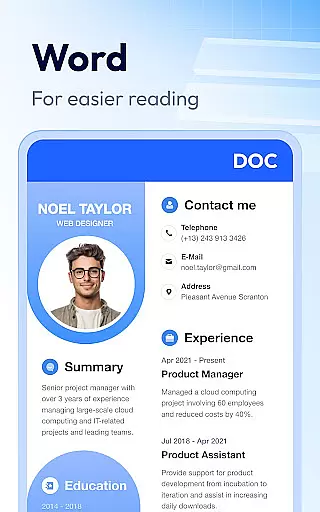
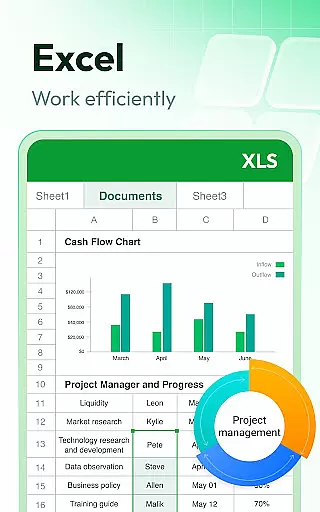
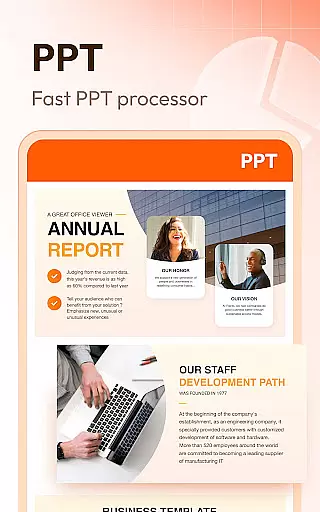
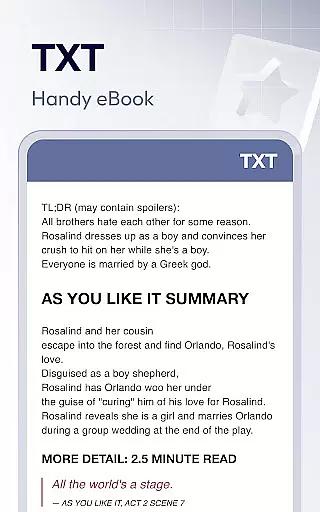
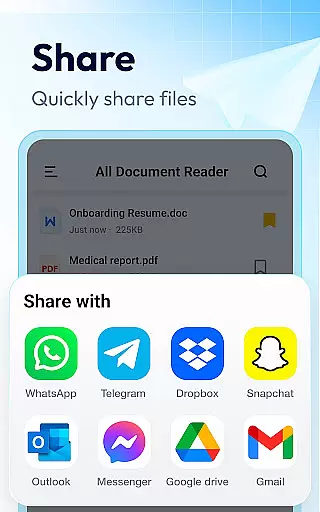
Document Reader & PDF Editor is a comprehensive productivity tool designed for efficient document management across various formats. This versatile application supports PDF, Word, Excel, PowerPoint, and TXT files, providing users with a unified solution for all their document handling needs. The app's intuitive interface organizes files in well-structured folders, enabling quick search and easy access.
What sets Document Reader apart is its ability to function as multiple viewers in one package. Users can zoom and navigate PDFs, read Word documents, analyze Excel sheets, and present PowerPoint slides with equal ease. The application works seamlessly offline and includes essential features like bookmarking, format compatibility, and customizable viewing options. These capabilities make it particularly valuable for professionals who need to manage documents on-the-go without internet dependency.
The application boasts an impressive array of features that enhance document management efficiency. Its core functionality includes support for numerous file formats such as PDF, DOCX, XLSX, and PPTX, alongside image formats like PNG and JPG. The PDF reader component offers advanced navigation tools, allowing users to zoom, jump to specific pages, and switch between landscape and portrait modes effortlessly.
Additional features include robust file organization capabilities, where users can sort documents by various parameters including file path, size, and modification date. The application maintains high performance standards with fast loading times and stable document rendering. Its lightweight design ensures smooth operation without compromising device resources. Furthermore, the upcoming features like image-to-PDF conversion and enhanced editing capabilities promise to extend its functionality even further, making it a complete document management solution.
Document Reader & PDF Editor excels in core task management by offering a comprehensive suite of tools for handling various document formats. This productivity app supports an extensive range of file types including PDF, DOC, DOCX, XLS, XLXS, PPT, TXT, PNG, JPG, and RTF, ensuring that users can manage all their office files in one place.
The app's interface is designed to provide simple and clear file lists, making it easy to search and manage documents efficiently. With features like bookmarking for quick access and the ability to sort documents by file path, size, name, or last edit date, Document Reader streamlines the way users interact with their files.
Moreover, its offline functionality allows users to read documents without an internet connection, which is particularly beneficial for those who need to access their files on-the-go. The app also promises more features such as image to PDF conversion, editing capabilities, and night mode, further enhancing its task management offerings.
Cross-device synchronization is a pivotal feature for any productivity tool, and Document Reader & PDF Editor ensures reliable performance in this aspect. By allowing users to access their documents from any location, the app facilitates a seamless workflow across multiple devices.
While the current version of Document Reader focuses on providing a robust reading and management experience for PDFs, Word, Excel, and PPT files, it lays the groundwork for synchronized content. Users can expect consistent updates and potential enhancements that will enable them to transition smoothly between devices without losing track of their work.
Although specific cross-device sync features are still on the roadmap, the app's existing compatibility with various document formats and its user-friendly design suggest that future updates will maintain high standards of synchronization reliability. This positions Document Reader as a promising solution for professionals seeking efficient document handling across their digital ecosystem.
User-friendly interface
Multi-format support
Offline functionality
Efficient file management
Regular updates
Limited editing tools
Advanced features locked
Occasional bugs
Storage permission needed
Ads in free version

The long-awaited modern gallery app for your Nextcloud server
 4.70
4.70
Native client for Forgejo and Gitea
5.00
Device's storage information in a simple and clear graphical form (infographics)
4.10
Todo reminder
4.10
Simple and reliable communication between inmates, friends and family
3.20
Subscribe to Webcal & .ics calendars and keep them up-to-date!
4.50
Experience and share your SolidWorks designs on your Android® phone and tablet.
2.50
Scan paperwork into PDF/JPG, generate your own e-signature and send fax or email
4.70
Daily processing of PDF documents.
4.40
Scientific calculator for Android - looks and operates like the real thing!
4.90
aCalendar+ makes your day, week and month
4.70
A beautiful digital clock with autostart and many other functions
4.70
Functional QR scanner and barcode reader that requires little storage space.
4.60
Translate text/voice/photos in 150+ languages. Offline & fast translator app.
4.50
Secure your apps with lock screens, use custom themes and different features.
4.40
All in One PDF Reader: Manage, Read and Edit your Documents
4.20
Font maker keyboard with your own handwriting
4.10
Code on-the-go with VScode for Android. Edit,debug and collaborate from mobile!!
3.10
Ads Free App! Editor, Hide File, Copy, Move, Delete and Rename.. all facility av
1.70


User Reviews