
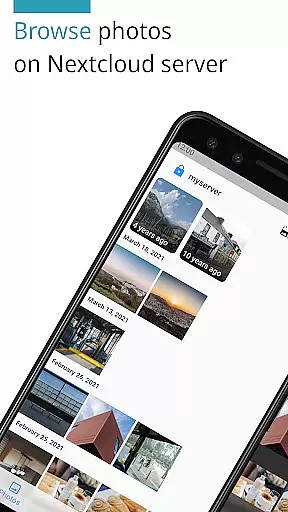
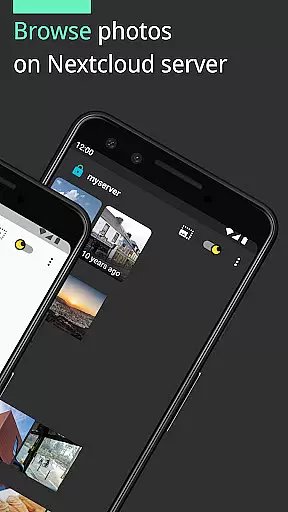
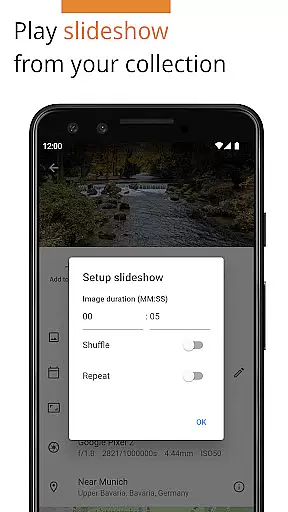

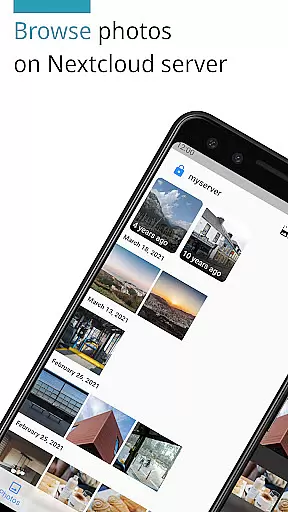
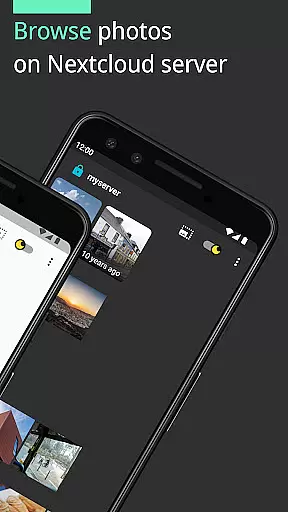
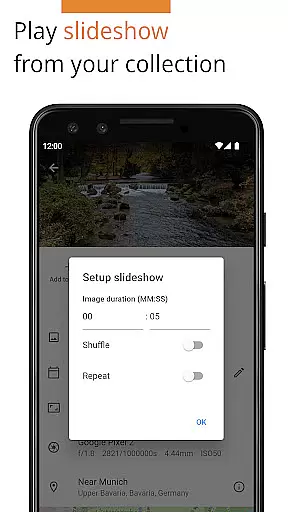
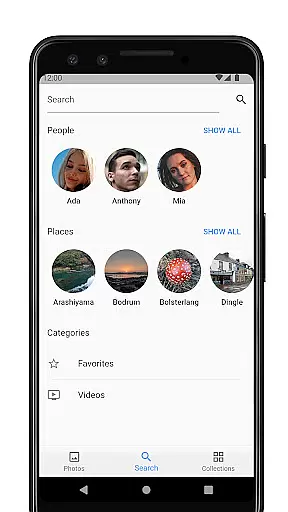
Photos for Nextcloud is a powerful productivity app designed to enhance photo management on the Nextcloud platform. This app offers advanced features such as JPEG XL support, client-side EXIF extraction, and reverse geocoding, making it easier to organize and manage your photos efficiently.
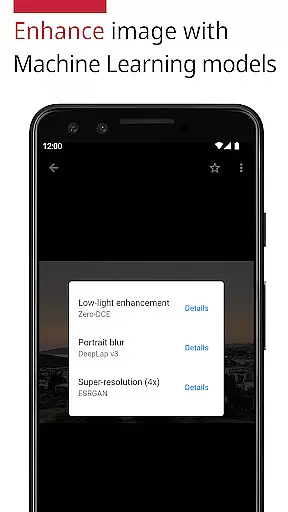
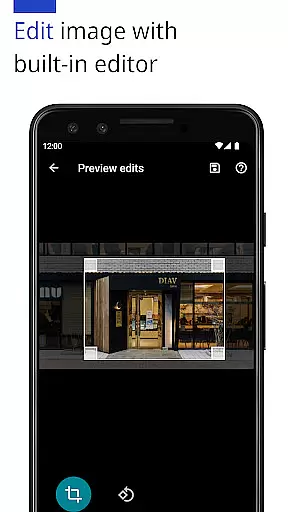
In addition to supporting multiple image and video formats, Photos for Nextcloud allows users to edit photos with a built-in editor and enhance them using machine learning models. The ability to sign in to multiple servers and create shared albums experimentally adds another layer of flexibility for collaborative projects.
This app is ideal for individuals and teams looking to streamline their photo management process while maintaining control over their data within the Nextcloud ecosystem.
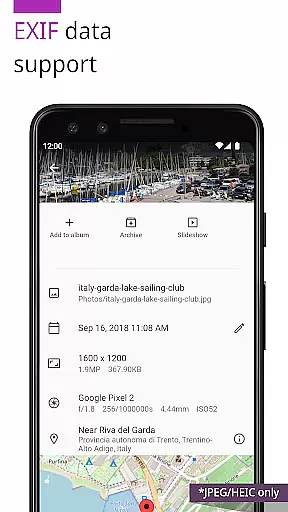
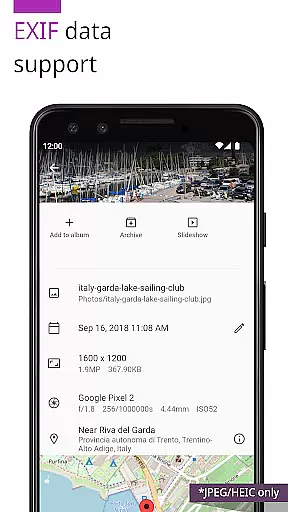
One of the standout features of Photos for Nextcloud is its extensive format support, including JPEG, PNG, WebP, HEIC, GIF, JPEG XL, MP4, and WebM. This ensures that users can manage nearly all types of media files from one place. Additionally, the app supports client-side EXIF extraction, which is particularly useful for formats not supported by the server.
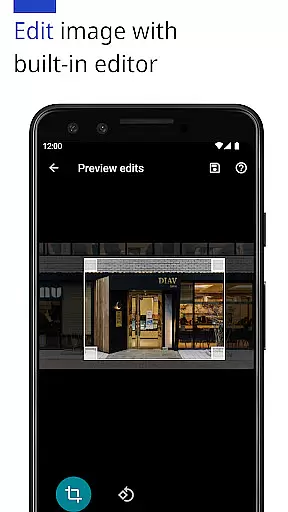
The app also integrates machine learning models to enhance photos automatically, providing users with tools to improve image quality effortlessly. With a built-in photo editor, users can make necessary adjustments without needing to switch between multiple applications.
Another innovative feature is the experimental ability to create shared albums with other users on the same server, promoting collaboration and easy sharing of visual content. Moreover, being open-source, the app invites community contributions, ensuring continuous improvement and adaptation to user needs.
In the realm of productivity, effective task management is paramount. Photos (for Nextcloud) excels in organizing and managing your digital assets efficiently. The app supports a wide array of formats including JPEG, PNG, WebP, HEIC, GIF, JPEG XL, MP4, and WebM, ensuring that all your photos and videos are accessible and well-organized.
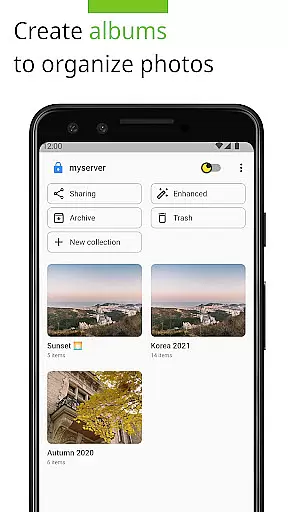
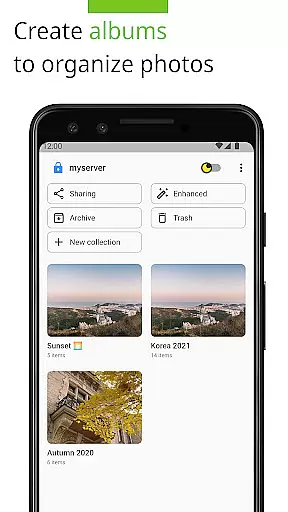
One standout feature is the ability to create flexible albums, allowing users to categorize their media with ease. Additionally, the app offers client-side EXIF extraction, which means even formats not supported by the server can have their metadata read and utilized for better organization. This ensures that every photo or video is stored with its relevant information intact, making searches and filters more meaningful.
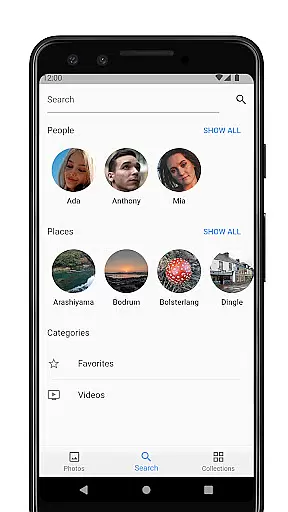
Moreover, Photos (for Nextcloud) integrates seamlessly with the Nextcloud Face Recognition app, enhancing your library's organization through smart tagging and grouping of images based on facial recognition technology. With these capabilities, users can effortlessly manage large collections of media, streamlining workflows and boosting productivity.
Cross-device synchronization is crucial for maintaining productivity across multiple platforms. Photos (for Nextcloud) ensures reliable and consistent syncing of your media library, no matter where you are or what device you're using. By leveraging Nextcloudu2019s robust infrastructure, this app guarantees that every change, addition, or edit made on one device is promptly reflected across all others.
The app also supports signing into multiple servers, providing flexibility and redundancy in how your data is managed and accessed. Whether you're at home, in the office, or on the go, your photos and videos remain up-to-date and accessible. This level of synchronization reliability empowers users to collaborate and share without worrying about version control issues or data loss.
Furthermore, Photos (for Nextcloud) includes advanced features like reverse geocoding and machine learning enhancements, which enrich your media library with location data and improved image quality. These features, combined with dependable cross-device syncing, ensure that your digital assets are always optimized and available, wherever you need them.
User-friendly interface
Extensive format support
Advanced photo editing tools
Machine learning enhancements
Open-source flexibility
Limited server compatibility
Experimental shared albums
Paid version available
No offline mode
Device codec variability

Automates browsing any website and notifies you of important changes or events
 4.30
4.30
The upgraded version of Name Wheel with AI and the power to add your own wheels.
4.5
IP Camera Viewer - Android TV : RTSP Surveillance camera viewer for Android TV
4.2
PDF scanner & converter for files, photos, lottery, QR codes. One swipe away!
4.50
Activate Two Factor Authentication (2FA or Multi OTP), Password manager and more
4.10
Translate text/voice/photos in 150+ languages. Offline & fast translator app.
4.50
Calendar 2023 widget for Android. Appointment scheduler, planner, and reminder
4.60
Intelligent AI Assistant
4.10
Browse and view your photos and videos from the phone with photo & video hide.
4.10
8 custom complications. Custom Time Fonts. Beautiful color schemes. A++ Design.
5.00
Fill, sign & send docs, forms, agreements & contracts via electronic signature.
4.50
Share files & memories safely. Keep your photos and videos secure.
4.40
When you Focus, so will your Bean in this cozy focus timer
4.30
Enjoy classic gameplay with customizable features and retro-style graphics.
4.30
Access, manage and transfer files on Android, PC, Mac, NAS and cloud storages.
4.30 4.20
4.20
Professional calendar app for Google Calendar, MS Outlook & Exchange
4.20
Experience real multitasking on your Android!
4.00
Remotely view listen control and record cameras.
3.70


User Reviews