
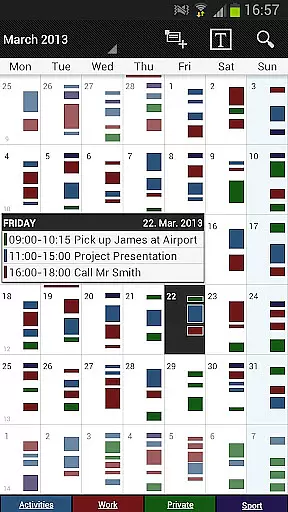
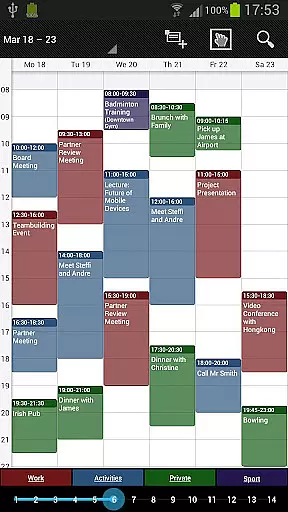
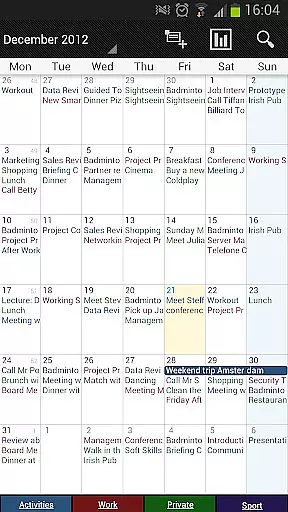
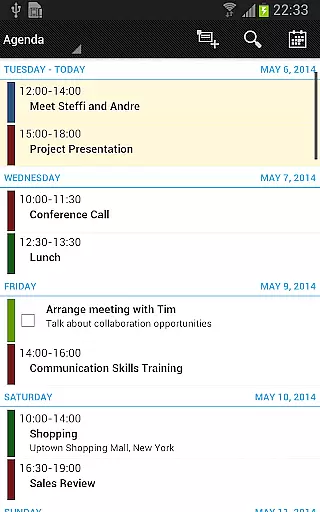
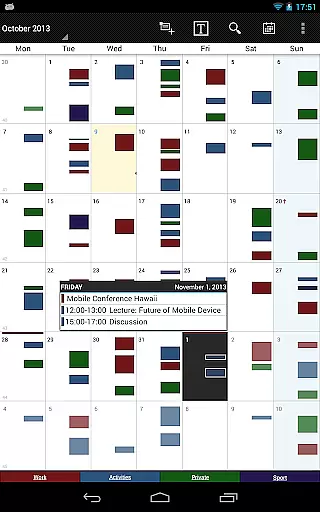
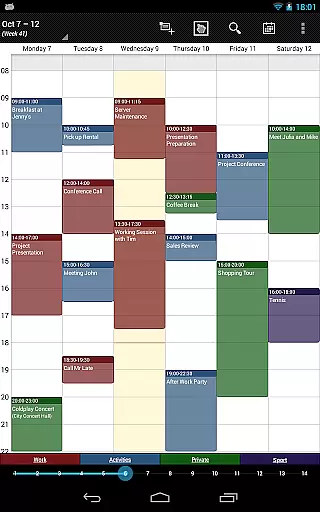
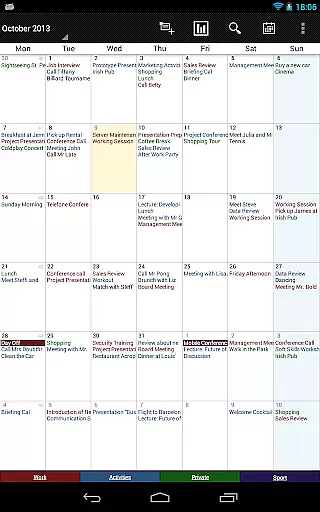
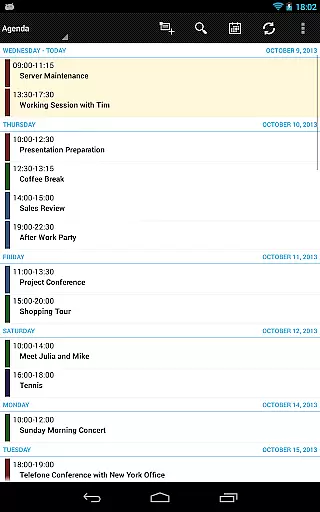
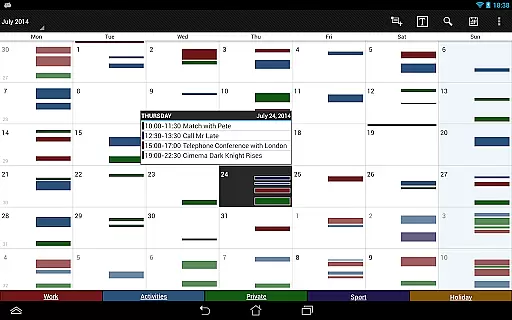
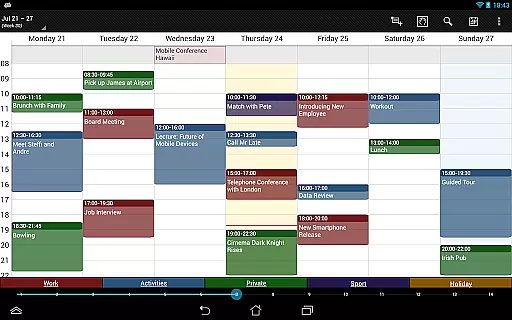
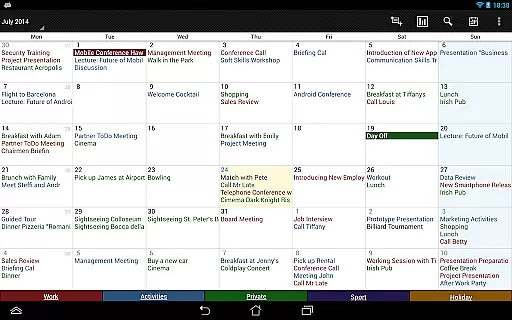

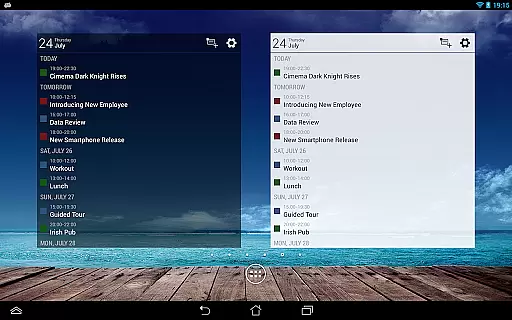
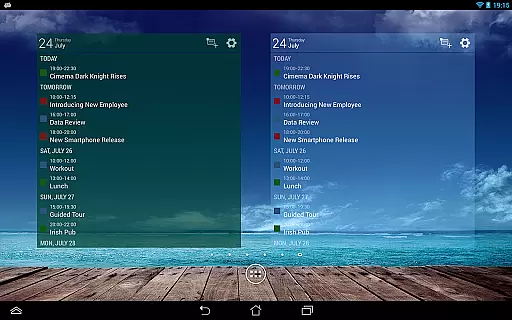
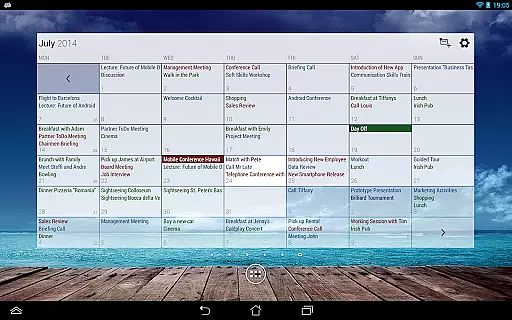
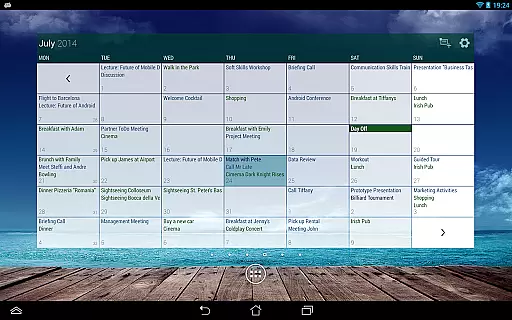
Business Calendar Pro is a comprehensive productivity tool designed for professionals who need an efficient way to manage their schedules. The app offers an intuitive interface that provides a clear overview of all appointments, making it easy to stay organized. With features like Quick Day View and smooth scroll-and-zoom capabilities, users can effortlessly navigate through their events.
One standout feature is the extensive customization options available. Users can adapt every view and widget to suit their preferences, from individual reminders with specific sounds and vibrations to adjustable font sizes. This level of personalization ensures that each user's experience is tailored specifically to their needs. Whether you're managing work projects or personal commitments, Business Calendar Pro helps streamline your daily planning process.
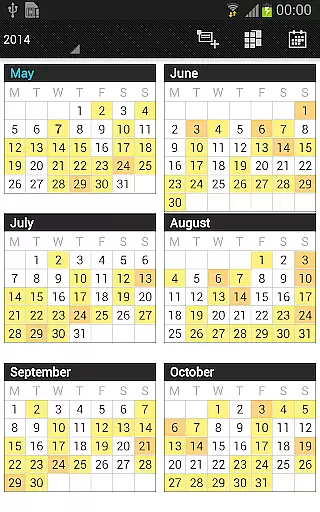
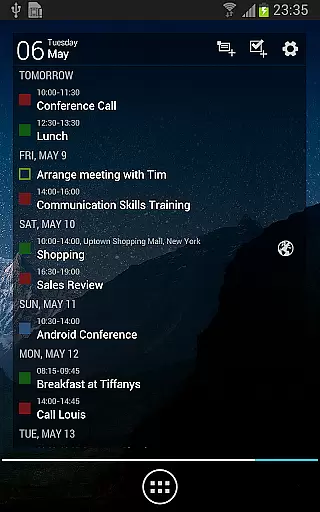
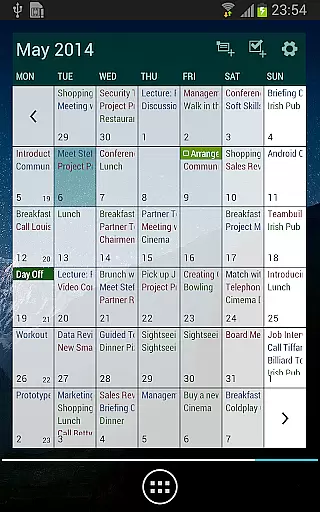
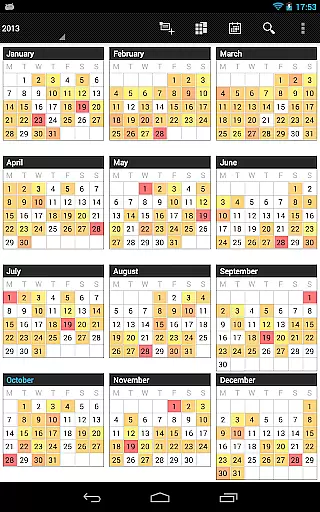
Business Calendar Pro stands out due to its powerful set of features designed to enhance productivity. The app includes multiple viewing options such as month, week, day, agenda, and event views, along with a color-coded year view for better visualization. Its multi-day view allows users to see up to 14 days at once, providing flexibility in how they plan their time.
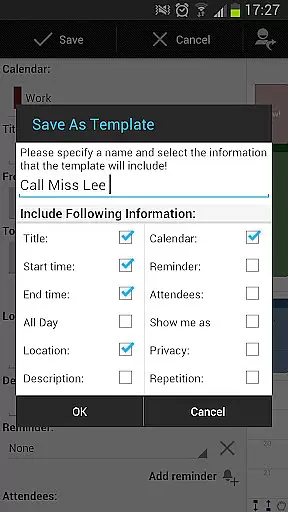
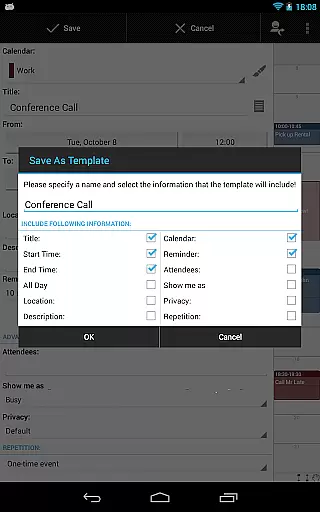
In addition to standard calendar functionalities, this pro version offers advanced tools like customizable templates for creating new events quickly and efficiently. Users can also take advantage of drag-and-drop functionality within the multi-day view, enabling them to move or copy events easily. Furthermore, integration with task management systems such as Google Tasks and Toodledo adds another layer of utility, ensuring that both appointments and tasks are managed seamlessly within one platform.
Business Calendar Pro excels in core task management by offering a comprehensive suite of tools designed to streamline your scheduling and event management. The app provides multiple views including month, week, day, agenda, and event views, ensuring you have a detailed overview of your commitments.
One standout feature is the Quick Day View, which allows users to swiftly assess all events scheduled for the day. Additionally, the app supports smooth scrolling and zooming, making navigation intuitive and efficient. These capabilities ensure that users can easily manipulate their schedules with minimal effort.
The app also includes advanced functionalities such as individual reminders with options for vibration, sounds, repetitions, and intervals. This level of customization ensures that users never miss an important event or meeting. Furthermore, the ability to sync with Google Calendar, Microsoft Outlook, and Exchange enhances its utility by integrating seamlessly into existing workflows.
Cross-device synchronization is a critical feature of Business Calendar Pro, ensuring that your data remains consistent and up-to-date across all your devices. By leveraging Android calendar synchronization, the app allows seamless integration with services like Google Calendar, Microsoft Outlook, and Exchange.
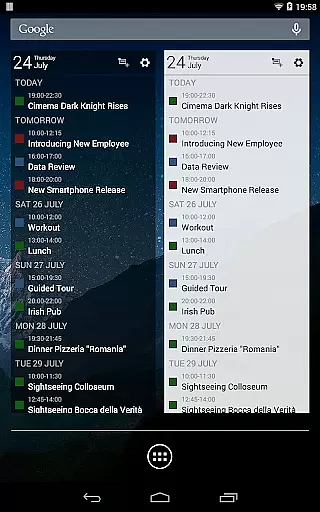
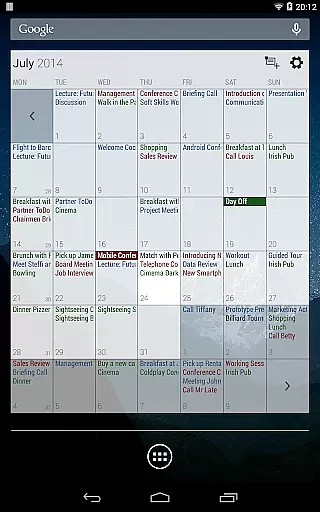
This synchronization capability extends to professional widgets for month, week, agenda, and day views, providing real-time updates and ensuring that any changes made on one device are immediately reflected on others. This reliability is crucial for users who depend on accurate and timely information to manage their busy schedules.
In addition to calendar synchronization, Business Calendar Pro offers import and export functionalities in .ics format, allowing quick transfer of all your calendars between different platforms. This flexibility ensures that users can maintain their productivity regardless of the device they are using, making it an indispensable tool for those who regularly use mobile calendars.
User-friendly interface
Highly customizable settings
Comprehensive reminder system
Syncs with multiple calendar services
Advanced widget options
Paid version only
Complexity may overwhelm beginners
Limited free trial availability
Occasional sync issues reported
Resource-intensive on older devices

Secure, fast, open-source, VNC and SSH Remote Desktop for Windows, Linux and Mac
 4.70
4.70
Client for Nextcloud Deck
4.60
The upgraded version of Name Wheel with AI and the power to add your own wheels.
4.5
We're working to become the best machining app on the market! www.cncdirt.com
4.80
Stay on top of your to-dos with Google Tasks, part of Google Workspace.
4.60
Font maker keyboard with your own handwriting
4.10
Subscribe to Webcal & .ics calendars and keep them up-to-date!
4.50
Quickly and easily keep track of your work shifts
4.70
Share files & memories safely. Keep your photos and videos secure.
4.40
Scientific calculator for Android - looks and operates like the real thing!
4.90
Best Tool for the professionals Electrician, Electrical contractors, etc.
4.90
Functional QR scanner and barcode reader that requires little storage space.
4.60
Secure your apps with lock screens, use custom themes and different features.
4.40
Easily read and manage all your PDF files
4.10
Make apps & sites with natural language prompts
4.10
Access your phone's notifications, calls, apps, photos & texts on your PC
3.90
Ultimate Virtual AI Character for immersive Roleplay Chat. Perfect Companion
3.90
Ads Free App! Editor, Hide File, Copy, Move, Delete and Rename.. all facility av
1.70
Create study competitions, track your hours, and stay consistent with friends
4.3


User Reviews