
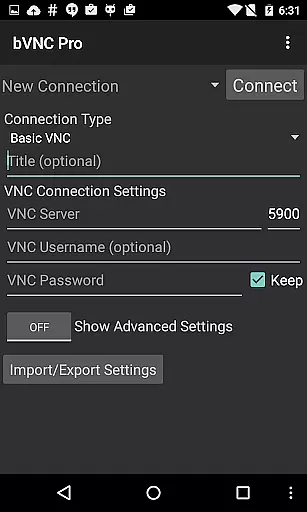
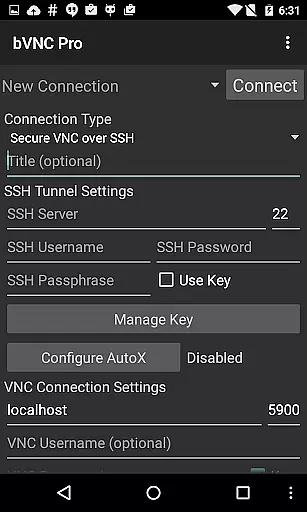
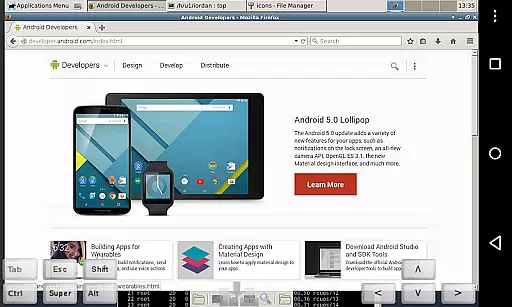
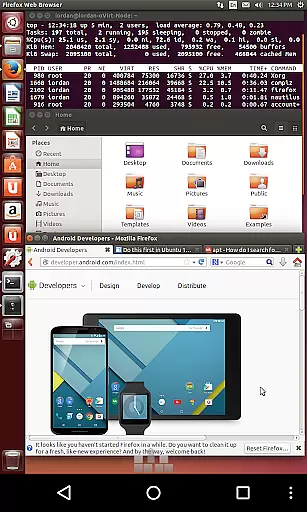
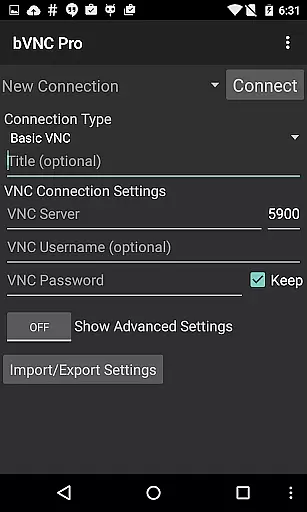
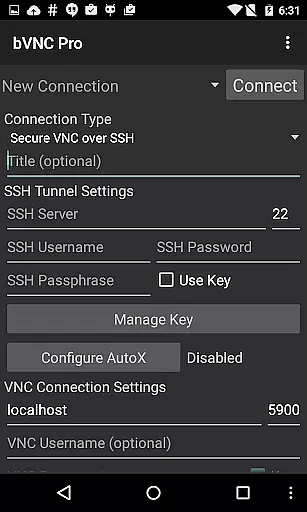
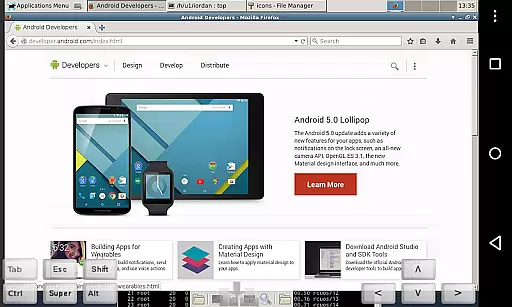
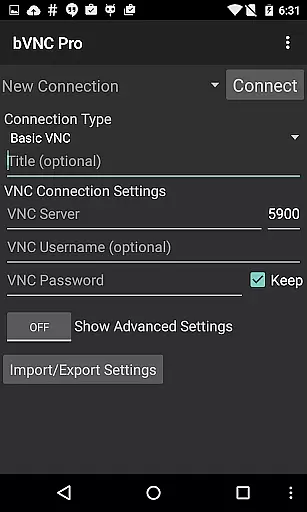
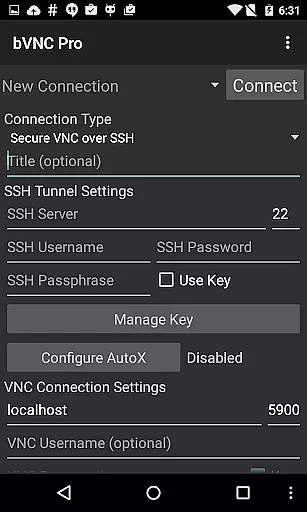
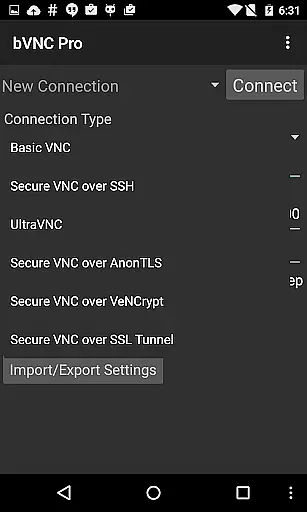
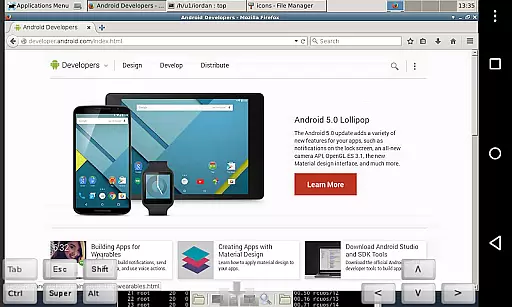
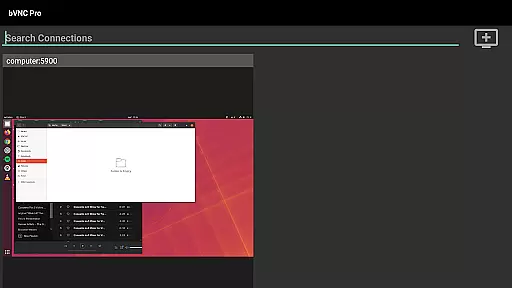
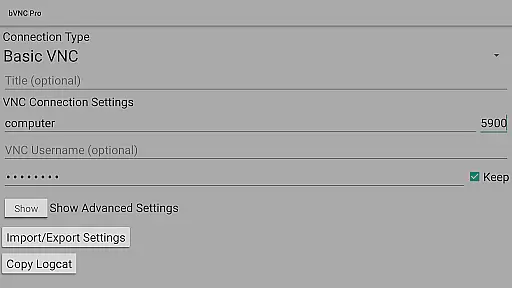
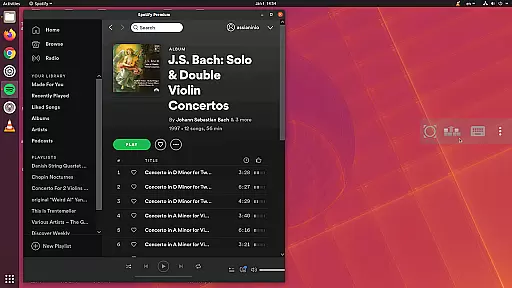
bVNC Pro: Secure VNC Viewer is a top-tier productivity tool designed for secure remote desktop access. This application allows users to connect to various operating systems including Windows, Mac, Linux, and others that have a VNC server installed. The app stands out with its compatibility with PiKVM and advanced security features such as master password support and multi-factor SSH authentication available in the Pro version.
With bVNC Pro, users can enjoy an uninterrupted workflow through multi-touch controls for the remote mouse, making it easy to navigate and interact with the connected system. Whether you're managing servers, providing IT support, or working remotely, this app ensures your desktop is accessible from anywhere while maintaining high-grade encryption superior to RDP using SSH and VeNCrypt.
The bVNC Pro app boasts a comprehensive set of features tailored for productivity enthusiasts. It supports dynamic resolution changes, allowing users to reconfigure their desktops on-the-fly while remaining connected. The inclusion of Tight and CopyRect encodings ensures quick screen updates, which is crucial for maintaining an efficient workflow.
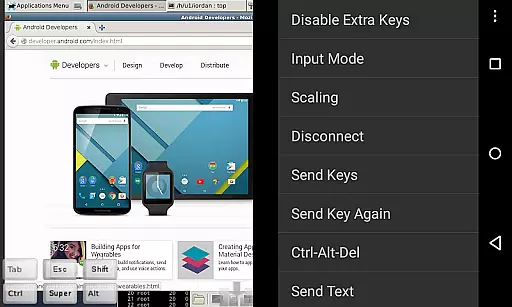
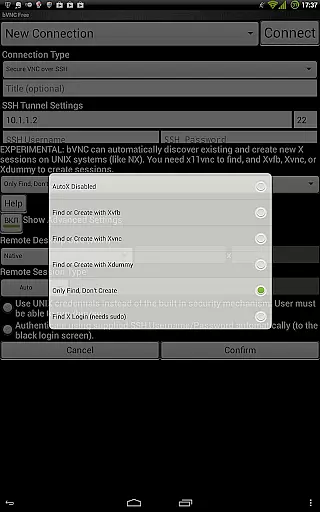
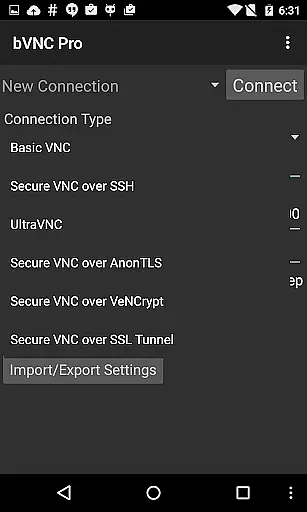
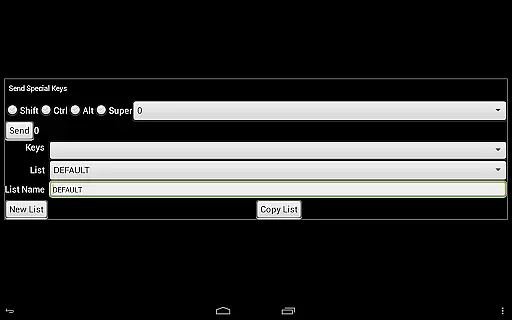
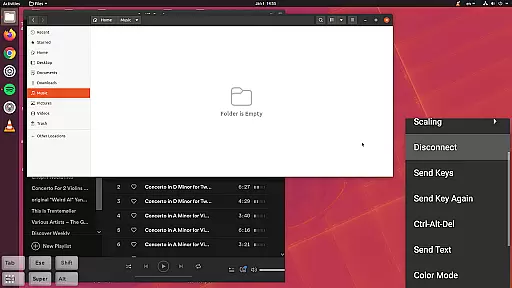
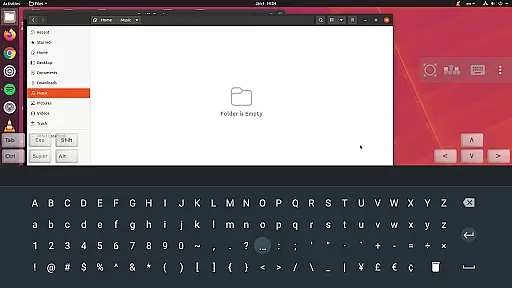
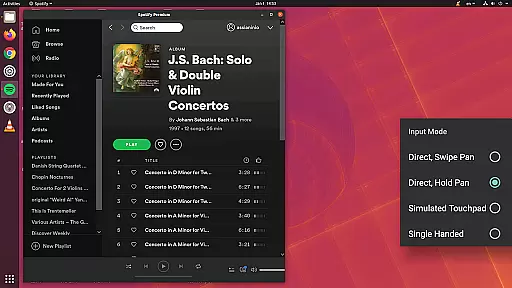
Security is at the forefront of bVNC Pro's design. It offers SSH tunneling, AnonTLS, and VeNCrypt for secure connections, ensuring protection against man-in-the-middle attacks. Additionally, the app provides multiple input modes including Direct, Simulated Touchpad, and Single-handed modes, catering to diverse user preferences and scenarios. These robust features make bVNC Pro an indispensable tool for anyone needing reliable and secure remote access.
bVNC Pro is not just a remote desktop tool but also an advanced productivity solution that excels in core task management. The app provides users with the ability to manage multiple remote connections efficiently, ensuring seamless transitions between different tasks and systems.
With features like master password support, multi-factor SSH authentication, and dynamic resolution changes, bVNC Pro allows users to maintain control over their workflow without interruptions. These capabilities ensure that users can securely access and manage their remote environments while adapting to varying workloads and requirements.
The inclusion of multi-touch controls, pinch-zoom, and scroll functionalities enhances user interaction with remote desktops, making task execution more intuitive and efficient. This level of interactivity ensures that users can perform complex operations with ease, thus improving overall productivity.
Furthermore, bVNC Pro's support for various VNC servers and operating systems means that users can standardize their remote management processes across different platforms. This cross-compatibility reduces the learning curve and streamlines task management, allowing users to focus on their core responsibilities without being hindered by technical limitations.
Cross-device synchronization is a critical feature for any productivity tool, and bVNC Pro excels in providing reliable synchronization across multiple devices. Whether you're switching from a mobile device to a tablet or desktop, bVNC ensures that your remote sessions remain consistent and up-to-date.
The app supports high-grade encryption methods such as SSH and VeNCrypt, which not only secure your connections but also maintain data integrity during synchronization. This means that users can trust that their session data will be accurately reflected across all devices, without the risk of corruption or loss.
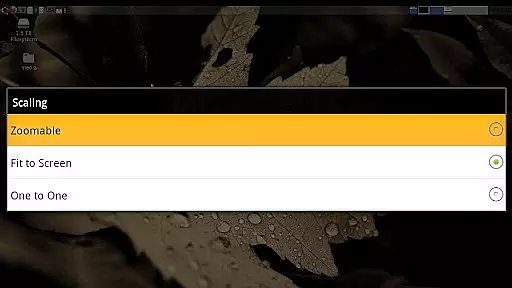
bVNC Pro's dynamic resolution changes and full rotation capabilities further enhance cross-device usability. Users can adjust their view based on the device they are using, ensuring that their workspace is always optimized for the screen size and orientation. This adaptability is crucial for maintaining productivity when transitioning between devices.
Additionally, the app's support for multi-language interfaces and comprehensive input modes, including hardware keyboard support, ensures that users can maintain their workflow preferences regardless of the device. This consistency in user experience fosters a reliable and efficient cross-device synchronization process, empowering users to stay productive in any environment.
Secure remote access
Multi-touch controls
Dynamic resolution
High-grade encryption
Versatile input modes
No RealVNC encryption
Pro version costly
Complex setup
Limited free features
Requires technical knowledge

 4.20
4.20
Android Wallet Password Manager
4.80
Protect and view your important info on your phone and tablet with eWallet®
4.80
PDF scanner & converter for files, photos, lottery, QR codes. One swipe away!
4.50
Find and delete junk files & block unwanted notifications & manage files
3.70
Calendar 2023 widget for Android. Appointment scheduler, planner, and reminder
4.60
A beautiful digital clock with autostart and many other functions
4.70
Put a lock on your cloud: Take the security of your data into your own hands
3.70
QuickEdit is a fast, stable and full featured text and code editor.
4.20
Great calculator for Android named one of USA TODAY's "25 Essential Apps".
4.90
App lock - lock apps with fingerprint, password, pin or pattern, protect privacy
4.70
Client for Nextcloud Deck
4.60
Tally and goal counter for Wear OS & mobile
4.50
When you Focus, so will your Bean in this cozy focus timer
4.30
Device's storage information in a simple and clear graphical form (infographics)
4.10
Make apps & sites with natural language prompts
4.10
Experience real multitasking on your Android!
4.00
⏰ Finally a timer app which can run multiple timers simultaneously on your watch
3.90
Easiest event planning, volunteer signups & parent teacher conference scheduling
2.20


User Reviews