
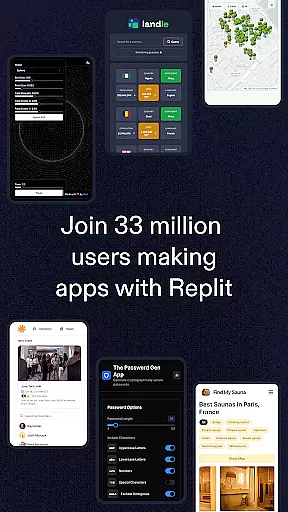
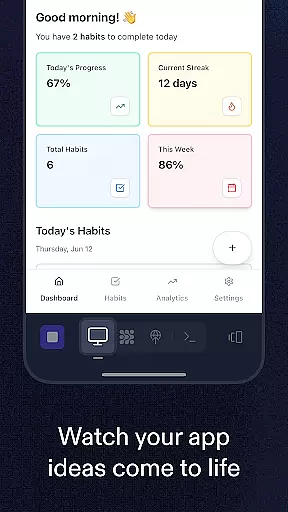
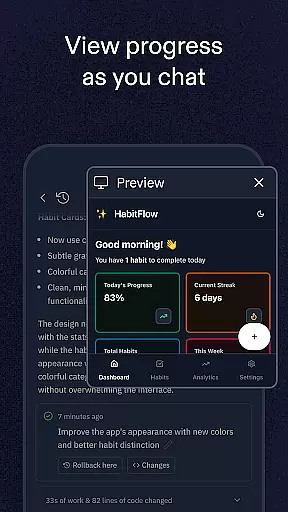
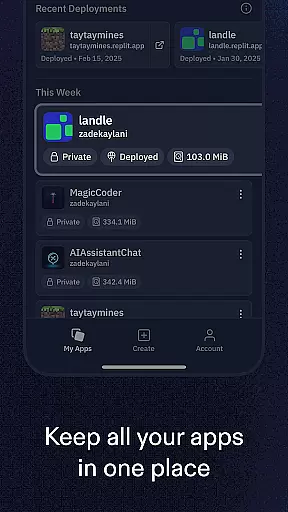
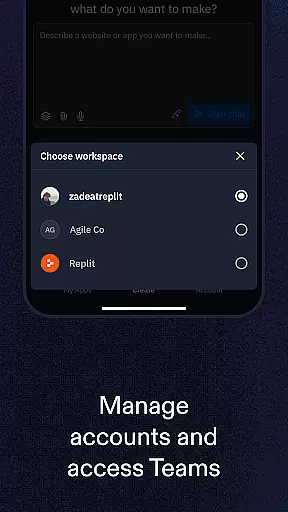
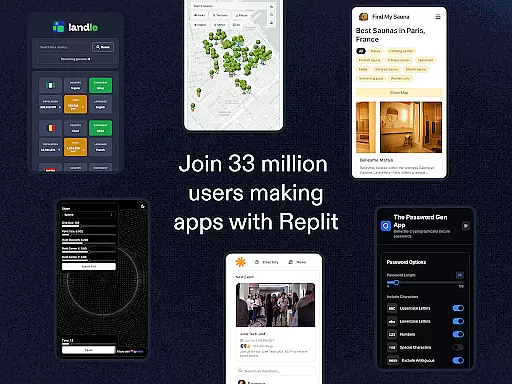
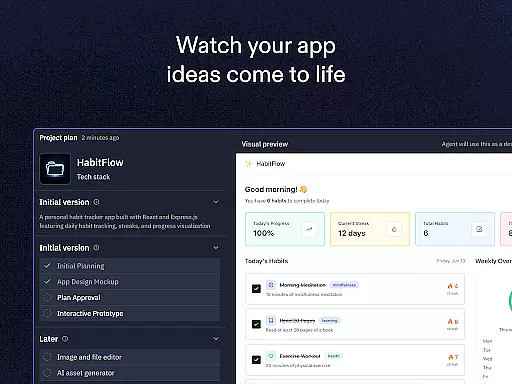
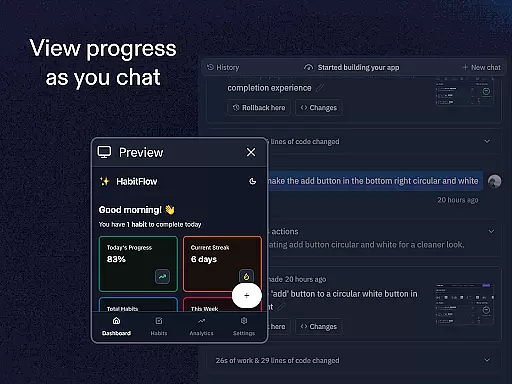
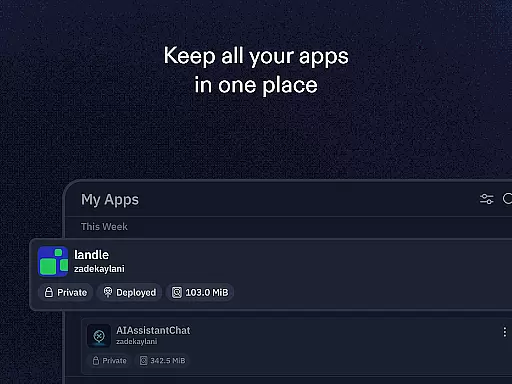
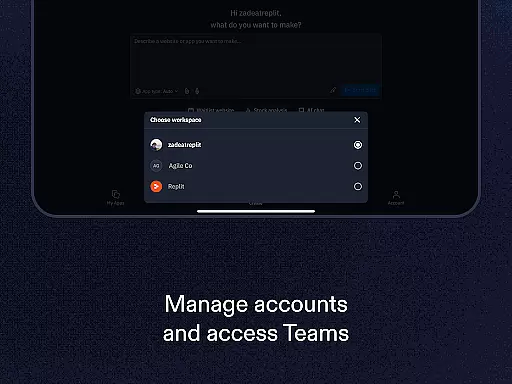
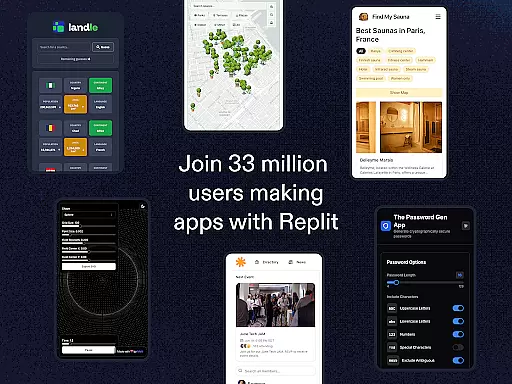
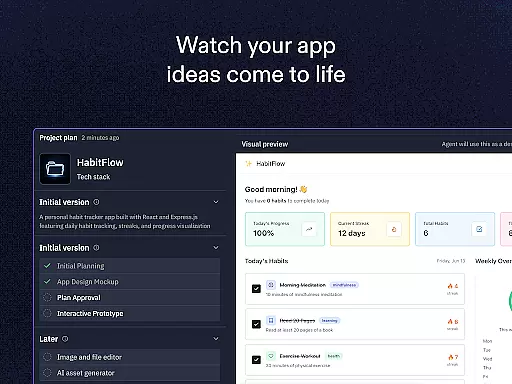
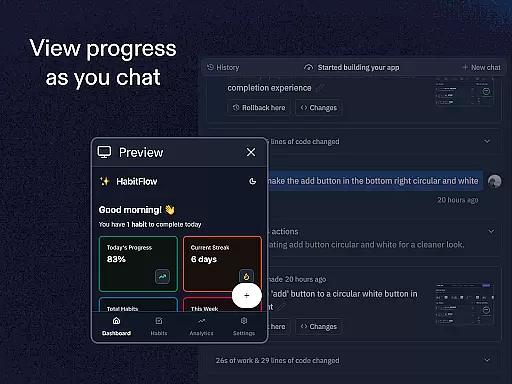
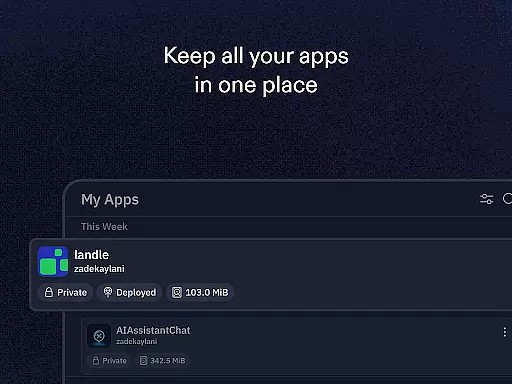
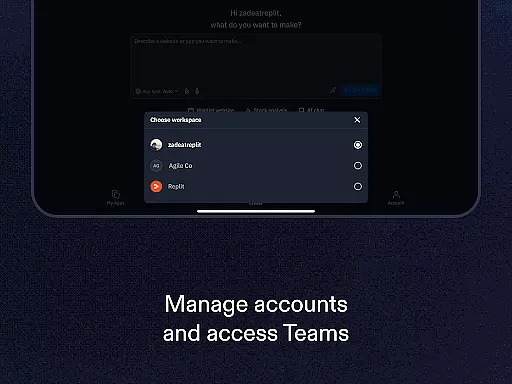
Replit is a powerful productivity app that revolutionizes the way users create and deploy projects directly from their mobile devices. This innovative platform allows anyone to build real applications, websites, and games with remarkable ease. Whether you are a beginner or an experienced developer, Replit offers tools that cater to all skill levels.
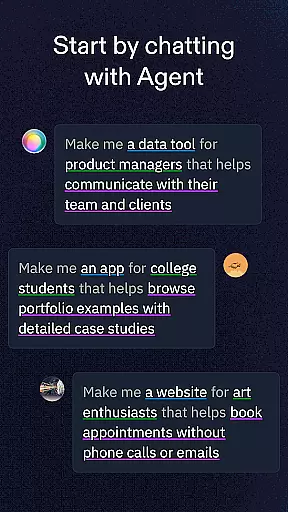
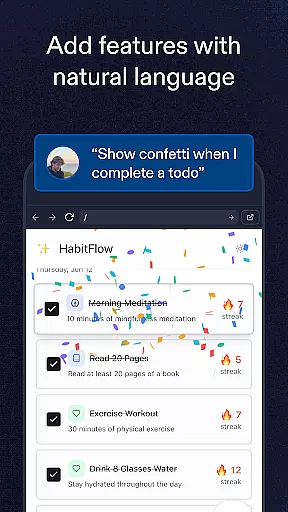
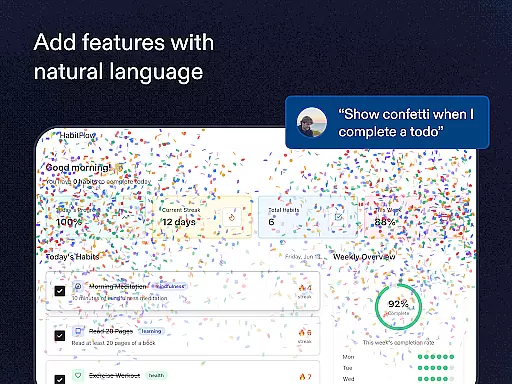
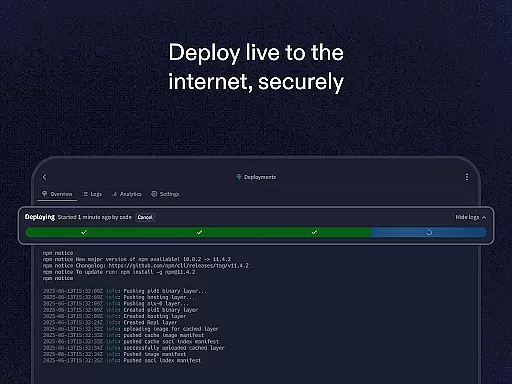
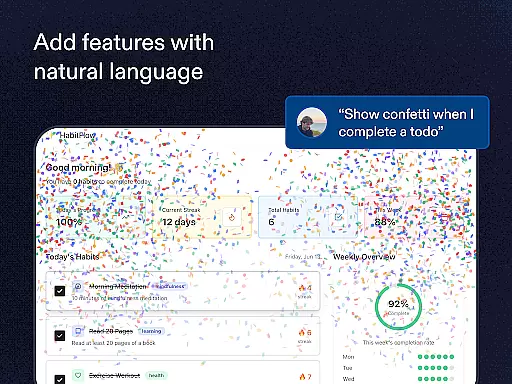
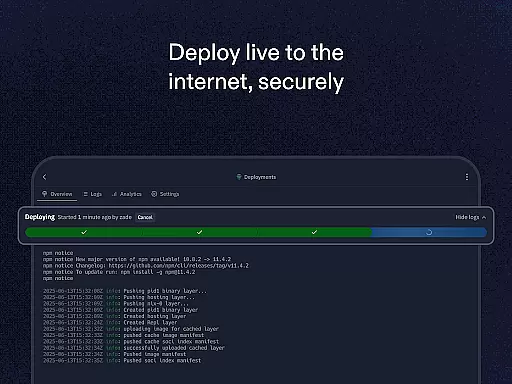
The app's standout feature is its AI-powered assistant, which enables users to generate apps and websites using simple natural language prompts. Beyond this, Replit supports instant hosting with zero setup, real-time multiplayer collaboration, and compatibility with any programming language or framework. With access to millions of templates and projects, users can clone, remix, and customize existing ideas or start from scratch. The built-in hosting ensures that your creations are instantly live and shareable via custom URLs.
Replit is particularly valuable for teams and individuals who need a flexible environment to brainstorm, develop, and deploy projects on the go. Its seamless integration of advanced features like ReplDB for databases and replAuth for user authentication makes it a comprehensive solution for modern app development.
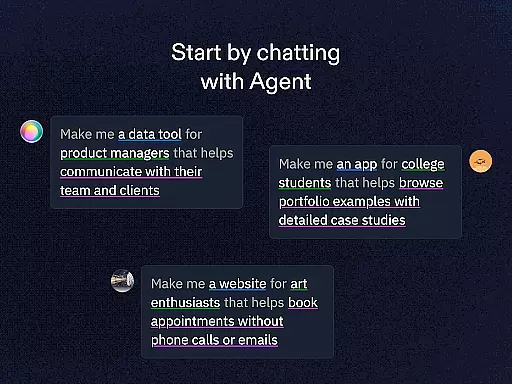
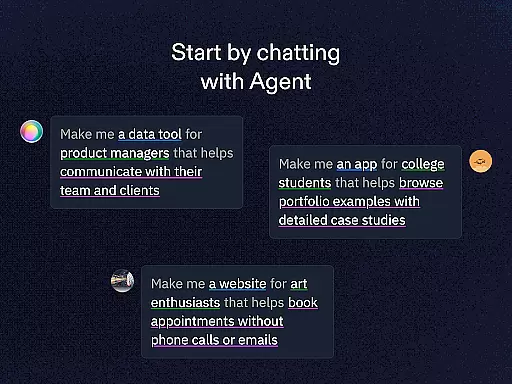
Replit stands out in the productivity category due to its extensive range of features tailored for developers and creators. One of its most notable capabilities is Replit Agent, which lets users describe their project ideas in plain English, and the system automatically generates the corresponding code. This eliminates the need for deep technical expertise while accelerating the development process.
In addition to its no-code functionality, Replit provides robust support for professional coders. It supports over 50 programming languages and frameworks, ensuring maximum flexibility. Real-time multiplayer collaboration allows multiple users to work together seamlessly, making it ideal for remote teams. Hosting is another key advantage; projects are deployed instantly without requiring complex configurations, and custom domains can be set up effortlessly.
Other standout features include ReplDB, a fast and scalable database solution, and replAuth, which simplifies user authentication processes. These tools empower developers to focus on creativity rather than infrastructure management. Furthermore, the vast library of community-driven templates serves as inspiration and accelerates project ideation. Overall, Replit combines accessibility with advanced functionality, making it suitable for both novices and experts alike.
Task management is a cornerstone of productivity applications, and Replit excels in providing users with the tools necessary to efficiently handle their projects. With features like real-time multiplayer collaboration, you can seamlessly work on tasks with others, ensuring that every member is on the same page.
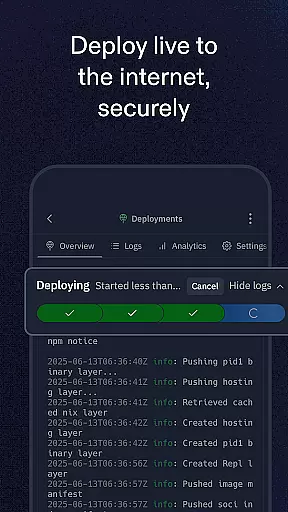
Replit's platform supports instant hosting with zero setup deployment, which means once your project is ready, it can be live almost immediately. This feature streamlines the workflow, allowing creators to focus on development rather than deployment logistics.
The ability to clone and remix projects from a vast community of over 33 million creators adds another layer to task management. It enables users to take existing projects as a starting point and customize them according to their needs, saving time and effort in the initial stages of project development.
For both beginners and experts, Replit offers an environment where task management is intuitive. Beginners can use easy-to-use templates to get started, while seasoned developers have access to advanced features for creating meaningful projects entirely from their mobile devices.
Cross-device synchronization is vital for users who operate across multiple platforms, ensuring that their work is accessible wherever they go. Replit addresses this need by providing reliable synchronization capabilities so that whether you're at home or on the move, your projects are always up-to-date.
With support for any language and framework, Replit ensures that your coding environment remains consistent no matter which device you're using. This flexibility allows developers to switch between devices without losing momentum or encountering compatibility issues.
Moreover, setting up custom domains for projects and utilizing services such as replAuth and ReplDB guarantees that all aspects of your application remain synchronized. These integrated services provide a cohesive experience when managing user logins or databases associated with your projects.
Whether you're new to app creation or an experienced developer, Replitu2019s synchronization ensures that your progress is saved and mirrored across all your devices, empowering you to create and collaborate effectively regardless of location.
User-friendly interface
AI-powered coding assistance
Real-time collaboration
Instant deployment
Versatile language support
Limited offline functionality
Premium features require subscription
Occasional performance lags
Steep learning curve for beginners
Dependent on internet connectivity

Experience Reading - Night Mode for Documents
 4.40
4.40
Automates browsing any website and notifies you of important changes or events
4.30
The Pro Version of Android's tiniest Notepad app. Just 0.3MB but feature-packed!
4.60
Remotely view listen control and record cameras.
3.70
aCalendar+ makes your day, week and month
4.70
Cloud storage, automatic phone backup, and more.
4.10
ID.me Authenticator is a simple and free Two Factor Authentication solution
3.50
Daily processing of PDF documents.
4.40
Put a lock on your cloud: Take the security of your data into your own hands
3.70
CalenGoo is a very flexible and feature-rich calendar app
4.40
Docker, Kubernetes management over Portainer Mobile
4.40
Secure your apps with lock screens, use custom themes and different features.
4.40
When you Focus, so will your Bean in this cozy focus timer
4.30
A customizable calendar for your Wear OS watch
4.20
Activate Two Factor Authentication (2FA or Multi OTP), Password manager and more
4.10
Wake up & get tasks done! Add alarms & reminders on the Clock Launcher.
4.00
Create and edit presentations with Google Slides, part of Google Workspace.
4.00
* block pre-roll ads, pop-up and forced redirect ads * Samsung certification app
4.00
A simple, portable logger for POTA, SOTA, Field Day, and more
4.5


User Reviews