
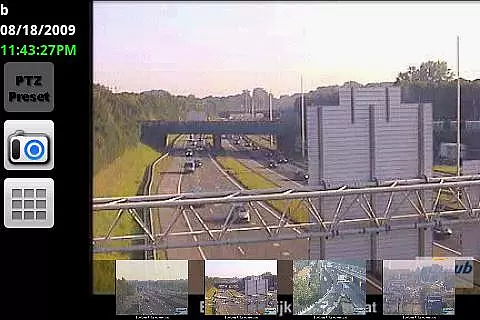
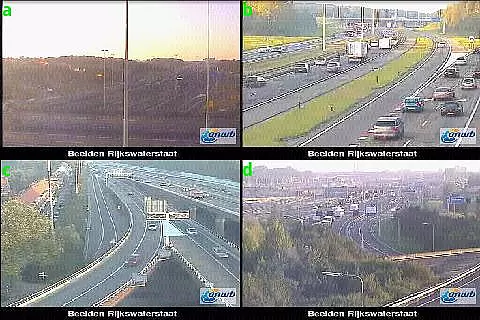
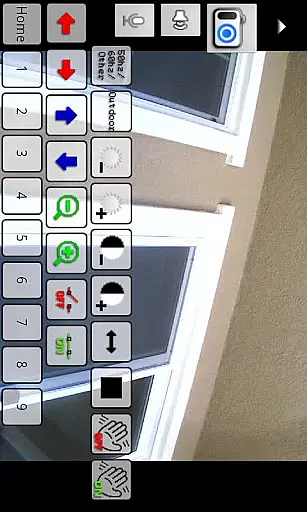
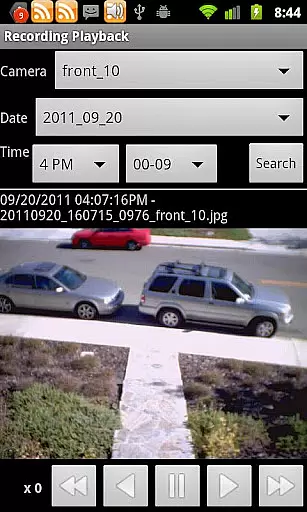
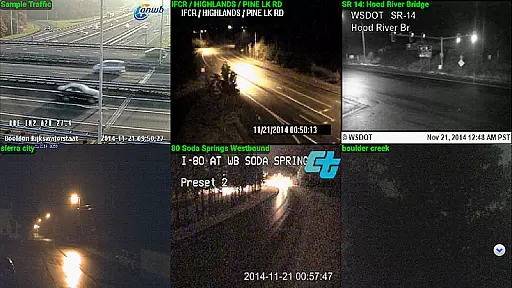
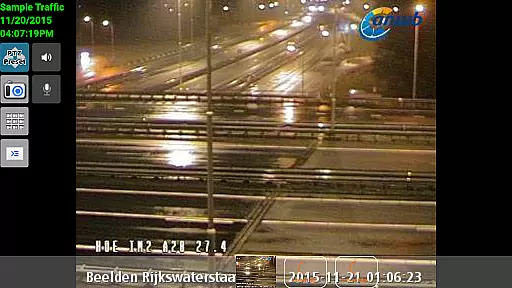
IP Cam Viewer Pro is a powerful productivity tool that allows users to remotely access and manage their video cameras, digital video recorders, network recorders, and webcams. With support for over 1600 devices, this app offers unparalleled compatibility and functionality.
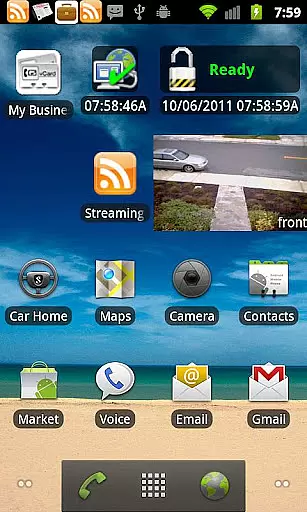
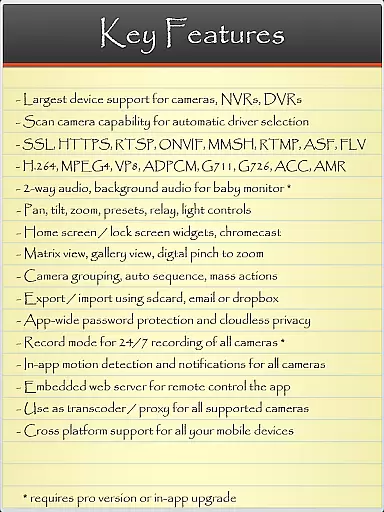
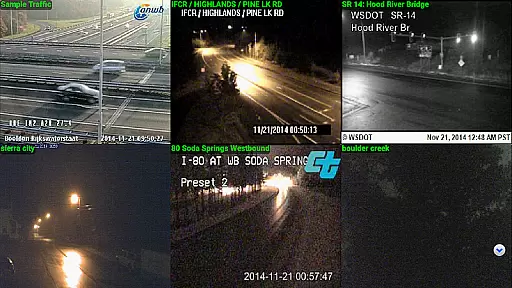
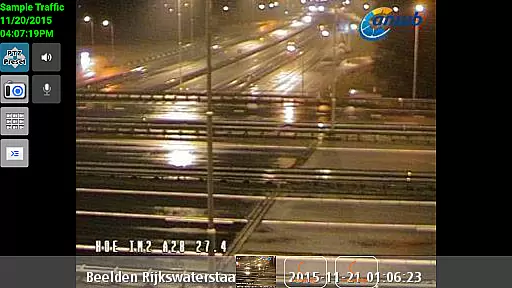
The app supports a wide range of protocols and video formats including HTTPS, RTSP, and ONVIF. Its standout features include matrix view, pan-tilt-zoom control, home/lock screen widgets, grouping options, encryption, and in-app motion detection. Whether you need to monitor your home or office, IP Cam Viewer Pro provides the tools necessary to keep an eye on your property from anywhere.
One of the key strengths of IP Cam Viewer Pro is its extensive feature set developed over five years. The app includes advanced functionalities such as two-way audio support, background audio, and recording modes with remote control capabilities.
Users can take advantage of the automatic camera scanning feature to find compatible drivers effortlessly. Additionally, the app offers customizable home and lock screen widgets, allowing quick access to frequently used functions. Grouping options enable streamlined management of multiple devices, while encryption ensures secure data transmission.
Whether you are a professional needing robust surveillance tools or a homeowner looking for peace of mind, IP Cam Viewer Pro delivers comprehensive solutions tailored to meet diverse monitoring needs.
IP Cam Viewer Pro excels in core task management by offering a comprehensive suite of tools for video surveillance. The app supports over 1600 devices, ensuring compatibility with a wide range of cameras and recorders.
With features like matrix view and pan-tilt-zoom functionality, users can efficiently monitor multiple camera feeds simultaneously. This allows for seamless navigation and control, making it easier to manage various surveillance tasks from a single interface.
The inclusion of home and lock screen widgets further enhances productivity by providing quick access to frequently used functions. Users can conveniently check camera feeds or control recording without having to navigate through the app each time.
Additionally, the app's grouping feature enables logical organization of cameras, streamlining task management for users with complex surveillance setups. This ensures that monitoring different locations or zones remains intuitive and efficient.
Cross-device synchronization is a critical aspect of IP Cam Viewer Pro, allowing users to maintain consistent access to their surveillance systems. The app supports HTTPS and RTSP protocols, ensuring secure and reliable connections across different devices.
One of the standout features is its ONVIF support, which guarantees compatibility with a wide range of modern security equipment. This standardization facilitates smooth synchronization regardless of the specific hardware being used.
The app also offers robust encryption methods, safeguarding data as it moves between devices. This ensures that users can confidently access their surveillance feeds from anywhere without compromising security.
Furthermore, the remote control capabilities for recording modes enhance synchronization reliability. Users can start or stop recordings from any connected device, maintaining consistent monitoring practices across their entire network of cameras.
User-friendly interface
Wide device compatibility
Advanced security features
Comprehensive protocol support
Efficient motion detection
Occasional connectivity issues
Complex setup process
Limited customer support
Higher cost compared to alternatives
Resource-intensive operation

A Revolutionary All-in-One Artificial Intelligence Tools
 3.80
3.80
A simple, portable logger for POTA, SOTA, Field Day, and more
4.5
Mind Map and brainstorm, note taking and idea collection
4.80
Customizable calendar widget for seamless event sync, planning & scheduling.
4.00
CalenGoo is a very flexible and feature-rich calendar app
4.40
Easiest event planning, volunteer signups & parent teacher conference scheduling
2.20
Functional QR scanner and barcode reader that requires little storage space.
4.60
Docker, Kubernetes management over Portainer Mobile
4.40
Seamlessly read, manage, and organize all your PDF files solution in one place
4.40
Use powerful, industry-leading AI tools to generate visual charts from any data
4.80
Seamlessly integrate data and reports to build your presentation to impress
4.80
The long-awaited modern gallery app for your Nextcloud server
4.70
Quickly and easily keep track of your work shifts
4.70
All document reader, all in one file viewer read PDF, DOCX, XLS, PPT, TXT files.
4.60
Lightweight PDF, Word, Excel reader.
4.60
Share files & memories safely. Keep your photos and videos secure.
4.40
Enjoy classic gameplay with customizable features and retro-style graphics.
4.30
Code on-the-go with VScode for Android. Edit,debug and collaborate from mobile!!
3.10
The upgraded version of Name Wheel with AI and the power to add your own wheels.
4.3


User Reviews