
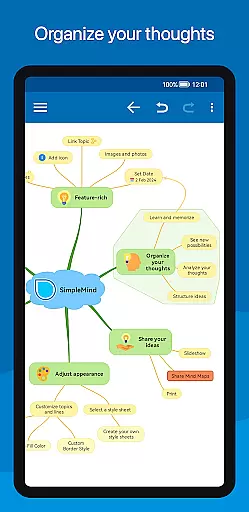
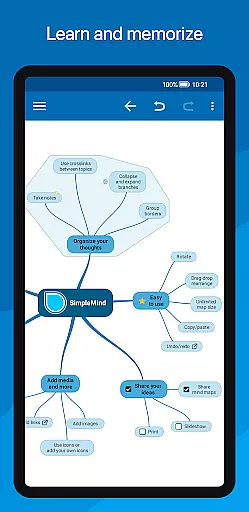
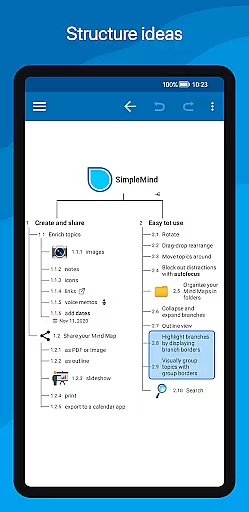
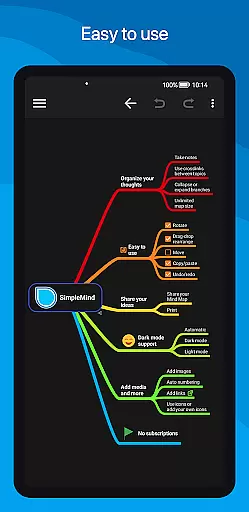
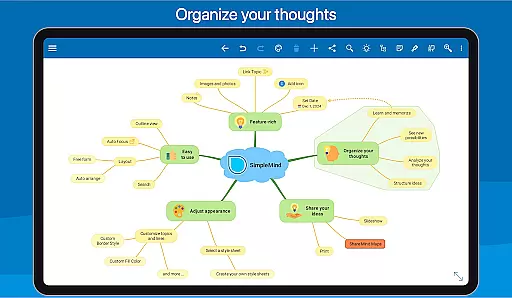
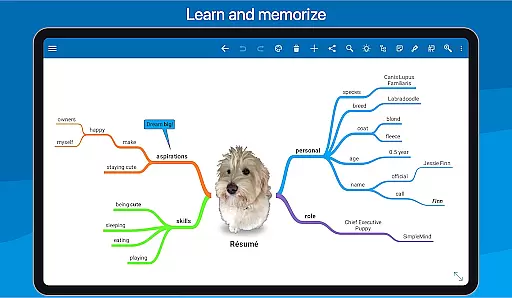
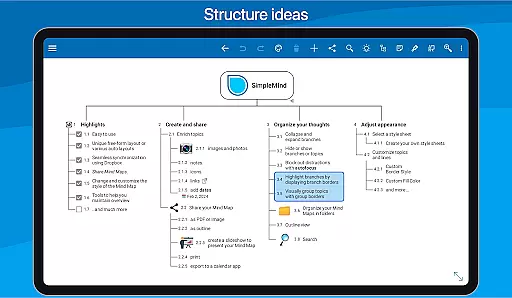
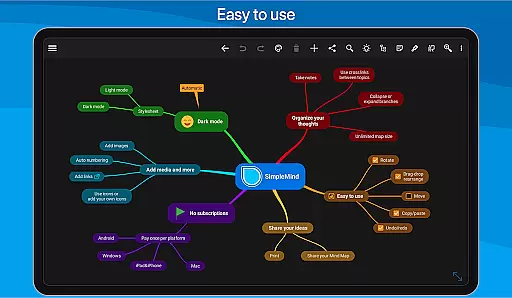
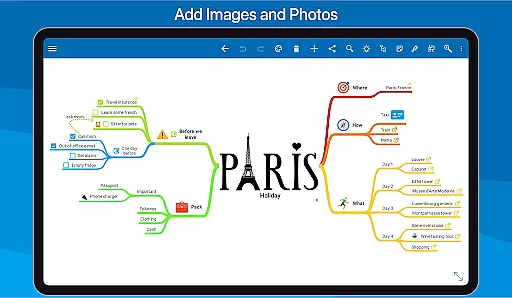
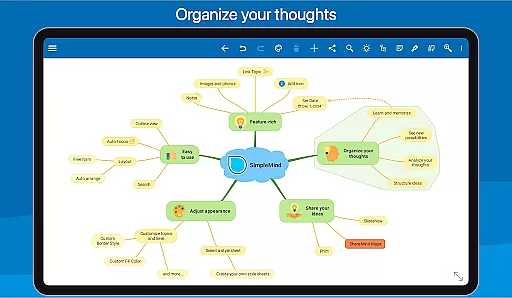
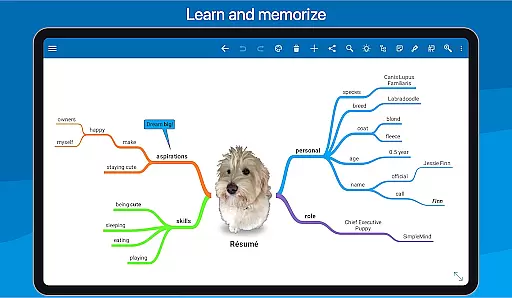
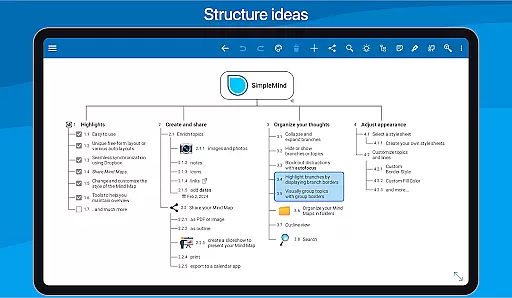
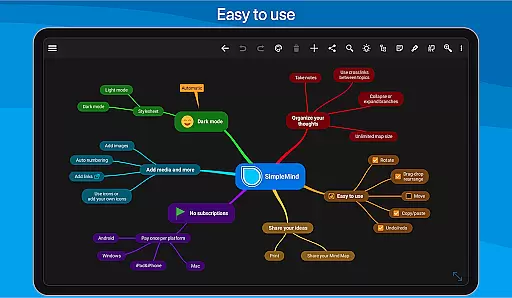
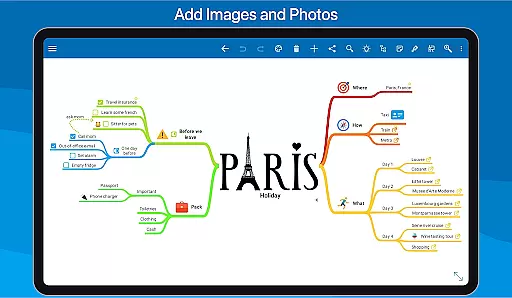
SimpleMind Pro is a premier mind mapping application designed to help users organize thoughts, retain information, and generate innovative ideas. The app offers an intuitive interface that allows for effortless mind mapping on-the-go, across multiple platforms including Android, Windows, and Mac. With over a decade of continuous updates and improvements, SimpleMind Pro has become a reliable tool utilized in diverse fields such as business, education, and healthcare.
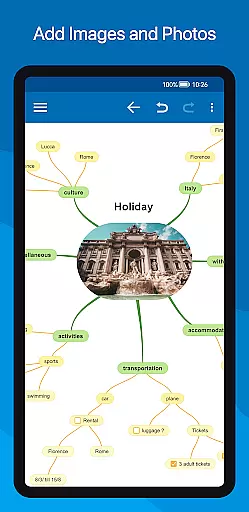
The app stands out with its unique free-form layout options and various automated layouts, enabling users to customize their mind maps precisely as they envision. It supports seamless synchronization via cloud services like Dropbox, ensuring your mind maps are always up-to-date across all devices. Additionally, SimpleMind Pro facilitates the integration of multimedia elements and documents, enhancing the depth and utility of each mind map created.
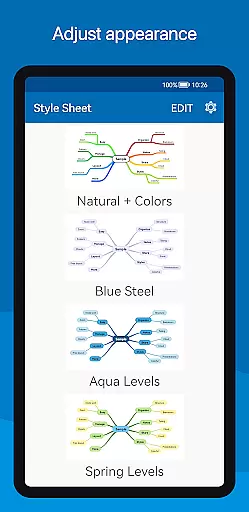
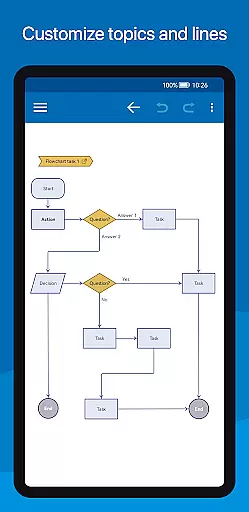
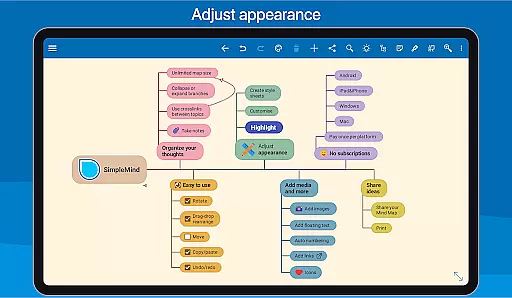
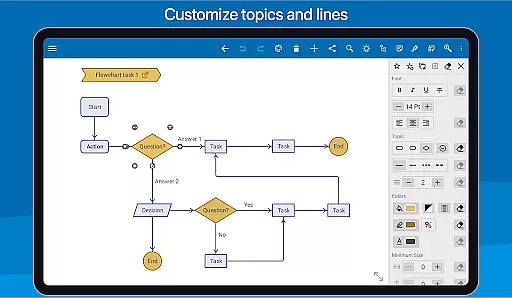
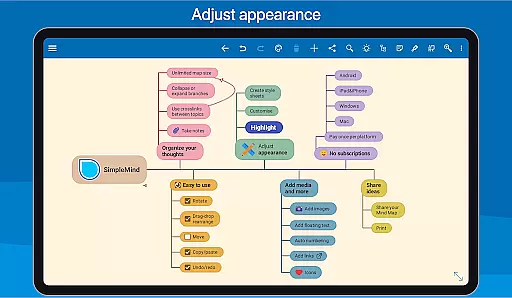
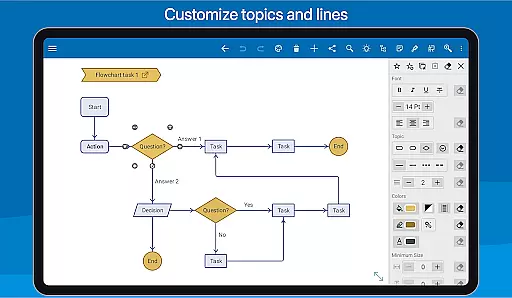
SimpleMind Pro boasts an array of features tailored to optimize the mind mapping experience. Users can place topics freely or utilize auto-layout functions ideal for brainstorming sessions. The app provides extensive customization options, allowing changes to borders, lines, colors, and more, ensuring each mind map reflects personal style and preferences.
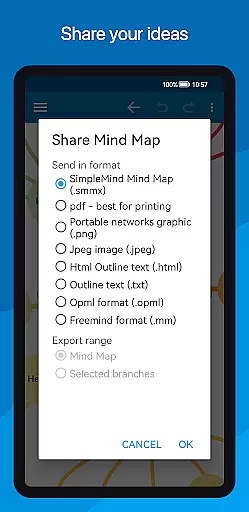
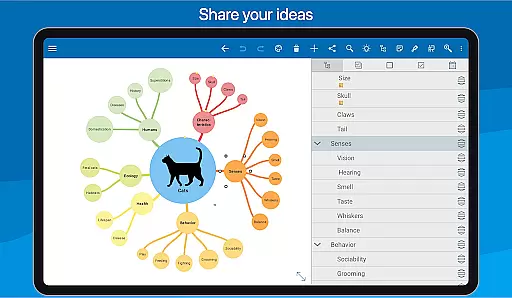
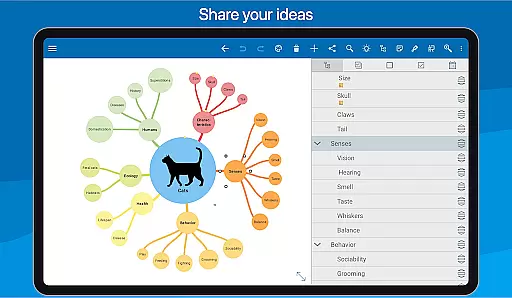
Collaboration and sharing capabilities are robust, supporting exports to PDF, image formats, and even slideshows for presentations. Tools for maintaining an overview include collapsing and expanding branches, hiding/showing specific sections, and employing autofocus to minimize distractions. Furthermore, SimpleMind Pro's ability to synchronize across different platforms ensures uninterrupted productivity, making it an indispensable tool for individuals and teams alike.
Effective task management is essential for productivity apps, serving as the backbone for organizing and executing work efficiently. SimpleMind Pro excels in this area by offering a comprehensive suite of tools designed to manage and visualize tasks.
The app provides various features such as checkboxes, progress bars, and auto-numbering which allow users to track the completion of tasks seamlessly. These elements are crucial for maintaining an overview of project status and ensuring nothing falls through the cracks.
Moreover, SimpleMind Pro supports virtually unlimited page sizes and numbers of elements, accommodating extensive projects without performance degradation. This scalability ensures that users can expand their mind maps as their projects grow, making it suitable for both small and large-scale endeavors.
By enabling the connection of any two topics with crosslinks and labeling relations, the app facilitates complex project structures, enhancing clarity and coherence in task management. This interconnected approach helps users understand dependencies and relationships between different tasks, leading to more informed decision-making.
In today's fast-paced world, reliable cross-device synchronization is vital for maintaining workflow continuity. SimpleMind Pro addresses this need by providing seamless synchronization capabilities using cloud services like Dropbox.
This feature allows users to sync their mind maps across multiple Android devices effortlessly. Whether you're switching from your phone to a tablet or vice versa, your data remains consistent and up-to-date, ensuring you never lose track of your thoughts and ideas.
Furthermore, SimpleMind Pro extends its synchronization support beyond Android, allowing integration with other platforms such as Windows and Mac u2013 though these require separate purchases. This cross-platform compatibility enhances collaboration opportunities and ensures that teams working on different operating systems can still share and contribute to the same mind maps.
The ability to maintain real-time updates across devices not only boosts productivity but also offers peace of mind knowing that your latest changes are always accessible, regardless of the device you choose to use at any given moment.
User-friendly interface
Extensive customization options
Reliable cross-platform sync
Versatile application uses
Continuous improvement and support
Premium version comes at a cost
Steeper learning curve for beginners
Limited free version features
Occasional sync issues reported
Resource-intensive on older devices

A Revolutionary All-in-One Artificial Intelligence Tools
 3.80
3.80
Automates browsing any website and notifies you of important changes or events
4.30
Remotely view listen control and record cameras.
3.70
Subscribe to Webcal & .ics calendars and keep them up-to-date!
4.50
Quickly and easily keep track of your work shifts
4.70
Understand anything with a personalized AI research assistant
4.80
AT&T Internet customers can use this app to personalize their Wi-Fi network.
4.40
Set up, print, and get support—in one place
4.20
QuickEdit is a fast, stable and full featured text and code editor.
4.20
Android Wallet Password Manager
4.80
The long-awaited modern gallery app for your Nextcloud server
4.70
Scan paperwork into PDF/JPG, generate your own e-signature and send fax or email
4.70
Secure, fast, open-source, Remote Desktop Client for Windows and Linux with SSH
4.60
To do list widget with a notebook organizer, checklist, simple shopping list
4.60
Professional calendar app for Google Calendar, MS Outlook & Exchange
4.20
Intelligent AI Assistant
4.10
Find and delete junk files & block unwanted notifications & manage files
3.70
Code on-the-go with VScode for Android. Edit,debug and collaborate from mobile!!
3.10
IP Camera Viewer - Android TV : RTSP Surveillance camera viewer for Android TV
4.4


User Reviews