
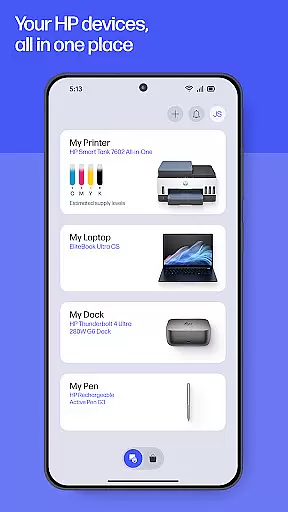
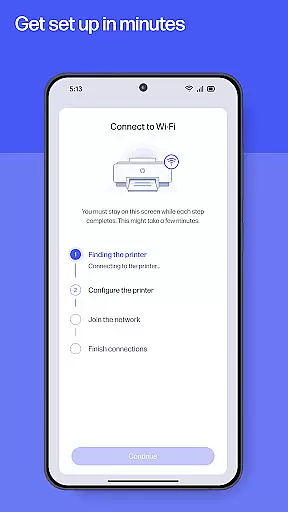
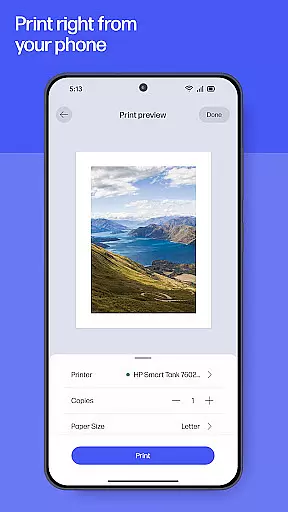
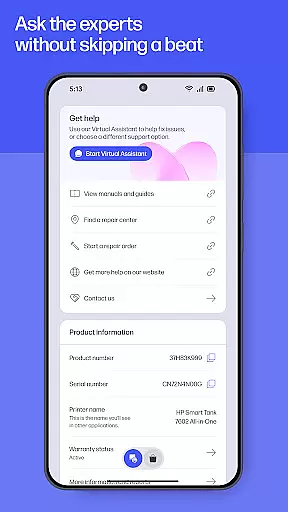
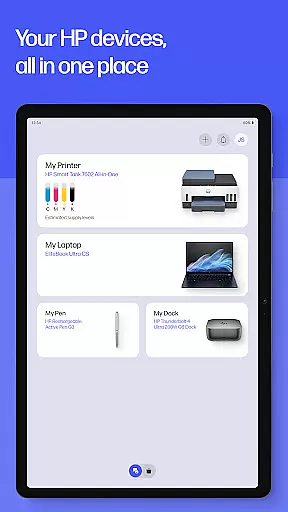
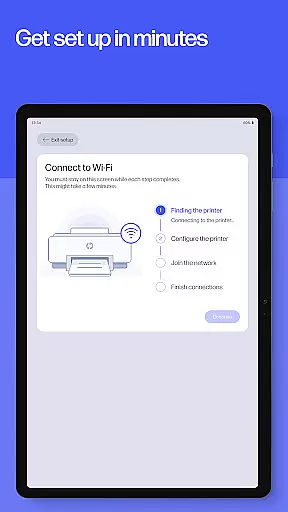
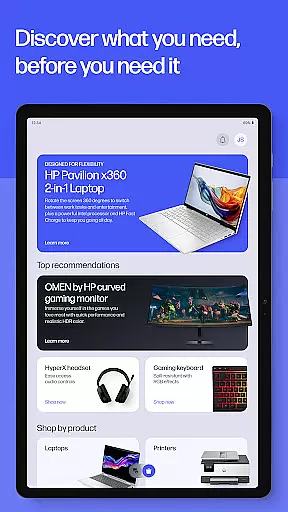
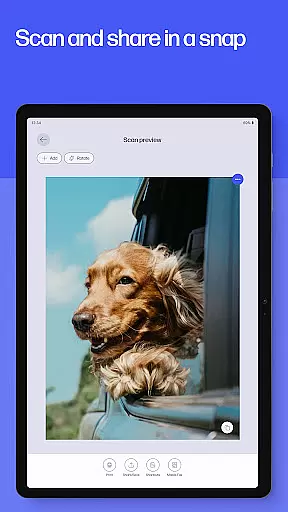
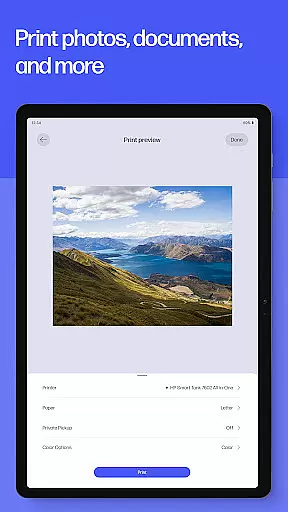
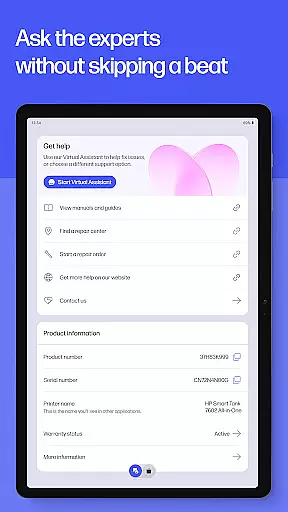
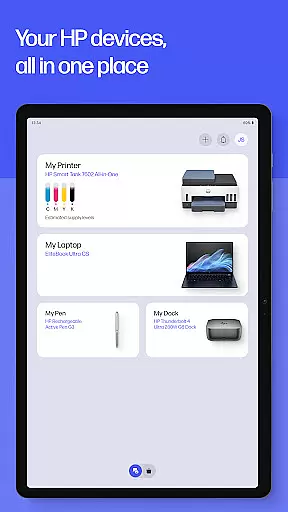
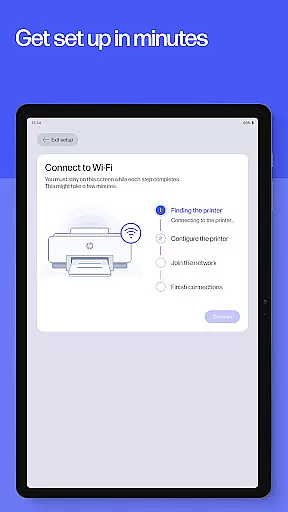
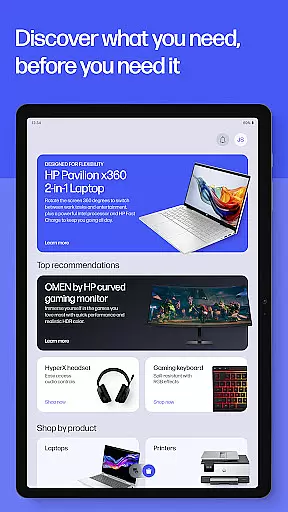
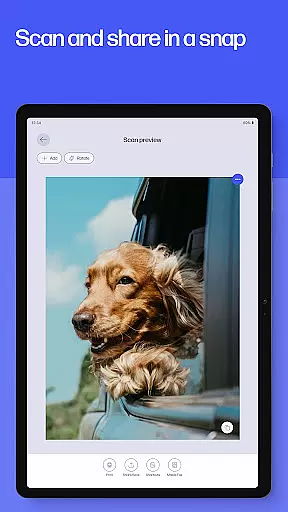
HP is a comprehensive productivity app designed to maximize the functionality of your HP devices. This all-in-one solution allows users to set up new printers, personalize device settings, and manage printing and scanning tasks efficiently. With guided setup features, users can quickly configure their devices and monitor essential aspects like ink levels. The app also provides instant access to customer support through various channels, ensuring uninterrupted productivity.
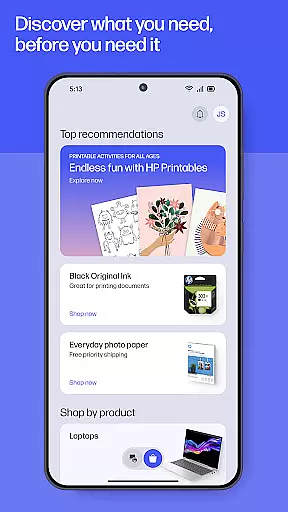
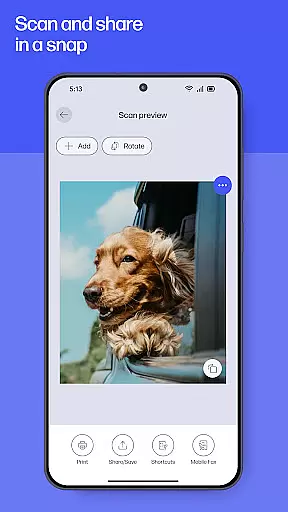
Beyond basic device management, HP offers advanced features such as HP Printables for creative projects, photo printing capabilities, and document scanning with editing options. Users can create custom print shortcuts, receive supply notifications, and even handle fax transmissions directly from the app. These robust features make HP an indispensable tool for both home and office environments, streamlining device management while enhancing overall productivity.
The HP app stands out with its comprehensive feature set tailored for enhanced productivity. Its guided setup process simplifies initial device configuration, while the intuitive interface allows users to easily adjust settings and monitor device status. The app's printing and scanning capabilities are particularly noteworthy, offering high-quality photo printing, document scanning with editing options, and seamless integration with cloud services.
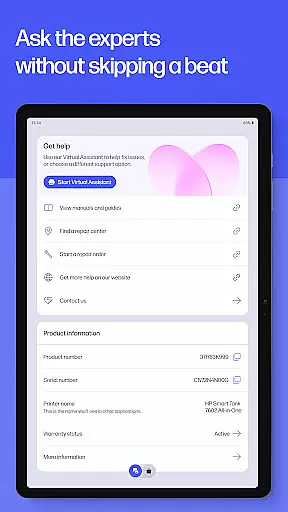
Additional standout features include HP Printables for accessing creative templates, Print Shortcuts for automating frequent tasks, and supply notifications to prevent workflow interruptions. The app also provides fax functionality and warranty tracking for HP devices. These features collectively create a powerful productivity ecosystem that caters to diverse user needs, from casual home users to demanding business professionals.
Task management is at the heart of productivity applications, and the HP app excels in providing users with comprehensive tools to manage their printing and scanning tasks efficiently. The app allows users to set up custom print shortcuts for frequently used tasks, ensuring that repetitive jobs are completed with minimal effort.
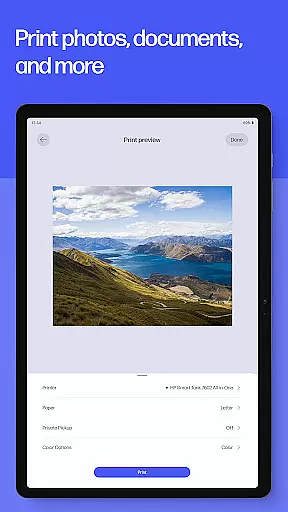
With features like HP Printables and Print Photos, users can organize and execute a variety of print jobs directly from their devices. These options not only save time but also allow for personalization and creativity in everyday printing needs. Additionally, the Scan Documents feature helps digitize paperwork, making document management seamless and efficient.
The HP app goes beyond just managing print tasks by offering functionalities such as tracking ink levels and ordering supplies. This ensures that users are always prepared and can maintain an uninterrupted workflow. Such proactive management capabilities contribute significantly to a user's ability to stay productive without unnecessary interruptions or delays.
Cross-device synchronization is crucial for users who operate in multi-device environments, and the HP app delivers reliable performance in this aspect. By allowing users to manage both printers and computers from a single interface, the app ensures that all devices are in sync and functioning optimally. This unified control panel simplifies device management and enhances overall efficiency.
The app supports real-time updates and notifications, which means users are always informed about the status of their devices, whether they're at home or in the office. For instance, if a printer is low on ink or paper, the app promptly notifies the user and facilitates easy reordering. This immediate feedback loop helps prevent potential disruptions in workflow due to lack of supplies.
Moreover, the HP appu2019s compatibility across Android mobile phones and tablets guarantees that users have consistent access to its features regardless of the device they are using. This cross-platform reliability ensures that users can depend on the app to keep their work processes smooth and synchronized, thus boosting productivity and convenience.
User-friendly interface
Comprehensive device management
Advanced printing capabilities
Instant support access
Regular feature updates
Limited device compatibility
English language dominance
Potential premium features
Internet dependency
Account requirement

Android Wallet Password Manager
 4.80
4.80
Send files, sync SMS, notifications & clipboard across devices via local network
4.40
Make your handwriting beautiful, even more than pen on paper.
3.60
CalenGoo is a very flexible and feature-rich calendar app
4.40
Subscribe to Webcal & .ics calendars and keep them up-to-date!
4.50
Scientific calculator for Android - looks and operates like the real thing!
4.90
Use powerful, industry-leading AI tools to generate visual charts from any data
4.80
Seamlessly read, manage, and organize all your PDF files solution in one place
4.40
Browse and view your photos and videos from the phone with photo & video hide.
4.10
Native client for Forgejo and Gitea
5.00
Best Tool for the professionals Electrician, Electrical contractors, etc.
4.90
Secure your apps with lock screens, use custom themes and different features.
4.40
When you Focus, so will your Bean in this cozy focus timer
4.30
Automates browsing any website and notifies you of important changes or events
4.30
Wake up & get tasks done! Add alarms & reminders on the Clock Launcher.
4.00
All in one sketching tool. Technical and General drawing. Online Maps support.
3.70
Ads Free App! Editor, Hide File, Copy, Move, Delete and Rename.. all facility av
1.70
Create study competitions, track your hours, and stay consistent with friends
4.2
IP Camera Viewer - Android TV : RTSP Surveillance camera viewer for Android TV
4.2


User Reviews