
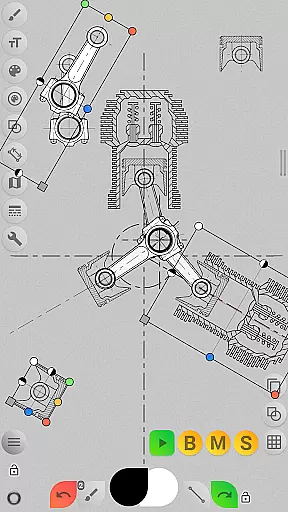
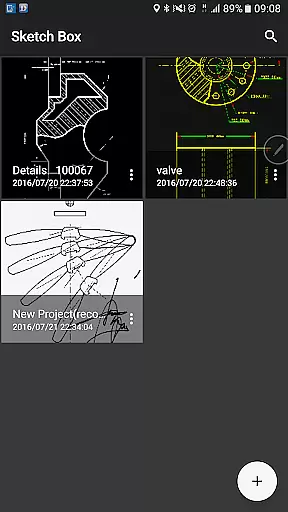
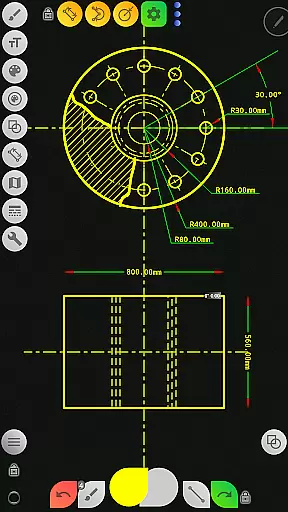
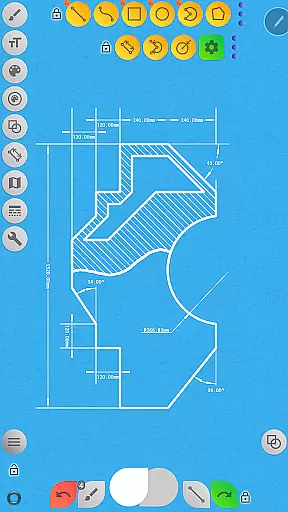
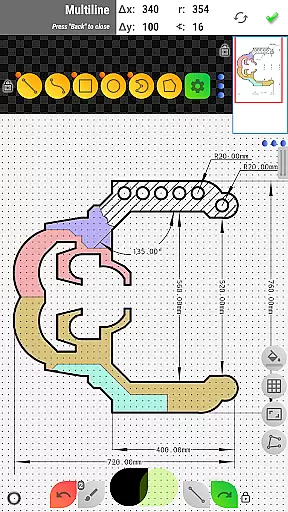

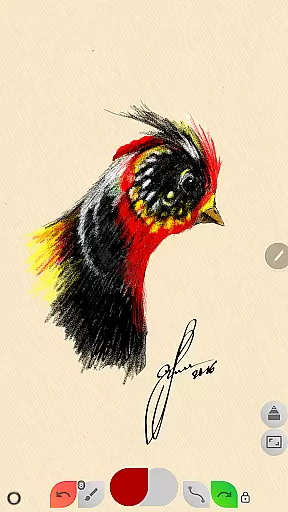
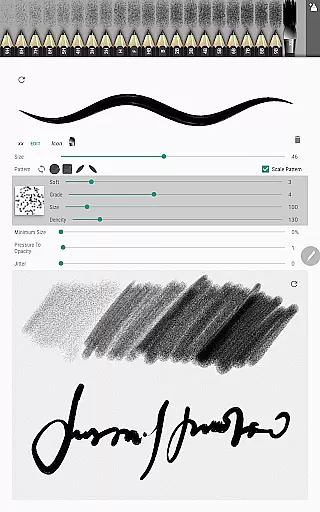
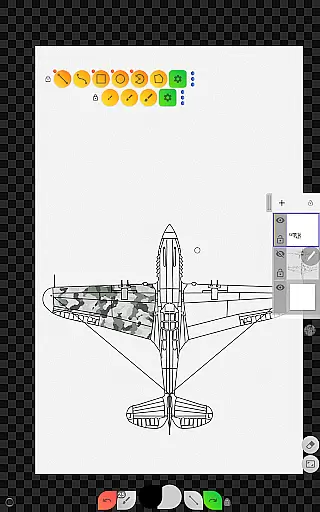
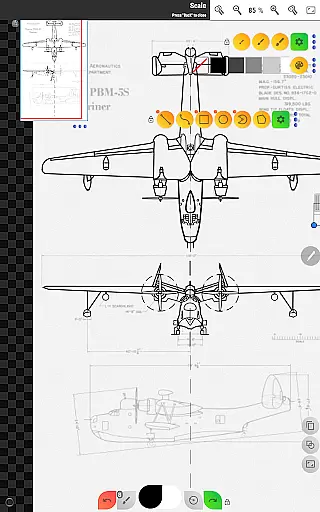
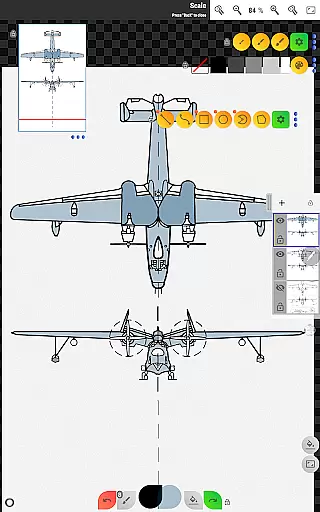
Sketch Box Pro is a versatile sketching and drawing application designed for both creative and technical professionals. This lightweight tool offers an impressive range of features that cater to various drawing needs, from general sketching to detailed technical drawings. The app serves as an alternative to traditional CAD systems while maintaining the simplicity of paper-and-pencil sketching. With its unique combination of artistic and technical tools, Sketch Box Pro enables users to create precise drawings and capture ideas instantly.
The application supports project-based workflows, allowing users to create new projects from scratch, import maps, or use images from their device gallery. Its comprehensive feature set includes advanced drawing tools, layer management with up to six layers in the Pro version, and specialized functions like dimensioning and scaling. Whether you're working on engineering designs or creative sketches, Sketch Box Pro provides a flexible workspace that adapts to different professional requirements.
One notable advantage of Sketch Box Pro is its integration with online maps, making it particularly useful for location-based projects. Users can utilize interactive map tools, compass orientation, and measurement features to create accurate geographical sketches. This combination of traditional drawing capabilities with modern digital tools makes the application valuable for architects, engineers, designers, and artists who need a portable yet powerful sketching solution.
Sketch Box Pro stands out with its extensive collection of professional-grade features that cater to diverse drawing needs. The application provides a complete set of basic shapes including lines, rectangles, ovals, and arcs, enabling users to create detailed technical drawings. For freehand sketching, the app offers a variety of predefined brushes that mimic traditional drawing tools. These features are complemented by advanced options like grid support for precision work and dimension tools for quick measurements.
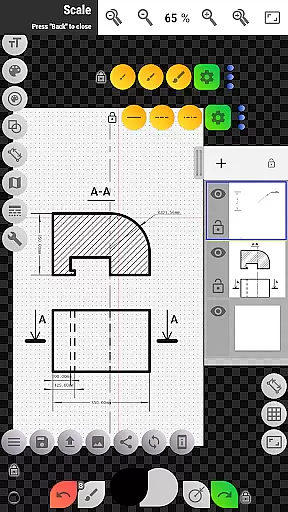
The app's layer management system is particularly robust, supporting up to six layers in the Pro version. Each layer can be individually controlled with options for locking, adjusting opacity, duplicating, clearing, and merging. The innovative pencil (brush) editor allows users to customize drawing tools with specific characteristics, while the optimized multiline tool enables continuous drawing with manual point positioning. Additional features include flood filling, hatching tools, text insertion, and color control panels with history support.
For technical professionals, Sketch Box Pro offers specialized tools such as scale ratio settings, rotation controls, and image import capabilities. The application's online map support is especially noteworthy, providing Google Maps integration, interactive compass tools, and vector-based azimuth measurements. These features, combined with distance and area measurement tools, make the application particularly valuable for creating accurate geographical and technical drawings.
Sketch Box Pro excels in core task management by offering a versatile platform for both creative and technical drawing needs. The app supports project-based workflows, enabling users to create new projects from scratch, import snapshots from online maps, or use images from their device gallery.
The application provides advanced layer management with up to six layers in the Pro version, allowing users to lock, adjust opacity, duplicate, clear, delete, and merge layers. This feature ensures that complex drawings can be organized efficiently, making it easier to manage individual components of a project without cluttering the workspace.
Additionally, Sketch Box Pro includes tools like the dimension tool for quick dimensioning, scale tool for setting ratios, and grid tool for precise technical sketching. These features collectively enhance productivity by streamlining repetitive tasks and ensuring accuracy in every drawing.
Cross-device synchronization is crucial for maintaining workflow continuity, and Sketch Box Pro addresses this need effectively. While the app itself does not directly provide cloud-based sync, its robust project management system allows users to save, duplicate, and share projects effortlessly.
Users can export their current drawings to the device gallery or share them via different platforms, ensuring that their work is accessible across multiple devices. This method of sharing and saving projects guarantees that users can continue their work on another device without losing progress or quality.
Moreover, the app's support for importing images from the device gallery and its compatibility with online maps further enhance its cross-device capabilities. By leveraging these features, users can seamlessly integrate external resources into their projects, regardless of the device they are using.
User-friendly interface
Powerful layer management
Versatile drawing tools
Precise technical features
Excellent map integration
Pro features require payment
Steep learning curve
Occasional performance issues
Limited free version
Complex UI for beginners

Client for Nextcloud Deck
 4.60
4.60
Take control of your clipboard with Clipper!
3.90
A lightweight JSON & XML files creator, editor and viewer (Premium Version)
4.40
Mind Map and brainstorm, note taking and idea collection
4.80
We're working to become the best machining app on the market! www.cncdirt.com
4.80
Secure, fast, open-source, Remote Desktop Client for Windows and Linux with SSH
4.60
A simple Whisper AI keyboard for reliable speech transcription and rewording
4.60
Secure your apps with lock screens, use custom themes and different features.
4.40
Lightweight PDF, Word, Excel reader.
4.60
Multilingual translator for text, voice, and image translation!
4.90
Scan paperwork into PDF/JPG, generate your own e-signature and send fax or email
4.70
All document reader, all in one file viewer read PDF, DOCX, XLS, PPT, TXT files.
4.60
This small app MUST BE INSTALLED after purchase, else license won't work
4.40
Share files & memories safely. Keep your photos and videos secure.
4.40
Total remote control for your Android device, PC and cloud services (IFTTT)!
4.20
Professional calendar app for Google Calendar, MS Outlook & Exchange
4.20
Make apps & sites with natural language prompts
4.10
Experience and share your SolidWorks designs on your Android® phone and tablet.
2.50
Ads Free App! Editor, Hide File, Copy, Move, Delete and Rename.. all facility av
1.70


User Reviews