
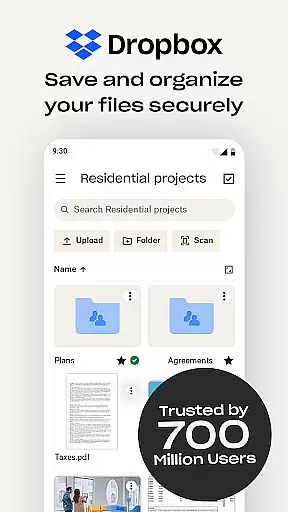
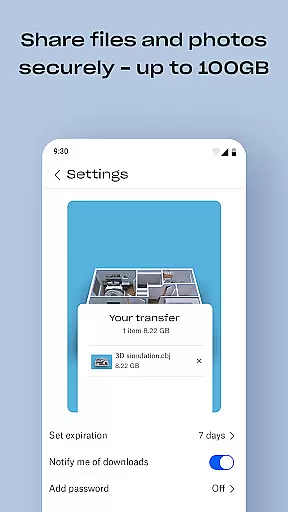
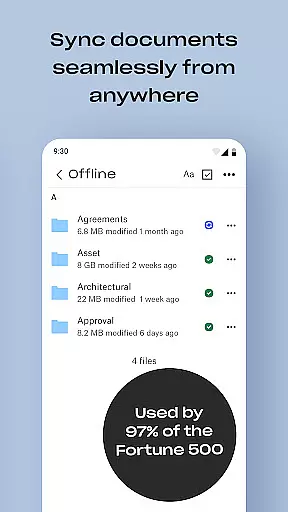
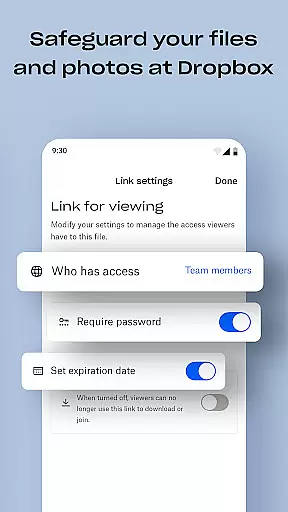
Dropbox is a leading cloud storage solution that allows users to securely backup, access, and manage essential files from any location. Trusted by over 700 million registered users, it offers reliable and private file management for individuals and teams alike.
The app provides seamless synchronization across devices, automatic camera roll uploads, offline file access, and easy sharing of large files via links. Dropbox also includes advanced features like document scanning, version history, and file recovery, making it an all-in-one productivity tool for file storage, organization, and transfer.
With its user-friendly interface and robust security measures, Dropbox is ideal for both personal use and professional collaboration, ensuring your data remains accessible and protected at all times.
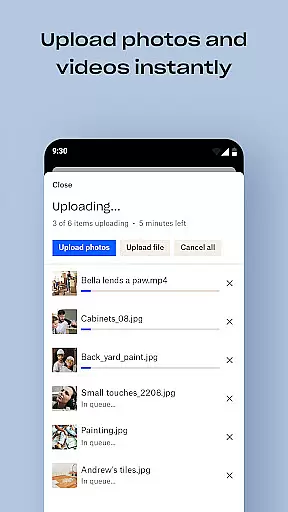
Dropbox stands out with its comprehensive feature set tailored for productivity. One of its key strengths is automatic photo uploads from your camera roll to cloud storage, enabling effortless photo sharing and backup.
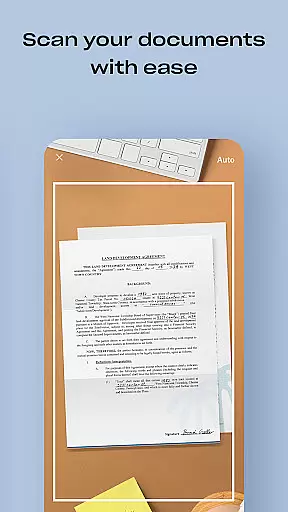
Another notable feature is the ability to preview over 175 file types without requiring special software, coupled with the convenience of sending large files via shareable links. The app also supports document scanning, transforming images into high-quality PDFs, and syncing folders on your PC or Mac with automatic backup.
For subscribers, Dropbox Plus introduces advanced tools like Passwords for secure password management, Vault for protecting sensitive documents, and Rewind for rolling back changes. These innovations ensure Dropbox remains a versatile and indispensable tool for modern file management.
Dropbox excels in core task management by providing users with a seamless way to organize, store, and access their files across all devices. The app automatically syncs folders on your PC or Mac, ensuring that your most important documents are always up-to-date and available, even when you're offline.
With features like version history and file recovery, Dropbox allows users to recover older versions of their documents or restore deleted files effortlessly. This ensures that no matter what happens, you can always retrieve your data, making it an indispensable tool for both personal and professional task management.
The ability to preview over 175 different file types without any special software required further enhances productivity. Users can easily view their files within the app, streamlining workflows and eliminating the need to switch between multiple applications to get work done efficiently.
Cross-device synchronization is where Dropbox truly shines, offering unparalleled reliability for users who need consistent access to their files. Whether you're working from your phone, tablet, or computer, Dropbox ensures that all your devices are updated in real-time with the latest versions of your documents.
This level of synchronization reliability extends to its photo storage capabilities as well. Users can automatically upload photos from their camera roll to cloud photo storage, making it easy to share and access images from any location. This feature not only saves valuable space on your devices but also provides peace of mind knowing your memories are safely backed up.
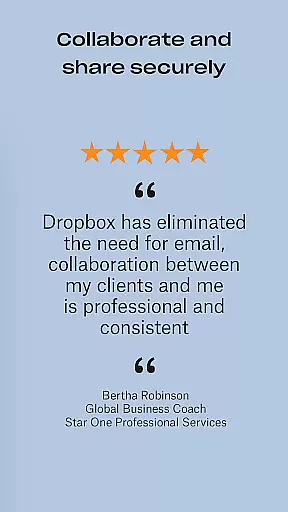
Moreover, Dropbox's advanced sharing options allow you to send large files by simply sharing a link, even with those who don't have a Dropbox account. This ease of use combined with robust security measures makes Dropbox a trusted solution for individuals and teams looking to maintain productivity across multiple platforms.
User-friendly interface
Secure file encryption
Offline file access
Automatic backups
Cross-device sync
Limited free storage
Paid subscription required
Occasional sync delays
No built-in editor
High cost for teams

A Revolutionary All-in-One Artificial Intelligence Tools
 3.80
3.80
Ads Free App! Editor, Hide File, Copy, Move, Delete and Rename.. all facility av
1.70
The Pro Version of Android's tiniest Notepad app. Just 0.3MB but feature-packed!
4.60
Protect and view your important info on your phone and tablet with eWallet®
4.80
Fill, sign & send docs, forms, agreements & contracts via electronic signature.
4.50
Simple and reliable communication between inmates, friends and family
3.20
Functional QR scanner and barcode reader that requires little storage space.
4.60
A Pixel Art watchface inspired by other iconic 90s designs for Wear OS devices!
4.40
Note taking, handwriting, record audio, PDF annotation, planner & journal
4.20
Best Tool for the professionals Electrician, Electrical contractors, etc.
4.90
Understand anything with a personalized AI research assistant
4.80
App lock - lock apps with fingerprint, password, pin or pattern, protect privacy
4.70
App Lock with fingerprint, password: Lock apps & hide photos with lock screens
4.60
Lightweight PDF, Word, Excel reader.
4.60
Docker, Kubernetes management over Portainer Mobile
4.40
Device's storage information in a simple and clear graphical form (infographics)
4.10
Create and edit presentations with Google Slides, part of Google Workspace.
4.00
Access your phone's notifications, calls, apps, photos & texts on your PC
3.90
Ultimate Virtual AI Character for immersive Roleplay Chat. Perfect Companion
3.90


User Reviews