
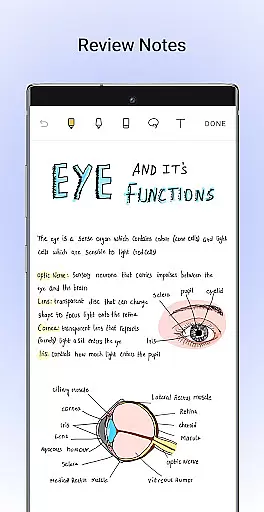
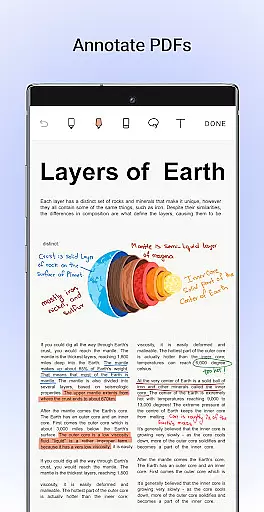
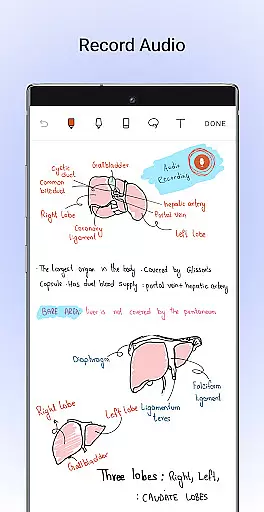
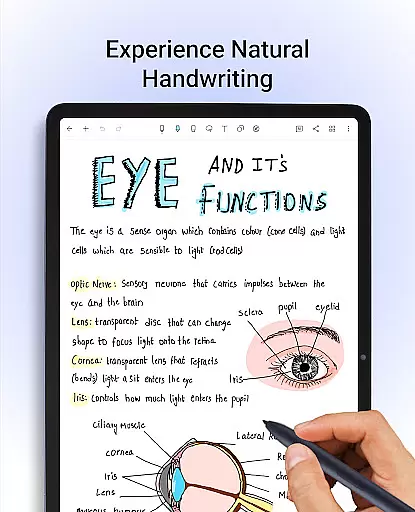
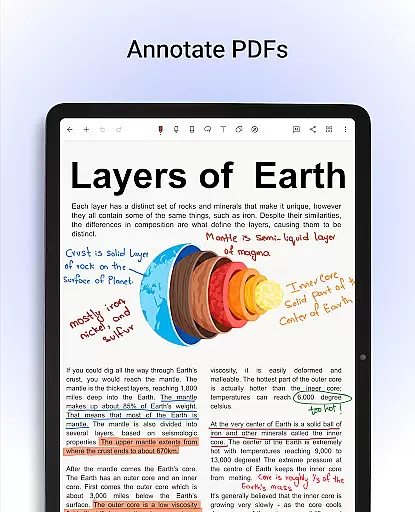
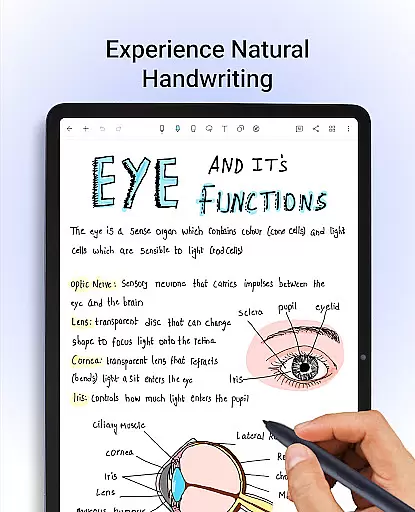
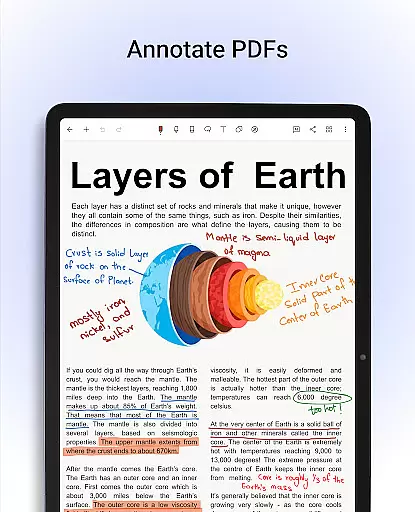
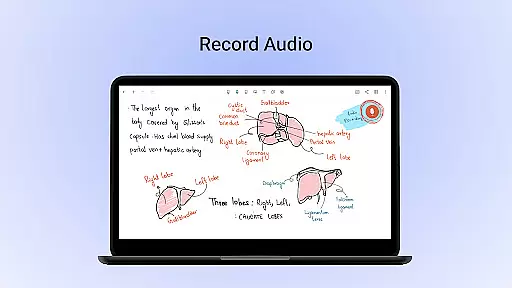
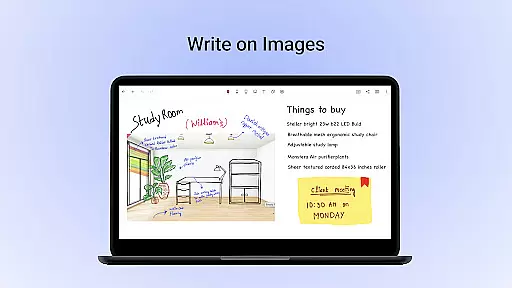
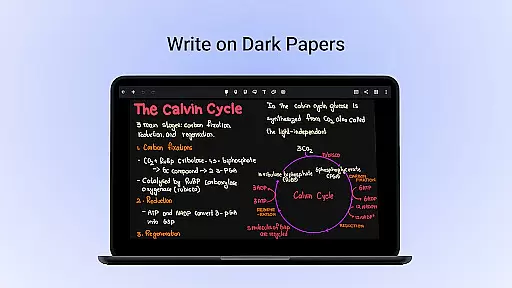
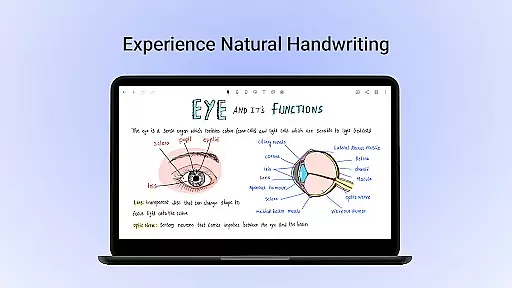
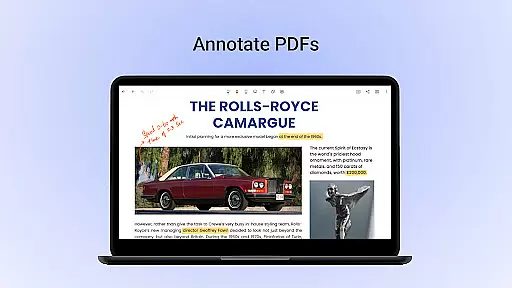
Noteshelf is a feature-rich note-taking app designed for students, teachers, and professionals. It allows users to take beautiful handwritten notes, annotate PDFs, record audio notes, and organize digital notes with ease. The app offers realistic pens and highlighters, supports various stylus options, and provides handwriting recognition in 65 languages.
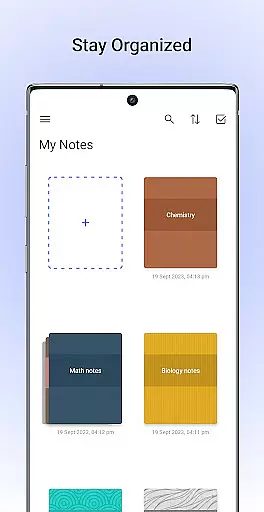
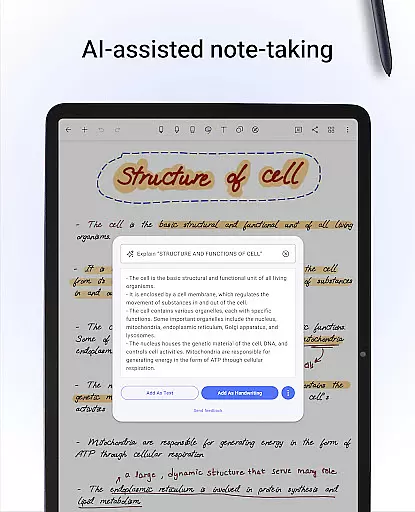
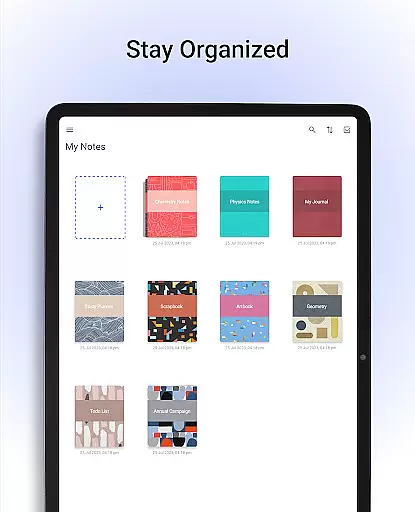
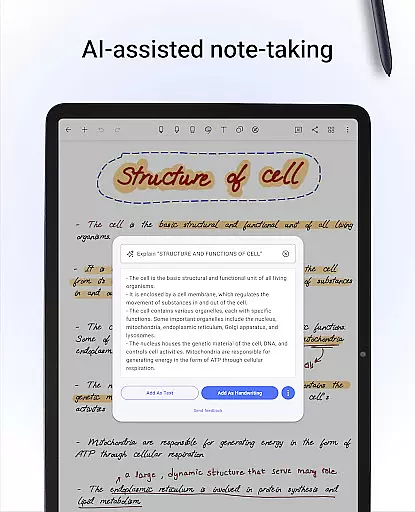
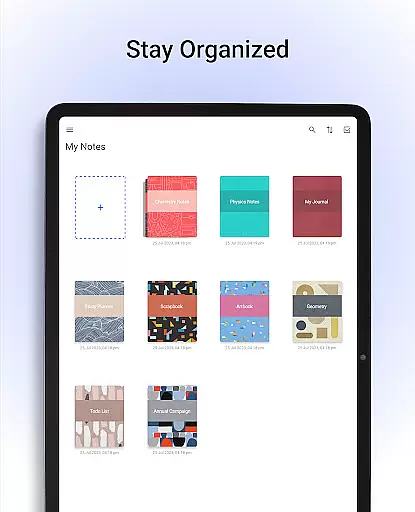
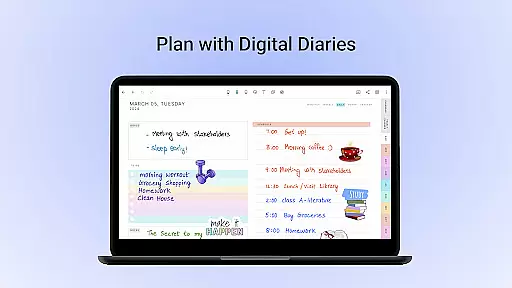
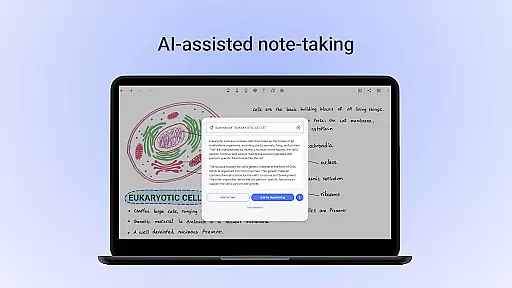
With its vast library of 200+ templates, Noteshelf caters to diverse needs from student notes to bullet journaling. The Noteshelf AI assistant can understand handwriting, generate notes, summarize content, and translate text. Users can personalize their notes with different paper styles, covers, and formatting options while staying organized through grouping notebooks and bookmarking important pages.
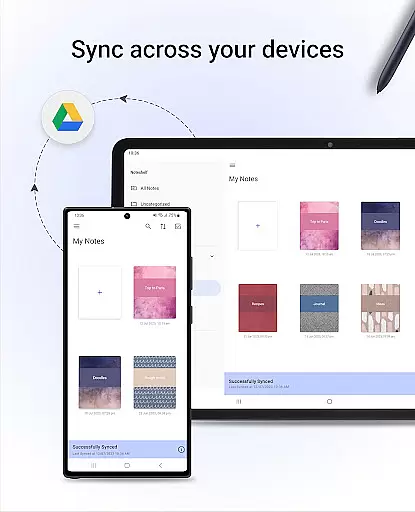
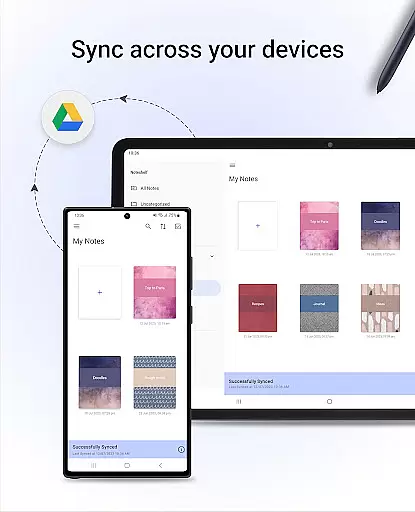
This productivity tool ensures notes are safe through cloud syncing and auto-backup features. Users can access their notes anytime, anywhere, and even share them as images or publish to Evernote. Noteshelf combines powerful functionality with user-friendly features, making digital note-taking both efficient and enjoyable.
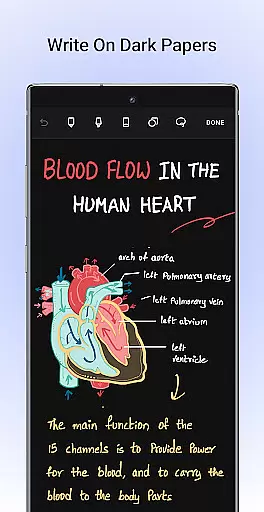
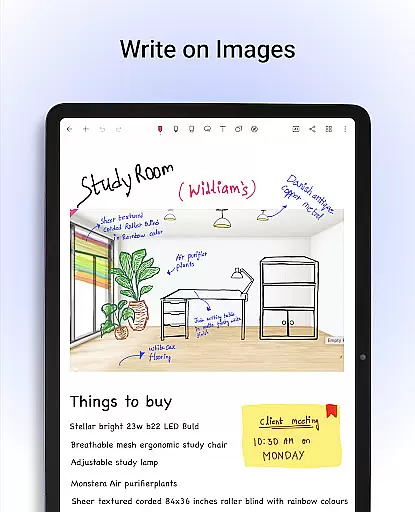
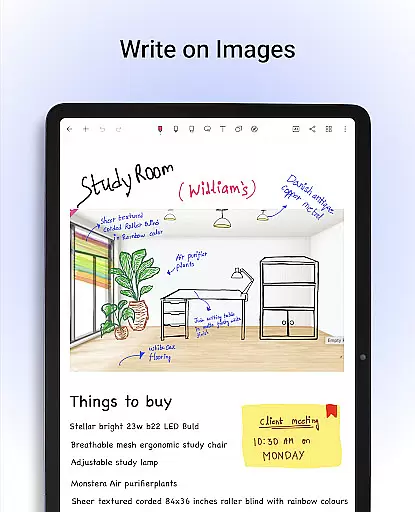
Noteshelf stands out with its comprehensive set of productivity features. The app's natural handwriting experience includes realistic pen types, color options, and stylus support, even offering a quick-erase function for Samsung Galaxy Note devices. Its PDF annotation capabilities allow users to highlight, underline, and edit documents, making it ideal for schoolwork and professional tasks.
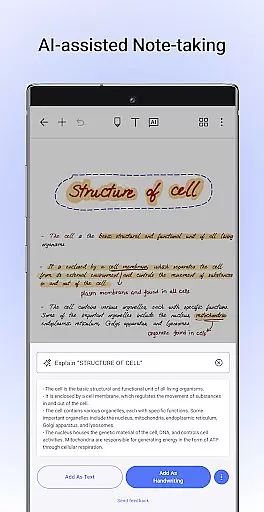
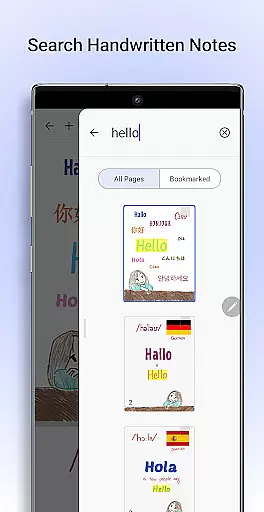
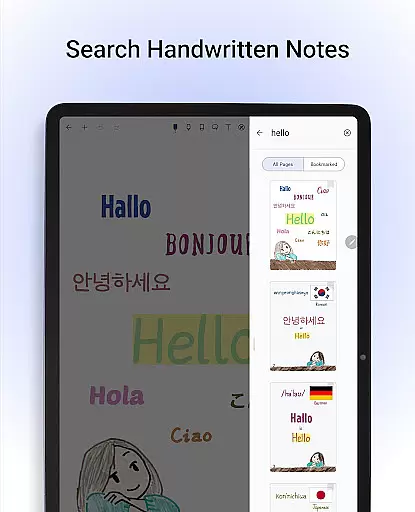
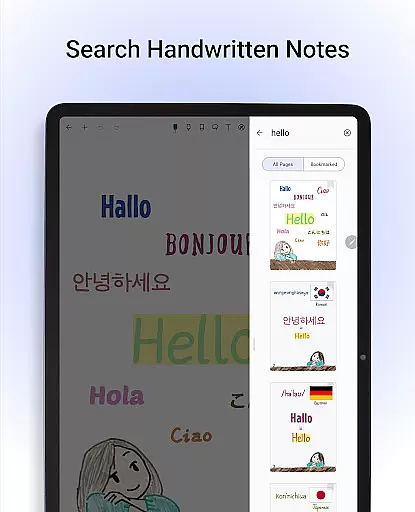
The app's intelligent features include OCR technology that converts handwritten notes to typed text across 65 languages and enables searching within handwritten content. Noteshelf AI takes productivity further by generating notes, summarizing content, translating text, and explaining complex terms. With customizable templates, paper styles, and notebook covers, users can create personalized digital notebooks.
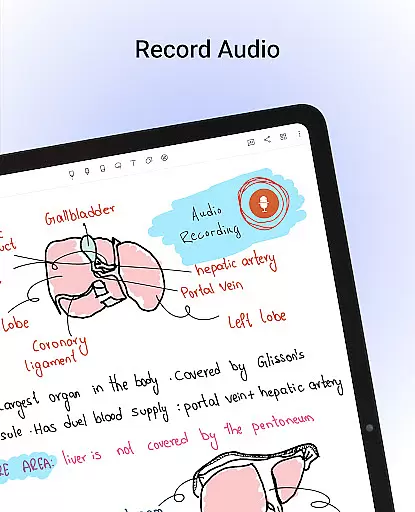
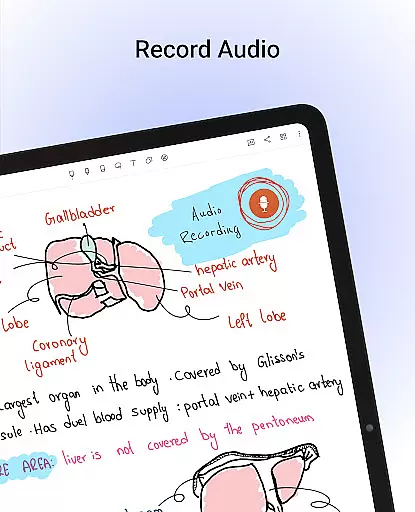
Additional notable features include audio recording during lectures, shape recognition for diagrams, automatic backups to multiple cloud services, and cross-device synchronization. These robust features make Noteshelf an indispensable tool for anyone seeking an organized and versatile note-taking solution.
Noteshelf excels in core task management by offering a comprehensive suite of tools designed to streamline note-taking and organization. The app provides users with the ability to create beautiful handwritten notes, annotate PDFs, and even record audio notes, catering to a variety of needs from students to professionals.
The app supports natural handwriting with realistic pens and highlighters, ensuring that digital note-taking feels as intuitive as using pen and paper. Additionally, its powerful search functionality allows users to convert handwritten notes to text across 65 languages, enhancing accessibility and usability.
With features like Noteshelf AI, users can generate notes on any topic, summarize content, and translate text, making it an indispensable tool for efficient task management. This ensures that users not only organize their notes effectively but also enhance productivity through intelligent automation.
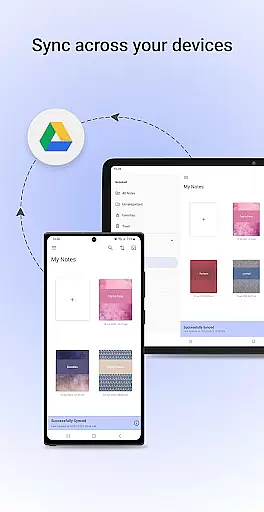
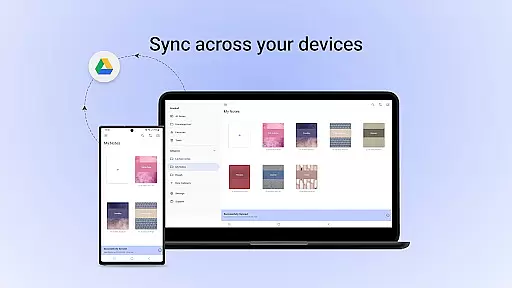
Cross-device synchronization is a cornerstone of Noteshelf's design, ensuring that your valuable notes are always accessible no matter where you are. By syncing via Google Drive, the app guarantees reliable access to your notes across all Android devices, providing peace of mind and flexibility.
In addition to Google Drive, Noteshelf supports auto-backup to other popular cloud services such as OneDrive, Dropbox, and WebDAV. This multi-cloud strategy ensures that your data remains safe and can be retrieved anytime, anywhere, thus maintaining high standards of reliability and convenience.
Furthermore, the app allows automatic publishing to Evernote, extending its synchronization capabilities beyond just storage solutions. This seamless integration across platforms means users can focus on their tasks without worrying about data loss or accessibility issues.
Realistic handwriting
PDF annotation tools
Voice recording feature
Cloud sync options
AI-powered assistance
Limited free features
Occasional bugs
High storage use
Complex interface
Paid subscription

Wake up & get tasks done! Add alarms & reminders on the Clock Launcher.
 4.00
4.00
8 custom complications. Custom Time Fonts. Beautiful color schemes. A++ Design.
5.00
Automates browsing any website and notifies you of important changes or events
4.30
The upgraded version of Name Wheel with AI and the power to add your own wheels.
4.4
Device's storage information in a simple and clear graphical form (infographics)
4.10
⏰ Finally a timer app which can run multiple timers simultaneously on your watch
3.90
Font maker keyboard with your own handwriting
4.10
Simple notepad & memo. Take notes, to-do list, shopping list with reminders.
4.80
Set up, print, and get support—in one place
4.20
The Pro Version of Android's tiniest Notepad app. Just 0.3MB but feature-packed!
4.60
The AI assistant that thinks with you - write, code, and solve complex tasks
4.60
To do list widget with a notebook organizer, checklist, simple shopping list
4.60
Send files, sync SMS, notifications & clipboard across devices via local network
4.40
All in one sketching tool. Technical and General drawing. Online Maps support.
3.70
Smart PDF reader & editor to view, organize and manage PDF documents easily.
3.70
ID.me Authenticator is a simple and free Two Factor Authentication solution
3.50
Code on-the-go with VScode for Android. Edit,debug and collaborate from mobile!!
3.10
Create study competitions, track your hours, and stay consistent with friends
4.1
IP Camera Viewer - Android TV : RTSP Surveillance camera viewer for Android TV
4.0


User Reviews