
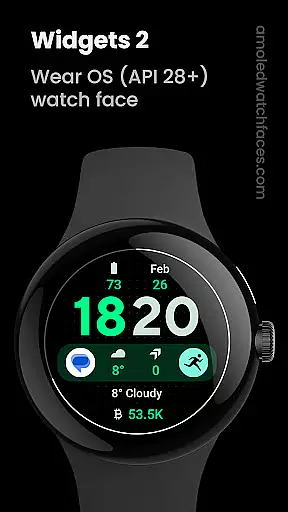
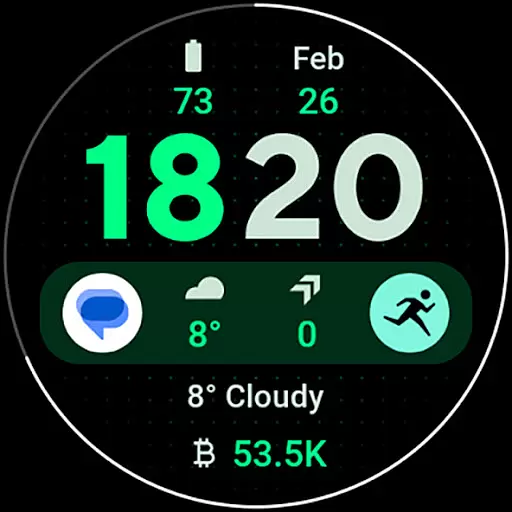
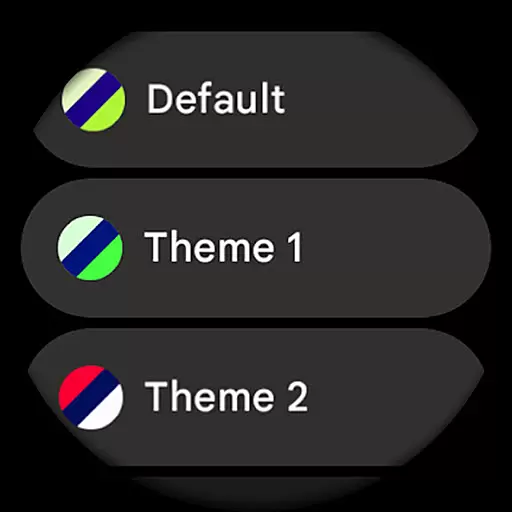
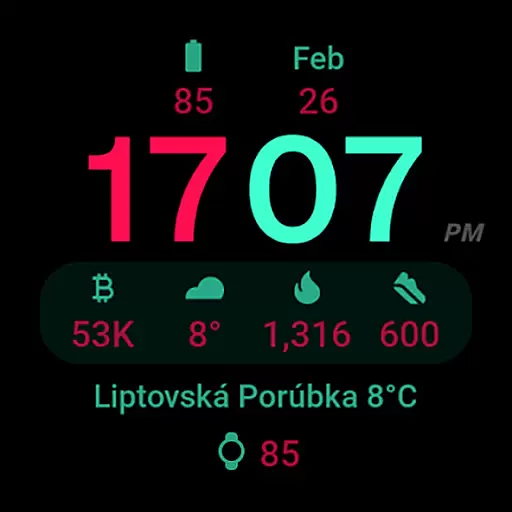
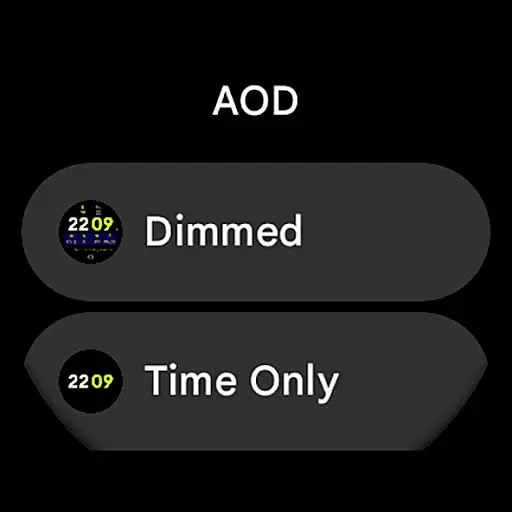
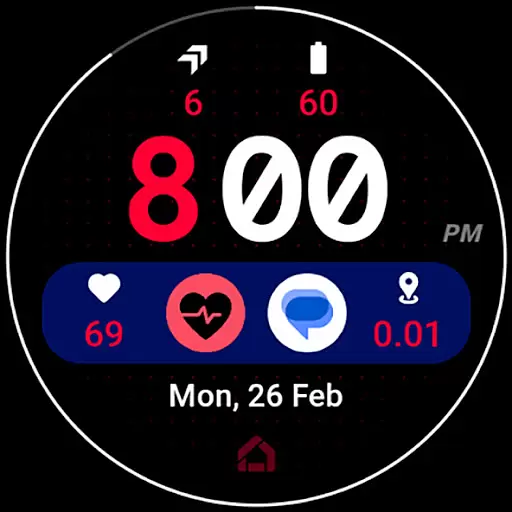
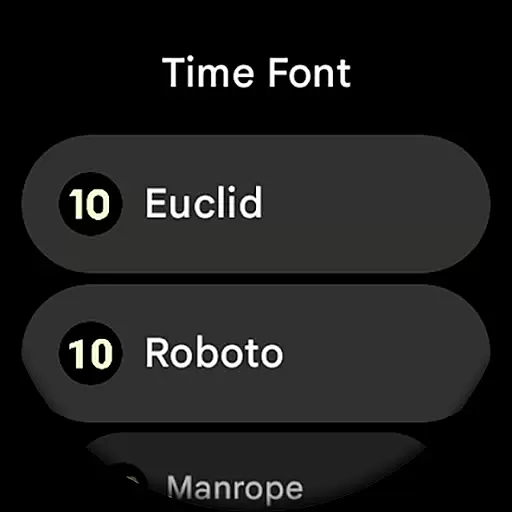
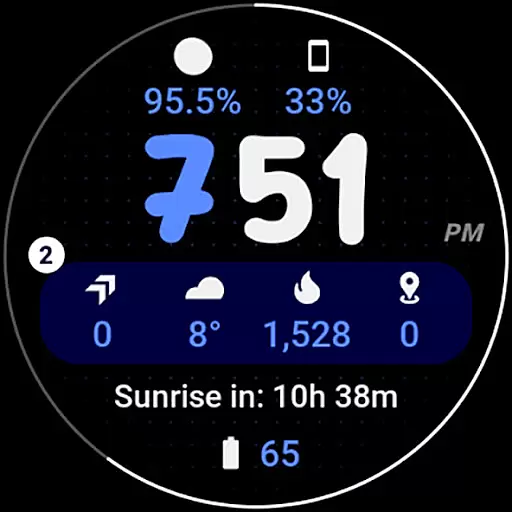
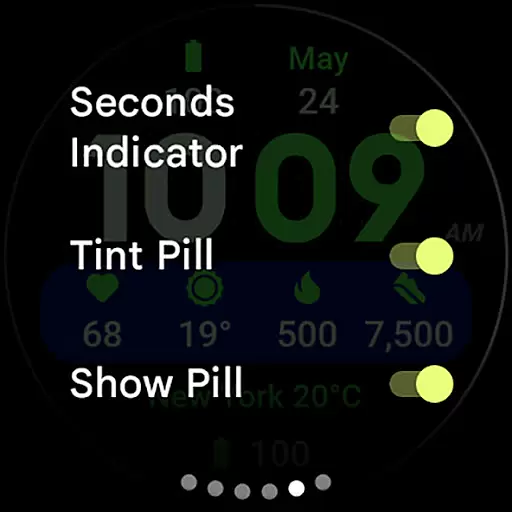
Widgets 2 is a feature-rich productivity app designed exclusively for Wear OS 4+ devices. This innovative application offers advanced watch face customization options, making it an ideal choice for users seeking to personalize their smartwatch experience. With support for true black backgrounds, high resolution displays, and unique color themes, Widgets 2 delivers both aesthetic appeal and practical functionality.
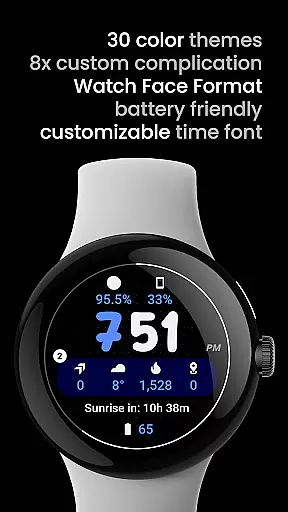
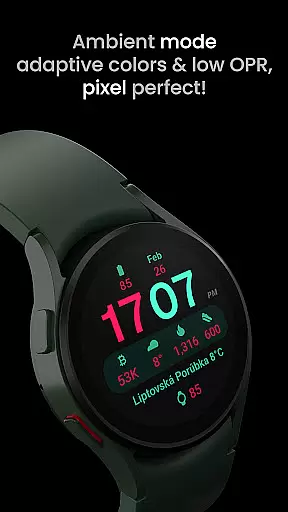
The app includes eight custom complication slots and supports phone notification complications through a companion app. Its unique ambient mode features low OPR and adaptive colors, while the burn-in protection and progress bar seconds indicator enhance usability. These capabilities make Widgets 2 particularly valuable for users who want to maximize their wearable device's potential while maintaining visual clarity and device longevity.
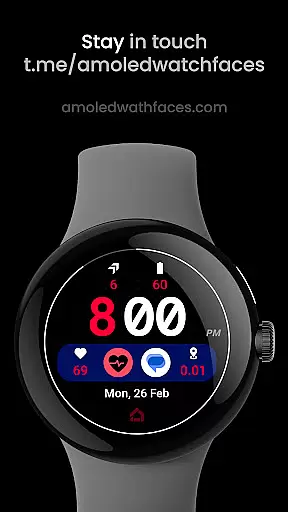
Widgets 2 stands out with its comprehensive set of features tailored for power users. The application implements Watch Face Format 1, ensuring full compatibility with the latest Wear OS devices. Its sophisticated design includes customizable time fonts, multiple theme options (30 variations), and two AOD styles, allowing for extensive personalization.
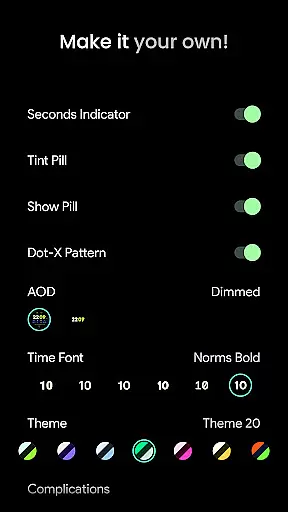
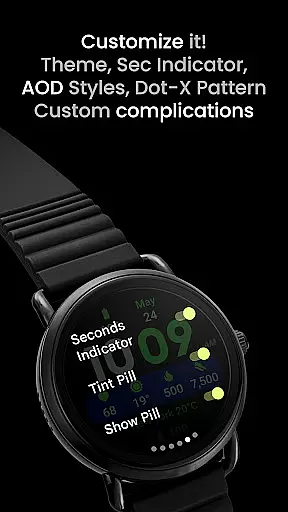
The app's technical capabilities extend to include various user-configurable elements such as toggle options for seconds indicators, tint pills, and dot-X patterns. The eight custom complication slots provide flexibility in displaying relevant information. Furthermore, the implementation of burn-in protection and adaptive ambient mode demonstrates the developer's attention to device longevity and readability under different lighting conditions.
These features collectively offer users unprecedented control over their watch faces while maintaining optimal performance and visual quality on Wear OS devices.
Task management is a cornerstone of productivity applications, and Widgets 2 excels in providing users with the tools necessary for efficient task organization. This app offers a comprehensive suite of features that cater to the meticulous management of daily tasks and long-term projects alike.
Widgets 2 leverages its compatibility with Wear OS devices to ensure that task management is not confined to the phone alone. With unique color themes and customizable time fonts, users can tailor their experience to match their personal workflow preferences, ensuring that important tasks are highlighted and easily identifiable at a glance.
The inclusion of eight custom complication slots allows users to integrate various aspects of their digital life into their task management process. Whether it's monitoring phone notifications or tracking progress through a visually engaging seconds indicator, Widgets 2 ensures that all critical information is accessible directly from the watch face.
By offering an extensive range of user configurations such as theme selection, AOD styles, and toggles for different display elements, Widgets 2 empowers users to create an environment that best suits their task management style. This level of customization not only enhances productivity but also provides a personalized experience that adapts to individual needs.
Cross-device synchronization is vital for maintaining consistency and reliability across different platforms, and Widgets 2 addresses this need by ensuring seamless integration between Wear OS devices and other digital tools. The ability to synchronize data effectively guarantees that users have access to up-to-date information regardless of the device they are using.
With full compatibility with the latest Wear OS devices, Widgets 2 takes advantage of true black backgrounds and high-resolution displays to deliver crisp visuals that are easy on the eyes. This attention to detail extends to ambient mode features, which adapt colors intelligently while conserving battery lifeu2014a crucial aspect when considering cross-device usability.
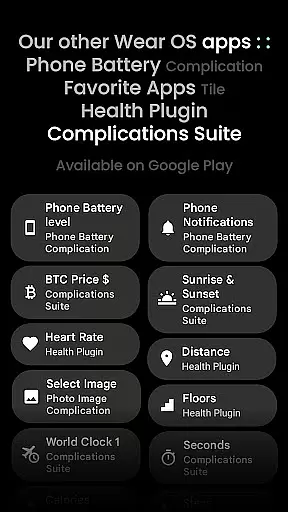
Phone notifications complication support further enhances synchronization capabilities by allowing users to stay informed about incoming messages or alerts directly from their watch face. By integrating additional apps like Phone Battery Complication, Widgets 2 demonstrates its commitment to creating a cohesive ecosystem where all components work together harmoniously.
Installation guides and troubleshooting resources provided by Widgets 2 ensure that setting up cross-device synchronization is straightforward even for less tech-savvy individuals. Coupled with responsive customer support channels via email or live discussions in Telegram groups, users can rely on consistent assistance whenever they encounter challenges in synchronizing their devices.
Extensive customization
Advanced complication support
Device optimization features
Regular feature updates
Strong community support
Not for rectangular watches
Companion app required
Complex setup process
Premium price point
Limited to Wear OS

Client for Nextcloud Deck
 4.60
4.60
Mega cloud explorer plugin for Solid Explorer
3.80
Easily read and manage all your PDF files
4.10
Remotely view listen control and record cameras.
3.70
PDF scanner & converter for files, photos, lottery, QR codes. One swipe away!
4.50
Quickly and easily keep track of your work shifts
4.70
Set up, print, and get support—in one place
4.20
Put a lock on your cloud: Take the security of your data into your own hands
3.70
Note taking, handwriting, record audio, PDF annotation, planner & journal
4.20
Direct Chat without saving contacts & Dual WA Account on Single Device
4.70
aCalendar+ makes your day, week and month
4.70
Calendar 2023 widget for Android. Appointment scheduler, planner, and reminder
4.60 4.20
4.20
Cloud storage, automatic phone backup, and more.
4.10
Unlock AutoNotification
4.00
ID.me Authenticator is a simple and free Two Factor Authentication solution
3.50
Simple and reliable communication between inmates, friends and family
3.20
AI Video AI Image Private LLM AI Browser Llama Gemma Ollama Connect LLM Studio
4.2
A comprehensive suite of tools designed specifically for Lactation Consultants
4.4


User Reviews