

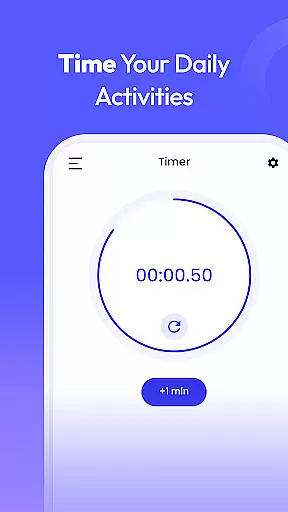
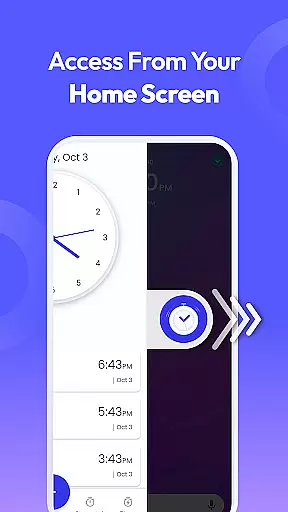
Clock Launcher is a productivity-focused app that combines essential time management tools with launcher functionality. The app provides instant access to alarms, timers, reminders, and world clocks through a simple swipe from the home screen. Its unique integration of a customizable home screen widget allows users to view the time, weather, and other important information at a glance.
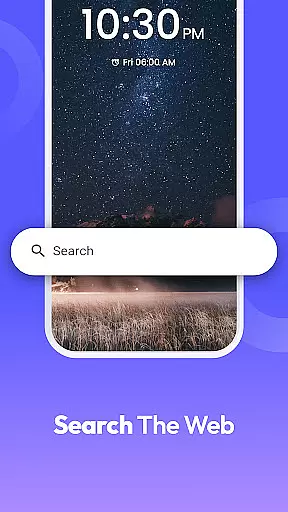
Designed for efficiency, Clock Launcher also offers features like multi-touchpoint search powered by Yahoo, clock-themed wallpapers, and home screen shortcuts for quick access to key functions. Whether you need to manage daily schedules, track international time zones, or set cooking timers, this app streamlines your routine while keeping everything organized in one place.
Perfect for busy professionals, frequent travelers, and anyone seeking better time management, Clock Launcher ensures you stay on schedule without cluttering your device with multiple apps. Its intuitive design makes it easy to use while delivering significant value through its all-in-one approach to productivity.
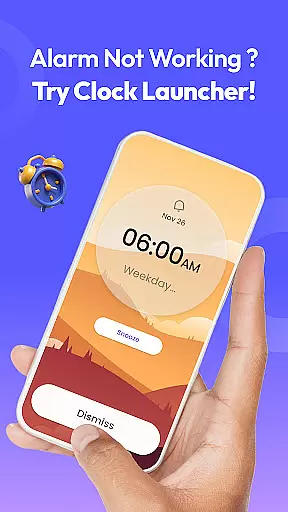
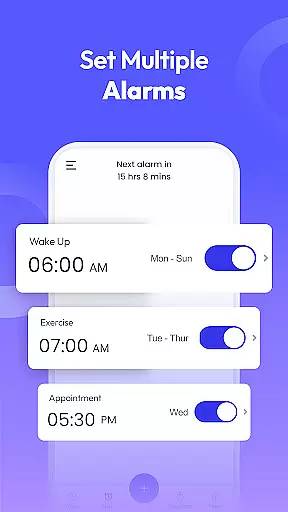
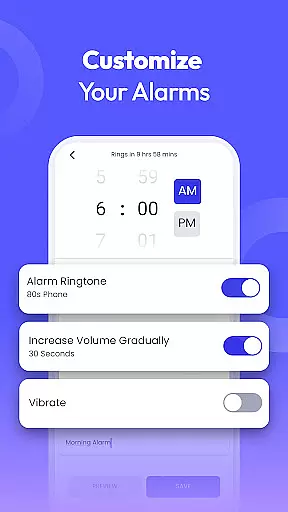
Clock Launcher stands out with its comprehensive suite of productivity tools designed to simplify time management. One of its core features is the alarm clock, which supports daily and weekly alarms, customizable tones, snooze durations, and repeat options for maintaining consistent routines. Heavy sleepers will appreciate the loud alarm tones, ensuring they wake up on time every day.
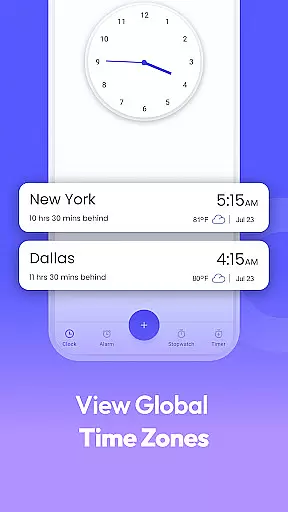
In addition to alarms, the app includes a world clock feature that lets users check the time in any city worldwide, making it ideal for international travelers and remote workers managing global teams. The reminder system helps users stay on top of appointments, flights, and events, while the timer and stopwatch are perfect for workouts, cooking, or tracking tasks. These tools work seamlessly together to enhance productivity.
The app's launcher capabilities further elevate its utility. With one-swipe access, users can quickly set alarms or launch frequently used apps. A customizable home screen widget displays real-time updates on the time, weather, and more, while clock-themed wallpapers add personalization. Multi-touchpoint search enhances navigation by allowing users to find installed apps or perform web searches effortlessly. This combination of functionality and convenience sets Clock Launcher apart as a versatile productivity tool.
At the heart of Clock Launcher lies its robust core task management system, designed to streamline your daily routine. This feature allows users to effortlessly set alarms, reminders, and timers, ensuring they stay organized and punctual throughout their day.
The app's intuitive interface enables quick access to essential time management tools with a simple swipe from the home screen. Whether it's setting an alarm for the next morning or timing a crucial work task, Clock Launcher provides seamless functionality that adapts to various lifestyles and schedules.
Users benefit from customizable options such as daily or weekly alarms, different tones, and snooze durations. These personalization features ensure that each user can tailor their experience to fit their unique needs, making every interaction with the app both efficient and enjoyable.
Clock Launcher excels in cross-device synchronization reliability, allowing users to maintain consistency across multiple devices. This ensures that whether you're at home or on the go, your alarms, timers, and reminders are always up-to-date and reliable.
The app leverages advanced syncing technology to provide real-time updates, so any changes made on one device are immediately reflected on all others. This is particularly beneficial for individuals who rely on multiple devices throughout their day, ensuring no important event is missed due to outdated information.
By prioritizing data integrity and speed, Clock Launcher guarantees that users experience minimal latency and maximum accuracy when managing their tasks across different platforms. This reliability fosters trust and confidence in the appu2019s ability to keep users organized and on schedule, regardless of where they are or which device they use.
User-friendly interface
Comprehensive time tools
Customizable widgets
Efficient launcher
Global time support
Home screen layout changes
Limited advanced features
No 24-hour format option
Basic widget design
Yahoo-powered search only

Secure, fast, open-source, VNC and SSH Remote Desktop for Windows, Linux and Mac
 4.70
4.70
Seamlessly integrate data and reports to build your presentation to impress
4.80
All in one sketching tool. Technical and General drawing. Online Maps support.
3.70
The Pro Version of Android's tiniest Notepad app. Just 0.3MB but feature-packed!
4.60
⏰ Finally a timer app which can run multiple timers simultaneously on your watch
3.90
CalenGoo is a very flexible and feature-rich calendar app
4.40
Find and delete junk files & block unwanted notifications & manage files
3.70
Cloud storage, automatic phone backup, and more.
4.10
Put a lock on your cloud: Take the security of your data into your own hands
3.70
Native client for Forgejo and Gitea
5.00
Understand anything with a personalized AI research assistant
4.80
Intelligent AI Assistant
4.10
Unlock AutoNotification
4.00
Create and edit presentations with Google Slides, part of Google Workspace.
4.00
Secure, open-source, SPICE and SSH Remote Desktop for QEMU KVM virtual machines
4.00
Simple and reliable communication between inmates, friends and family
3.20
Easiest event planning, volunteer signups & parent teacher conference scheduling
2.20
AI Video AI Image Private LLM AI Browser Llama Gemma Ollama Connect LLM Studio
4.1
A comprehensive suite of tools designed specifically for Lactation Consultants
4.1


User Reviews