
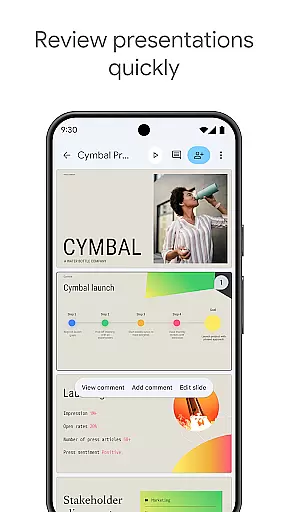
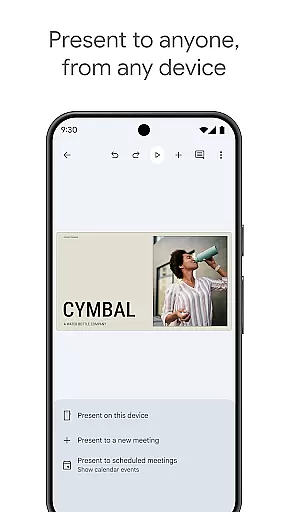
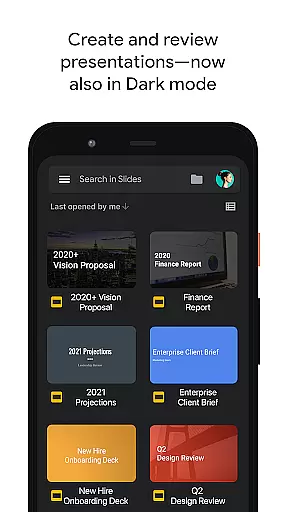
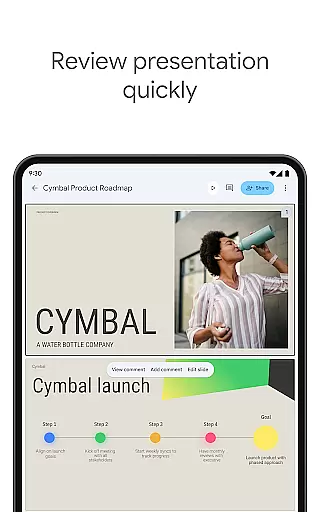
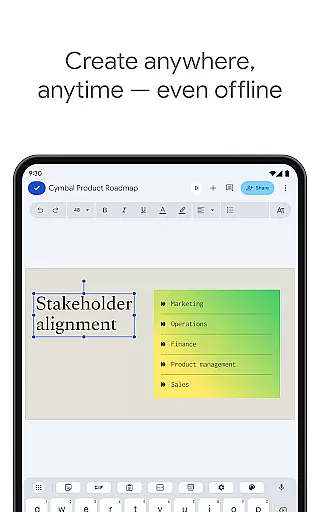
Google Slides is a powerful productivity application that allows users to create, edit, and collaborate on presentations directly from their Android devices. The app offers a comprehensive set of features including real-time collaboration, offline access, and automatic saving. Users can add comments, format text, and even present slides directly from their mobile device.
The application stands out with its smart suggestions feature that helps users design visually appealing slides instantly. It also supports integration with video calls for remote presentations and is compatible with PowerPoint files. Whether you're working individually or as part of a team, Google Slides ensures seamless productivity and accessibility across multiple devices.
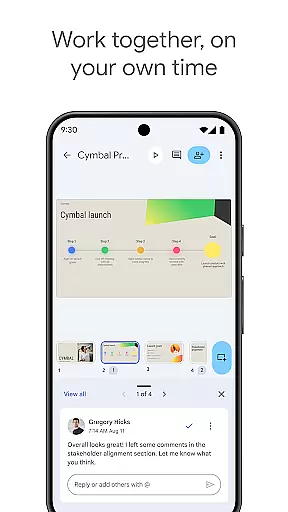
Google Slides provides an impressive array of features designed to enhance presentation creation. One key aspect is its robust collaboration tools, allowing multiple users to work on the same presentation simultaneously. This feature is particularly beneficial for teams spread across different locations.
In addition to collaboration, the app offers extensive formatting options, smooth transitions, and the ability to insert videos and images. Its compatibility with both Google Workspace and Microsoft PowerPoint ensures that users can seamlessly transition between platforms. The app's automatic saving feature and offline capabilities provide peace of mind and flexibility, making it an essential tool for modern professionals.
Google Slides excels in core task management by providing users with a comprehensive suite of tools to create, edit, and manage presentations efficiently. The app allows for seamless organization of slides, enabling users to add, remove, or rearrange slides with ease.
The application supports real-time collaboration, allowing multiple users to work on the same presentation simultaneously. This feature is crucial for teams that need to quickly iterate and make decisions collectively, ensuring that everyone is on the same page.
With smart suggestions and formatting options, users can focus on content creation while the app handles design elements, making it easier to produce professional-looking presentations. Automatic saving ensures that all changes are preserved, eliminating the risk of losing valuable work.
Cross-device synchronization is a standout feature of Google Slides, ensuring that users have access to their presentations across all their devices without any loss of functionality or data. Whether you're using an Android phone, tablet, PC, or Mac, your work is always up-to-date and accessible.
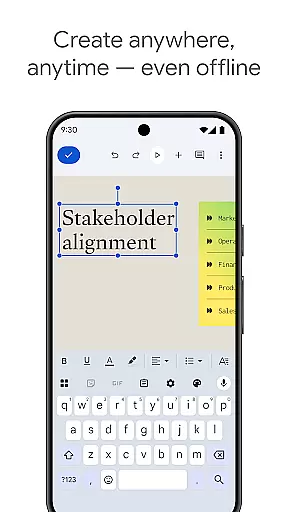
This reliable synchronization empowers users to start a presentation on one device and continue working on another, streamlining workflows and enhancing productivity. It also supports offline editing, which means you can make changes even without an internet connection, with updates syncing once online.
Furthermore, integration with Google Workspace means enhanced sharing and permission controls, allowing users to dictate who can view or edit their presentations. This interconnected ecosystem ensures that teams can collaborate effectively, regardless of their physical location or the device they are using.
User-friendly interface
Real-time collaboration
Automatic saving
Offline access
Cross-platform compatibility
Limited advanced features
Requires internet for full functionality
Fewer templates than competitors
Basic animation options
Dependent on Google ecosystem

Unlock AutoNotification
 4.00
4.00
A simple, portable logger for POTA, SOTA, Field Day, and more
4.4
Device's storage information in a simple and clear graphical form (infographics)
4.10
Subscribe to Webcal & .ics calendars and keep them up-to-date!
4.50
Calendar 2023 widget for Android. Appointment scheduler, planner, and reminder
4.60
A beautiful digital clock with autostart and many other functions
4.70
AT&T Internet customers can use this app to personalize their Wi-Fi network.
4.40
Daily processing of PDF documents.
4.40
Browse and view your photos and videos from the phone with photo & video hide.
4.10
App lock - lock apps with fingerprint, password, pin or pattern, protect privacy
4.70
Lightweight PDF, Word, Excel reader.
4.60
Planet Free VPN - The best Fast Unlimited and Secure VPN Without Logs
4.50
Total remote control for your Android device, PC and cloud services (IFTTT)!
4.20
Pwnagotchi companion app
4.20
Smart PDF reader & editor to view, organize and manage PDF documents easily.
3.70
Find and delete junk files & block unwanted notifications & manage files
3.70
AI Video AI Image Private LLM AI Browser Llama Gemma Ollama Connect LLM Studio
4.4
Create study competitions, track your hours, and stay consistent with friends
4.3
The upgraded version of Name Wheel with AI and the power to add your own wheels.
4.2


User Reviews