
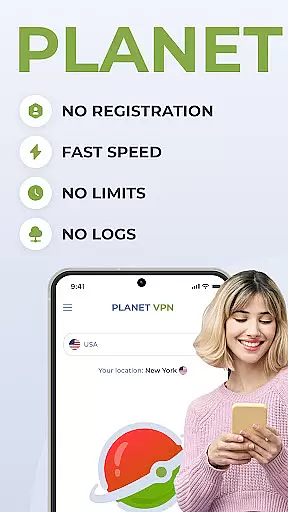
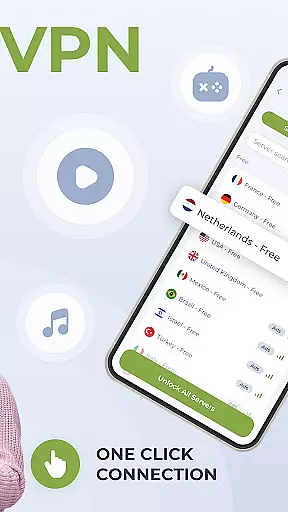

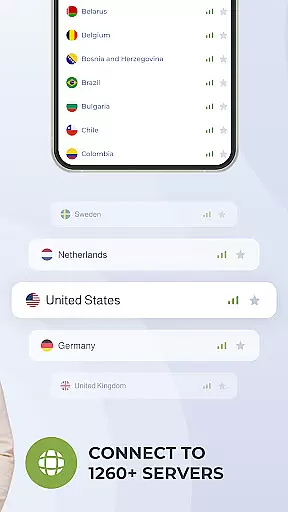
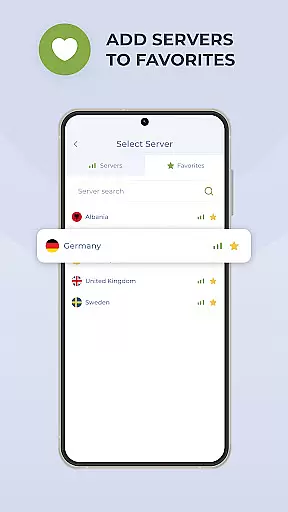
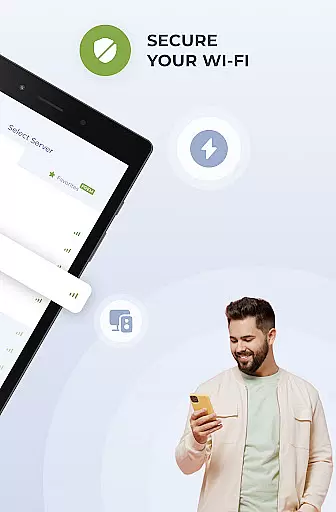
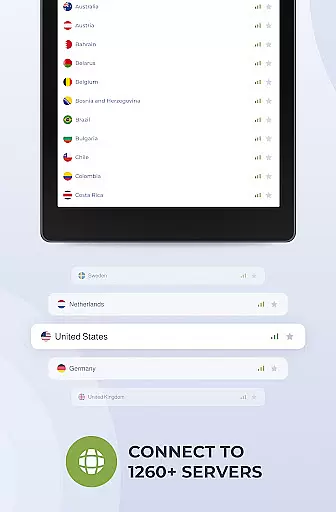
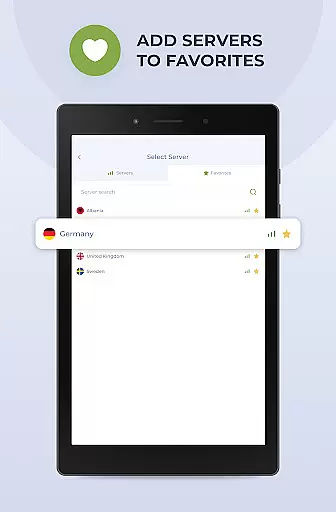
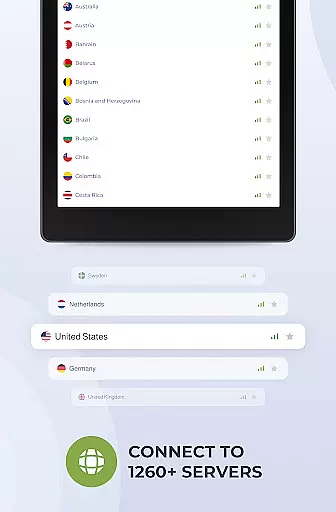
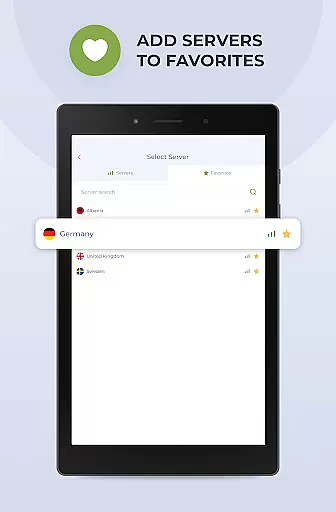
Planet Free VPN Super Proxy is a powerful productivity tool designed to provide users with complete online privacy and security. This Android-compatible app offers instant access to unlimited free servers worldwide without requiring any registration or personal data. With 11 server locations available, users can enjoy unrestricted browsing with no limitations on time, bandwidth, or speed.
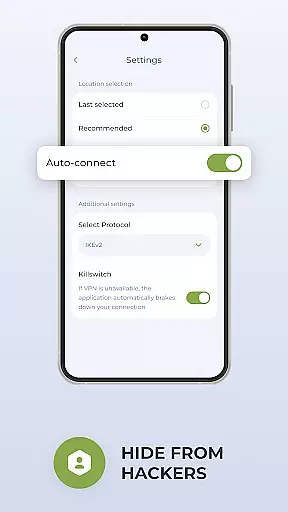
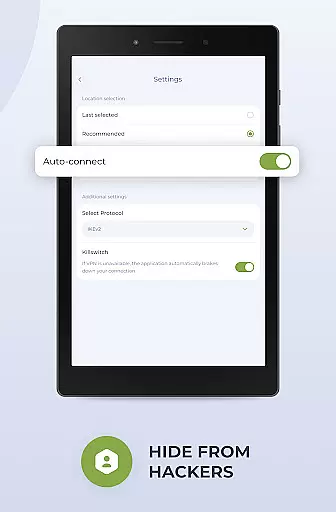
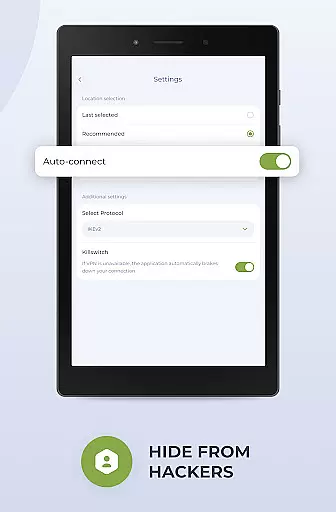
The app ensures user privacy through its strict no-logs policy and adherence to local privacy laws. It features flexible protocol options, high-speed connections with strong encryption, and a killswitch function that automatically disconnects the internet if the server connection is lost. Optimized for Android devices, Planet Free VPN also provides wide compatibility across various devices and operating systems, making it an essential tool for maintaining online freedom and security.
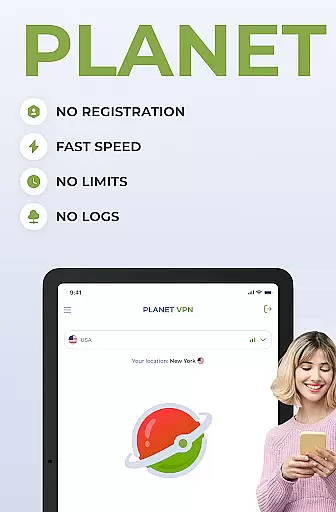
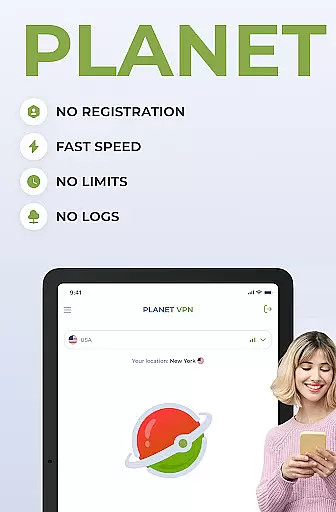
Planet Free VPN Super Proxy stands out with its comprehensive feature set tailored for privacy-conscious users. The app offers instant access without registration, ensuring that no personal data is collected. With unlimited free servers in 11 locations worldwide, users can browse the internet without restrictions on time, bandwidth, or speed. The app guarantees privacy by never storing logs of user activity.
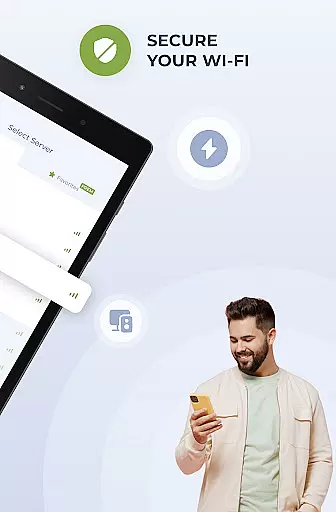
Security is further enhanced through flexible protocol options and high-speed connections with robust encryption. The built-in killswitch function ensures that the internet connection is automatically severed if the VPN connection drops, preventing any accidental exposure of user data. Designed specifically for Android, the app delivers smooth performance while maintaining compatibility with all types of devices and operating systems. Additionally, users benefit from 24/7 support via live chat or email, ensuring help is always available when needed.
Planet Free VPN Super Proxy offers a robust approach to managing online tasks securely and efficiently. This app ensures that users can handle multiple online activities, from streaming to secure browsing, without compromising their privacy or data security.
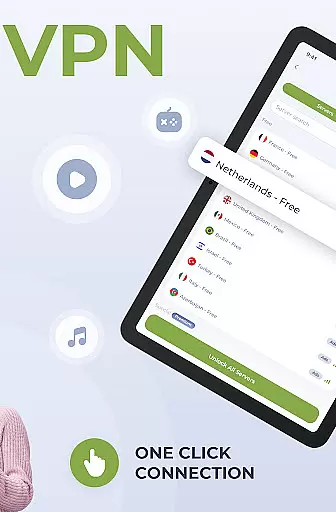
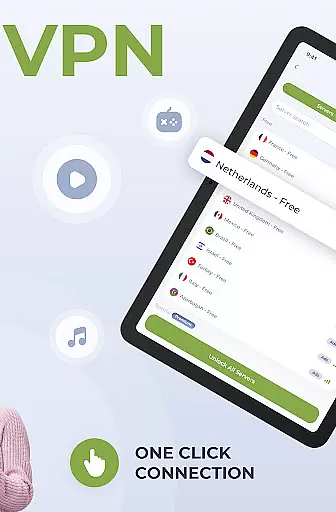
The key feature of instant access without registration allows users to start managing their internet tasks immediately. With unlimited free servers worldwide, users can switch between different server locations effortlessly, ensuring optimal performance and speed for various tasks.
Additionally, the flexible protocol options and high-speed connection provided by Planet VPN enable users to tailor their task management experience according to their specific needs. Whether it's securing personal data or accessing local services while abroad, this app provides the tools necessary for comprehensive online task management.
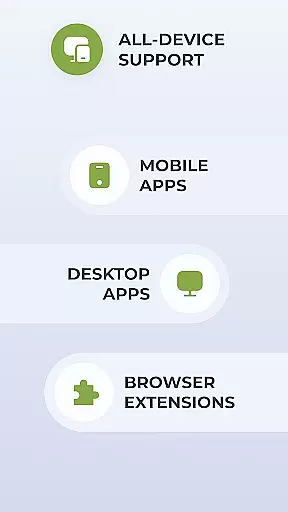
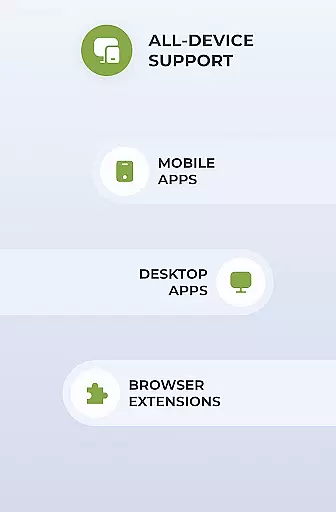
Cross-device synchronization is crucial for users who manage their online presence across multiple devices. Planet Free VPN Super Proxy excels in providing reliable synchronization, ensuring seamless transitions and consistent performance whether on a smartphone, tablet, or computer.
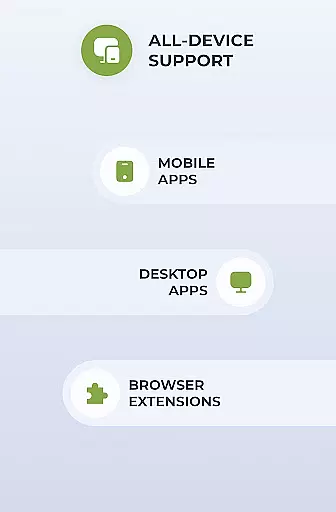
The app's compatibility with all types of devices and operating systems means that users can maintain a uniform level of security and privacy regardless of the device they are using. This wide compatibility supports the need for reliable cross-device functionality, which is essential for maintaining productivity.
Furthermore, the 24/7 support offered by Planet VPN ensures that any issues related to synchronization or other technical concerns are promptly addressed. This commitment to customer service reinforces the reliability of cross-device synchronization, making Planet Free VPN Super Proxy a dependable choice for users seeking consistent performance across all their devices.
Unlimited bandwidth
No registration required
Strong encryption protocols
Wide server coverage
24/7 customer support
Limited free features
Premium version costs
Occasional connection drops
Ads in free version
Complex settings for beginners

 4.20
4.20
Seamlessly integrate data and reports to build your presentation to impress
4.80
Take control of your clipboard with Clipper!
3.90
A lightweight JSON & XML files creator, editor and viewer (Premium Version)
4.40
Code on-the-go with VScode for Android. Edit,debug and collaborate from mobile!!
3.10
Tally and goal counter for Wear OS & mobile
4.50
Access, manage and transfer files on Android, PC, Mac, NAS and cloud storages.
4.30
Docker, Kubernetes management over Portainer Mobile
4.40
Set up, print, and get support—in one place
4.20
Great calculator for Android named one of USA TODAY's "25 Essential Apps".
4.90
Simple notepad & memo. Take notes, to-do list, shopping list with reminders.
4.80
QuickBooks Workforce lets teams view pay info and track time in one place.
4.70
Scan paperwork into PDF/JPG, generate your own e-signature and send fax or email
4.70
Client for Nextcloud Deck
4.60
Calendar 2023 widget for Android. Appointment scheduler, planner, and reminder
4.60
Enjoy classic gameplay with customizable features and retro-style graphics.
4.30
Pwnagotchi companion app
4.20
Intelligent AI Assistant
4.10
* block pre-roll ads, pop-up and forced redirect ads * Samsung certification app
4.00


User Reviews