
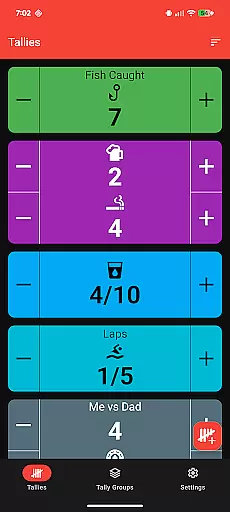
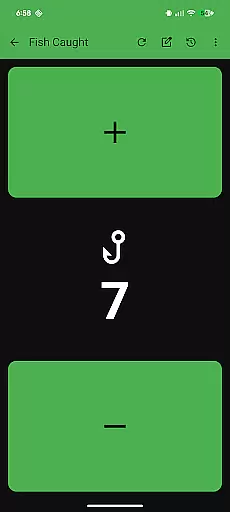
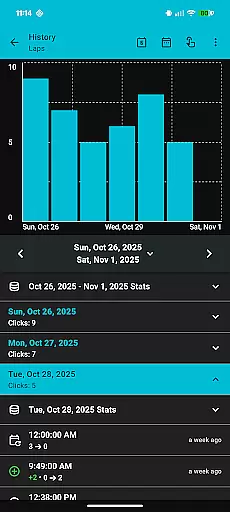
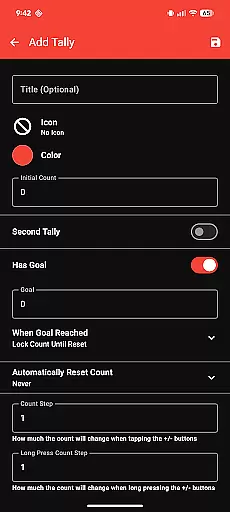
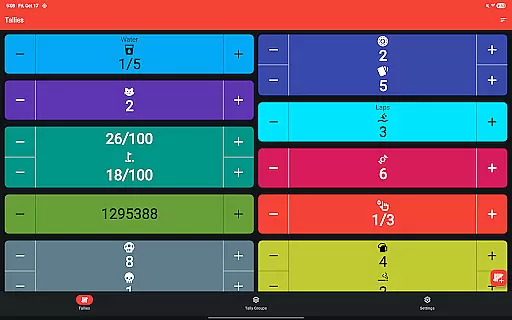
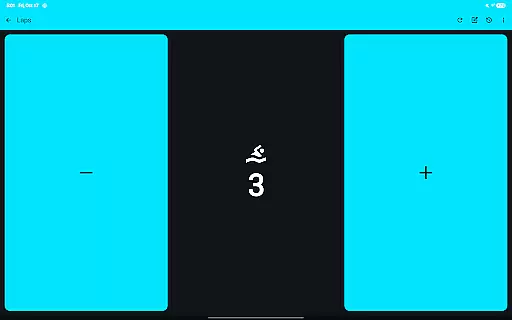
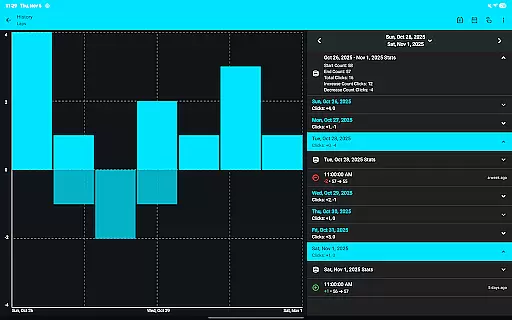
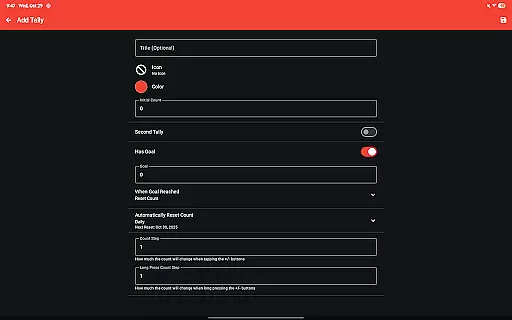
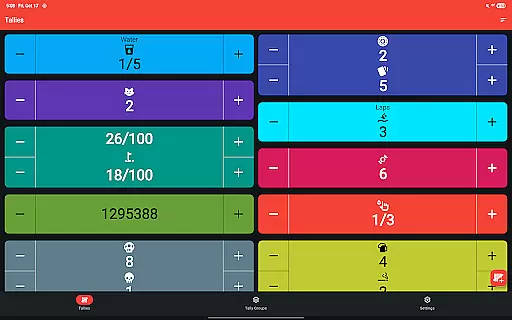
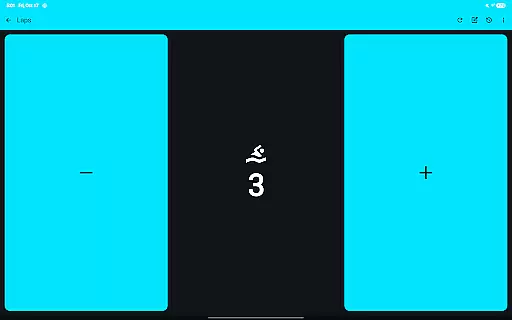
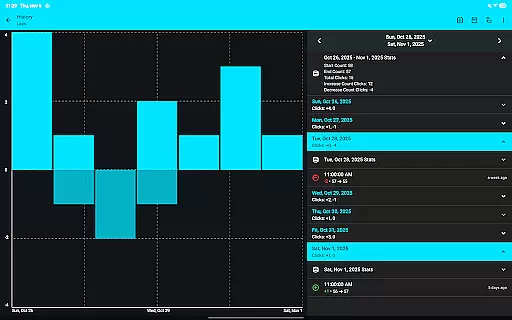
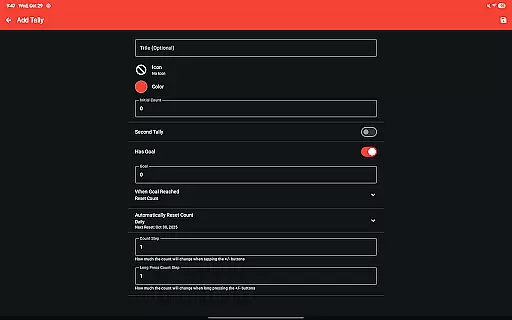
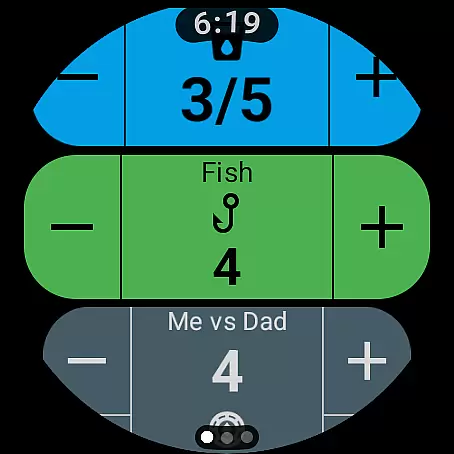
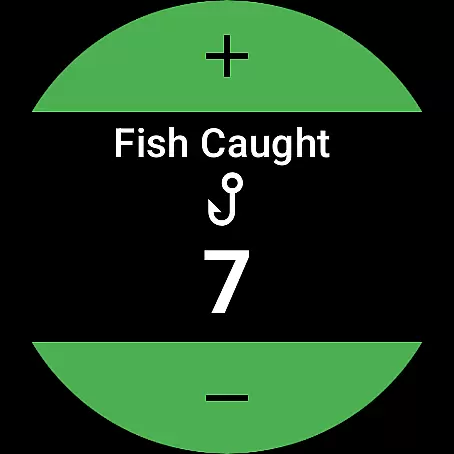
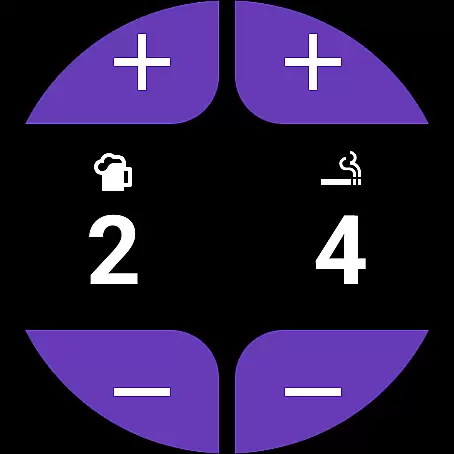
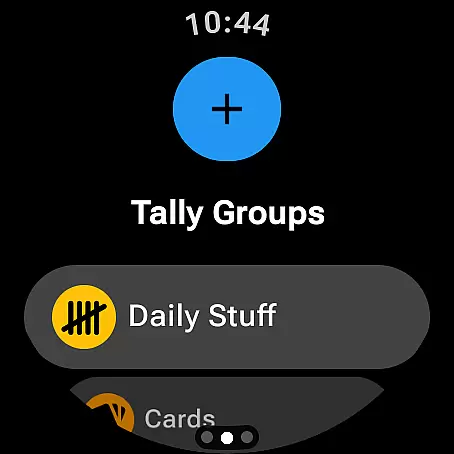
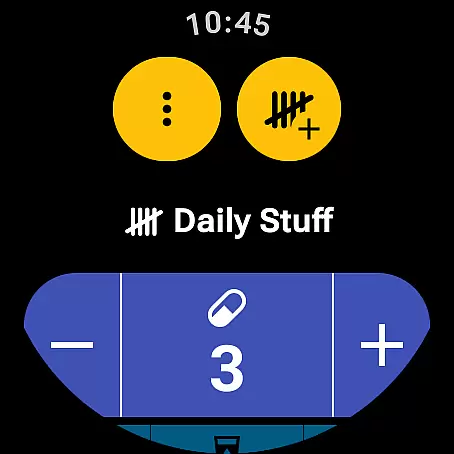
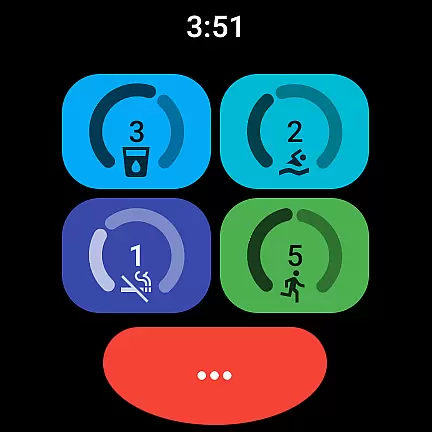
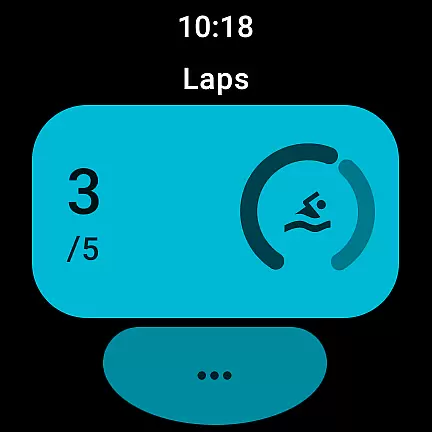
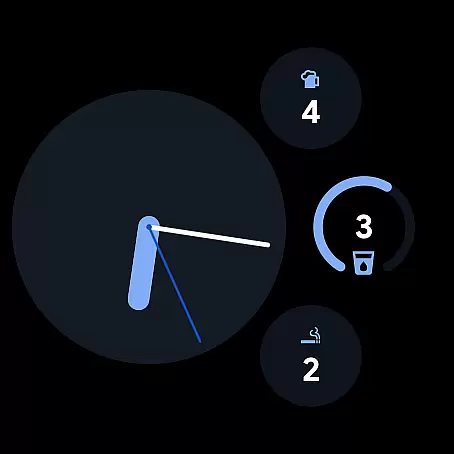
Tallies is a versatile productivity tool designed for both Wear OS and mobile devices, offering users an efficient way to track counts and achieve goals. The app provides double and single tally counters with ongoing counts, goal tallies that can be locked or reset upon completion, and automatic reset options on daily, weekly, monthly, or yearly intervals. Users can create Tally Groups to monitor combined progress and view detailed tally histories through multiple graphs and stats on their phones.
With its comprehensive sync capabilities between phone and Wear OS watches, Tallies ensures seamless data consistency across devices. Watch-specific features include complications and tiles for quick access, while phone-specific functionalities offer home screen widgets and floating windows for enhanced accessibility. This makes Tallies not just a counter app but a complete solution for personal and professional tracking needs.
Tallies stands out with its rich feature set tailored for productivity enthusiasts. The app supports multiple theme colors and over 200 icons, allowing users to customize their counters. It includes vibrate and sound feedback on count changes, auto-save functionality, and full-screen mode for focused counting sessions. Sync between phone and watch enhances the user experience by providing real-time updates.
On Wear OS, users benefit from dedicated watch complications and tiles, offering instant access to tallies and goals. Meanwhile, the mobile version extends functionality with home screen widgets, floating windows for Android 14+, and volume button controls in full-screen mode. These features collectively ensure Tallies delivers a robust, flexible, and user-friendly counting solution adaptable to various scenarios.
Tallies offers a robust set of features for managing tasks and goals, making it an essential tool for productivity enthusiasts. The app provides double and single tally counters, ongoing counts, and goal tallies with customizable options to lock or reset the count upon reaching a target.
Users can take advantage of automatic tally resets that can be scheduled daily, weekly, monthly, or yearly, ensuring that their objectives are consistently updated and aligned with their timelines. This feature is particularly beneficial for those who have recurring goals or regular performance reviews.
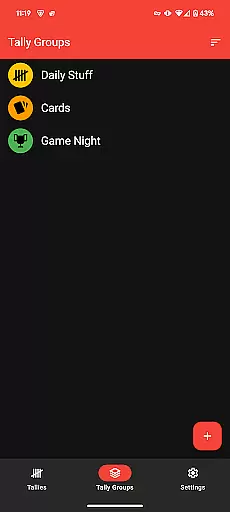
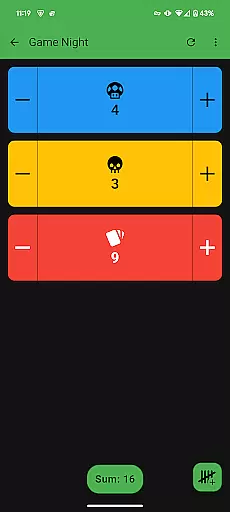
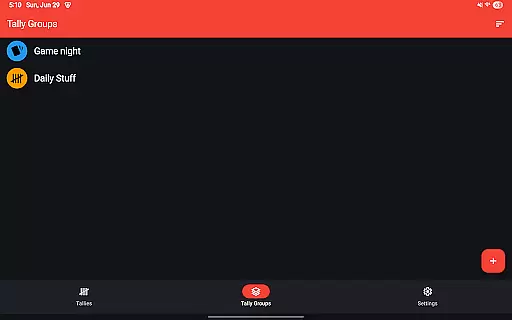
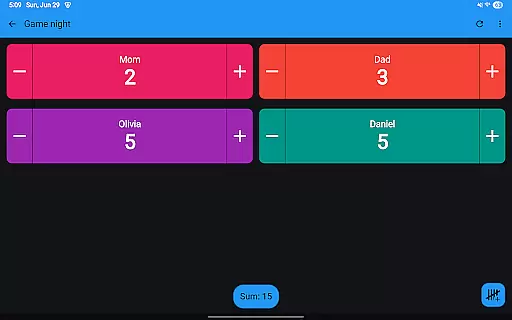
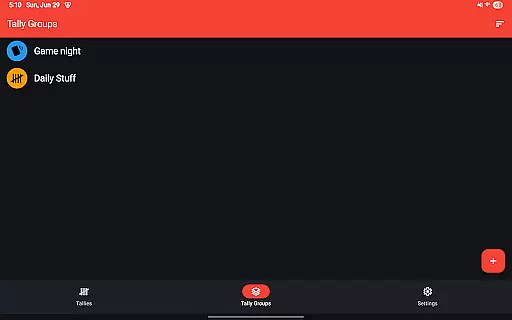
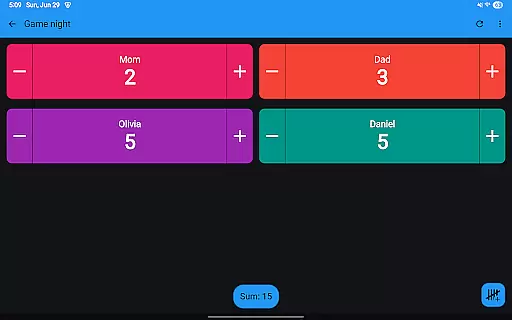
The inclusion of tally groups allows users to aggregate related tasks under one umbrella, providing a sum view of all tallies within a group. This simplifies tracking progress across multiple related activities and helps maintain focus on collective objectives.
With the ability to view tally history on the phone through various graphs, selectable intervals, and statistics, Tallies empowers users to analyze their productivity trends over time. This historical data syncs automatically from the watch to the phone whenever changes occur, offering a seamless experience across devices.
Cross-device synchronization is a cornerstone of Tallies, ensuring that users can rely on consistent and up-to-date information across their Wear OS watches and mobile phones. To facilitate this, Tallies employs a robust syncing mechanism that updates tally data in real-time whenever a change is made on either device.
This synchronization extends to complications on Wear OS watches, which display ongoing and goal tallies directly on the watch face. Quick Tally Tiles and shortcut tiles further enhance accessibility, allowing users to interact with their tallies effortlessly throughout the day.
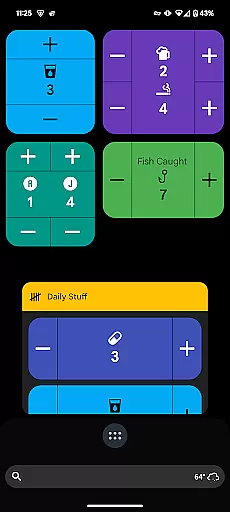
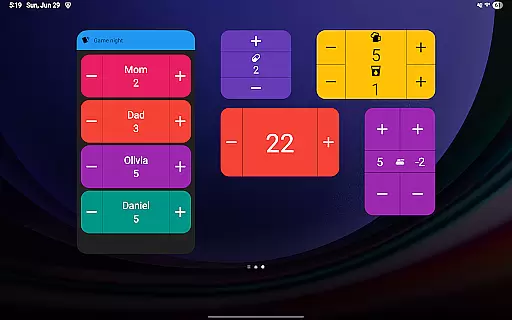
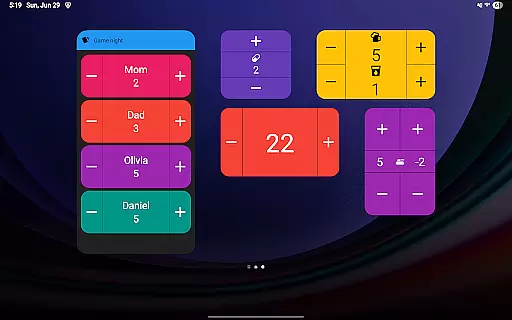
On the mobile side, Tallies supports vertical and horizontal tally home screen widgets, tally list widgets, and tally group widgets. These widgets provide at-a-glance insights into task progress and ensure that critical information is always visible without needing to open the app.
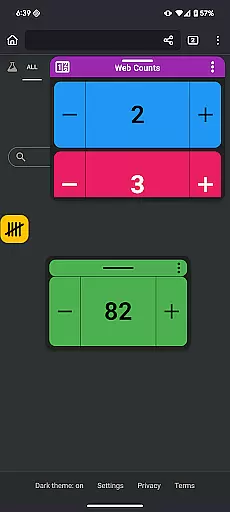
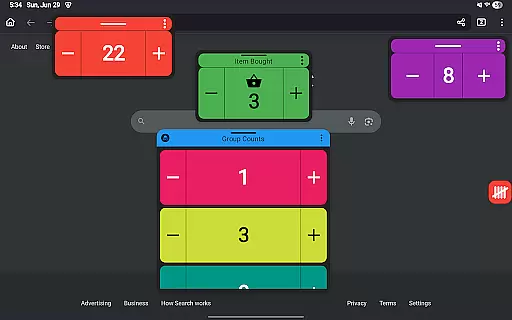
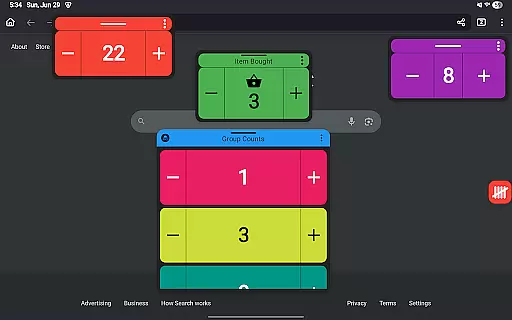
For users requiring advanced multitasking capabilities, Tallies introduces floating tally and tally group windows, available on Android 14+. These windows enable users to overlay tally information on top of other apps, maintaining visibility and continuity while working on different tasks.
User-friendly interface
Customizable themes
Real-time sync
Comprehensive widget support
No subscription model
Limited free features
Watch required for full sync
Android 14+ needed for some functions
Occasional sync delays
Complex setup initially

8 custom complications. Custom Time Fonts. Beautiful color schemes. A++ Design.
 5.00
5.00
A lightweight JSON & XML files creator, editor and viewer (Premium Version)
4.40
Mind Map and brainstorm, note taking and idea collection
4.80
Make your handwriting beautiful, even more than pen on paper.
3.60
Absolutely the best CNC machinist speed and feed calculator around. fswizard.com
4.60
Stay on top of your to-dos with Google Tasks, part of Google Workspace.
4.60
Great calculator for Android named one of USA TODAY's "25 Essential Apps".
4.90
A beautiful digital clock with autostart and many other functions
4.70
Okta MFA
4.70
Native client for Forgejo and Gitea
5.00
Seamlessly integrate data and reports to build your presentation to impress
4.80
Secure, fast, open-source, VNC and SSH Remote Desktop for Windows, Linux and Mac
4.70
aCalendar+ makes your day, week and month
4.70
Client for Nextcloud Deck
4.60
A simple Whisper AI keyboard for reliable speech transcription and rewording
4.60
Experience real multitasking on your Android!
4.00
ID.me Authenticator is a simple and free Two Factor Authentication solution
3.50
Experience and share your SolidWorks designs on your Android® phone and tablet.
2.50
IP Camera Viewer - Android TV : RTSP Surveillance camera viewer for Android TV
4.1


User Reviews