
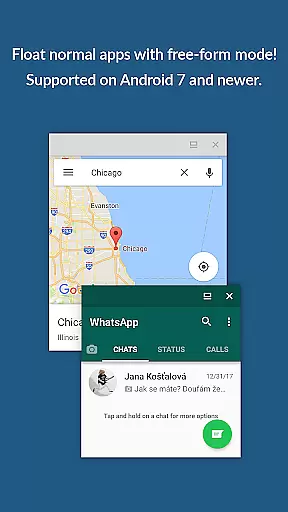
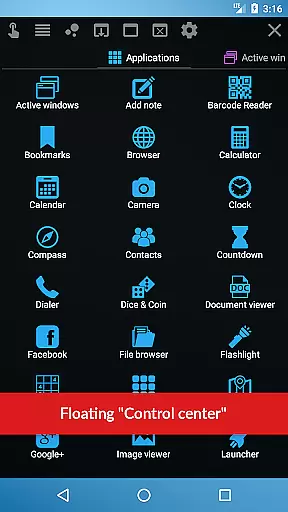
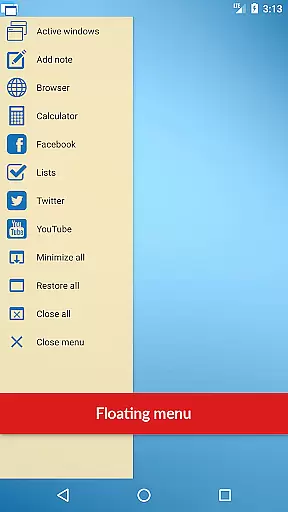
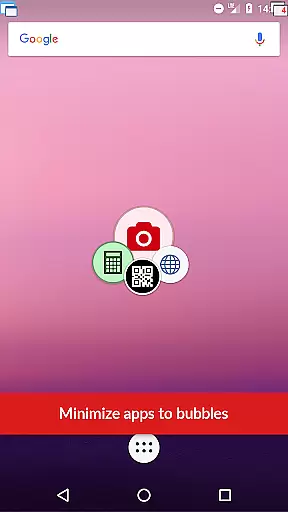
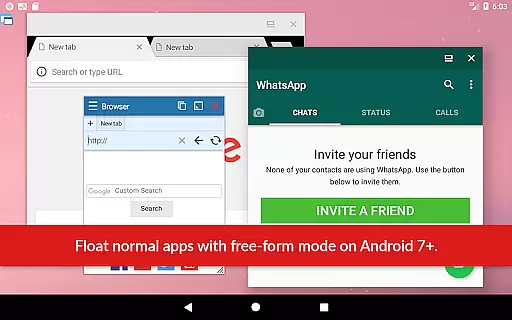
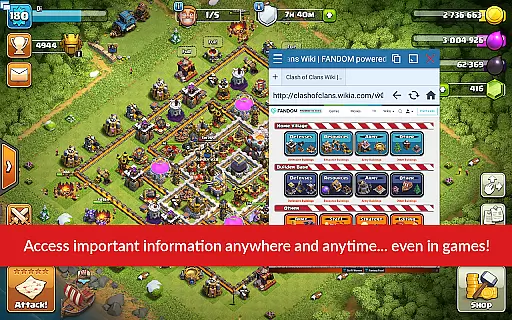
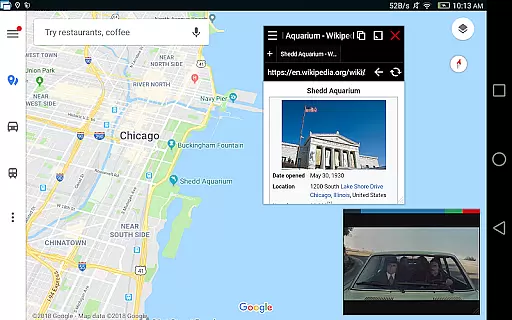
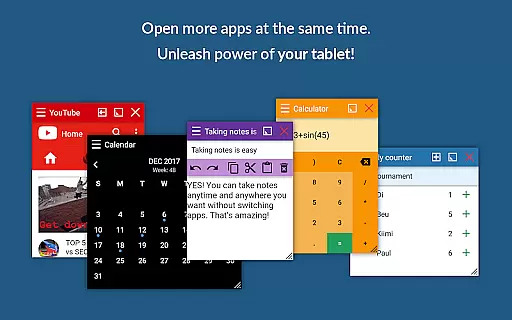
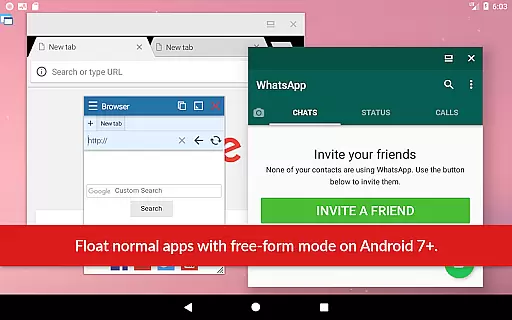
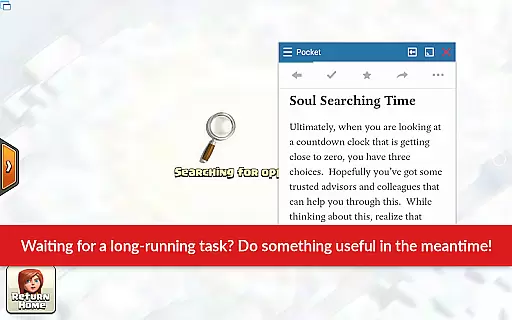
Floating Apps revolutionizes multitasking on Android devices by enabling users to run multiple apps simultaneously in floating windows. This productivity tool allows seamless integration of functions without the need to switch contexts, such as watching videos while working or taking notes during a call.
With over 41 built-in floating apps ranging from browsers and media players to document viewers and social media platforms, it caters to diverse user needs. Its customization options and support for multiple languages make it accessible worldwide, enhancing workflow efficiency and user convenience.
The app boasts an extensive suite of features designed to maximize productivity. Users can create custom floating apps from home screen widgets and URLs, providing unparalleled flexibility. The movable and resizable quick launch icon ensures one-tap access to frequently used apps.
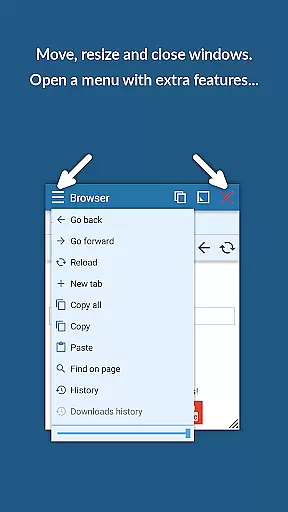
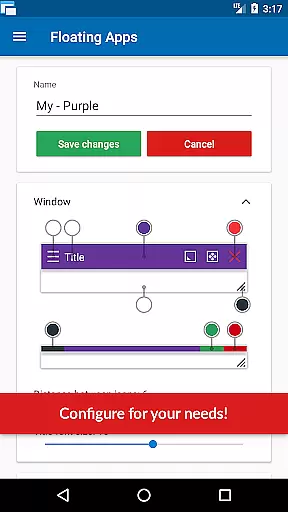
Advanced functionalities include window management through dragging and resizing, maximizing and minimizing windows, and controlling transparency. These features allow users to tailor their multitasking environment precisely to their preferences, making Floating Apps a powerful tool for both personal and professional use.
In today's fast-paced digital environment, effective task management is crucial for productivity. Floating Apps revolutionizes this concept by allowing users to handle multiple tasks simultaneously without the need to switch between applications.
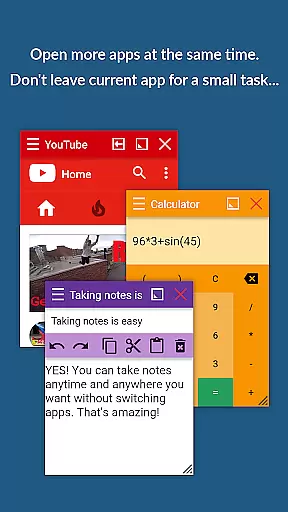
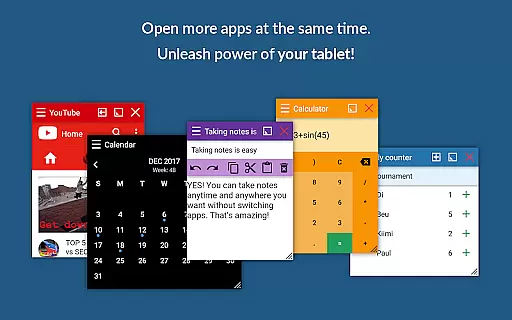
The app enables real multitasking by opening more apps at the same time in floating windows. This means you can watch YouTube and movies while using your phone for other things, take notes or use a calculator anywhere and anytime, and view email attachments without leaving the email app.
With over 41 built-in floating apps including a browser, document viewer, calendar, and more, users have a comprehensive suite of tools at their fingertips. The ability to create custom floating apps from home screen widgets and URLs further enhances its task management capabilities.
This innovative approach not only saves time but also streamlines workflow, making it an invaluable tool for both personal and professional use. Users can maximize their efficiency by having all necessary applications readily accessible in a floating format.
Cross-device synchronization is essential for users who operate on multiple devices and need their data to be consistent across all platforms. Floating Apps addresses this need by ensuring reliable synchronization that keeps all user information up-to-date.
While the app itself focuses on providing a multitasking environment within a single device, its design supports seamless transitions when users move from one device to another. By maintaining a consistent state of floating apps, users can pick up where they left off, regardless of the device they are using.
Floating Apps' commitment to continuous improvement over the past five years has resulted in an advanced feature set that includes powerful window management options. These features contribute to the overall reliability of cross-device experiences as users customize their floating apps to suit their workflow.
Although direct cloud sync features may not be explicitly mentioned, the robust architecture of Floating Apps implies a trustworthy foundation for potential future enhancements in cross-device synchronization, thus solidifying its position as a leader in productivity tools.
User-friendly interface
Extensive app collection
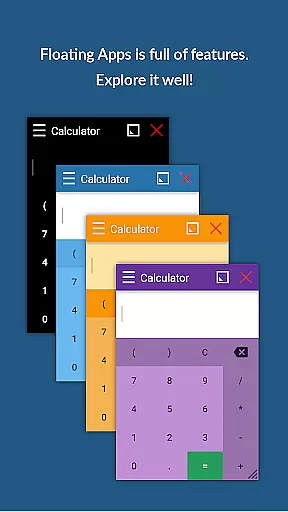
Customizable floating windows
Multilingual support
Powerful multitasking capabilities
May consume significant memory
Interface can be cluttered
Potential compatibility issues
Some features require technical knowledge
Free version has limited functionality

A customizable calendar for your Wear OS watch
 4.20
4.20
When you Focus, so will your Bean in this cozy focus timer
4.30
Take control of your clipboard with Clipper!
3.90
Planet Free VPN - The best Fast Unlimited and Secure VPN Without Logs
4.50
Send files, sync SMS, notifications & clipboard across devices via local network
4.40
Device's storage information in a simple and clear graphical form (infographics)
4.10
Make your handwriting beautiful, even more than pen on paper.
3.60
Easiest event planning, volunteer signups & parent teacher conference scheduling
2.20
Stay on top of your to-dos with Google Tasks, part of Google Workspace.
4.60
Simple notepad & memo. Take notes, to-do list, shopping list with reminders.
4.80
The long-awaited modern gallery app for your Nextcloud server
4.70
Secure, fast, open-source, Remote Desktop Client for Windows and Linux with SSH
4.60
All document reader, all in one file viewer read PDF, DOCX, XLS, PPT, TXT files.
4.60
PDF scanner & converter for files, photos, lottery, QR codes. One swipe away!
4.50
CalenGoo is a very flexible and feature-rich calendar app
4.40
This small app MUST BE INSTALLED after purchase, else license won't work
4.40
Total remote control for your Android device, PC and cloud services (IFTTT)!
4.20
Make apps & sites with natural language prompts
4.10
IP Camera Viewer - Android TV : RTSP Surveillance camera viewer for Android TV
4.1


User Reviews