



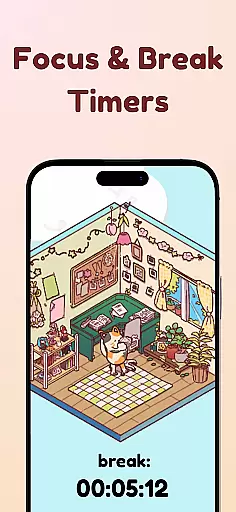
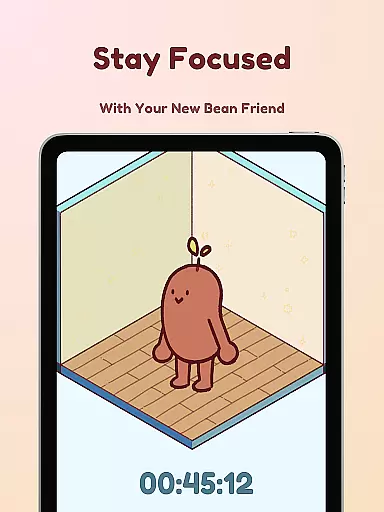
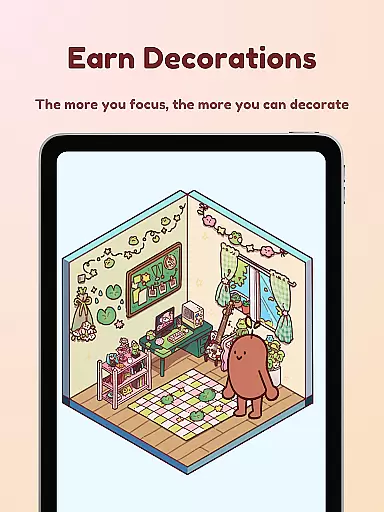

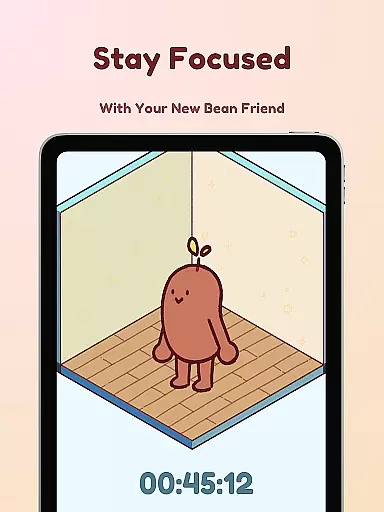
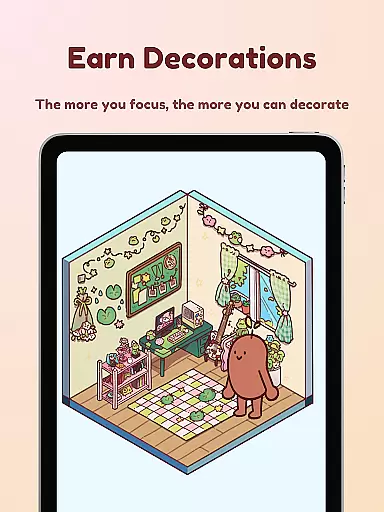

Focus Friend is a productivity app designed to help users maintain focus during tasks through gamification. Created by Hank Green, this app features a charming Bean character that mirrors the user's focus sessions. When you stay on task, your Bean thrives; if you interrupt the session, the Bean becomes sad. Completing focus sessions rewards users with in-app prizes used to decorate the Bean's room. This app is perfect for students and professionals who struggle with maintaining concentration over long periods.
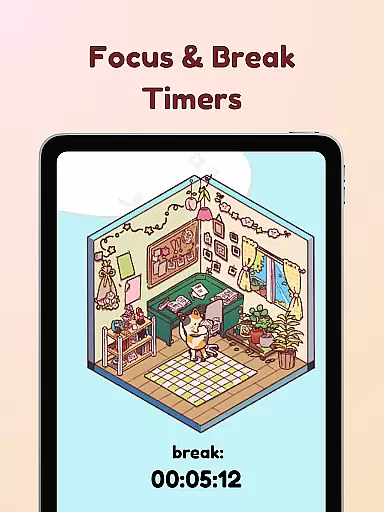
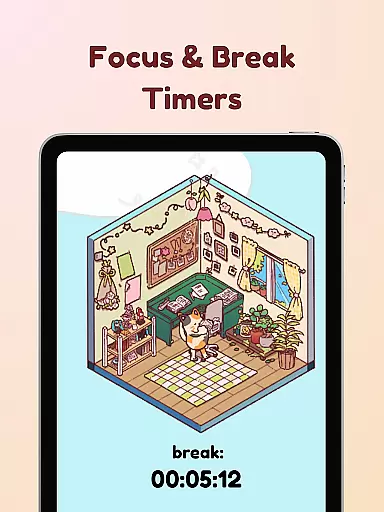
The app includes several productivity-enhancing features such as Live Activity, which allows users to see their timer progress even when the phone is locked. It also offers Deep Focus Mode to lock distracting apps, Break Timers for scheduled breaks using the Pomodoro technique, and hundreds of customization options for decorating the Bean's room. With its engaging approach, Focus Friend helps users get into the flow of work, study, or chores while having fun.
Focus Friend stands out with its unique gamified approach to productivity. The app incorporates a virtual companion, the Bean Friend, whose emotions are tied to the user's focus sessions. This creates an emotional incentive to maintain focus and complete tasks. Users can customize their Beans with different skins, including Coffee Bean, Edamame Bean, and even characters like Hank and John Green.
In addition to its gamification elements, Focus Friend offers practical productivity tools. The Live Activity feature lets users track their focus timer even when the phone is locked. Deep Focus Mode helps eliminate distractions by locking unnecessary apps during focus sessions. Break Timers encourage users to take regular breaks, enhancing productivity through the Pomodoro method. With hundreds of decorations available, users can personalize their experience and create themed rooms for their Beans, adding an extra layer of engagement.
At the heart of Focus Friend lies its robust core task management system, designed to help users maintain focus and productivity. This feature allows users to set specific tasks and allocate dedicated time slots for each activity.
The app employs a gamified timer that encourages users to stick to their designated work sessions. When you start a focus session, your Bean Friend also begins focusing, creating a sense of companionship and accountability.
Should you interrupt your session prematurely, your Bean Friend expresses sadness, motivating you to stay on track. Completing sessions rewards you with in-app prizes, enhancing engagement and promoting consistent use.
Focus Friend ensures reliable cross-device synchronization, allowing users to seamlessly transition between devices without losing progress or data. This means whether you're on your phone, tablet, or any other supported device, your focus sessions and earned rewards are always up-to-date.
The app's synchronization feature is designed to be real-time, ensuring that any changes made on one device instantly reflect across all others. This provides a fluid experience, especially beneficial for users who switch devices frequently throughout their day.
With cloud-based backup and restore capabilities, Focus Friend guarantees that your carefully decorated rooms and collected Bean Skins are safe and can be retrieved anytime, anywhere, thus maintaining continuity in your productivity journey.
User-friendly interface
Engaging gamification
Customizable Bean characters
Effective focus tracking
Variety of productivity tools
Limited free content
Potential app distractions
Requires consistent use
Subscription fees may apply
Not suitable for all tasks

Ads Free App! Editor, Hide File, Copy, Move, Delete and Rename.. all facility av
 1.70
1.70
A lightweight JSON & XML files creator, editor and viewer (Premium Version)
4.40
CalenGoo is a very flexible and feature-rich calendar app
4.40
Simple and reliable communication between inmates, friends and family
3.20
Cloud storage, automatic phone backup, and more.
4.10
Experience and share your SolidWorks designs on your Android® phone and tablet.
2.50
Scientific calculator for Android - looks and operates like the real thing!
4.90
AI Chatbot and AI writing assistant powered by ChatGPT.
4.60
QuickEdit is a fast, stable and full featured text and code editor.
4.20
8 custom complications. Custom Time Fonts. Beautiful color schemes. A++ Design.
5.00
Great calculator for Android named one of USA TODAY's "25 Essential Apps".
4.90
A beautiful digital clock with autostart and many other functions
4.70
Planet Free VPN - The best Fast Unlimited and Secure VPN Without Logs
4.50
PDF scanner & converter for files, photos, lottery, QR codes. One swipe away!
4.50
A Pixel Art watchface inspired by other iconic 90s designs for Wear OS devices!
4.40
Make apps & sites with natural language prompts
4.10
Font maker keyboard with your own handwriting
4.10
Experience real multitasking on your Android!
4.00
Mega cloud explorer plugin for Solid Explorer
3.80


User Reviews