
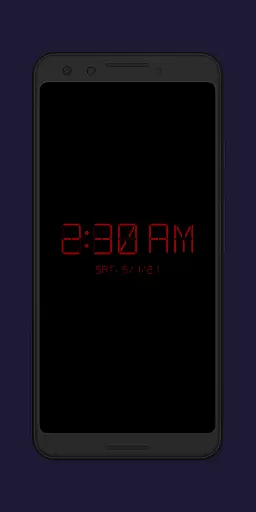
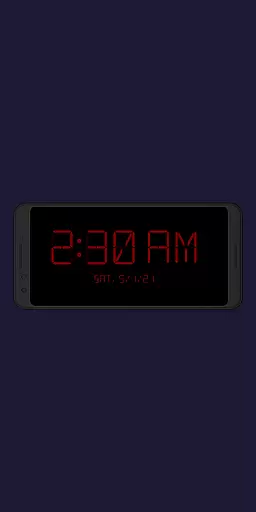
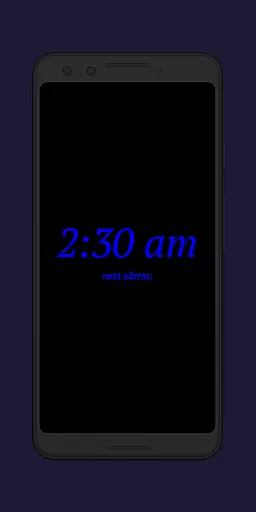
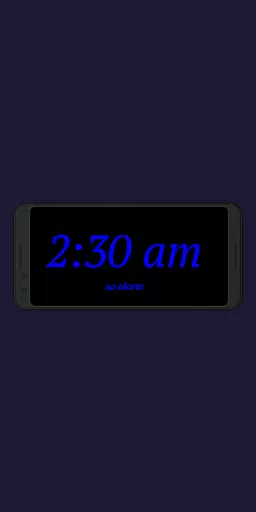
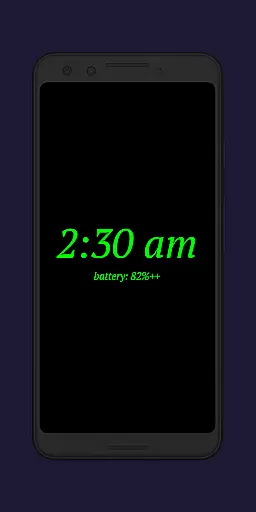
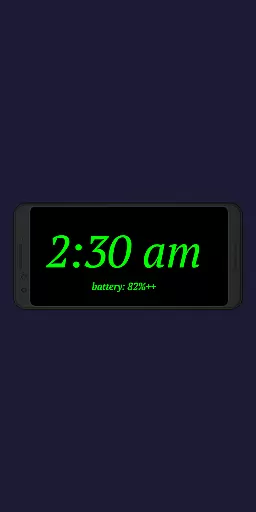
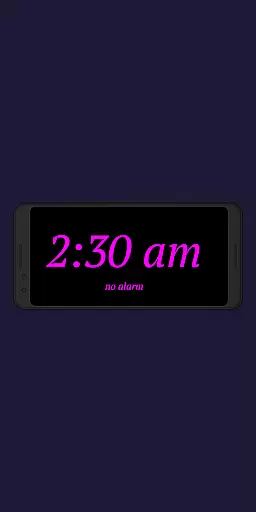
Night Clock + is a versatile digital clock application designed to serve as both a bedside night clock and a daylight mode display. The app transforms any unused device into an elegant timepiece, offering optimal visibility during both day and night. Its supporter version provides complete access to all features without limitations, making it a reliable choice for users seeking a dedicated digital clock solution.
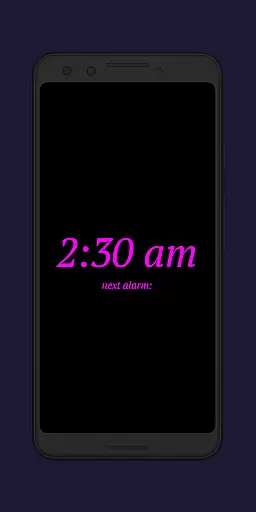
The app includes practical functionalities such as a built-in flashlight for nighttime convenience and customizable display settings. Users can adjust font types, colors, brightness levels, and clock element sizes to suit their preferences. With its automatic start options and integrated screensaver functionality, Night Clock + ensures seamless operation while providing valuable information like the next alarm time from the Android system.
Night Clock + stands out with its extensive customization options and practical features tailored for productivity. The app offers four different font types, adjustable font colors, and customizable brightness levels specifically designed for optimal nighttime visibility. These features ensure users can personalize their clock display to match their exact requirements.
Beyond basic timekeeping, the app provides advanced functionalities such as automatic night clock activation when connecting a power cord or at preset times. The daylight mode supports automatic brightness adjustments, while the integrated screensaver allows the clock to move slowly across the screen. Additional features include displaying the next alarm time from the Android system and direct flashlight access on the clock screen, demonstrating the app's focus on user convenience and innovative design.
Task management is a crucial aspect of productivity applications, ensuring users can efficiently organize and prioritize their daily activities. Night Clock + excels in this area by offering features that go beyond simple timekeeping.
The app provides complete control over how the clock is displayed, including font type, color, size, and brightness. This allows users to customize the interface according to their preferences or needs, making it easier to view the time at a glance without straining their eyes during the night.
Additionally, the automatic start feature for the night clock ensures that users do not have to manually activate it every evening. By setting specific conditions such as connecting a power cord or scheduling a preset time, the application seamlessly integrates into nightly routines, enhancing overall user experience.
Moreover, with the ability to show the next alarm time set in the Android system, Night Clock + keeps users informed about their upcoming commitments. This functionality aids in better planning and time management, allowing users to rest assured that they will not miss important events or appointments.
Cross-device synchronization is essential for users who rely on multiple devices throughout their day. While Night Clock + may primarily function as a dedicated bedside clock, its features ensure reliable performance across different scenarios and devices.
One standout feature is the automatic night clock start when a power cord is connected. This means whether you're at home using your primary device or traveling with a secondary one, the application adapts to provide consistent utility wherever needed.
Furthermore, the daylight mode offers adjustable brightness settings which are particularly useful if an old or unused device is repurposed as a digital clock. Users can trust that these devices will maintain optimal visibility regardless of ambient light conditions, providing reliable service around the clock.
Lastly, integrated screensaver functionality adds another layer of personalization and engagement. With the clock slowly moving across the screen, users enjoy both aesthetic appeal and practicality, knowing their device remains active yet unobtrusive while delivering accurate time information consistently.
User-friendly interface
Highly customizable settings
Automatic night mode activation
Integrated flashlight functionality
Daylight and nighttime optimization
Limited to specific use cases
Requires permissions for full functionality
No significant drawbacks identified
Premium version cost
May not appeal to minimalists

Seamlessly integrate data and reports to build your presentation to impress
 4.80
4.80
Unlock AutoNotification
4.00
Professional calendar app for Google Calendar, MS Outlook & Exchange
4.20
Smart PDF reader & editor to view, organize and manage PDF documents easily.
3.70
Translate text/voice/photos in 150+ languages. Offline & fast translator app.
4.50
Quickly and easily keep track of your work shifts
4.70
Understand anything with a personalized AI research assistant
4.80
AI Chatbot and AI writing assistant powered by ChatGPT.
4.60
Put a lock on your cloud: Take the security of your data into your own hands
3.70
Mind Map and brainstorm, note taking and idea collection
4.80
QuickBooks Workforce lets teams view pay info and track time in one place.
4.70
Experience Reading - Night Mode for Documents
4.40
A Pixel Art watchface inspired by other iconic 90s designs for Wear OS devices!
4.40
This small app MUST BE INSTALLED after purchase, else license won't work
4.40
Access, manage and transfer files on Android, PC, Mac, NAS and cloud storages.
4.30
Customizable calendar widget for seamless event sync, planning & scheduling.
4.00
Find and delete junk files & block unwanted notifications & manage files
3.70
Ads Free App! Editor, Hide File, Copy, Move, Delete and Rename.. all facility av
1.70
IP Camera Viewer - Android TV : RTSP Surveillance camera viewer for Android TV
4.5


User Reviews