
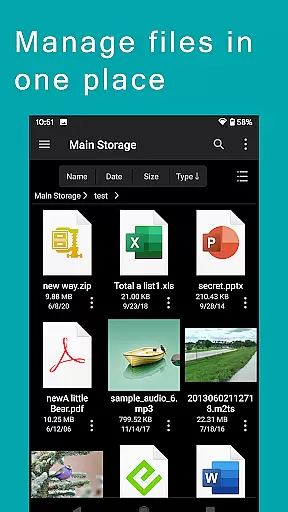
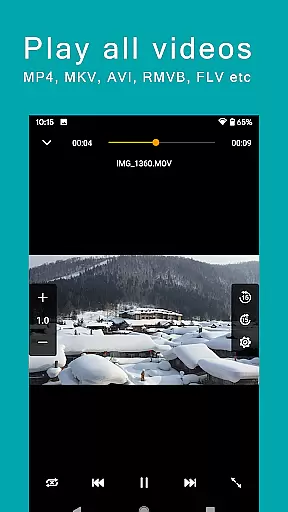
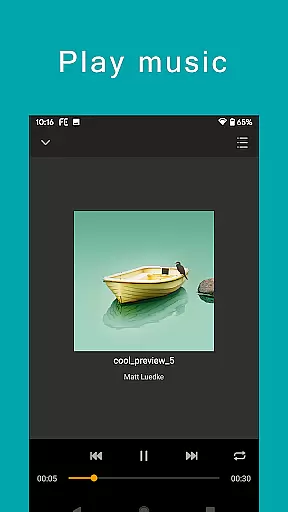
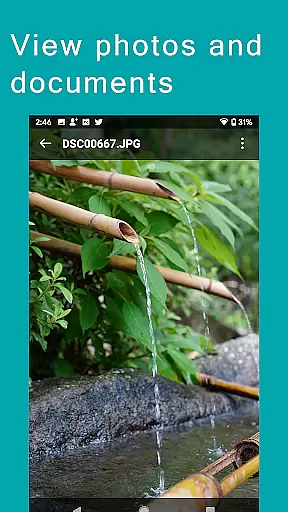
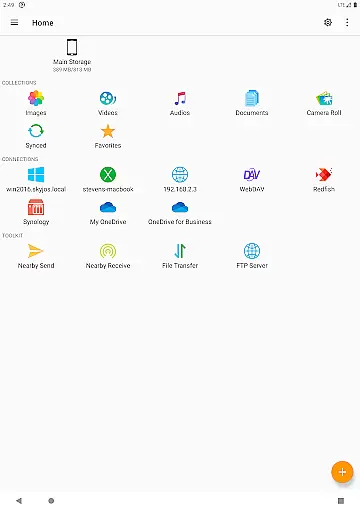
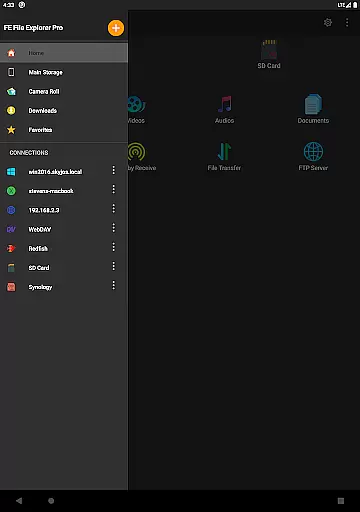
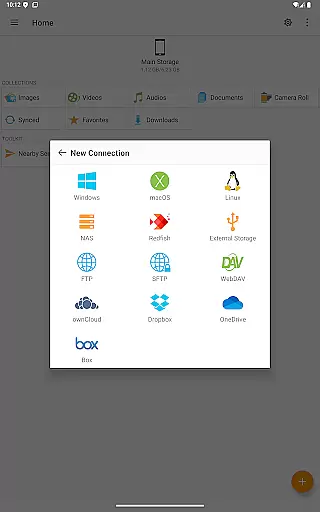
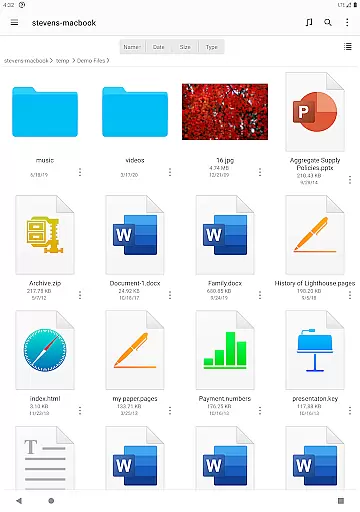
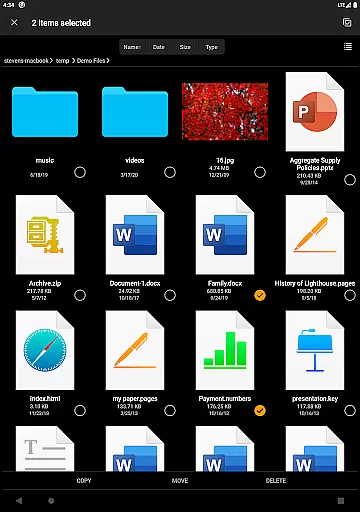
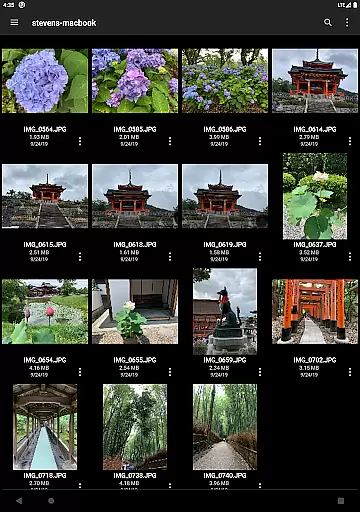

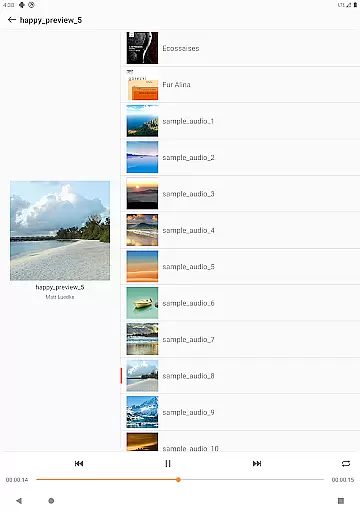
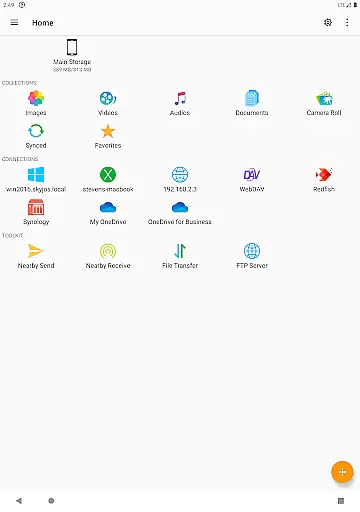
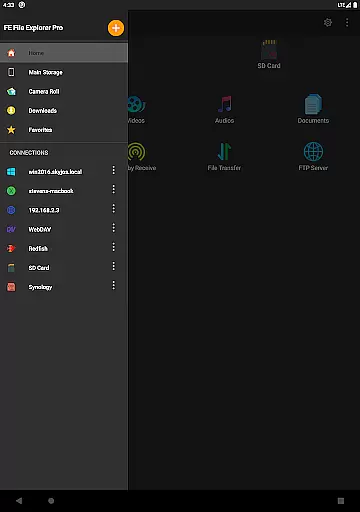
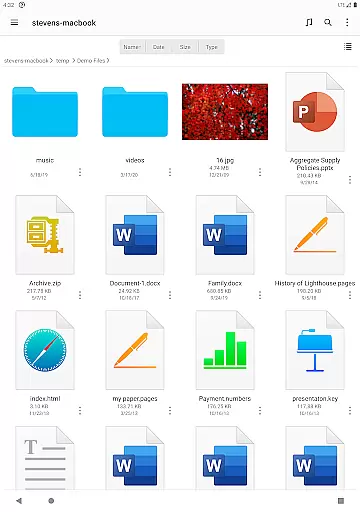
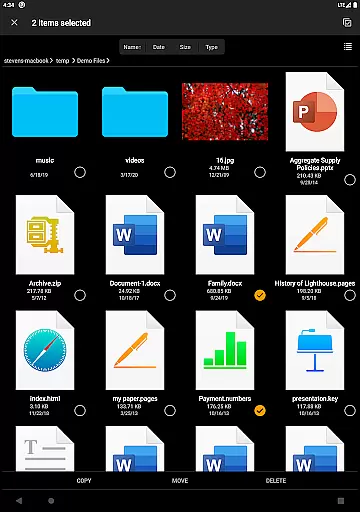
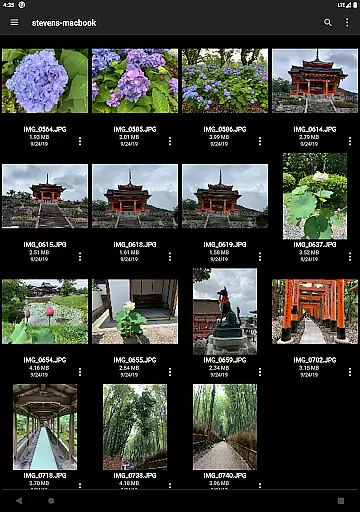

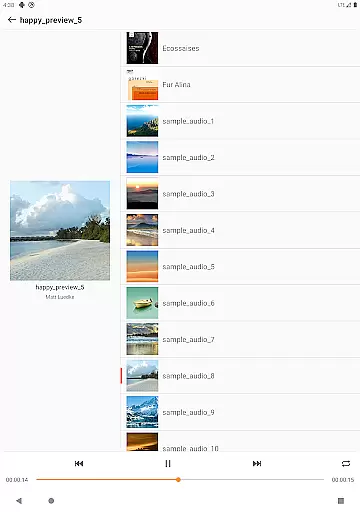
FE File Explorer Pro is a versatile file management solution designed for both Android and iOS users. This app allows you to access files stored locally on your device, as well as those located on remote computers, NAS systems, and various cloud storage services. With its powerful transfer capabilities, you can move files between any locations seamlessly. The app supports streaming of multimedia content directly to your mobile devices, enabling you to enjoy movies and music without the need for downloading. Additionally, it offers direct viewing and management of documents and photos, making it an all-in-one tool for managing your digital assets efficiently.
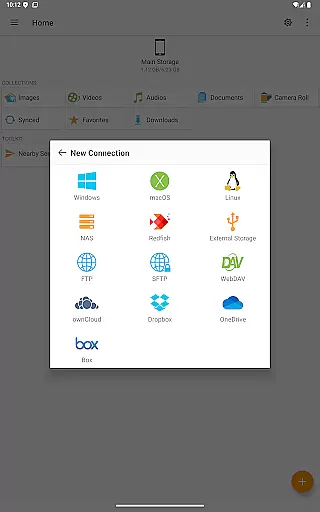
One of the standout features of FE File Explorer Pro is its extensive connectivity options. It supports SMB/CIFS protocol for accessing network shares on macOS, Windows, Linux, and NAS. You can also connect to WebDAV, FTP, and SFTP servers, as well as popular cloud services like OwnCloud, Dropbox, OneDrive, and more. The app's ability to automatically discover computers and NAS when setting up new connections simplifies the process of accessing remote files. Whether you're editing documents in place or managing media files, this app provides a comprehensive set of tools to enhance your productivity.
FE File Explorer Pro boasts an impressive array of features that cater to diverse file management needs. The app enables you to perform essential file operations such as copying, moving, renaming, and deleting files directly on your Android device. It supports viewing documents, browsing images, and playing multimedia files, offering a complete solution for managing different types of content. The Edit-in-Place functionality allows you to modify documents stored on remote servers using external apps, with automatic saving back to the original location.
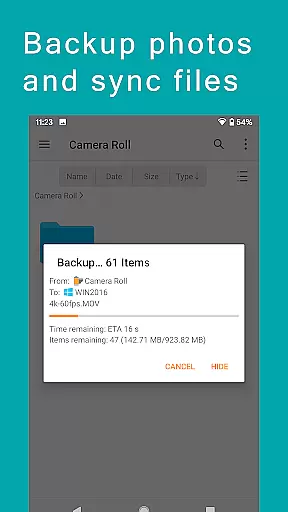
In addition to basic file operations, the app includes advanced capabilities such as archiving and unarchiving ZIP, RAR, and 7zip files. You can search for files by name, stream multimedia content from remote storages, and transfer files between different storage locations effortlessly. The app also supports syncing files between remote storage and your Android device, backing up camera photos to remote storage, and transferring files between Android and iOS devices via Nearby file transfer. These features make FE File Explorer Pro an indispensable tool for anyone looking to streamline their file management processes.
FE File Explorer Pro excels in core task management by offering a comprehensive suite of tools for file handling across various platforms. This powerful app allows users to access and manage files not only on their local Android device but also on remote computers, NAS systems, and cloud storages.
The app supports multiple protocols including SMB/CIFS, WebDAV, FTP, and SFTP, enabling seamless connectivity with macOS, Windows, Linux, and NAS devices. With features like automatic discovery of networked devices and support for Windows Domain and Active Directory, users can efficiently organize and control their digital assets from a single interface.
Practical benefits include the ability to copy, move, rename, and delete files directly on Android. The app also facilitates document viewing, image browsing, and media playback, enhancing productivity by eliminating the need for multiple applications.
Cross-device synchronization is a standout feature of FE File Explorer Pro, ensuring reliable and efficient data management across different storage locations. The app enables users to transfer files between any connected storage points, whether they are local or remote.
One of the key strengths is its ability to sync files between remote storages and Android devices. This means users can maintain up-to-date backups of important documents, photos, and other files without manual intervention. Additionally, the app supports automatic photo backup to remote storage, providing peace of mind for users concerned about data loss.
The inclusion of nearby file transfer functionality further enhances synchronization capabilities. This feature allows for effortless file sharing between Android and iOS devices, making cross-platform collaboration both simple and reliable.
Comprehensive file access
Seamless cloud integration
Efficient file transfer
Robust security protocols
User-friendly interface
Occasional connection issues
Limited free storage
Advanced features require learning
Some functions need premium subscription
Interface can be complex for beginners

Secure, fast, open-source, VNC and SSH Remote Desktop for Windows, Linux and Mac
 4.70
4.70
Mega cloud explorer plugin for Solid Explorer
3.80
Planet Free VPN - The best Fast Unlimited and Secure VPN Without Logs
4.50
CalenGoo is a very flexible and feature-rich calendar app
4.40
Stay on top of your to-dos with Google Tasks, part of Google Workspace.
4.60
Font maker keyboard with your own handwriting
4.10
Share files & memories safely. Keep your photos and videos secure.
4.40
Use powerful, industry-leading AI tools to generate visual charts from any data
4.80
Daily processing of PDF documents.
4.40
Android Wallet Password Manager
4.80
Mind Map and brainstorm, note taking and idea collection
4.80
Protect and view your important info on your phone and tablet with eWallet®
4.80
Client for Nextcloud Deck
4.60
A simple Whisper AI keyboard for reliable speech transcription and rewording
4.60
PDF scanner & converter for files, photos, lottery, QR codes. One swipe away!
4.50
Subscribe to Webcal & .ics calendars and keep them up-to-date!
4.50
The ultimate file manager for rooted devices. The original and still the best.
4.00
Easiest event planning, volunteer signups & parent teacher conference scheduling
2.20
Ads Free App! Editor, Hide File, Copy, Move, Delete and Rename.. all facility av
1.70


User Reviews