
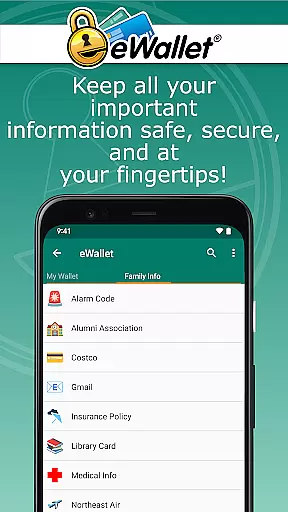
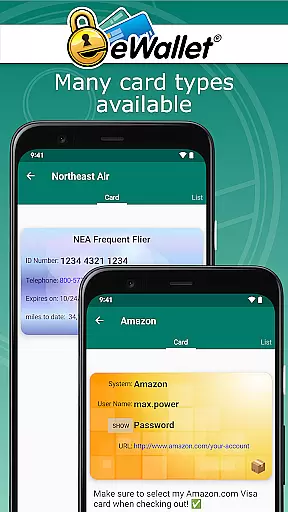
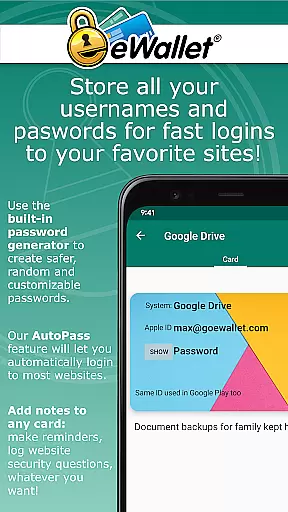
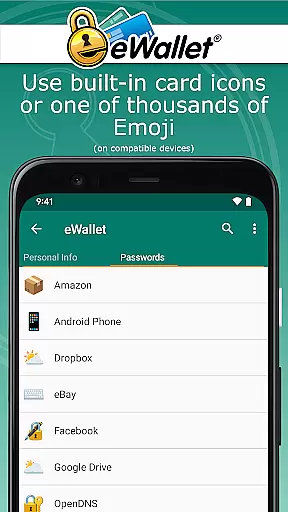
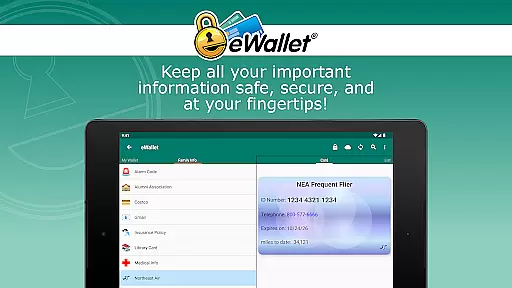
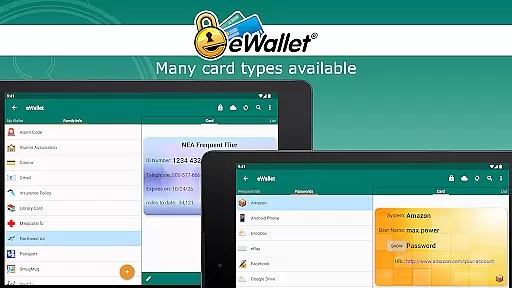
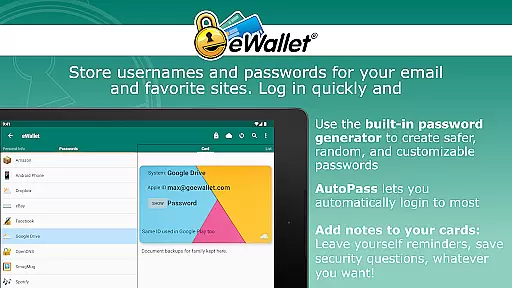
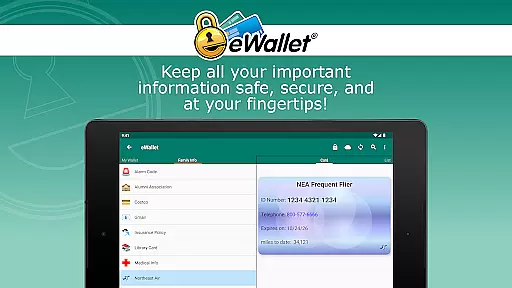
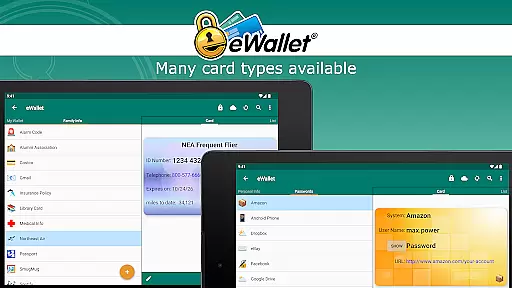
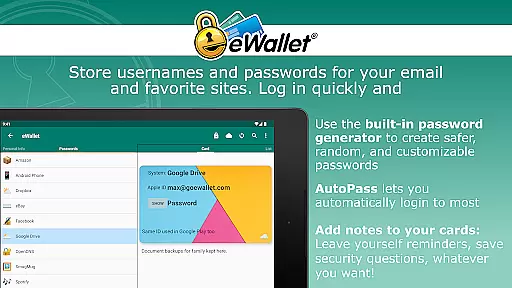
eWallet is a sophisticated password manager app designed for Android smartphones and tablets, offering military-grade encryption to secure sensitive information such as passwords, credit cards, and bank account numbers. The app ensures users can safely carry their digital life in their pocket without compromising security.
One of the standout features of eWallet is its support for updated Biometric authentication methods including fingerprint, iris scan, and facial recognition, providing both convenience and top-tier security. This makes it an ideal solution for users who need robust protection while maintaining ease of access to their critical data on-the-go.
The app's ability to sync data seamlessly across devices via cloud services like Dropbox, Google Drive, or Microsoft OneDrive adds significant value. Whether you're managing multiple accounts or require access from various devices, eWallet keeps your information synchronized and up-to-date, ensuring you have the necessary tools to stay organized and secure at all times.
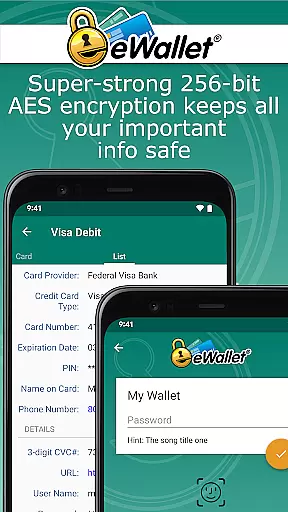
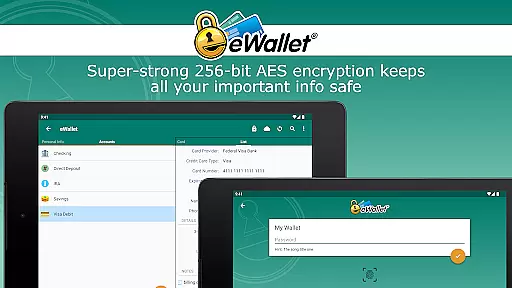
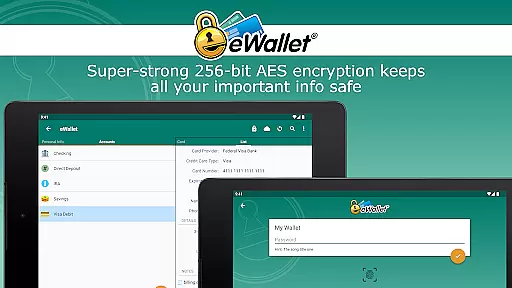
eWallet stands out with its comprehensive feature set tailored for secure password management. At its core, the app employs 256-bit military-grade AES encryption, ensuring that your sensitive data remains protected against unauthorized access. This level of security is complemented by biometric scanner support, allowing users with compatible devices to unlock their wallets using fingerprints, facial recognition, or iris scans.
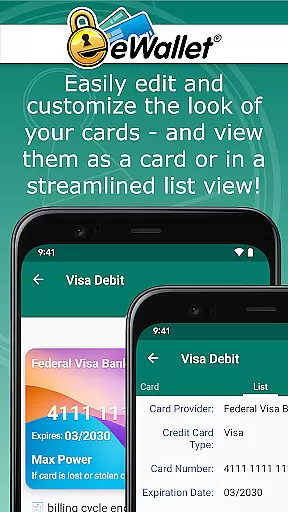
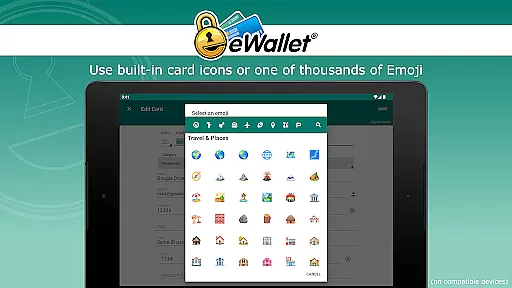
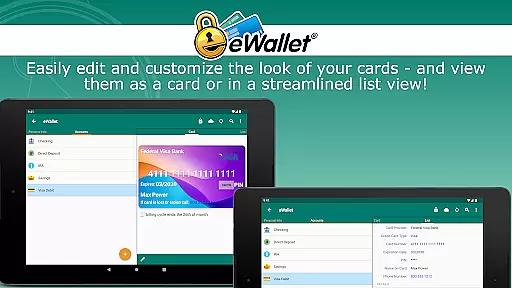
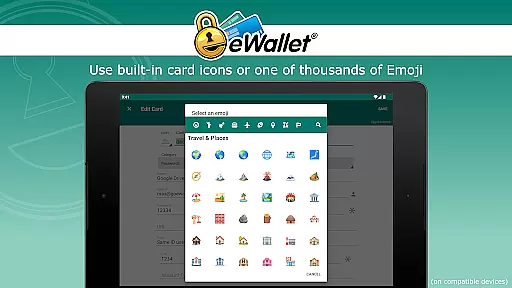
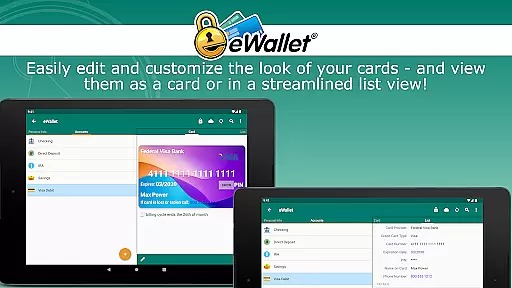
In addition to top-notch security, eWallet offers practical functionalities such as a random password generator and auto-locking features, which enhance user safety without sacrificing convenience. Users can also customize their experience through great-looking cards, backgrounds, and categories, making data management not only secure but visually appealing as well.
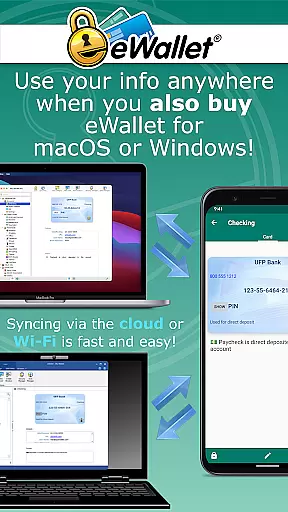
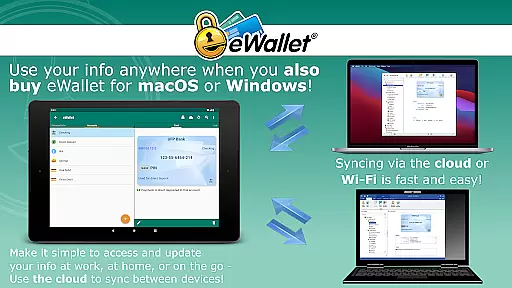
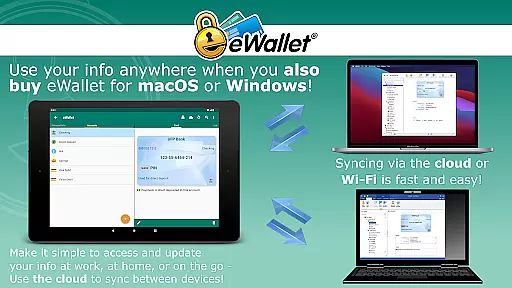
Another notable aspect is the app's seamless synchronization capabilities. By supporting cloud-based services like Dropbox, Google Drive, and Microsoft OneDrive, along with Wi-Fi syncing options, eWallet enables users to maintain consistency across multiple devices effortlessly. This ensures that whether you're at home or on the move, your most important information is always within reach yet securely locked away until needed.
In the realm of productivity applications, core task management is pivotal for organizing and prioritizing daily activities. eWallet excels in this area by offering users a comprehensive system to manage not just tasks but also sensitive information crucial for personal and financial security.
The app provides military-grade 256-bit AES encryption, ensuring that your passwords, credit card details, and personal data are safeguarded against unauthorized access. This level of security empowers users to carry their digital lives in their pockets without compromising safety.
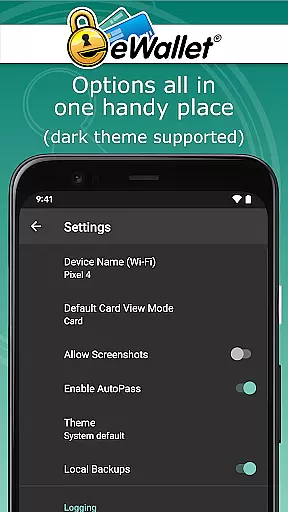
eWallet further enhances task management through features like auto-locking and random password generation, which streamline the user experience while maintaining high-security standards. These tools help users focus on their productivity without being bogged down by the complexities of data protection.
Moreover, the ability to sync multiple wallets across devices using cloud services or Wi-Fi ensures that users have access to their information wherever they are. This seamless integration supports an organized lifestyle, making eWallet an indispensable tool for those looking to manage their digital lives efficiently.
Cross-device synchronization is a cornerstone of modern productivity apps, enabling users to maintain consistency and accessibility across all their devices. eWallet addresses this need with reliable synchronization options that ensure your data is always up-to-date and accessible, no matter where you are.
The app supports syncing through popular cloud services such as Dropbox, Google Drive, and Microsoft OneDrive, providing flexibility and peace of mind. This means that whether you're at home, in the office, or on the go, your encrypted wallets are synchronized in real-time, allowing for uninterrupted access to critical information.
In addition to cloud synchronization, eWallet offers local Wi-Fi sync with its macOS or Windows counterparts, purchased separately. This dual approach to synchronization ensures that users can choose the method that best suits their security and convenience needs.
With eWallet's robust synchronization capabilities, users can create and manage multiple wallets, customizing them with various cards, backgrounds, and categories. This feature not only enhances organization but also makes managing personal data an intuitive and visually appealing experience, reinforcing the app's commitment to both security and usability.
Top-tier security
Biometric login options
Seamless cross-device sync
User-friendly interface
Customizable organization
No iOS compatibility
Paid desktop versions
Limited free features
Occasional sync issues
High system requirements

QuickBooks Workforce lets teams view pay info and track time in one place.
 4.70
4.70
All in one sketching tool. Technical and General drawing. Online Maps support.
3.70
A simple, portable logger for POTA, SOTA, Field Day, and more
4.0
Cloud storage, automatic phone backup, and more.
4.10
Functional QR scanner and barcode reader that requires little storage space.
4.60
ID.me Authenticator is a simple and free Two Factor Authentication solution
3.50
This small app MUST BE INSTALLED after purchase, else license won't work
4.40
Simple notepad & memo. Take notes, to-do list, shopping list with reminders.
4.80
Daily processing of PDF documents.
4.40
Best Tool for the professionals Electrician, Electrical contractors, etc.
4.90
Use powerful, industry-leading AI tools to generate visual charts from any data
4.80
Understand anything with a personalized AI research assistant
4.80
Direct Chat without saving contacts & Dual WA Account on Single Device
4.70
App lock - lock apps with fingerprint, password, pin or pattern, protect privacy
4.70
Calendar 2023 widget for Android. Appointment scheduler, planner, and reminder
4.60
Secure your apps with lock screens, use custom themes and different features.
4.40
A Revolutionary All-in-One Artificial Intelligence Tools
3.80
The upgraded version of Name Wheel with AI and the power to add your own wheels.
4.5
A comprehensive suite of tools designed specifically for Lactation Consultants
4.5


User Reviews