
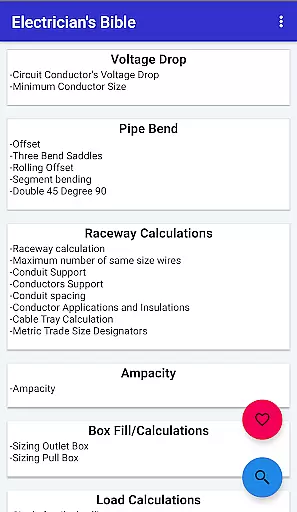
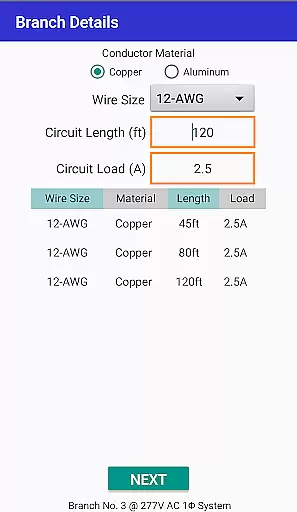
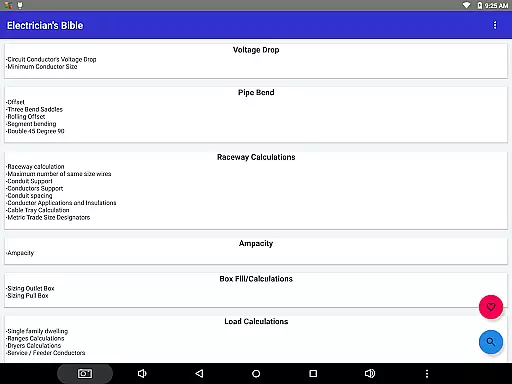
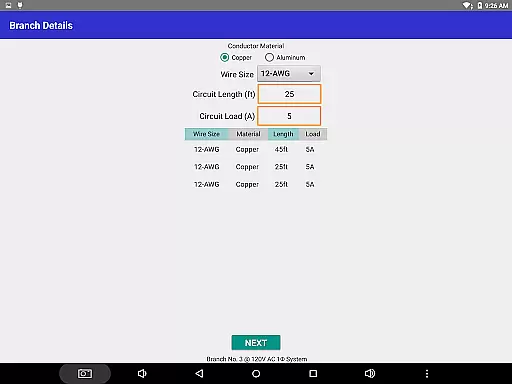
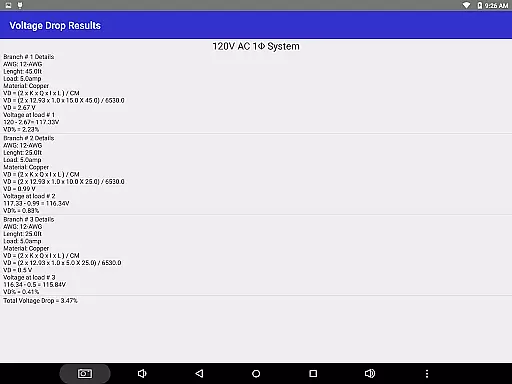
Electrician's Bible is a comprehensive productivity tool designed specifically for electricians, contractors, and those preparing for electrical certification exams. The application provides a wide array of calculations based on the National Electric Code 2020, including voltage drop, pipe bend, raceway calculations, ampacity, box fill, load calculations, transformers, motors, and more.
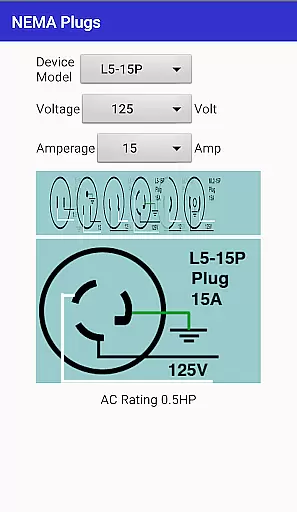
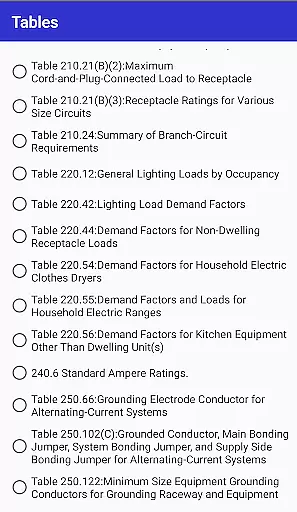
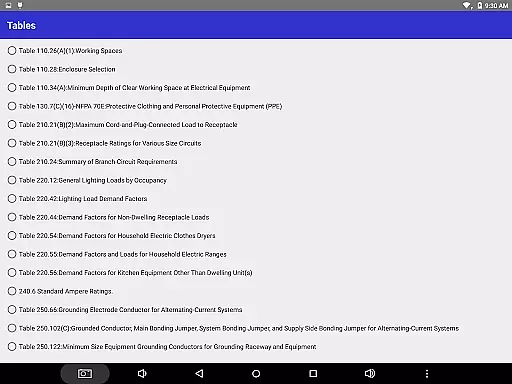
In addition to its calculation capabilities, the app offers detailed electrical schematics, burial depth guidelines, grounding information, NEMA device configurations, electrical calculations, NEC tables, color codes, NEC calculation examples, 2014 NEC code changes, units converter, NFPA 70E tables, arc flash calculations, and torque specifications for various manufacturers. This makes it an indispensable resource for both experienced professionals and newcomers in the electrical field.
The app requires Android version 4.0 (Ice Cream Sandwich) or higher and needs an active internet connection. With its extensive features and regular updates, Electrician's Bible serves as a portable reference guide that enhances efficiency and accuracy in electrical work.
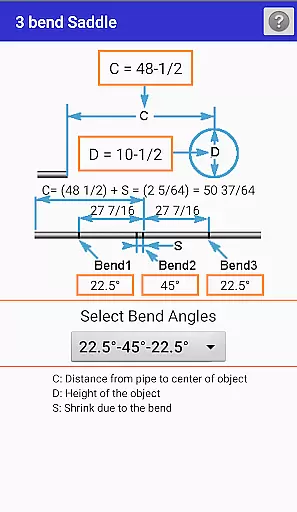
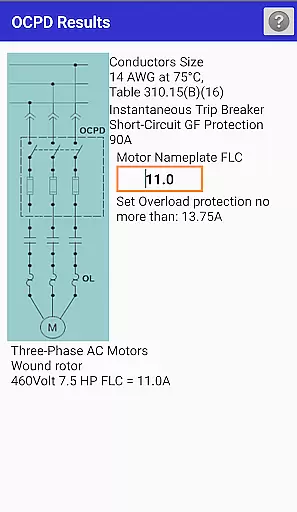
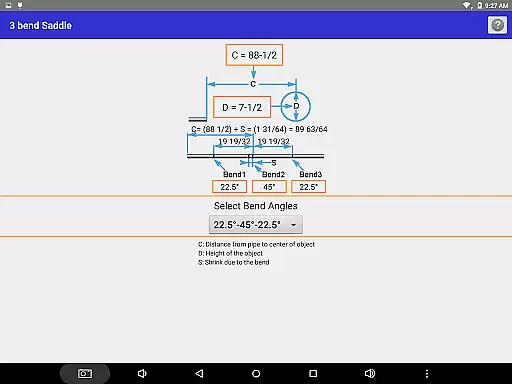
One of the standout features of Electrician's Bible is its exhaustive list of calculation tools. Users can perform precise calculations for circuits' conductors voltage drop, minimum conductor size, offset, three bend saddles, rolling offset, raceway size, maximum number of same-size wires, conduit support, conductor applications, cable tray calculations, and much more. These features ensure that users have all the necessary tools at their fingertips for any electrical project.
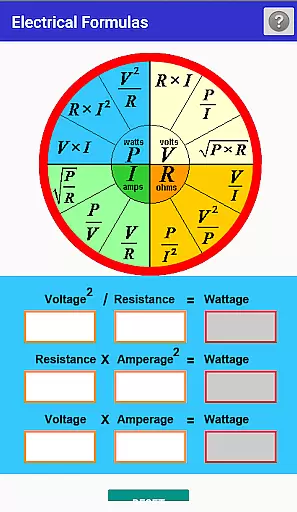
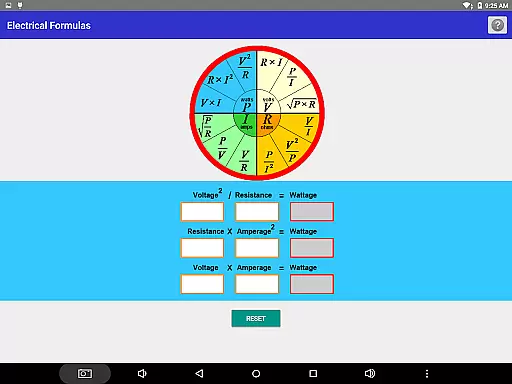
Beyond calculations, the app includes detailed electrical schematics such as delta-delta transformers, delta-wye transformers, three-way switches, start/stop AC motor diagrams, and network cable wiring pin-outs. It also offers sections on burial depth, grounding, NEMA configurations, formula wheels, power triangles, series/parallel circuits, resistor color codes, phase wire color codes, panel color codes, and NEC calculation examples. This breadth of content ensures that users are well-equipped with theoretical knowledge and practical applications.
Additional functionalities include a units converter for temperature, energy, length, AWG to millimeters, watts to lumens, torque, and fraction calculations. The inclusion of NFPA 70E tables, arc flash calculations, torque specs for major brands like Squared D and GE, search capability, favorites section, and frequent updates make this app a versatile and reliable tool for anyone in the electrical industry.
For electricians and electrical contractors, core task management is essential for organizing daily operations efficiently. Electrician's Bible offers a comprehensive suite of tools that streamline the planning and execution of electrical projects. The app provides detailed calculations based on the National Electric Code 2020, ensuring that every task complies with current standards.
The application includes features such as voltage drop calculations, conduit bend specifications, raceway computations, and ampacity assessments. These functions are critical for accurately planning electrical installations and modifications. By integrating these capabilities into one platform, users can manage their tasks more effectively without needing to consult multiple resources.
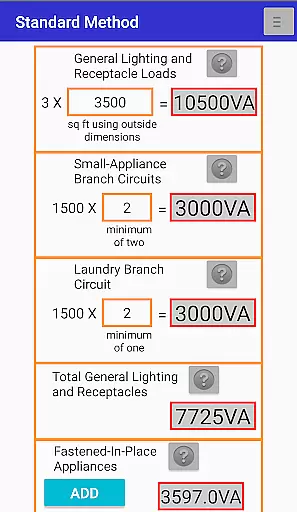
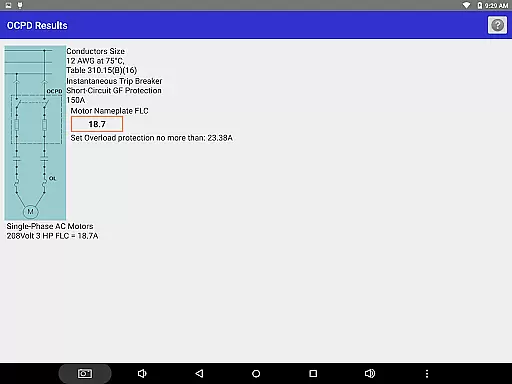
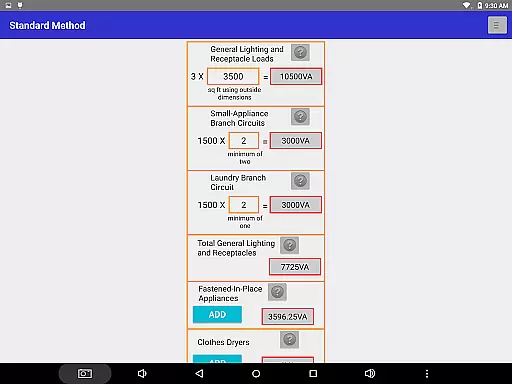
Electrician's Bible also supports load calculations for residential properties, transformer sizing, and motor computations. This allows professionals to handle a wide range of jobs, from simple home repairs to complex industrial projects. With this app, electricians can ensure that all aspects of their work are accounted for, leading to increased productivity and fewer errors in their projects.
Cross-device synchronization is vital for professionals who use multiple devices throughout their day. Electrician's Bible ensures reliable synchronization across devices, allowing users to access their data and settings no matter where they are. This feature is particularly beneficial for electricians who may switch between tablets, smartphones, and computers while working on different job sites.
The app requires Android version 4.0 or higher and an active internet connection to maintain seamless updates between devices. Once logged in, users can be confident that their information, including favorites and recent calculations, will be up-to-date on any device they use. This continuity helps prevent mistakes that could arise from outdated or inconsistent data.
Moreover, Electrician's Bible offers search capabilities and a favorites section, which are synchronized across devices. This means that frequently used calculations or important notes can be easily accessed, providing a consistent experience. By prioritizing synchronization reliability, the app enhances workflow efficiency and ensures that users have the most current information at their fingertips.
User-friendly interface
Comprehensive calculation tools
Regular updates and improvements
Detailed electrical schematics
Wide range of NEC references
Requires internet connection
Occasional update bugs
No offline functionality
Complex for beginners
Heavy on technical jargon

AI Video AI Image Private LLM AI Browser Llama Gemma Ollama Connect LLM Studio
 4.2
4.2
Experience Reading - Night Mode for Documents
4.40
Device's storage information in a simple and clear graphical form (infographics)
4.10
Absolutely the best CNC machinist speed and feed calculator around. fswizard.com
4.60
App lock - lock apps with fingerprint, password, pin or pattern, protect privacy
4.70
Enjoy classic gameplay with customizable features and retro-style graphics.
4.30
Tally and goal counter for Wear OS & mobile
4.50
This small app MUST BE INSTALLED after purchase, else license won't work
4.40
Set up, print, and get support—in one place
4.20
Great calculator for Android named one of USA TODAY's "25 Essential Apps".
4.90
Simple notepad & memo. Take notes, to-do list, shopping list with reminders.
4.80
Secure, fast, open-source, VNC and SSH Remote Desktop for Windows, Linux and Mac
4.70
QuickBooks Workforce lets teams view pay info and track time in one place.
4.70
Calendar 2023 widget for Android. Appointment scheduler, planner, and reminder
4.60
A simple Whisper AI keyboard for reliable speech transcription and rewording
4.60
Create and edit presentations with Google Slides, part of Google Workspace.
4.00
All in one sketching tool. Technical and General drawing. Online Maps support.
3.70
Make your handwriting beautiful, even more than pen on paper.
3.60
A simple, portable logger for POTA, SOTA, Field Day, and more
4.2


User Reviews