
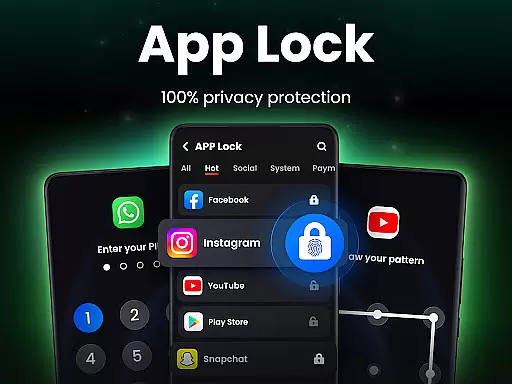
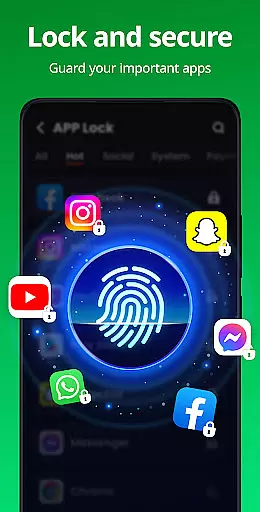
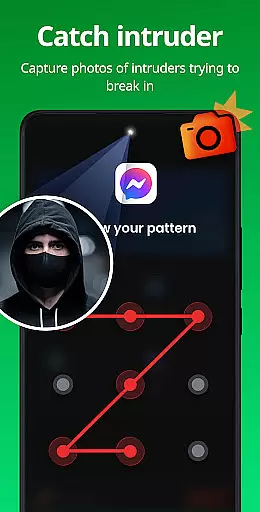

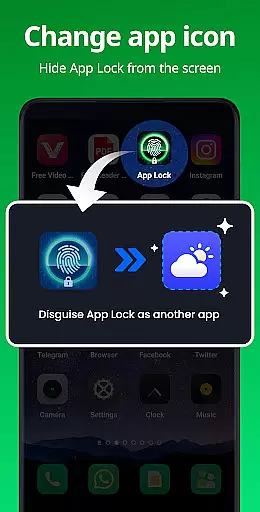
App Lock is a powerful productivity tool designed to protect your private data with one-click security. This app allows users to lock specific applications using PIN, pattern, or fingerprint authentication, ensuring complete privacy and protection from unauthorized access. With features like Safe Vault for hiding photos/videos, Intruder Selfie to capture unauthorized access attempts, and Disguise App functionality, it offers comprehensive security measures tailored for personal and professional use.
The app also includes advanced functionalities such as Uninstall Protection to prevent accidental removal of hidden files, customizable themes for personalized user experience, and additional layers of security like random keyboards and invisible pattern paths. Whether you're looking to secure sensitive apps like WhatsApp, Instagram, or financial platforms like Google Pay, App Lock provides an essential layer of digital safety that enhances both privacy and peace of mind.
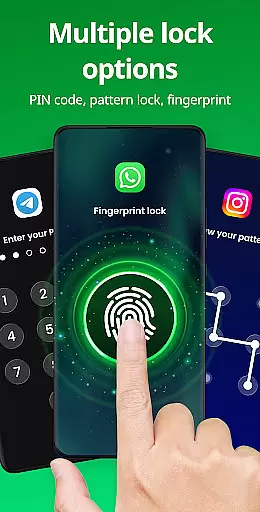
App Lock stands out with its diverse range of security features tailored to maximize user privacy. One of the core functionalities is the ability to lock apps using multiple methods including PIN, pattern, or fingerprint recognition. This flexibility ensures that users can choose their preferred method of securing critical applications such as social media, messaging services, and even payment platforms like Google Pay and PayPal.
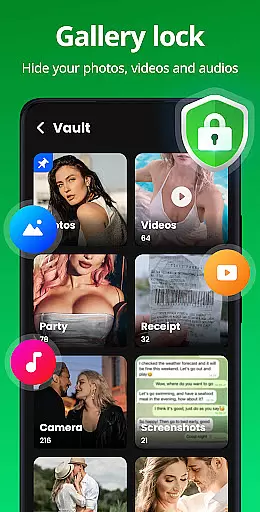
In addition to locking apps, the application offers a Safe Vault feature that hides private photos and videos, making them accessible only through password entry. The Intruder Selfie function adds another layer of security by capturing images of anyone attempting unauthorized access. Furthermore, the Disguise App feature cleverly masks the app's icon, adding stealth to its robust security measures. These innovative tools collectively ensure maximum protection while maintaining ease of use for individuals seeking reliable privacy solutions.
At the heart of App Lock's functionality is its ability to manage tasks essential for privacy protection. This app allows users to lock specific applications, ensuring that sensitive information remains inaccessible without proper authorization.
The locking mechanism supports multiple security methods including PIN, pattern, or fingerprint verification, which provides a versatile and robust solution for safeguarding personal data. By enabling these features, users can prevent unauthorized access to social media accounts, financial apps, and more.
With App Lock, users gain peace of mind knowing their private photos, messages, and contacts are shielded from prying eyes. The app also extends its utility by offering protection against accidental in-app purchases, making it an invaluable tool for parents looking to monitor their children's activities on mobile devices.
While App Lock focuses primarily on securing individual devices, it also offers reliable cross-device synchronization capabilities. Users can maintain consistent security settings across multiple devices, ensuring uniform protection regardless of where their data resides.
This feature is particularly beneficial for those who use several devices interchangeably throughout the day. With synchronized lock settings, there's no need to reconfigure preferences each time a new device is usedu2014security measures such as PIN codes or fingerprint requirements remain intact.
Moreover, App Locku2019s commitment to user convenience extends to its backup solutions. In case of accidental uninstallation or device change, users wonu2019t lose their carefully configured security settings or hidden files, thanks to the appu2019s dedication to preserving user-defined parameters across different platforms.
Easy-to-use interface
Multiple locking methods
Comprehensive privacy protection
Customizable themes
Intruder detection system
Requires several permissions
May slow down older devices
Limited free features
Frequent fingerprint errors
Occasional bugs in disguise mode

Unlock AutoNotification
 4.00
4.00
IP Camera Viewer - Android TV : RTSP Surveillance camera viewer for Android TV
4.2
Enjoy classic gameplay with customizable features and retro-style graphics.
4.30
The ultimate file manager for rooted devices. The original and still the best.
4.00
Scientific calculator for Android - looks and operates like the real thing!
4.90
Okta MFA
4.70
AT&T Internet customers can use this app to personalize their Wi-Fi network.
4.40
QuickEdit is a fast, stable and full featured text and code editor.
4.20
Note taking, handwriting, record audio, PDF annotation, planner & journal
4.20
Great calculator for Android named one of USA TODAY's "25 Essential Apps".
4.90
A beautiful digital clock with autostart and many other functions
4.70
The Pro Version of Android's tiniest Notepad app. Just 0.3MB but feature-packed!
4.60
App Lock with fingerprint, password: Lock apps & hide photos with lock screens
4.60
Translate text/voice/photos in 150+ languages. Offline & fast translator app.
4.50
Docker, Kubernetes management over Portainer Mobile
4.40
Device's storage information in a simple and clear graphical form (infographics)
4.10
Wake up & get tasks done! Add alarms & reminders on the Clock Launcher.
4.00
Take control of your clipboard with Clipper!
3.90
The upgraded version of Name Wheel with AI and the power to add your own wheels.
4.2


User Reviews