
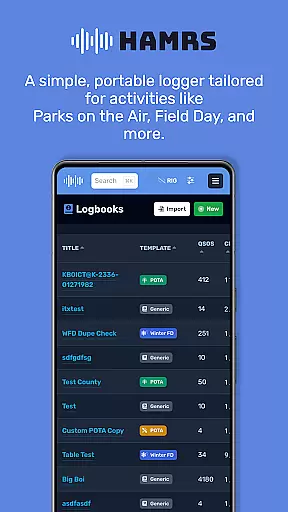
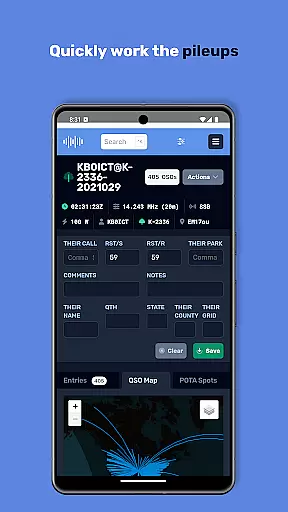
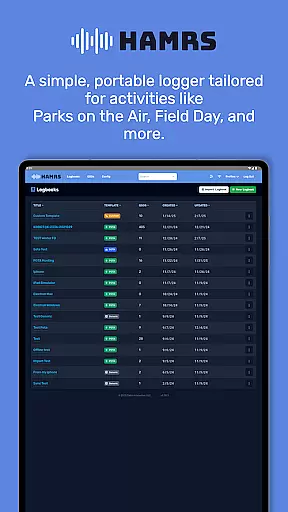
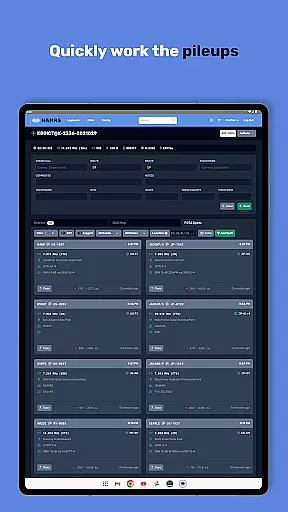
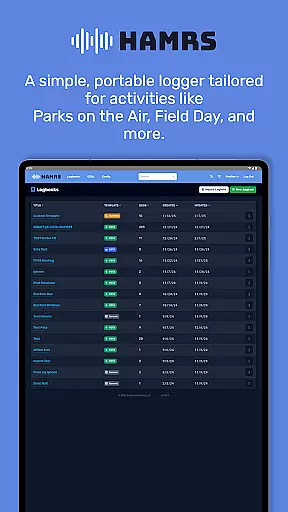
HAMRS Pro is a specialized productivity app designed for amateur radio enthusiasts. This application has been completely redeveloped to offer a streamlined logging experience, particularly suited for portable operations such as Parks on the Air and Field Day events.
The app allows users to swiftly navigate through fields during contact logging, view operator QTH information when connected to the internet, and effortlessly export ADI files. Additionally, HAMRS Pro supports direct uploads to QRZ, enhancing the efficiency of managing amateur radio activities.
Whether you're participating in outdoor radio events or managing regular contacts, HAMRS Pro provides an intuitive interface that simplifies logging and management tasks, making it an essential tool for both novice and experienced operators.
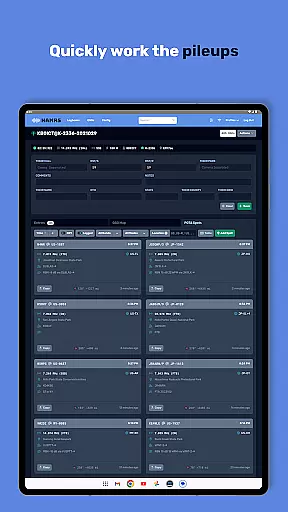
One of the standout features of HAMRS Pro is its optimized user interface tailored for quick data entry. Users can tab through input fields seamlessly while logging contacts, significantly reducing the time required for each entry.
In addition to efficient logging, the app offers real-time operator QTH lookup when online, providing valuable context about the geographical location of contacts. The ability to export ADI files directly from the app ensures compatibility with various amateur radio logbooks and contesting platforms.
Furthermore, HAMRS Pro includes integrated support for uploading logs directly to QRZ, streamlining the process of updating your online records. These features collectively enhance the overall productivity and organization of amateur radio operators engaged in diverse activities.
Efficient task management is crucial for amateur radio enthusiasts who need to log their activities seamlessly. HAMRS Pro offers a streamlined interface that allows users to quickly tab through fields while making contacts, ensuring no detail is missed during operations.
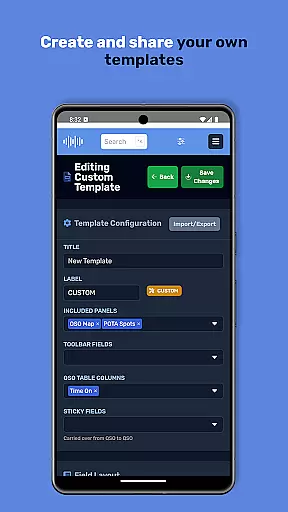
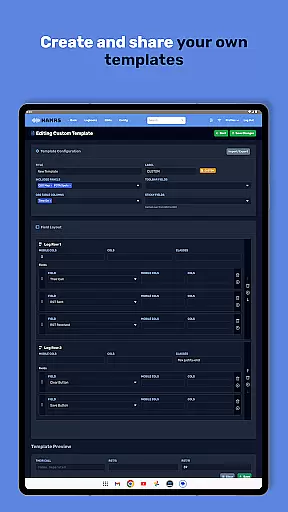
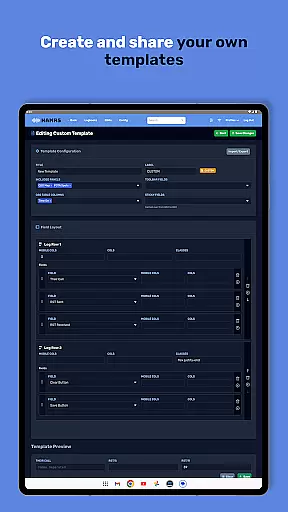
The app has been re-engineered from scratch to provide tailored templates specifically designed for portable activities such as Parks on the Air and Field Day. This ensures that all essential logging tasks are organized and easily accessible, enhancing both speed and accuracy in recording important data.
With an internet connection, operators can view QTH information, adding another layer of detail to each logged contact. This feature not only simplifies the logging process but also enriches the quality of the data captured, making it more useful for future reference and analysis.
Reliable cross-device synchronization is vital for users who operate across multiple devices. HAMRS Pro ensures that your data remains consistent and up-to-date, regardless of the device you use. This reliability is particularly beneficial for those participating in various amateur radio events where access to real-time data is critical.
The app supports easy export of ADI files, allowing users to back up their logs or transfer them between devices effortlessly. This feature guarantees that all your logging data is securely stored and readily available whenever needed, thus maintaining continuity in your operations.
Additionally, HAMRS Pro enables direct uploads to QRZ, a popular online platform for amateur radio operators. This seamless integration enhances the user experience by providing a convenient way to share and manage your logs across different platforms, ensuring that your data is always synchronized and current.
User-friendly interface
Efficient contact logging
Direct QRZ uploads
Real-time QTH info
Portable activity templates
Limited to amateur radio
Internet required for QTH
Premium version costly
No cloud sync feature
Occasional bugs reported

Client for Nextcloud Deck
 4.60
4.60
Native client for Forgejo and Gitea
5.00
Total remote control for your Android device, PC and cloud services (IFTTT)!
4.20
Professional calendar app for Google Calendar, MS Outlook & Exchange
4.20
Planet Free VPN - The best Fast Unlimited and Secure VPN Without Logs
4.50
Protect and view your important info on your phone and tablet with eWallet®
4.80
Secure, fast, open-source, Remote Desktop Client for Windows and Linux with SSH
4.60
Lightweight PDF, Word, Excel reader.
4.60
Put a lock on your cloud: Take the security of your data into your own hands
3.70
Android Wallet Password Manager
4.80
Mind Map and brainstorm, note taking and idea collection
4.80
Secure, fast, open-source, VNC and SSH Remote Desktop for Windows, Linux and Mac
4.70
A lightweight JSON & XML files creator, editor and viewer (Premium Version)
4.40
Cloud storage, automatic phone backup, and more.
4.10
Access your phone's notifications, calls, apps, photos & texts on your PC
3.90
Ultimate Virtual AI Character for immersive Roleplay Chat. Perfect Companion
3.90
Simple and reliable communication between inmates, friends and family
3.20
Code on-the-go with VScode for Android. Edit,debug and collaborate from mobile!!
3.10
Create study competitions, track your hours, and stay consistent with friends
4.0


User Reviews