
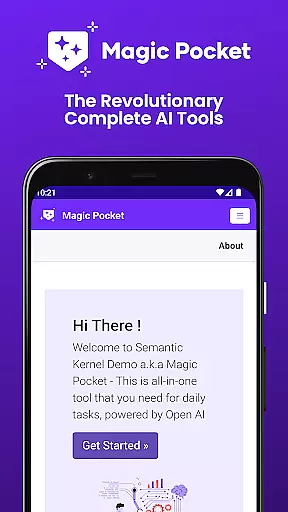
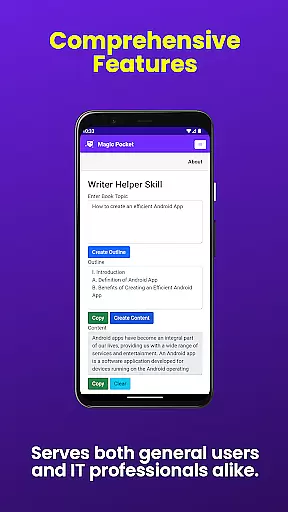
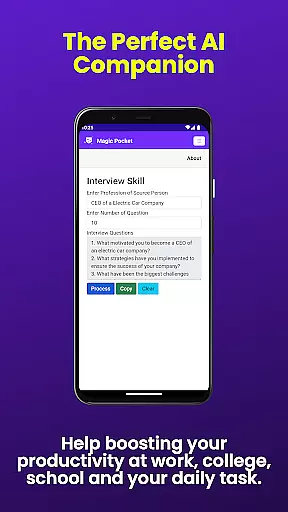

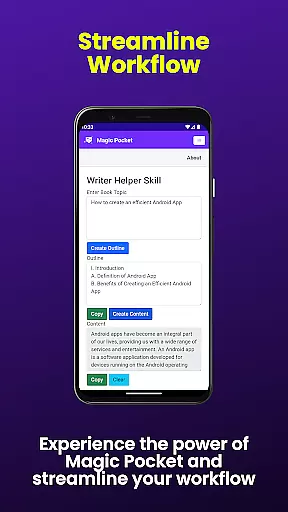
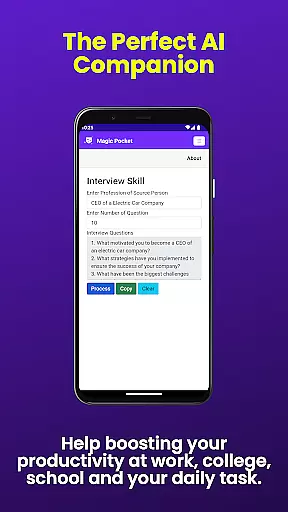

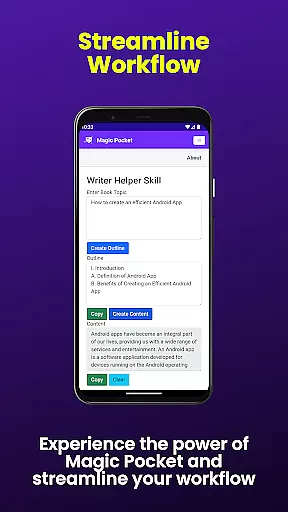
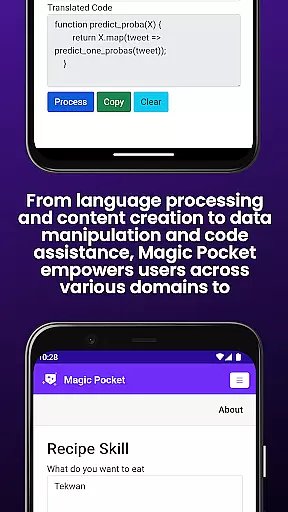
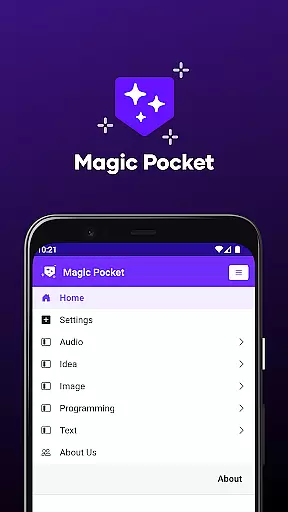
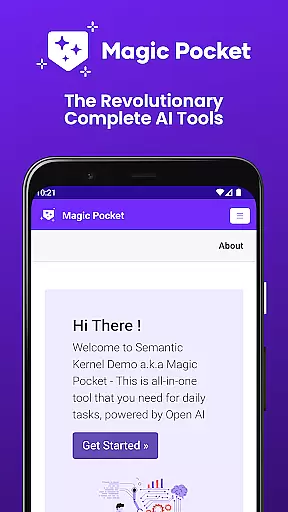
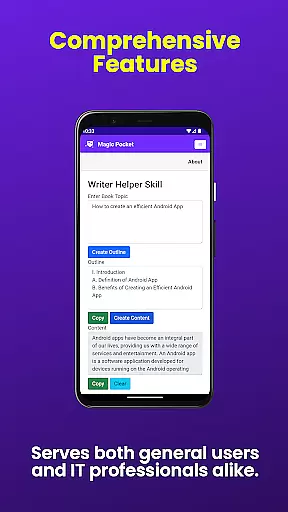
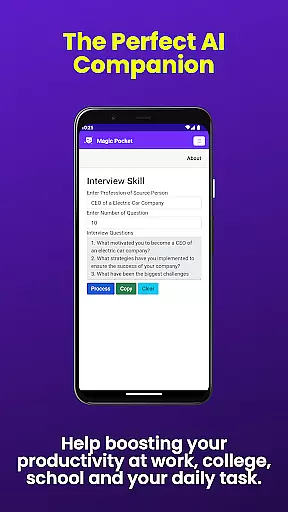

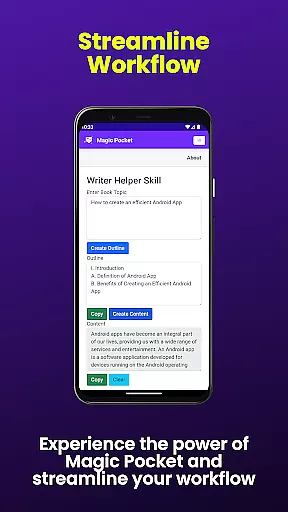
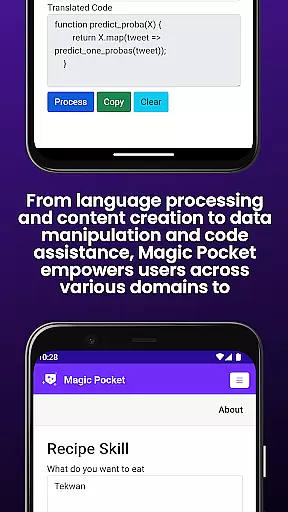
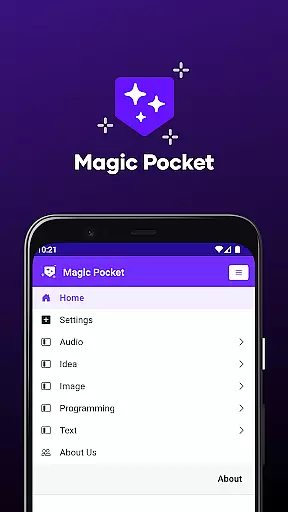
Magic Pocket is a productivity powerhouse, offering users an extensive suite of 100 cutting-edge features designed to enhance creativity and efficiency. Available on Android and Windows platforms, this app provides innovative tools for media management, creative projects, and content transformation.
At its core, Magic Pocket enables seamless video conversations, smooth speech-to-speech translation, and effortless image data extraction. Users can generate high-quality videos, create stunning headshots, and transform images into expressive emojis or detailed artwork using advanced AI models.
The application's true value lies in its ability to streamline complex tasks while unleashing users' creative potential. Whether you're converting HTML to Markdown, generating realistic handwriting, or manipulating video backgrounds, Magic Pocket serves as your comprehensive productivity solution.
Magic Pocket stands out with its diverse range of innovative features that cater to various productivity needs. The app's video capabilities include Talk with Video for seamless conversations and Video to Video Generator for creating new content from existing footage.
Image processing is revolutionized through multiple tools: Animate Image With Voice brings static pictures to life, while Image Inversion enhances resolution and Recraft Image Generator creates unique visuals. The app also excels in text transformation, offering Html to Markdown conversion and realistic Handwriting Generator.
What sets Magic Pocket apart is its integration of advanced AI models like Luma and Sana, enabling professional-grade results across different media types. These features collectively empower users to maximize their productivity and creativity in unprecedented ways.
Task management is a cornerstone of productivity applications, and Magic Pocket excels in providing users with robust tools to handle their tasks efficiently. With features like Talk with Video and Speech to Speech, the app facilitates seamless communication, ensuring that team discussions and client interactions are more productive.
Magic Pocket goes beyond basic task assignments by integrating AI-driven functionalities such as Luma Video Generator and Photon Image Generator. These innovative tools allow users to create high-quality visual content directly within the task management framework, streamlining workflows and enhancing project presentations without the need for external software.
The app's comprehensive suite supports users in maximizing their efficiency through creative project management. Whether it's generating images with the Sana Image Generator or extracting valuable data from images using Extract Image Data, Magic Pocket equips users with everything they need to complete projects swiftly and effectively. This all-in-one approach saves time and boosts overall productivity.
Cross-device synchronization is vital for maintaining workflow continuity across different platforms. Magic Pocket ensures reliable synchronization between Android and Windows devices, allowing users to transition smoothly between their mobile and desktop environments without losing progress or access to essential tools.
This reliability is powered by advanced cloud technologies that keep all 100 features up-to-date across devices. Users can start a video conversation on their phone during a commute and continue on their desktop at work, thanks to features like Talk with Video and Change Video Background. Such flexibility empowers professionals to optimize their schedules while staying connected with peers.
Moreover, Magic Pocketu2019s synchronization extends to creative assets management. Tools like Trellis 3D Asset conversion and Vector Image Generator ensure that complex files are accessible and editable regardless of the device being used. This guarantees that creative professionals can work on intricate designs anytime, anywhere, thus significantly improving both flexibility and output quality.
Extensive feature set
Cross-platform support
Advanced AI integration
Seamless media processing
Innovative content creation
Steep learning curve
Resource-intensive
Limited iOS support
Complex interface
Premium pricing

Easily read and manage all your PDF files
 4.10
4.10
CalenGoo is a very flexible and feature-rich calendar app
4.40
Cloud storage, automatic phone backup, and more.
4.10
A beautiful digital clock with autostart and many other functions
4.70
The ultimate file manager for rooted devices. The original and still the best.
4.00
Quickly and easily keep track of your work shifts
4.70
AT&T Internet customers can use this app to personalize their Wi-Fi network.
4.40
Daily processing of PDF documents.
4.40
QuickEdit is a fast, stable and full featured text and code editor.
4.20
Mind Map and brainstorm, note taking and idea collection
4.80
Use powerful, industry-leading AI tools to generate visual charts from any data
4.80
Absolutely the best CNC machinist speed and feed calculator around. fswizard.com
4.60
A simple Whisper AI keyboard for reliable speech transcription and rewording
4.60
Experience Reading - Night Mode for Documents
4.40
Secure your apps with lock screens, use custom themes and different features.
4.40
Make apps & sites with natural language prompts
4.10
Secure, open-source, SPICE and SSH Remote Desktop for QEMU KVM virtual machines
4.00
Create study competitions, track your hours, and stay consistent with friends
4.5
IP Camera Viewer - Android TV : RTSP Surveillance camera viewer for Android TV
4.5


User Reviews