
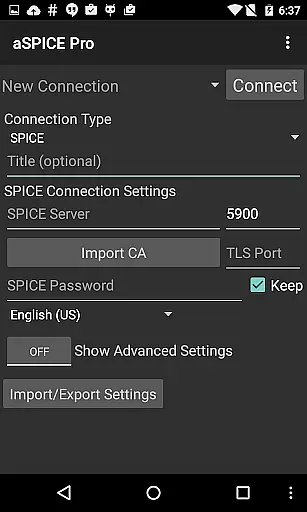
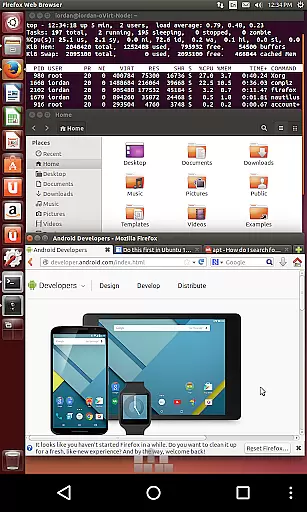
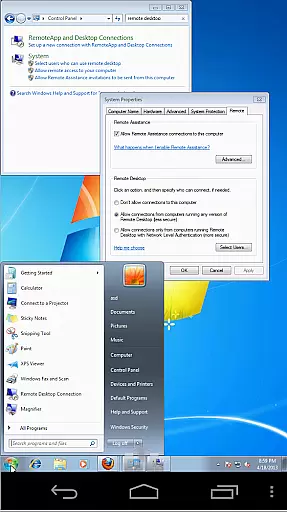
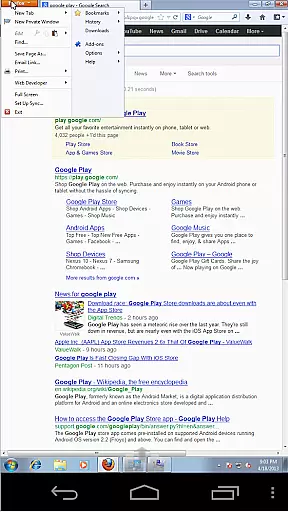

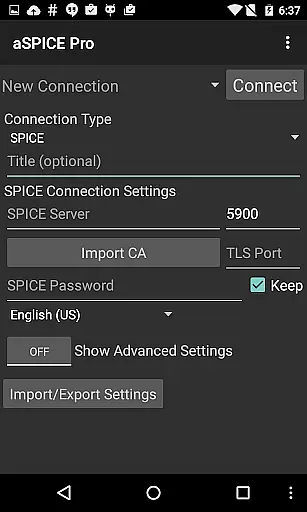
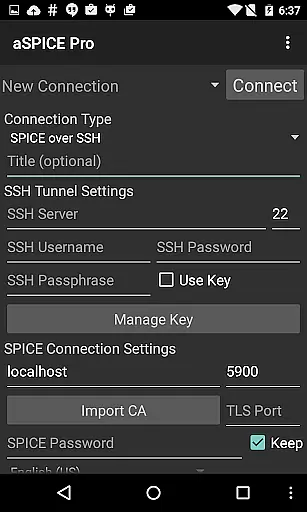
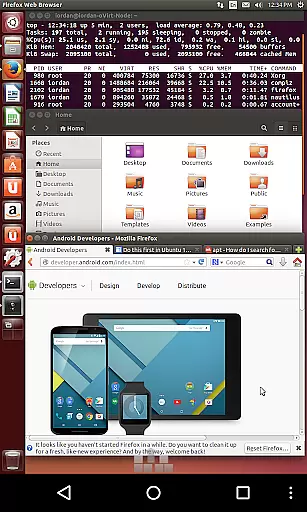
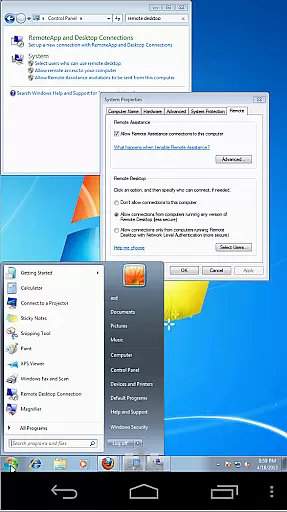
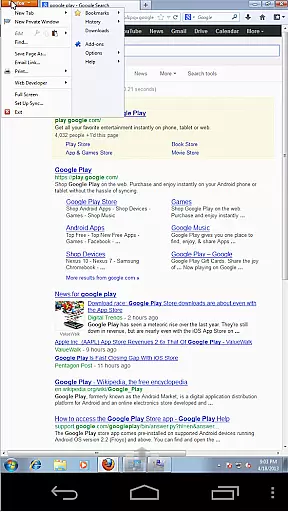

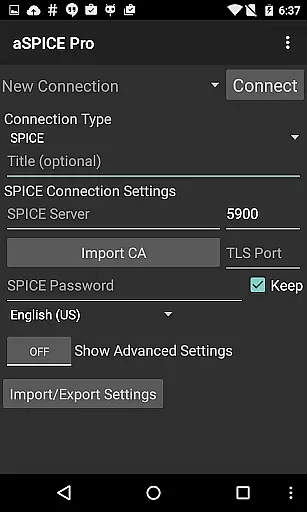
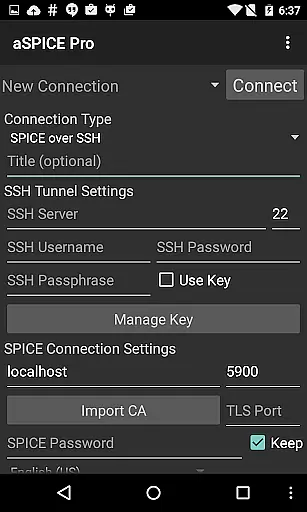
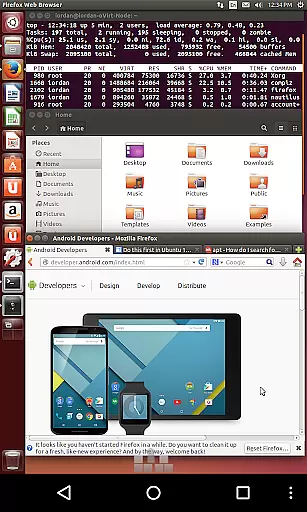
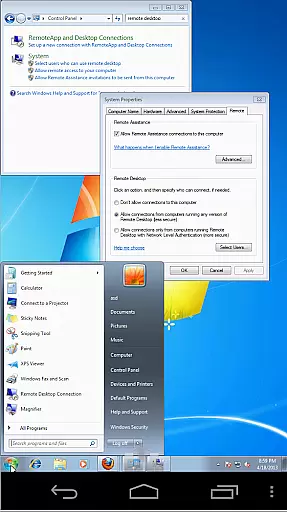
aSPICE Pro Secure SPICE Client is a robust productivity tool designed for users who need to remotely control virtual machines with precision and security. This application supports the SPICE protocol, making it possible to interact with any SPICE-enabled qemu virtual machine regardless of the guest operating system. With features like Master password support, MFA/2FA SSH authentication, and USB redirection, aSPICE ensures both ease of use and top-notch security.
One of the standout capabilities of aSPICE is its multi-touch control over the remote mouse, allowing users to perform various click actions through simple taps. Additionally, the app offers dynamic resolution changes, full rotation support, and SSH tunneling, which enhances accessibility and security. Whether you're managing virtual machines from BIOS to OS or require multi-language support, aSPICE provides a comprehensive solution that caters to diverse user needs in different environments.
aSPICE Pro Secure SPICE Client boasts an array of advanced features tailored to enhance remote desktop interactions. The app supports multi-touch gestures such as pinch-zooming, scrolling with a two-finger drag, and various tap combinations for mouse clicks. These features ensure a seamless and intuitive user experience when interacting with remote systems.
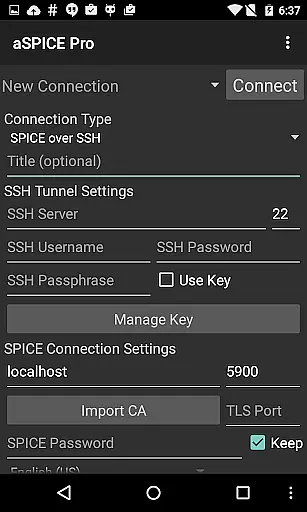
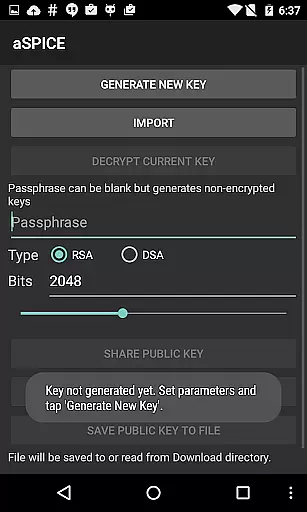
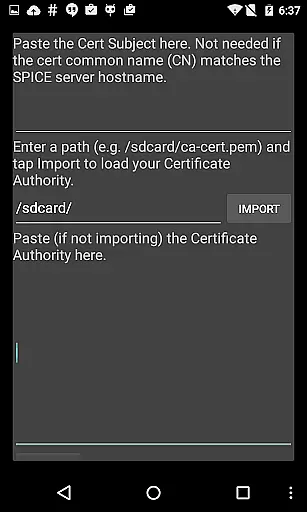
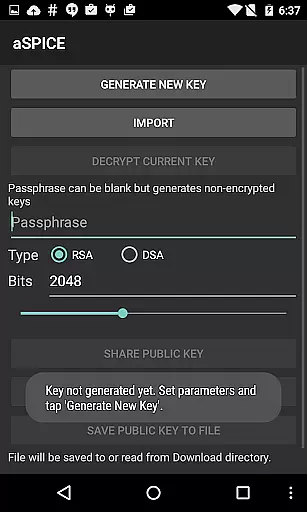
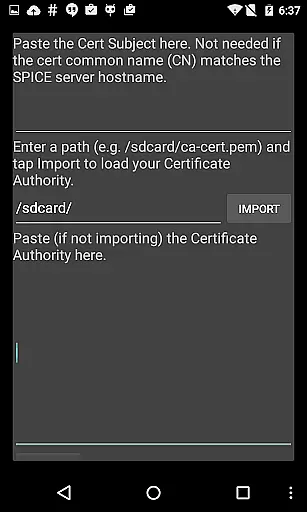
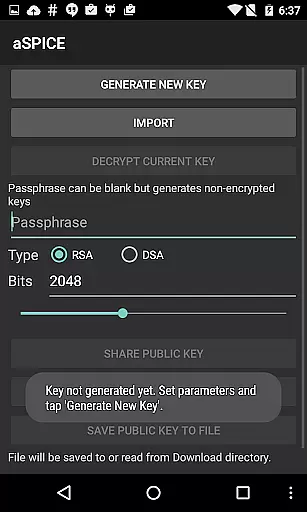
Security is a cornerstone of aSPICE, offering SSH tunneling for secure connections, MFA/2FA SSH authentication, and master password support. Users can also import encrypted/unencrypted RSA keys in PEM format and unencrypted DSA keys in PKCS#8 format. Furthermore, the app includes UI optimizations for different screen sizes, Samsung multi-window support, and automatic connection session saving, making it versatile for both smartphones and tablets.
aSPICE Pro Secure SPICE Client excels in core task management by offering users comprehensive control over SPICE-enabled virtual machines. This includes the ability to manage any guest OS with precision and reliability.
The application supports advanced features such as USB redirection, audio support, and multi-touch controls for remote mouse operations. These ensure that users can efficiently perform tasks like left-clicking, right-clicking, scrolling, and pinch-zooming with intuitive touch gestures.
Additionally, aSPICE provides dynamic resolution changes, allowing users to reconfigure their desktop environments on-the-fly. This flexibility ensures seamless transitions from BIOS to OS, enhancing productivity during different stages of virtual machine operation.
With full rotation support and UI optimizations for various screen sizes, aSPICE caters to both tablets and smartphones, ensuring that users can maintain high levels of task management efficiency regardless of their device type.
Cross-device synchronization is a critical feature of aSPICE Pro Secure SPICE Client, enabling reliable and secure connections across multiple devices. The app supports SSH tunneling, which not only enhances security but also allows users to reach machines behind firewalls seamlessly.
One of the standout features is the automatic connection session saving, which ensures that users can pick up where they left off, regardless of the device they switch to. This continuity is vital for maintaining workflow efficiency and data integrity.
aSPICE also offers multi-language support and full mouse functionality on Android 4.0+, making it versatile for international teams and diverse work environments. The availability of stowable on-screen keys further augments its cross-device capabilities, providing consistent access to essential keyboard functions.
By integrating Samsung multi-window support and DEX compatibility, aSPICE ensures that users can multitask effectively, whether they are using smartphones or larger tablet interfaces. This robust synchronization capability underscores the app's commitment to delivering a seamless user experience across all devices.
Secure SSH connections
Multi-touch gestures
Dynamic resolution changes
Master password support
USB redirection
Complex setup process
Limited clipboard integration
No native iOS version
Advanced features may overwhelm new users
Requires technical knowledge for optimal use

Seamlessly integrate data and reports to build your presentation to impress
 4.80
4.80
Make your handwriting beautiful, even more than pen on paper.
3.60
Simple and reliable communication between inmates, friends and family
3.20
Cloud storage, automatic phone backup, and more.
4.10
Access, manage and transfer files on Android, PC, Mac, NAS and cloud storages.
4.30
Experience and share your SolidWorks designs on your Android® phone and tablet.
2.50
This small app MUST BE INSTALLED after purchase, else license won't work
4.40
Daily processing of PDF documents.
4.40
Seamlessly read, manage, and organize all your PDF files solution in one place
4.40
Best Tool for the professionals Electrician, Electrical contractors, etc.
4.90
Simple notepad & memo. Take notes, to-do list, shopping list with reminders.
4.80
Lightweight PDF, Word, Excel reader.
4.60
Professional calendar app for Google Calendar, MS Outlook & Exchange
4.20
Font maker keyboard with your own handwriting
4.10
Intelligent AI Assistant
4.10
Smart PDF reader & editor to view, organize and manage PDF documents easily.
3.70
Remotely view listen control and record cameras.
3.70
Ads Free App! Editor, Hide File, Copy, Move, Delete and Rename.. all facility av
1.70
A comprehensive suite of tools designed specifically for Lactation Consultants
4.4


User Reviews