
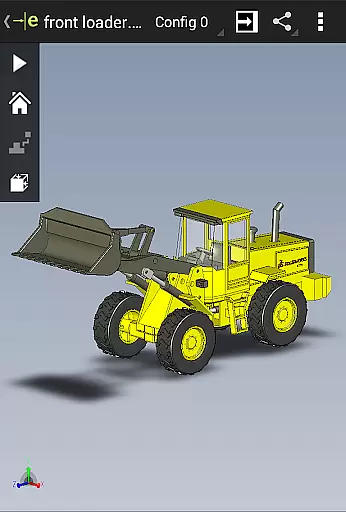
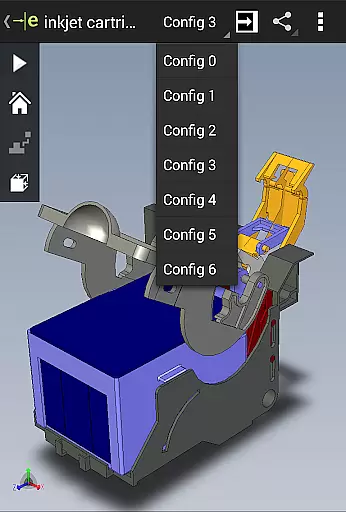
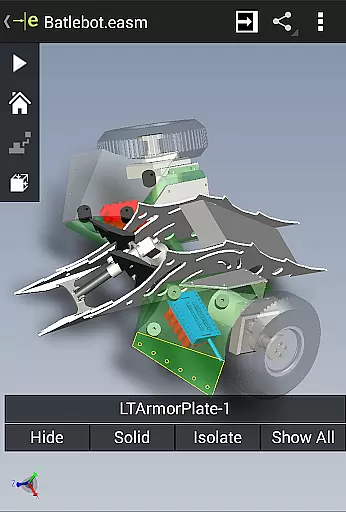
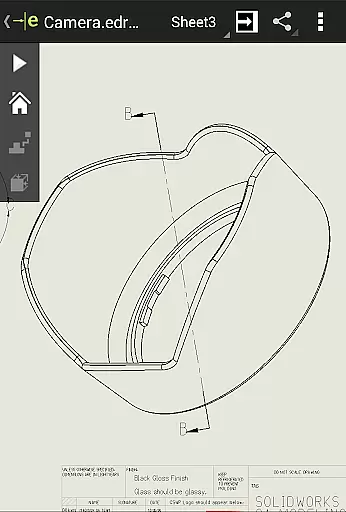
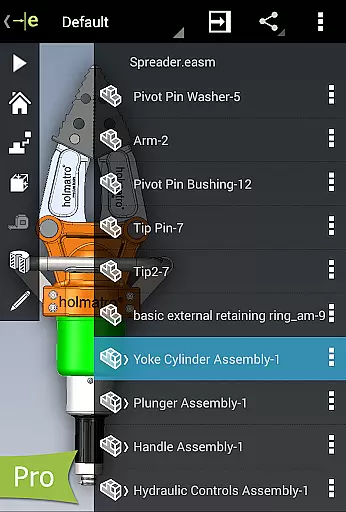
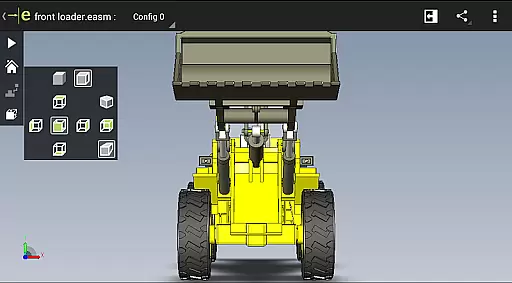
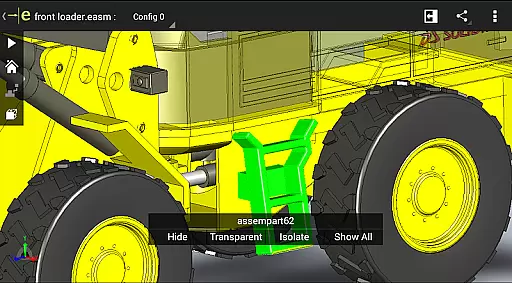
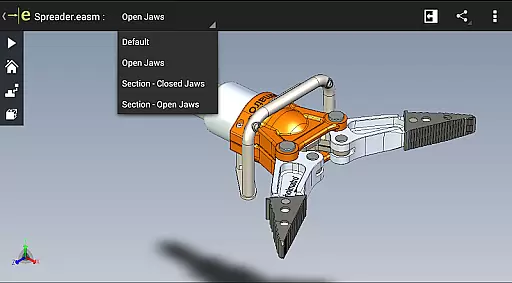
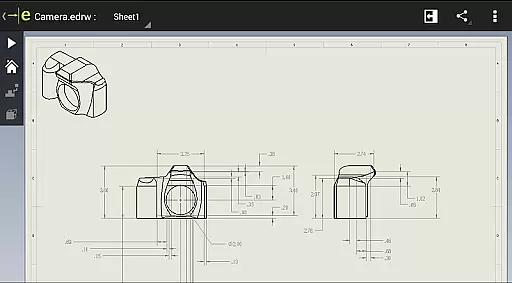
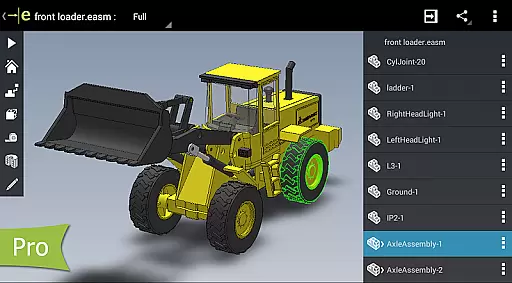
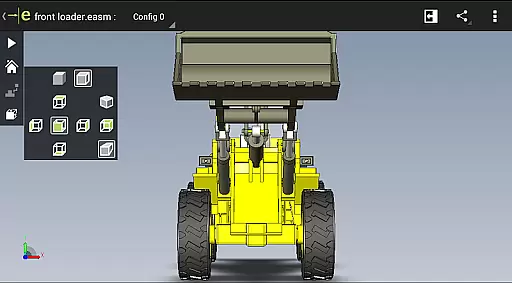
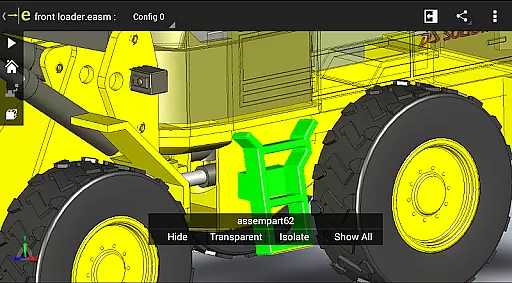
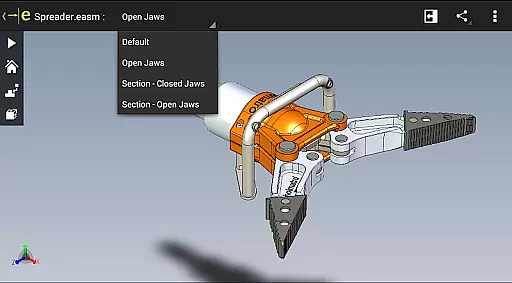
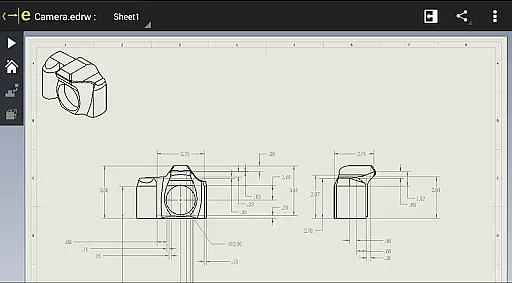
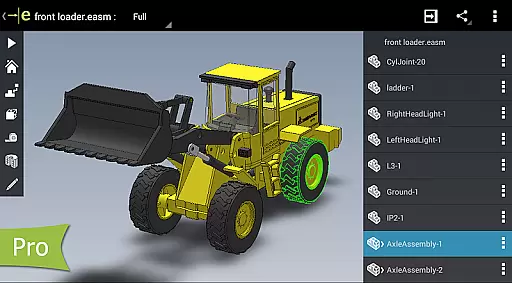
eDrawings is a powerful CAD viewer designed for Android devices, enabling users to view native eDrawings files as well as SolidWorks parts, assemblies, and drawings. This app revolutionizes the way product design information is shared by allowing users to load and send CAD files via email, making collaboration seamless even with non-CAD users.
With multi-touch gestures, users can easily pan, zoom, and rotate models. The app supports drawing sheets and exploded views, providing an intuitive experience for interpreting 2D and 3D designs. Its capabilities make it an essential tool for anyone involved in product development.
eDrawings offers a comprehensive set of features that cater to both basic and advanced CAD viewing needs. Users can open various 3D and 2D file formats including EASM, EPRT, STEP, DWG, and DXF from multiple sources such as email attachments and cloud storage services. The app's multi-touch functionality allows effortless navigation through CAD data.
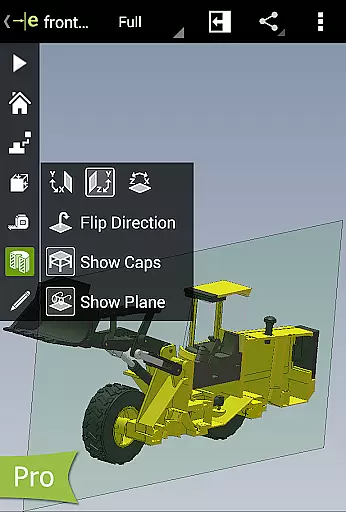
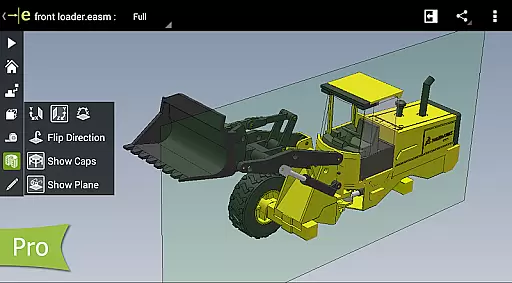
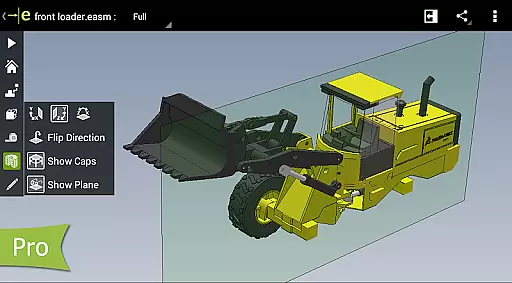
For enhanced productivity, users can animate standard views, browse drawing sheets, and view designs in full screen. Upgrading to eDrawings Pro unlocks advanced features like measurement tools, dynamic cross-section views, and markup capabilities. These functionalities ensure that users can effectively analyze and collaborate on their designs.
In the realm of productivity, eDrawings excels in core task management by offering an intuitive platform for handling complex CAD tasks. The app enables users to open and manage both 2D and 3D CAD files with remarkable ease, thanks to its user-friendly interface.
With capabilities to load files from various sources including email attachments, cloud storage services, and network folders, eDrawings ensures that all your design data is accessible in one place. This consolidation greatly simplifies task organization and execution.
The ability to animate 3D views, browse 2D drawing sheets, and use multi-touch gestures for zooming, panning, and rotating models adds a layer of sophistication to managing CAD projects. Users can focus on their designs without being hindered by complicated software mechanics.
Furthermore, upgrading to eDrawings Pro via in-app purchase unlocks advanced features such as dynamic cross-section viewing and markup tools, which are essential for detailed design analysis and collaboration, making it a comprehensive solution for engineers and designers alike.
Cross-device synchronization is a pivotal feature of eDrawings, ensuring that users have a reliable and consistent experience across different devices. Whether you're working on an Android phone or tablet, the app maintains the integrity and accessibility of your CAD files.
eDrawings supports a wide array of file formats including EASM, EPRT, SLDASM, SLDPRT, IGES, IGS, JT, STEP, STP, IFC, EDRW, SLDDRW, DWG, and DXF. This versatility allows seamless transitions between devices without worrying about format compatibility issues.
By enabling users to send files via email directly from the app, eDrawings facilitates effective communication and collaboration among team members. Everyone involved in product development can access and review designs regardless of their location or device preference.
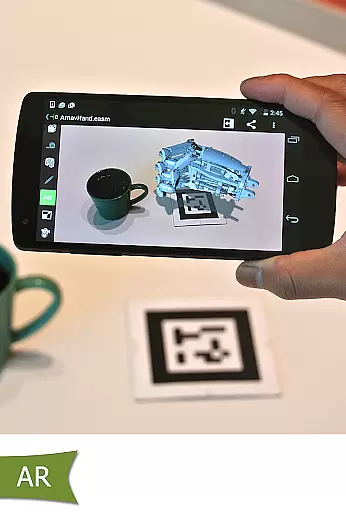
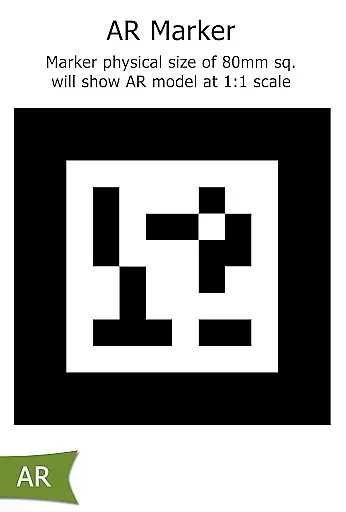
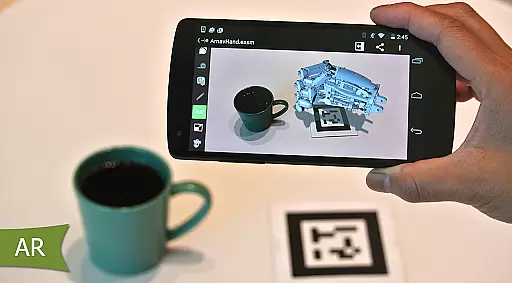
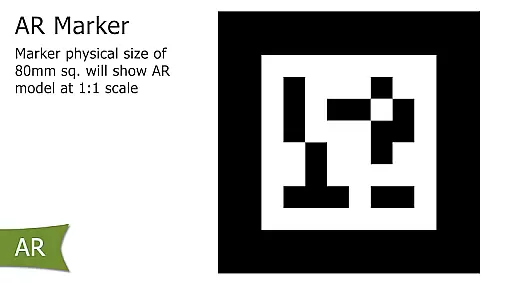
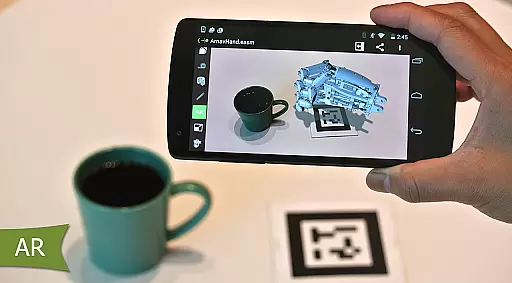
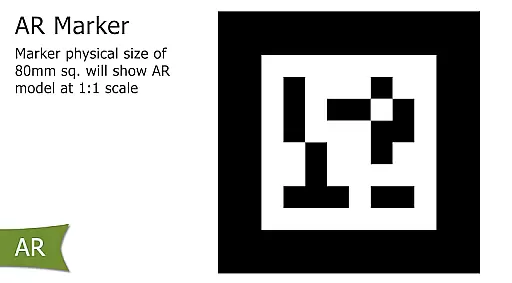
Moreover, with augmented reality features and settings accessible even when buttons may be clipped on certain devices, eDrawings guarantees uninterrupted functionality. This reliability in synchronizing data across platforms enhances productivity and ensures that all stakeholders are always on the same page.
User-friendly interface
Wide file format support
Effective collaboration tool
Advanced measurement tools
Intuitive navigation controls
Limited free version
In-app purchases required
Occasional AR issues
High system requirements
Steep learning curve

QuickBooks Workforce lets teams view pay info and track time in one place.
 4.70
4.70
When you Focus, so will your Bean in this cozy focus timer
4.30
Wake up & get tasks done! Add alarms & reminders on the Clock Launcher.
4.00
Mind Map and brainstorm, note taking and idea collection
4.80
Protect and view your important info on your phone and tablet with eWallet®
4.80
CalenGoo is a very flexible and feature-rich calendar app
4.40
Scientific calculator for Android - looks and operates like the real thing!
4.90
Daily processing of PDF documents.
4.40
Browse and view your photos and videos from the phone with photo & video hide.
4.10
Multilingual translator for text, voice, and image translation!
4.90
Use powerful, industry-leading AI tools to generate visual charts from any data
4.80
The Pro Version of Android's tiniest Notepad app. Just 0.3MB but feature-packed!
4.60
Subscribe to Webcal & .ics calendars and keep them up-to-date!
4.50
Experience Reading - Night Mode for Documents
4.40
Automates browsing any website and notifies you of important changes or events
4.30
Easily read and manage all your PDF files
4.10
Create and edit presentations with Google Slides, part of Google Workspace.
4.00
Ultimate Virtual AI Character for immersive Roleplay Chat. Perfect Companion
3.90
AI Video AI Image Private LLM AI Browser Llama Gemma Ollama Connect LLM Studio
4.5


User Reviews