
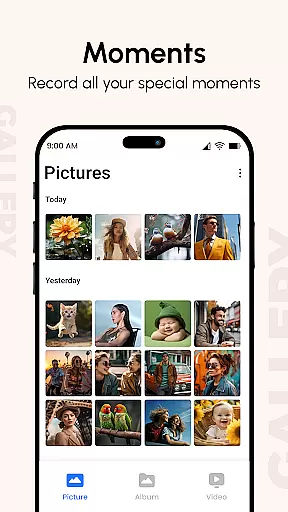
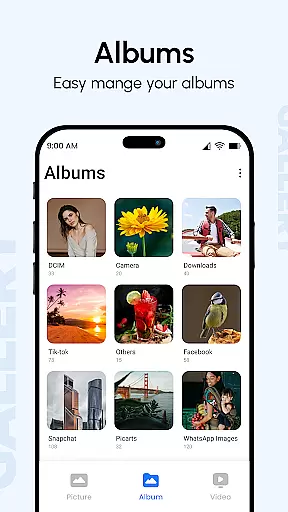
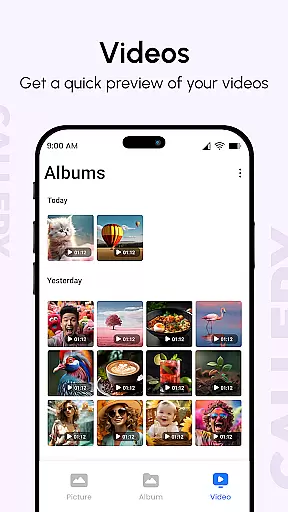
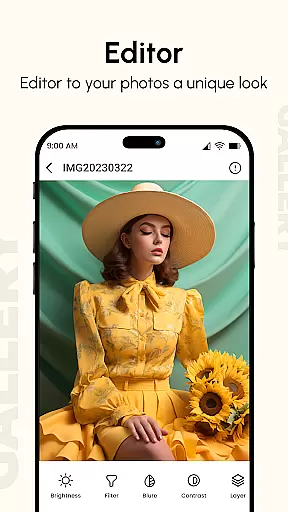
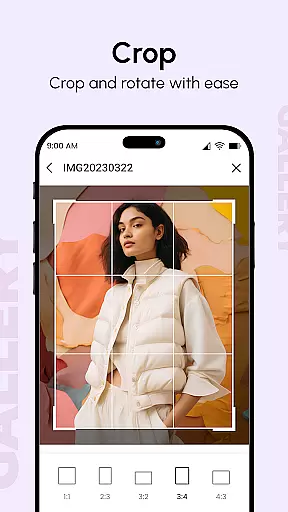
Gallery is a comprehensive photo and video management application designed to enhance your digital memories. The app consolidates media from all your devices, creating beautifully organized albums that are easily accessible. With features like metadata viewing, GIF support, and password protection, Gallery offers both functionality and security. Users can create slideshows, hide private content, and even recover files if issues arise. This makes Gallery not just a storage solution but a complete productivity tool for managing your precious images and videos effectively.
The app's intuitive interface allows for seamless navigation through thousands of photos, while supporting various file types including GIFs and videos. Its Smart Mode and metadata-based search capabilities ensure users can quickly find and organize their media. Whether you're looking to simply view your photos or need advanced features like locking pictures with passwords, Gallery provides the tools necessary to maximize your productivity in managing digital content.
Gallery stands out with its robust feature set tailored for efficient media management. The Photo Slideshow function is highly customizable, allowing users to configure every aspect of their presentations effortlessly. This flexibility extends to organizing media into albums based on folders, tags, and dates, making it easy to maintain an orderly collection.
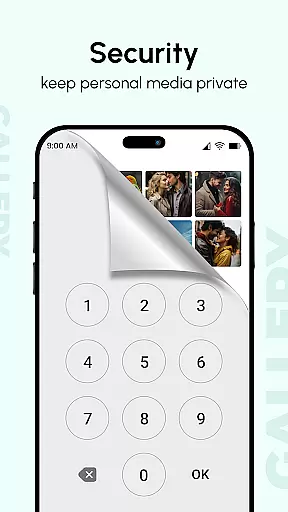
One of the key highlights is the ability to hide photos and videos using a secret PIN code, ensuring privacy when sharing your device. Additionally, the app supports metadata viewing (EXIF, XMP, IPTC), enabling detailed searches and organization. With options like instant photo access post-call and smooth user experiences optimized for large screens, Gallery combines practicality with innovation, setting a high standard in the realm of productivity apps.
Gallery offers a comprehensive approach to managing your digital memories, ensuring that every photo and video is organized effectively. This core task management functionality brings together media from all devices, creating a centralized hub for your personal content.
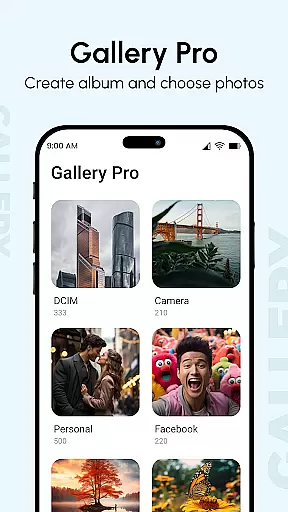
The app enhances organization by automatically sorting photos and videos into albums based on criteria such as date, location, and tags. This ensures users can easily locate specific memories without sifting through unrelated files. Additionally, the ability to hide private content behind a secure PIN adds an extra layer of personalized organization.
Users benefit from advanced features like metadata-based search, which allows them to find photos using details such as camera type or location. The inclusion of GIF support and password protection for sensitive media further enriches the organizational capabilities of Gallery.
This structured approach not only saves time but also enhances the overall user experience by making digital memory management intuitive and efficient.
Cross-device synchronization is a critical feature of Gallery, enabling users to access their photos and videos seamlessly across multiple devices. This reliable synchronization ensures that whether you're on your phone, tablet, or computer, your digital memories are always up-to-date and accessible.
The app employs advanced syncing algorithms that prioritize data integrity and speed. By linking all your devices, Gallery guarantees that new additions or edits made on one device instantly reflect on others. This eliminates the frustration of missing or outdated files when switching between devices.
In addition to real-time updates, Gallery provides options for backing up your media to cloud storage. This ensures that even if a device is lost or damaged, your precious memories remain safe and retrievable. The ability to recover files through a straightforward process adds another layer of reliability.
With this robust synchronization system, Gallery empowers users to enjoy a seamless and dependable experience across all their devices.
User-friendly interface
Advanced privacy controls
Comprehensive file support
Customizable slideshow
Efficient metadata handling
Limited cross-platform support
Occasional bugs reported
Premium features locked behind paywall
Heavy on system resources
Complex settings for beginners

All in one sketching tool. Technical and General drawing. Online Maps support.
 3.70
3.70
Direct Chat without saving contacts & Dual WA Account on Single Device
4.70
Secure, fast, open-source, Remote Desktop Client for Windows and Linux with SSH
4.60
All document reader, all in one file viewer read PDF, DOCX, XLS, PPT, TXT files.
4.60
Create and edit presentations with Google Slides, part of Google Workspace.
4.00
Great calculator for Android named one of USA TODAY's "25 Essential Apps".
4.90
Simple notepad & memo. Take notes, to-do list, shopping list with reminders.
4.80
AT&T Internet customers can use this app to personalize their Wi-Fi network.
4.40
QuickEdit is a fast, stable and full featured text and code editor.
4.20
Seamlessly integrate data and reports to build your presentation to impress
4.80
Mind Map and brainstorm, note taking and idea collection
4.80
We're working to become the best machining app on the market! www.cncdirt.com
4.80
Subscribe to Webcal & .ics calendars and keep them up-to-date!
4.50
Total remote control for your Android device, PC and cloud services (IFTTT)!
4.20
Pwnagotchi companion app
4.20
Easily read and manage all your PDF files
4.10
Cloud storage, automatic phone backup, and more.
4.10
Mega cloud explorer plugin for Solid Explorer
3.80
AI Video AI Image Private LLM AI Browser Llama Gemma Ollama Connect LLM Studio
4.1


User Reviews