
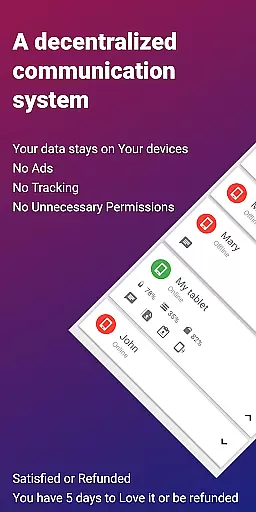
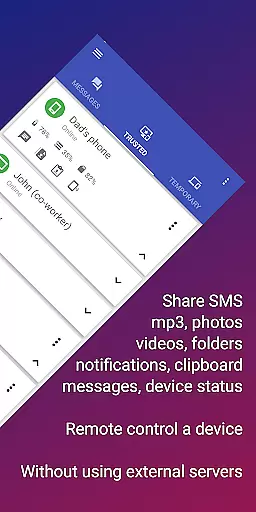
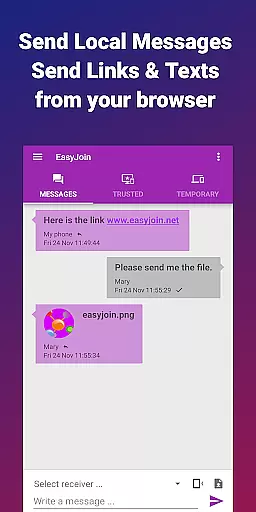

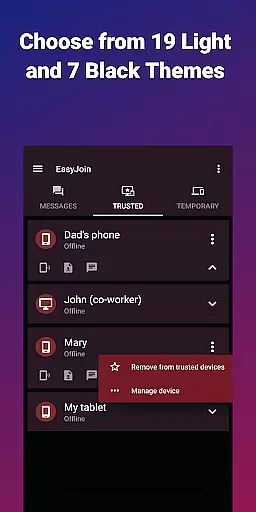
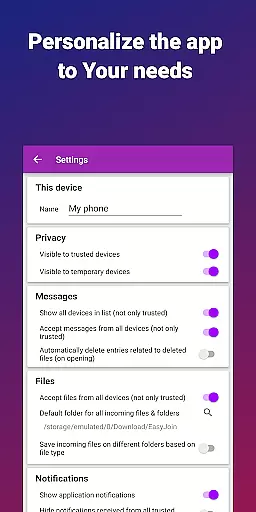
EasyJoin is a productivity-focused application designed to seamlessly connect your devices and transfer files instantly without relying on cloud services, advertisements, or tracking mechanisms. The app enables users to send files, sync clipboards, manage SMS, read notifications, and control devices directly through their local network. Everything remains private and encrypted, ensuring maximum security.
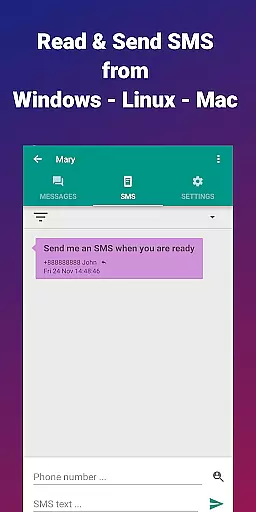
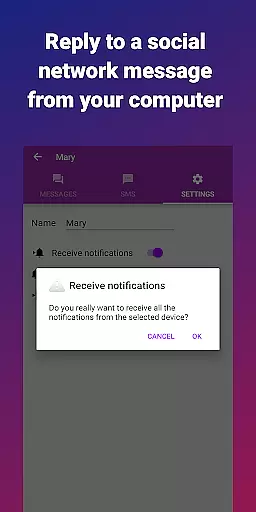
Key features include fast file transfer between devices like phones, PCs, and tablets, clipboard synchronization across multiple platforms such as Android, Windows, macOS, iPhone, iPad, and Linux, and peer-to-peer encrypted sharing. Additionally, users can read and respond to phone notifications or SMS directly from their computers, use their phone as a remote keyboard or mouse, and engage in secure local network messaging. EasyJoin supports cross-platform functionality with desktop apps available for Windows, macOS, and Linux, along with browser extensions.
This app is perfect for those who need to manage SMS from their computer, transfer files between devices, copy-paste text across gadgets, share files privately within a team, or replace cloud-based solutions with a secure local alternative. With end-to-end encryption, EasyJoin ensures that all data stays private and never leaves the user's local network.
EasyJoin stands out due to its comprehensive feature set tailored for productivity and privacy-conscious users. One of its core functionalities is the ability to transfer files rapidly between various devices such as phones, PCs, and tablets without requiring an internet connection, cloud storage, or external servers. This makes it ideal for environments where privacy and speed are critical.
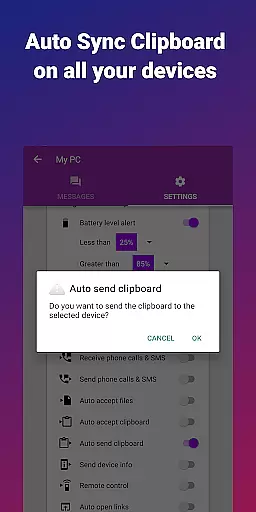
Another significant feature is clipboard synchronization, which allows users to copy content on one device and paste it on another effortlessly. This function works across different operating systems including Android, Windows, macOS, iPhone, iPad, and Linux, providing unparalleled convenience for multi-device users. Additionally, EasyJoin offers peer-to-peer encrypted sharing, ensuring that all data transferred stays within the user’s local network and is protected by end-to-end encryption.
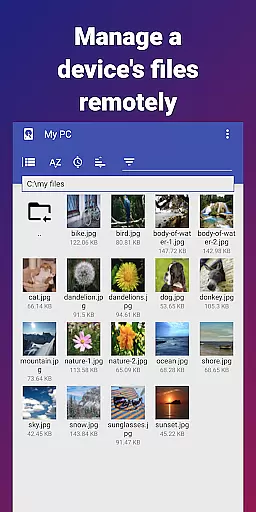
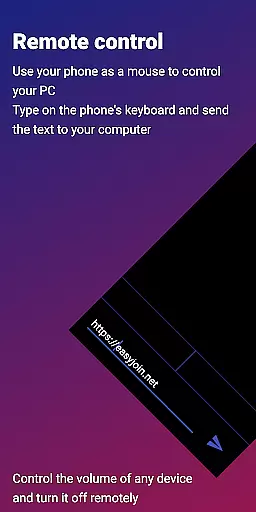
Remote notification and SMS management allow users to interact with their phone's messages and alerts directly from their computer, enhancing productivity. Remote control capabilities enable users to utilize their phone as a keyboard or mouse for their PC or vice versa. Local network messaging provides a secure way to chat between linked devices without relying on external services. Cross-platform support further extends its utility, making it accessible on Windows, macOS, Linux, and via browser extensions.
Efficient task management is essential for productivity applications, and EasyJoin excels in this area by offering a suite of features that streamline device connectivity and file sharing. The app enables users to send files, sync clipboards, and manage SMS notifications across multiple devices using only the local network.
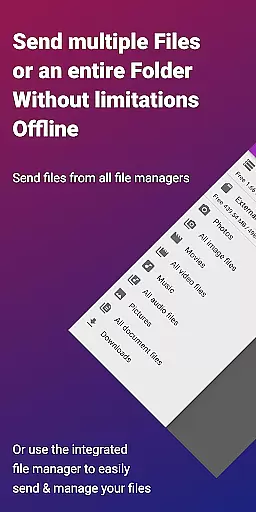
EasyJoin's implementation of task management revolves around its peer-to-peer encrypted sharing capabilities. This ensures that all data stays within the confines of the user's local network, providing end-to-end encryption for enhanced security. Whether it's transferring photos, videos, documents, or entire folders, the process is instantaneous and doesn't require internet access, cloud storage, or external servers.
The practical benefits for users are immense. With EasyJoin, individuals can seamlessly integrate their workflow across various platforms including Android, Windows, macOS, iPhone, iPad, and Linux. This cross-platform support allows for an uninterrupted exchange of information, making remote work and multitasking more efficient and secure.
Ultimately, EasyJoin's approach to task management empowers users with privacy and efficiency. By eliminating the need for accounts, cloud services, and advertisements, it provides a focused environment where data remains private and the user experience is unobstructed by unnecessary distractions.
Cross-device synchronization is a cornerstone of modern productivity tools, and EasyJoin delivers reliable performance through its innovative use of local networks. By leveraging the same Wi-Fi network, EasyJoin facilitates instant communication between linked devices without relying on external services or cloud storage.
The app's synchronization reliability is evident in its ability to sync clipboards, send SMS messages, and even control devices remotely. Users can copy content on one device and paste it on another, regardless of platform differences. This seamless interaction extends to reading and responding to phone notifications directly from a computer, enhancing convenience and workflow integration.
What sets EasyJoin apart is its commitment to privacy and security. All synchronized data is encrypted and remains within the user's local network, ensuring that sensitive information such as photos, documents, and messages are accessible only on the user's devices. This creates a secure ecosystem where teams can collaborate privately and efficiently.
In summary, EasyJoin's cross-device synchronization not only enhances productivity but also reinforces trust through robust security measures. Its one-time payment model further solidifies its position as a reliable tool for both personal and professional use, free from recurring fees and intrusive advertisements.
Fast file transfer
Clipboard sync
P2P encryption
Cross-platform
No subscriptions
Limited UI
Wi-Fi required
One-time cost
No cloud backup
Complex setup

Take control of your clipboard with Clipper!
 3.90
3.90
Total remote control for your Android device, PC and cloud services (IFTTT)!
4.20
Font maker keyboard with your own handwriting
4.10
Activate Two Factor Authentication (2FA or Multi OTP), Password manager and more
4.10
Create and edit presentations with Google Slides, part of Google Workspace.
4.00
Subscribe to Webcal & .ics calendars and keep them up-to-date!
4.50
Secure, open-source, SPICE and SSH Remote Desktop for QEMU KVM virtual machines
4.00
Access, manage and transfer files on Android, PC, Mac, NAS and cloud storages.
4.30
Docker, Kubernetes management over Portainer Mobile
4.40
Best Tool for the professionals Electrician, Electrical contractors, etc.
4.90
Mind Map and brainstorm, note taking and idea collection
4.80
App lock - lock apps with fingerprint, password, pin or pattern, protect privacy
4.70
Scan paperwork into PDF/JPG, generate your own e-signature and send fax or email
4.70
A customizable calendar for your Wear OS watch
4.20
All in One PDF Reader: Manage, Read and Edit your Documents
4.20
Intelligent AI Assistant
4.10
Find and delete junk files & block unwanted notifications & manage files
3.70
The upgraded version of Name Wheel with AI and the power to add your own wheels.
4.2
A simple, portable logger for POTA, SOTA, Field Day, and more
4.1


User Reviews