
Authenticator App 2FA - Password Manager is a comprehensive productivity tool designed to enhance both security and convenience in managing digital accounts. This multifunctional application combines two-factor authentication (2FA) with advanced password management capabilities, making it an essential utility for modern users.
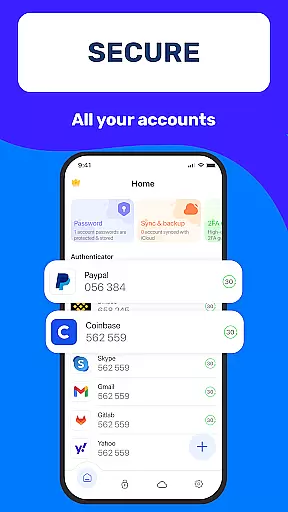
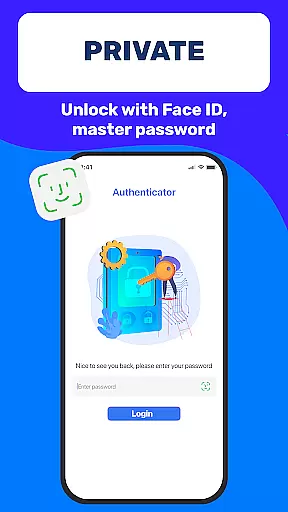
The app's core functionality revolves around its robust security features including QR code scanning for 2FA, secure password storage with autofill capabilities, and multiple device authentication options like Master Password and Touch ID. These features work together to create a seamless and protected account access experience across various platforms and devices.
Particularly beneficial for professionals and frequent online users, this app ensures maximum protection while maintaining operational efficiency. The ability to sync data across devices and store information securely in the cloud makes it an invaluable tool for anyone seeking to optimize their digital workflow without compromising security.
Authenticator App 2FA - Password Manager distinguishes itself through a comprehensive set of features that cater to diverse user needs. The application's most notable characteristic is its integrated approach to security management, combining multiple authentication methods with sophisticated data protection mechanisms.
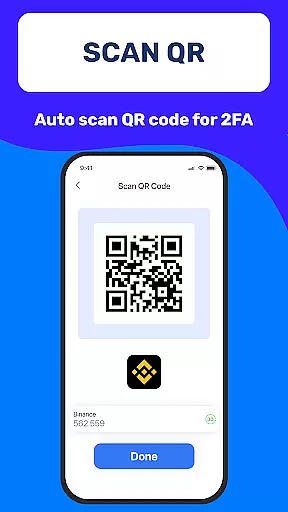
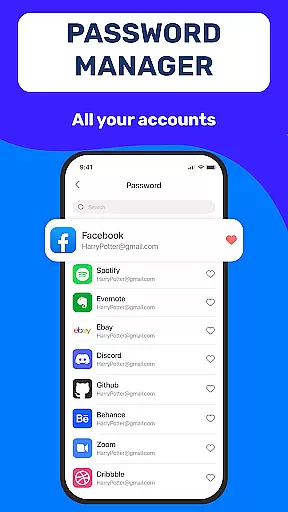
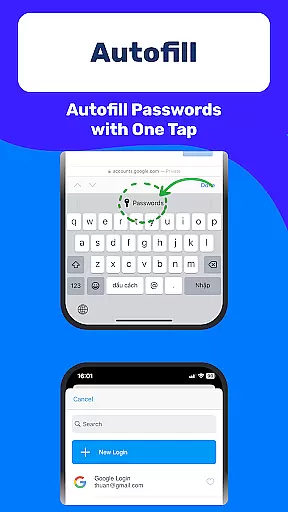
A key feature is the Scan QR 2FA functionality, which simplifies the login process while enhancing security. The app also includes advanced Backup & Sync capabilities, ensuring data integrity across devices. Its Password Manager with Autofill not only stores credentials securely but also streamlines the login process by automatically populating web forms. The implementation of multiple authentication layers including Master Password and biometric verification through Touch ID provides robust protection against unauthorized access.
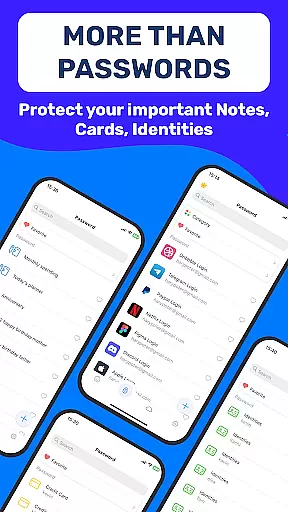
Additional noteworthy features include Dark Mode for comfortable usage in low-light environments, secure storage for sensitive information such as credit card details and identification documents, and flexible data import/export capabilities. The cloud-based Data Storage solution offers peace of mind by safeguarding information even in cases of device loss or damage.
At the heart of Authenticator App 2FA - Password Manager lies its robust core task management system, designed to streamline your digital life. This feature allows users to efficiently organize and manage their accounts with ease. The app's multifunctional approach combines two-factor authentication (2FA) with comprehensive password management, ensuring that all login credentials are systematically stored and readily accessible.
The Scan QR 2FA functionality exemplifies this seamless integration by simplifying the login process while enhancing security measures. By scanning a QR code, users can quickly add new accounts to their portfolio without manually entering complex codes or risking errors during setup. Furthermore, the inclusion of Autofill capabilities significantly reduces time spent on repetitive data entry tasks across various websites.
For individuals juggling multiple online identities, Authenticator App 2FA - Password Manager offers an intuitive interface that consolidates these disparate elements into one cohesive platform. With features like Backup & Sync and Import from other authenticator apps, maintaining control over numerous accounts has never been more straightforward. These tools not only facilitate smooth transitions between devices but also empower users to take charge of their digital footprint confidently.
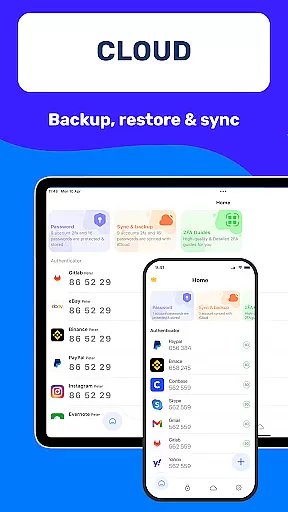
Cross-device synchronization is a critical component for any modern productivity tool, and Authenticator App 2FA - Password Manager excels in this area. Ensuring that your sensitive information remains consistent and up-to-date across all your devices is paramount for both convenience and security. This application leverages cloud technology to provide reliable data storage solutions, safeguarding against potential loss due to hardware failure or accidental damage.
With the Backup & Sync feature, users can rest assured knowing their valuable data is securely mirrored on remote servers. Whether switching smartphones or reinstalling after a factory reset, restoring previous settings becomes a hassle-free experience thanks to this dependable syncing mechanism. Moreover, real-time updates mean changes made on one device instantly reflect across others, keeping everything aligned regardless of where modifications occur.
This level of reliability extends beyond mere convenience; it represents peace of mind for those who rely heavily on digital tools daily. By integrating advanced encryption protocols alongside seamless cross-platform support, Authenticator App 2FA - Password Manager sets itself apart as a trustworthy companion in todayu2019s interconnected world. Its commitment to protecting user privacy while delivering top-notch performance makes it an indispensable asset for anyone seeking enhanced efficiency without compromising safety.
Enhanced Security
Easy Account Management
Seamless Device Sync
Comprehensive Backup Options
User-Friendly Interface
Premium Features Locked
Occasional Sync Issues
Limited Free Storage
Resource Intensive
Steep Learning Curve

AI Video AI Image Private LLM AI Browser Llama Gemma Ollama Connect LLM Studio
 4.1
4.1
Client for Nextcloud Deck
4.60
Planet Free VPN - The best Fast Unlimited and Secure VPN Without Logs
4.50
aCalendar+ makes your day, week and month
4.70
App Lock with fingerprint, password: Lock apps & hide photos with lock screens
4.60
Intelligent AI Assistant
4.10
Simple notepad & memo. Take notes, to-do list, shopping list with reminders.
4.80
Browse and view your photos and videos from the phone with photo & video hide.
4.10
Put a lock on your cloud: Take the security of your data into your own hands
3.70
Use powerful, industry-leading AI tools to generate visual charts from any data
4.80
App lock - lock apps with fingerprint, password, pin or pattern, protect privacy
4.70
Calendar 2023 widget for Android. Appointment scheduler, planner, and reminder
4.60
This small app MUST BE INSTALLED after purchase, else license won't work
4.40
Share files & memories safely. Keep your photos and videos secure.
4.40
Total remote control for your Android device, PC and cloud services (IFTTT)!
4.20
* block pre-roll ads, pop-up and forced redirect ads * Samsung certification app
4.00
Take control of your clipboard with Clipper!
3.90
⏰ Finally a timer app which can run multiple timers simultaneously on your watch
3.90
Simple and reliable communication between inmates, friends and family
3.20


User Reviews