

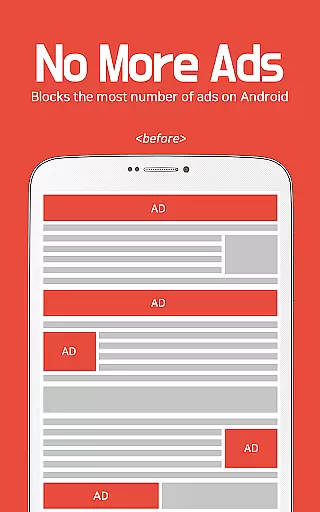
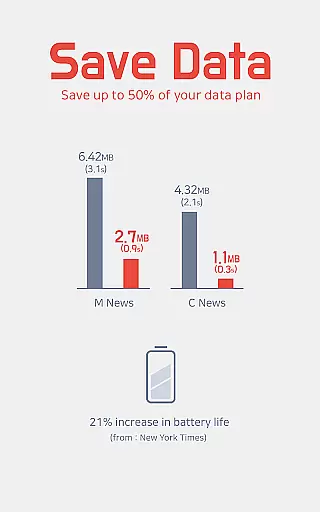
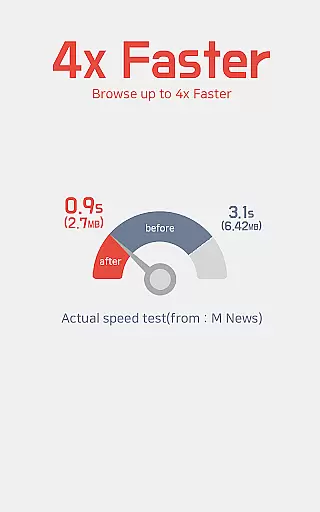
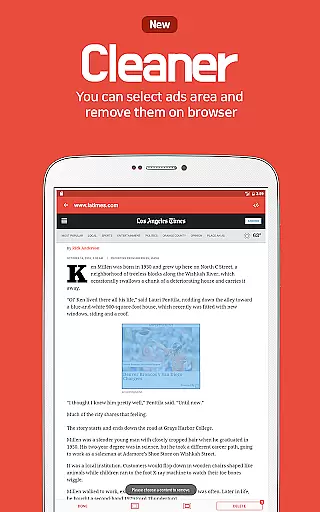
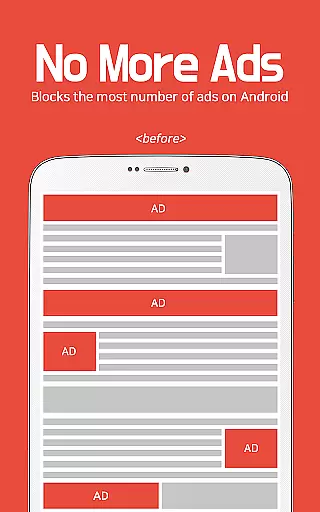
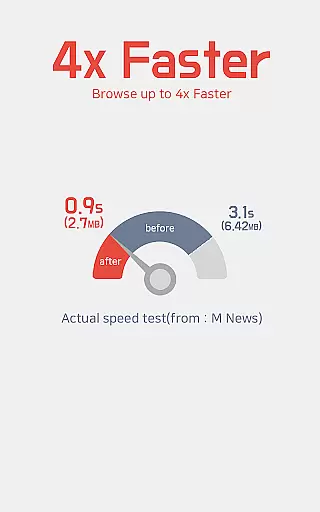
Unicorn Blocker is a powerful ad-blocking application designed to enhance your web browsing experience. The app focuses on saving data expenses by blocking various types of ads, making web surfing up to three times faster and increasing battery life by up to 21%. It supports Samsung Internet 4.0 or higher and Yandex Browser on Android 4.4 (KitKat) or higher.
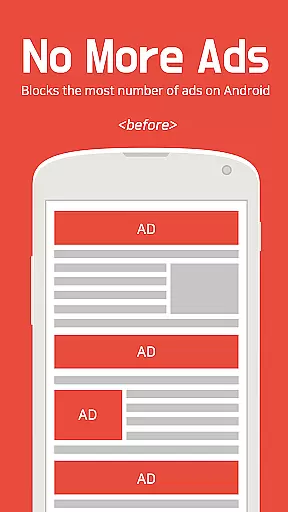
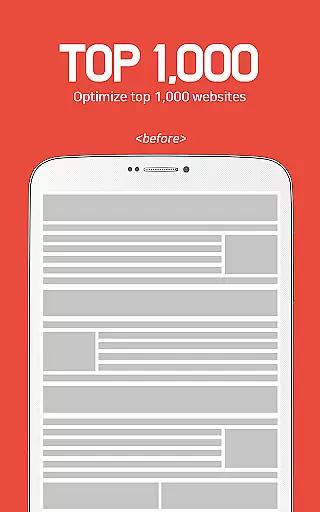
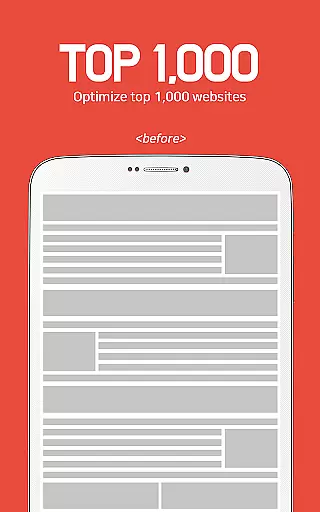
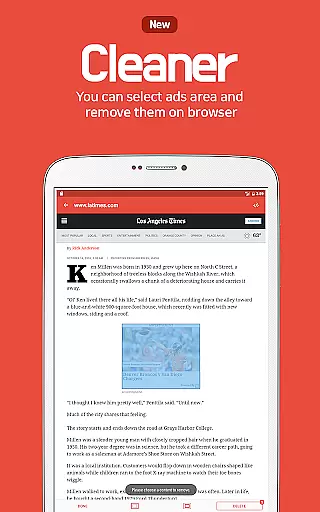
The app blocks annoying pre-roll video ads, pop-up ads, forced redirects, and more, ensuring a seamless browsing experience. Unicorn Blocker also prevents tracking and sexual ads, providing a safer online environment. With support for the top 1,000 mobile and PC websites, it covers community sites, press, portals, blogs, and advertising agencies.
By reducing unwanted interruptions from ads, Unicorn Blocker helps users focus on content that matters, ultimately improving productivity and user satisfaction.
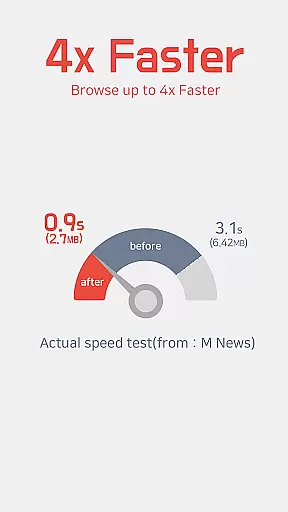
Unicorn Blocker offers a comprehensive set of features tailored to improve your browsing efficiency. One of its standout capabilities is blocking various types of intrusive ads, including pre-roll video ads, pop-ups, and sudden appearance ads. This ensures a smoother and faster browsing experience, which can be up to three times quicker than without the app.
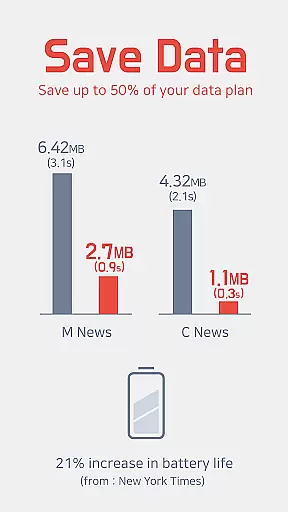
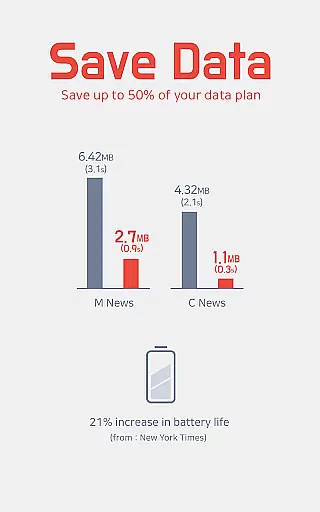
In addition to ad blocking, Unicorn Blocker saves up to 50% of your data plan by preventing wasteful ad loads. This feature is particularly beneficial for users with limited data plans. The app also enhances privacy by blocking tracking scripts, thus protecting users' personal information from being harvested without consent.
Another notable feature is the increase in battery life by up to 21%, achieved through lighter web pages that require less processing power. Supported browsers include Samsung Internet 4.0 or higher and Yandex Browser, ensuring compatibility with a wide range of devices running Android 4.4 (KitKat) or higher.
Unicorn Blocker excels in core task management by efficiently handling ad-blocking tasks across various websites and platforms. The app focuses on saving users' data plans by blocking different types of intrusive ads, such as pre-roll video ads, pop-up ads, and forced redirect ads. This ensures a seamless browsing experience without unnecessary interruptions.
The application's robust architecture allows it to block ads on the top 1,000 mobile and PC websites, including community sites, press releases, portals, blogs, and advertising agencies. By doing so, Unicorn Blocker not only enhances web surfing speed but also contributes to a cleaner and more organized digital environment for its users.
With Unicorn Blocker, users can expect up to three times faster browsing and an increase in battery life by up to 21%, thanks to lighter web pages that require less processing power. This effective task management system is crucial for maintaining productivity and ensuring that users can focus on their primary online activities without distraction.
Cross-device synchronization is a vital feature for users who operate multiple devices and need consistent performance and settings across all platforms. Unicorn Blocker supports this need by ensuring reliable synchronization between devices when using compatible browsers like Samsung Internet 4.0 or higher and Yandex Browser.
This synchronization means that once you've set your preferences on one device, they will be mirrored across all others, providing a uniform protection level against ads regardless of the device in use. Whether you're switching from a phone to a tablet or a PC, your ad-blocking settings and saved data plan efficiencies move with you.
Moreover, since Unicorn Blocker requires Android 4.4 (KitKat) or higher, it leverages modern OS capabilities to maintain real-time updates and synchronization. This guarantees that any changes made to filtering rules or blocked ad categories are immediately reflected across all synchronized devices, offering users peace of mind and uninterrupted productivity.
Blocks various ad types
Saves up to 50% data
Increases battery life
Enhances privacy
Improves browsing speed
Limited browser support
Requires specific OS
No iOS version
Ads reappear sometimes
Initial setup complex

Secure, fast, open-source, VNC and SSH Remote Desktop for Windows, Linux and Mac
 4.70
4.70
Experience Reading - Night Mode for Documents
4.40
Todo reminder
4.10
Stay on top of your to-dos with Google Tasks, part of Google Workspace.
4.60
Font maker keyboard with your own handwriting
4.10
Translate text/voice/photos in 150+ languages. Offline & fast translator app.
4.50
Great calculator for Android named one of USA TODAY's "25 Essential Apps".
4.90
AI Chatbot and AI writing assistant powered by ChatGPT.
4.60
QuickEdit is a fast, stable and full featured text and code editor.
4.20
Best Tool for the professionals Electrician, Electrical contractors, etc.
4.90
Understand anything with a personalized AI research assistant
4.80
The long-awaited modern gallery app for your Nextcloud server
4.70
When you Focus, so will your Bean in this cozy focus timer
4.30
All in One PDF Reader: Manage, Read and Edit your Documents
4.20
Make apps & sites with natural language prompts
4.10
Unlock AutoNotification
4.00
Wake up & get tasks done! Add alarms & reminders on the Clock Launcher.
4.00
The ultimate file manager for rooted devices. The original and still the best.
4.00
Make your handwriting beautiful, even more than pen on paper.
3.60


User Reviews