
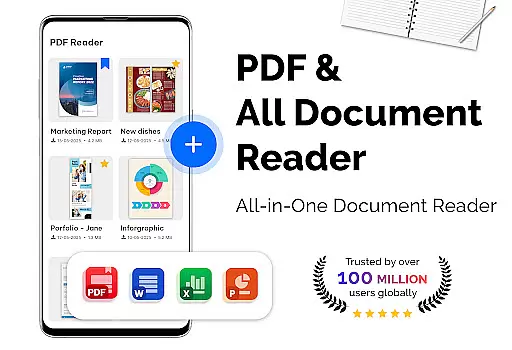
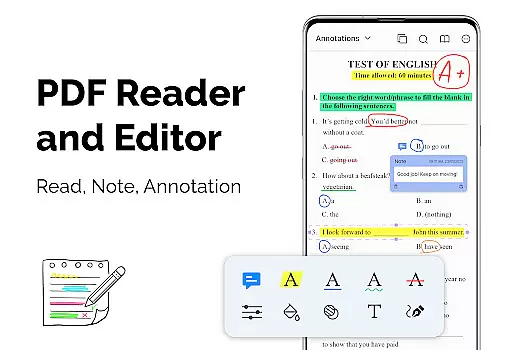
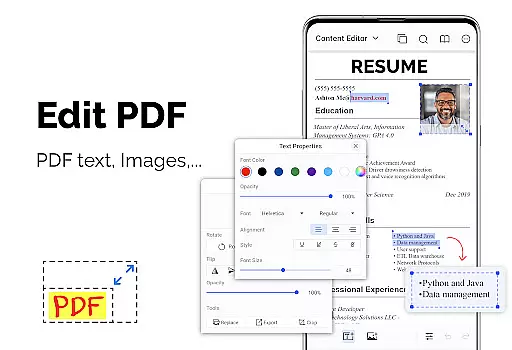
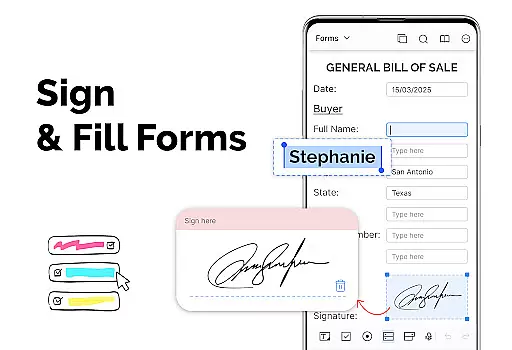
PDF Reader - PDF Viewer is a versatile productivity app designed for seamless document management. This application allows users to read and manage PDF files stored locally on their devices, including password-protected documents. With advanced technology, it ensures quick loading of even large PDFs, making it an ideal tool for professionals and students alike.
The app offers multiple display modes such as single page, two-page, book mode, and full-screen reading, providing a personalized reading experience. Users can easily navigate through PDFs using bookmarks and quick page-moving features. Additionally, the customizable theme options enhance user comfort during extended reading sessions. Whether you need to review extensive reports or study materials, this app provides a smooth and efficient experience across various use cases.
PDF Reader - PDF Viewer stands out with its comprehensive feature set tailored for productive document handling. The app's quick display technology significantly reduces loading times for large PDF files, ensuring uninterrupted reading. Its flexible display options, including vertical and horizontal views, cater to different user preferences and environments.
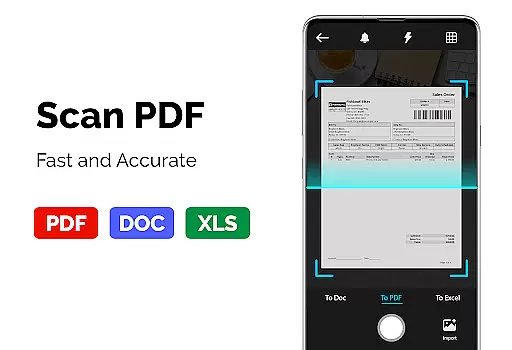
One of the key strengths of this application is its robust PDF conversion and scanning capabilities. Users can effortlessly convert images, receipts, and notes into PDF format using the built-in scanner. The app also supports converting PDFs to images for easier sharing. Furthermore, its ability to create PDFs from multiple image formats makes it a complete solution for document management needs. These features collectively make PDF Reader - PDF Viewer an indispensable tool for anyone working with digital documents.
For a productivity app like PDF Reader u2013 PDF Viewer, core task management refers to how efficiently it handles the primary tasks of viewing, managing, and converting PDF files. This app ensures that users can not only open large PDF documents quickly but also navigate through them with ease.
The app supports advanced display options such as single page, two-page, book mode, or full-screen reading, catering to different user preferences. It also includes quick page navigation features, allowing users to jump to specific pages or move swiftly through a document, which is crucial for efficient document handling.
Additionally, the inclusion of bookmarks and customizable themes enhances the user experience by providing intuitive navigation and personalized viewing options. These features collectively contribute to an effective task management system within the app, making it a reliable tool for both personal and professional use.
Cross-device synchronization is vital for users who access their documents on multiple devices. PDF Reader u2013 PDF Viewer addresses this need by ensuring that all your PDF files are accessible and manageable across different platforms without any loss of quality or functionality.
While the current version focuses on local storage, its robust support for various file types and sizes lays a solid foundation for future updates that could include cloud integration. The app's ability to handle large filesu2014up to 300MB or moreu2014ensures that users won't face limitations when managing extensive documents.
Moreover, the app's consistent performance and feature set guarantee that whether you're using it on a smartphone or tablet, your experience remains seamless. This reliability in maintaining functionality across devices makes PDF Reader u2013 PDF Viewer a dependable choice for those needing a versatile PDF solution.
User-friendly interface
Fast PDF loading
Multiple viewing modes
Comprehensive PDF tools
Customizable themes
Limited cloud integration
No OCR functionality
Premium features locked
Occasional bugs
Ads in free version

Secure, fast, open-source, VNC and SSH Remote Desktop for Windows, Linux and Mac
 4.70
4.70
A customizable calendar for your Wear OS watch
4.20
Remotely view listen control and record cameras.
3.70
Easiest event planning, volunteer signups & parent teacher conference scheduling
2.20
App lock - lock apps with fingerprint, password, pin or pattern, protect privacy
4.70
Font maker keyboard with your own handwriting
4.10
To do list widget with a notebook organizer, checklist, simple shopping list
4.60
A Pixel Art watchface inspired by other iconic 90s designs for Wear OS devices!
4.40
Browse and view your photos and videos from the phone with photo & video hide.
4.10
Simple notepad & memo. Take notes, to-do list, shopping list with reminders.
4.80
All document reader, all in one file viewer read PDF, DOCX, XLS, PPT, TXT files.
4.60
Calendar 2023 widget for Android. Appointment scheduler, planner, and reminder
4.60
Planet Free VPN - The best Fast Unlimited and Secure VPN Without Logs
4.50
Share files & memories safely. Keep your photos and videos secure.
4.40
Enjoy classic gameplay with customizable features and retro-style graphics.
4.30
Device's storage information in a simple and clear graphical form (infographics)
4.10
Cloud storage, automatic phone backup, and more.
4.10
Customizable calendar widget for seamless event sync, planning & scheduling.
4.00
Auto-shutoff Alarm with Sunrise, Sunset & Fixed Options.
3.50


User Reviews